
Recruiting tools in 2026: what a small hiring team actually needs
Most recruiting tools roundups read like a vendor expo floor: 16 categories, 40 logos, and not one price.
This guide goes the other way. It covers the nine tool categories that matter for a small hiring team, names a pick per category with entry pricing checked against vendor pages in July 2026, and says which categories you can skip.
The honest headline: most teams under 500 employees run four to six recruiting tools, not sixteen. A modern all-in-one ATS quietly covers more than half of the categories on this page.
The short list: best recruiting tools by category
The hiring playbook, in your inbox
One email a week - benchmarks, AI screening tactics, and short interview templates from the 100Hires team. No product pitches.
Every price below comes from the vendor's own pricing page, pulled in July 2026. Where a vendor hides numbers behind a sales form, the table says so instead of guessing.
| Category | Top pick for a small team | Entry price (verified Jul 2026) | Best for |
|---|---|---|---|
| ATS (the core) | 100Hires | From $49/mo billed annually ($99 month-to-month); 14-day trial | AI screening, job posting, and pipeline in one tool |
| Sourcing data | Sales Navigator + Apollo | $119.99/mo; Apollo free plan, paid from $49/user/mo | Finding and contacting passive candidates |
| AI interview notes | Metaview | Free tier; Pro $100/user/mo | Notes that write themselves during screens |
| Scheduling | Calendly | Free plan; paid from $10/seat/mo | Killing the back-and-forth for solo recruiters |
| Skills tests | TestGorilla | Free plan; Core $142/mo billed annually | Screening hard skills before interviews |
| Video interviews | Willo or Spark Hire | $209/mo annual; Spark Hire from $249/mo annual | Async first-round screens at volume |
| Job boards | Indeed, via your ATS | 3 free posts per month; sponsored = your budget | Inbound applicant volume |
| AI assistants | ChatGPT or Claude + an agent-ready ATS | Low-cost consumer plans | Drafts, research, and pipeline questions in chat |
| Analytics | Built into your ATS | Included | Source-of-hire and funnel conversion |
Want to see how much of this table one tool covers? Start a free 100Hires trial and post your first job today, no credit card needed.
Why you don't need 16 recruiting tools
Ask working recruiters what tools they rely on and the answers are humbling for the software industry. In the r/recruiting thread that ranks on page one of Google for this exact keyword, the top-voted answers were a scheduling link and a $10 Notion template.
Recruiters on LinkedIn describe the same fatigue: a weekly flood of new AI tools, stacks that look impressive in screenshots, and software that gets abandoned six months after purchase.
The pattern we see in real stacks is small: an ATS as the system of record, LinkedIn or a cheaper substitute for sourcing, one contact-data tool, an AI notetaker, and a scheduler. That is the whole kit for most teams.
Here is the part vendor listicles skip: an all-in-one ATS already handles job posting and distribution, resume parsing, screening questions, pipeline tracking, email templates, interview scheduling, a careers page, and hiring reports. That is eight categories in one subscription.
So the sane buying order looks like this:
- Hiring one or two roles a year? Spreadsheets, a Calendly link, and ChatGPT are legitimate. Skip paid tools.
- Running three to five open roles, or hiring year-round? An ATS pays for itself. This is the threshold we hear on demo calls again and again.
- Add point tools only where a real gap remains after the ATS: heavy outbound sourcing, technical assessments, high-volume async screens.
How we picked these tools
We did not test 50 products in a lab. In a July 2026 research pass, we counted which tools practitioners name unprompted.
The sample: 16 Reddit threads, 12 YouTube stack breakdowns, 5 podcast episodes, dozens of LinkedIn and X posts from talent leaders, plus 314 of our own sales-call transcripts.
Picks favor transparent pricing, fit for teams under 500 employees, and tools that connect to the rest of the stack instead of becoming another tab.
Full disclosure: 100Hires is our product, and it tops the ATS category on our own list. Treat that row as the maker's claim, backed by third-party proof: Forbes Advisor ranked 100Hires first of ten ATS platforms, and it holds a 4.8 on G2 across 1,341 reviews.
One more honest note: 100Hires is newer to the review-roundup circuit than legacy names like Greenhouse, so you will see it in fewer third-party listicles. The tools below earned their spots through mention frequency, not affiliate deals.
Applicant tracking system: the spine of the stack
If you buy one recruiting tool, buy this one. An applicant tracking system is the system of record every other tool plugs into: one pipeline per job, one profile per candidate, every email and score in one place.
Vendors also market this category as recruitment management software when the tool covers sourcing, outreach, and scheduling on top of tracking.
100Hires
Best for: small and mid-size teams that want AI screening without enterprise pricing or a months-long setup.
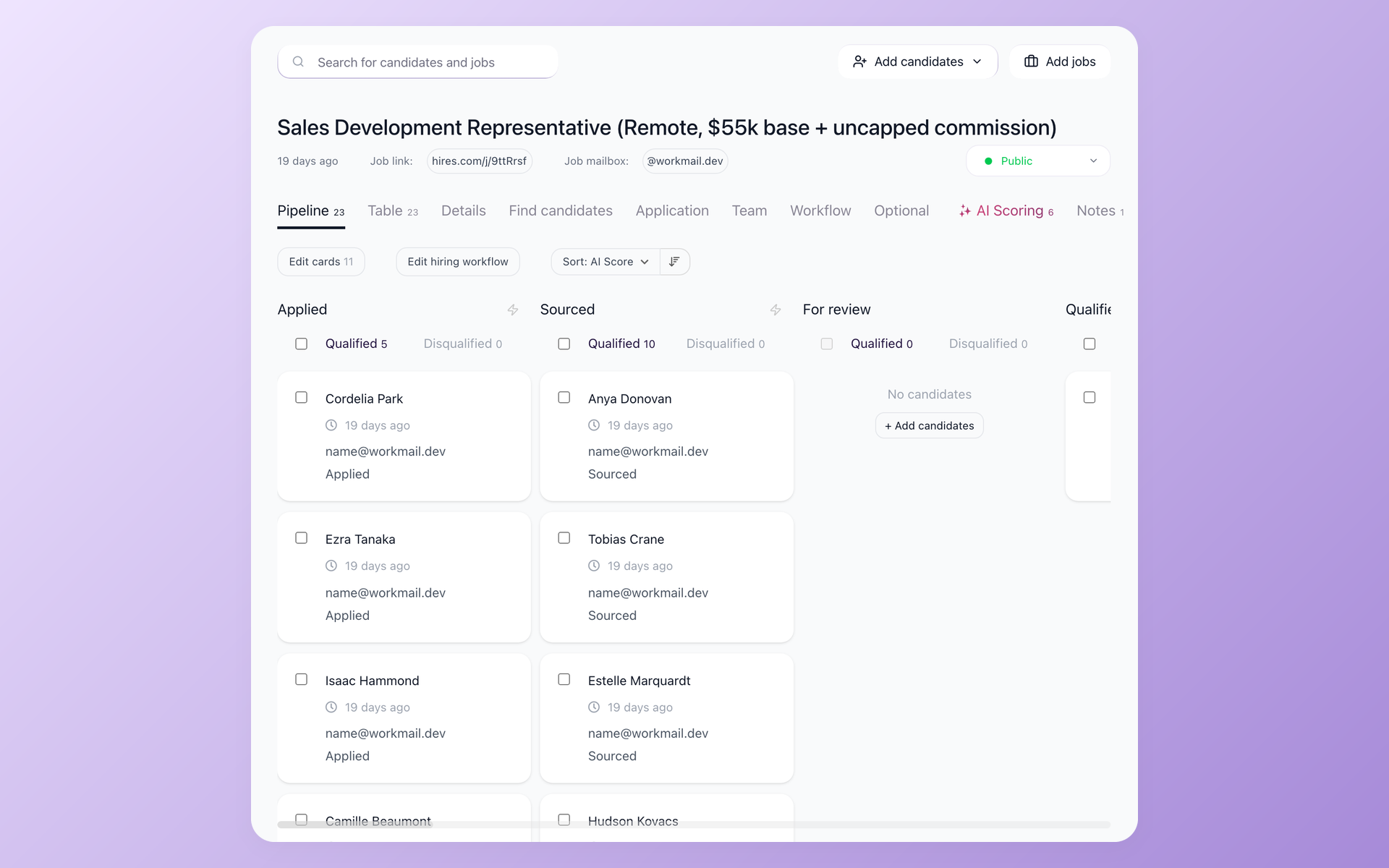
The standout is AI Score. You define the criteria per job in plain language, and it ranks every applicant against them, with reasoning you can read. It is triage you control, not a black box, and your team can sort the pipeline by score the moment applications land.
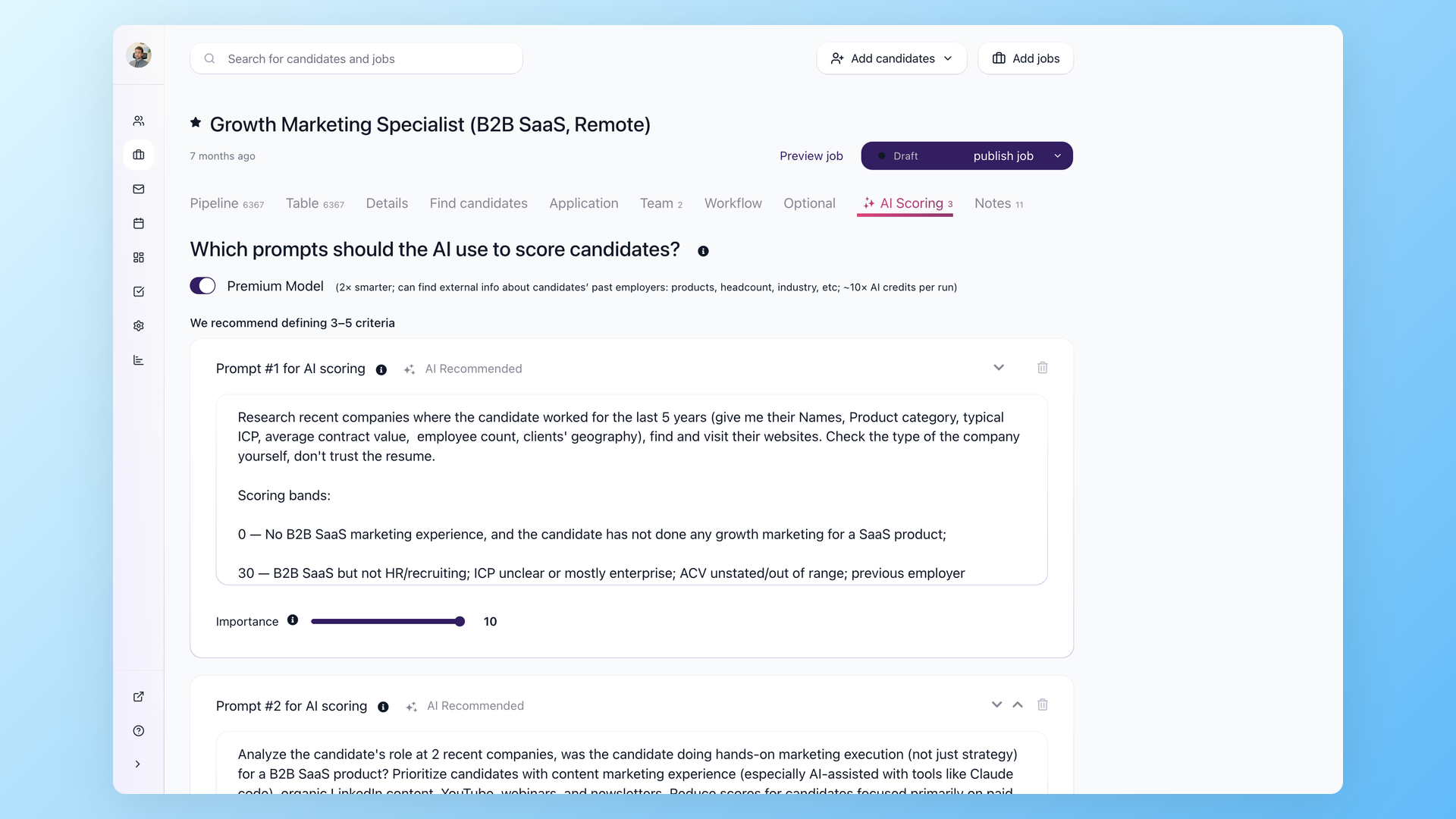
AI Copilot turns interview notes into structured assessments. Knockout questions filter out hard mismatches at apply time. One toggle posts a job to Indeed, LinkedIn, and ZipRecruiter, and Trackable links show which source actually produced the hire.
Workflow automations move candidates, send emails, and nudge interviewers with Evaluation Forms reminders. Talent Pools keep silver medalists warm for the next opening.
Third-party proof, not just our word: Forbes Advisor ranked it first of ten ATS platforms for startups and small businesses, and Capterra rates it 4.9 across 1,157 reviews.
Pricing is public: $49 per month billed annually, or $99 per month month-to-month, on the Start plan, with a 14-day trial and no credit card. Setup takes about 15 minutes, not a quarter.
Limitations, honestly: the interface is text-heavy and takes a day to get used to. The Start plan is for one user and restricts candidate emailing. Branded career sites sit on higher tiers. And it is built for in-house teams and small agencies, not 1,000-employee enterprises.
Budget picks and the scale-up tier
On a tighter budget, three names come up constantly. JazzHR ($110/mo) is the long-running small-business standard with a dated but familiar feel. Breezy HR (Startup plan $157/mo billed annually) wins on drag-and-drop simplicity.
Zoho Recruit ($25 per recruiter per month, with a free single-job plan) is the YouTube budget favorite, at its best if you already live in the Zoho suite.
Manatal ($15 per user per month) is cheaper still, with its strongest following among staffing agencies in Asian markets; automations and API access sit on higher tiers.
The scale-up tier is a different conversation. Workable starts at $299/mo. Ashby pairs deep reporting with seat-based pricing that has produced renewal-shock stories in recruiter forums.
Greenhouse is the enterprise structured-hiring reference: quote-only, expensive, and the tool you graduate to rather than start with.
One scoping note: staffing and search agencies live in a different aisle (Bullhorn, Loxo, Recruiterflow), where the CRM matters more than the ATS. This guide is for in-house hiring.
Sourcing and contact data: LinkedIn and its cheaper substitutes
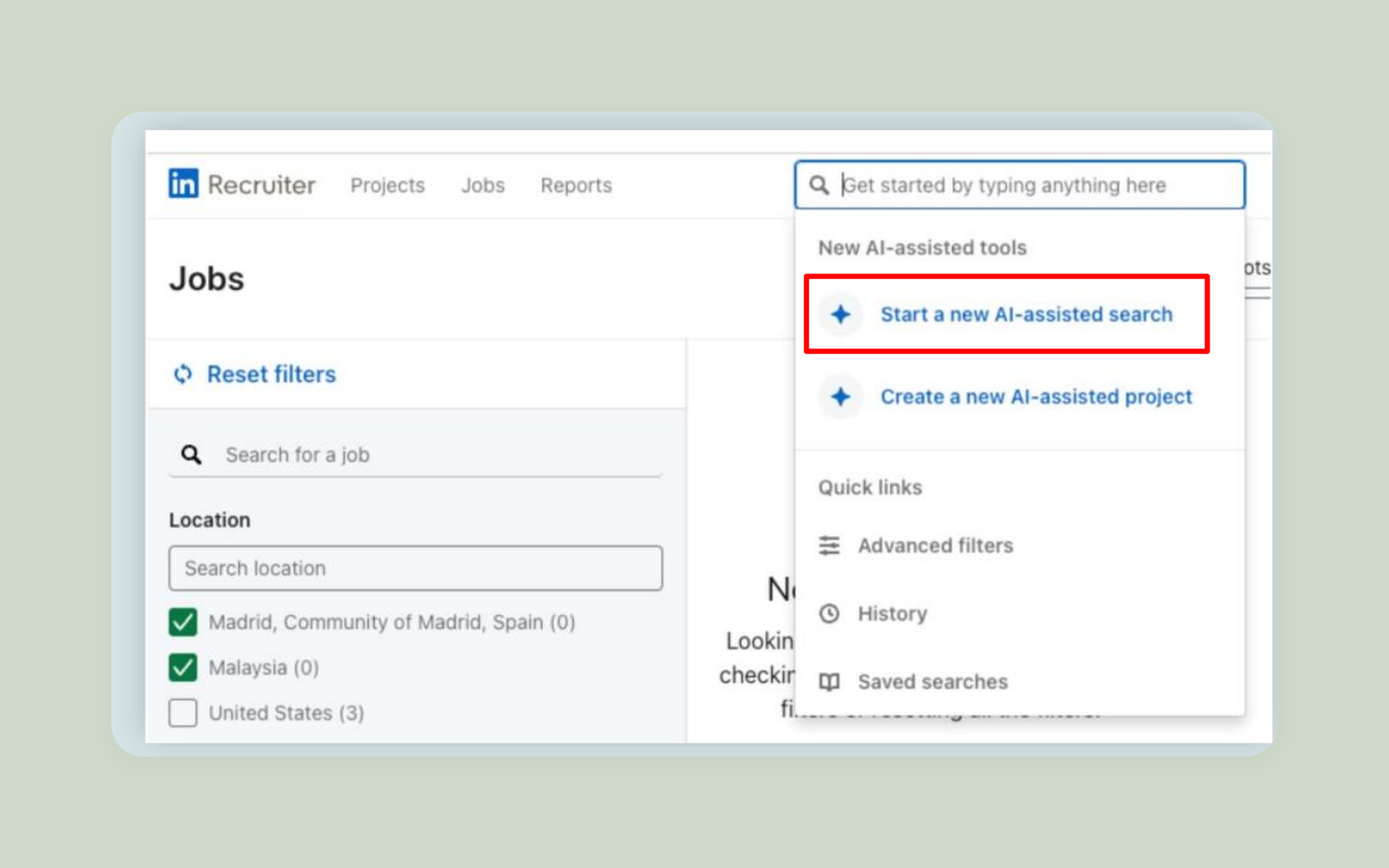
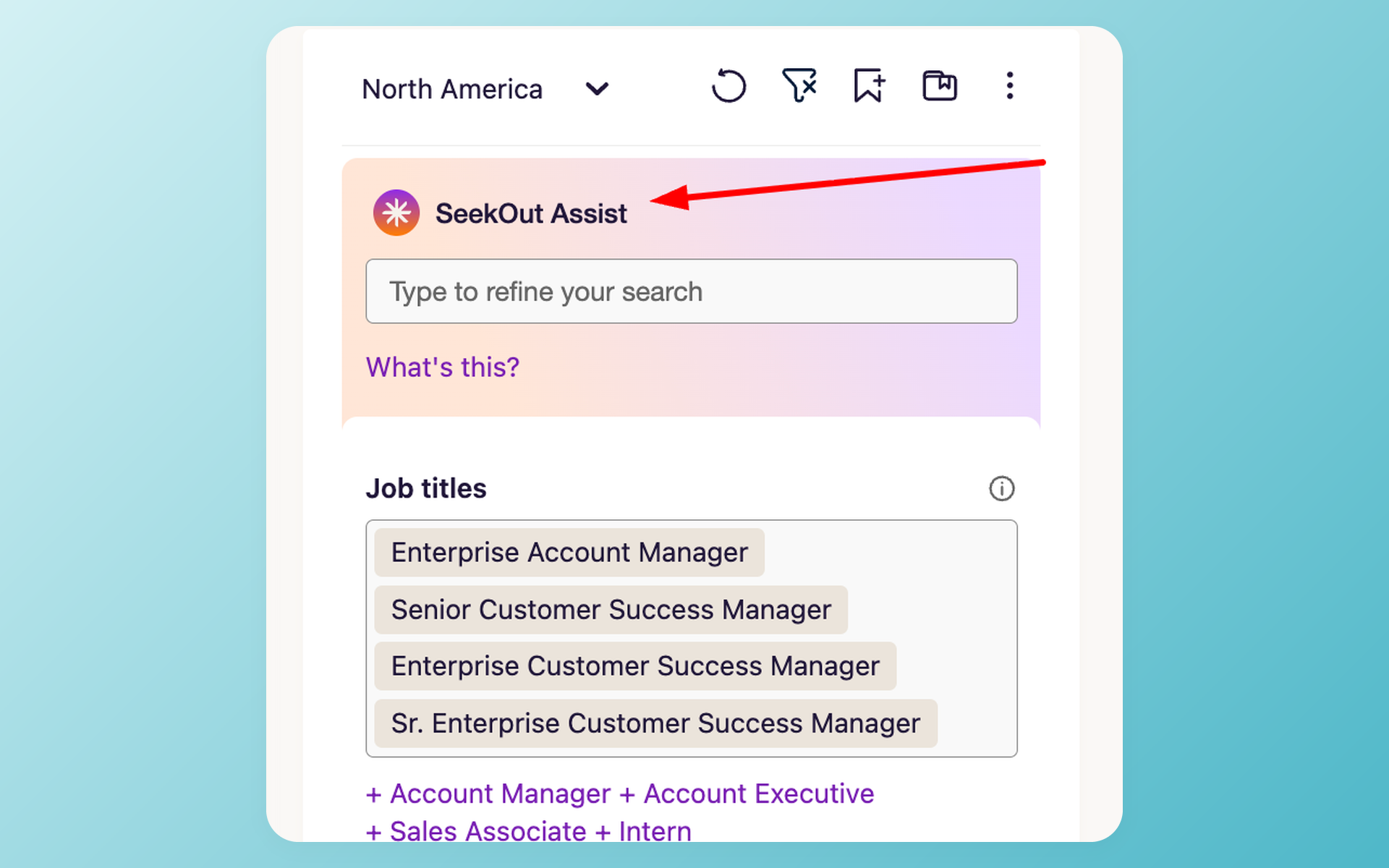
No tool came up more often in our research than LinkedIn Recruiter, and rarely with affection. The recurring description: the default database everyone keeps paying for and keeps trying to shrink.
Full Recruiter is quote-only. The budget path practitioners actually recommend: Sales Navigator Core at $119.99/mo (or Recruiter Lite, sold as a subscription with pricing shown at checkout) plus one contact-data tool.
For contact data, Apollo is the budget pick, with a free plan and paid tiers from $49 per user per month; expect data quality to vary by market and role seniority.
Lusha (free plan, then $49.90/mo) and ContactOut (free daily allowance, then $99/mo with steep annual discounts) both live inside a Chrome extension, next to the profile you are reading. Watch the credit meters: monthly allowances go fast on active searches.
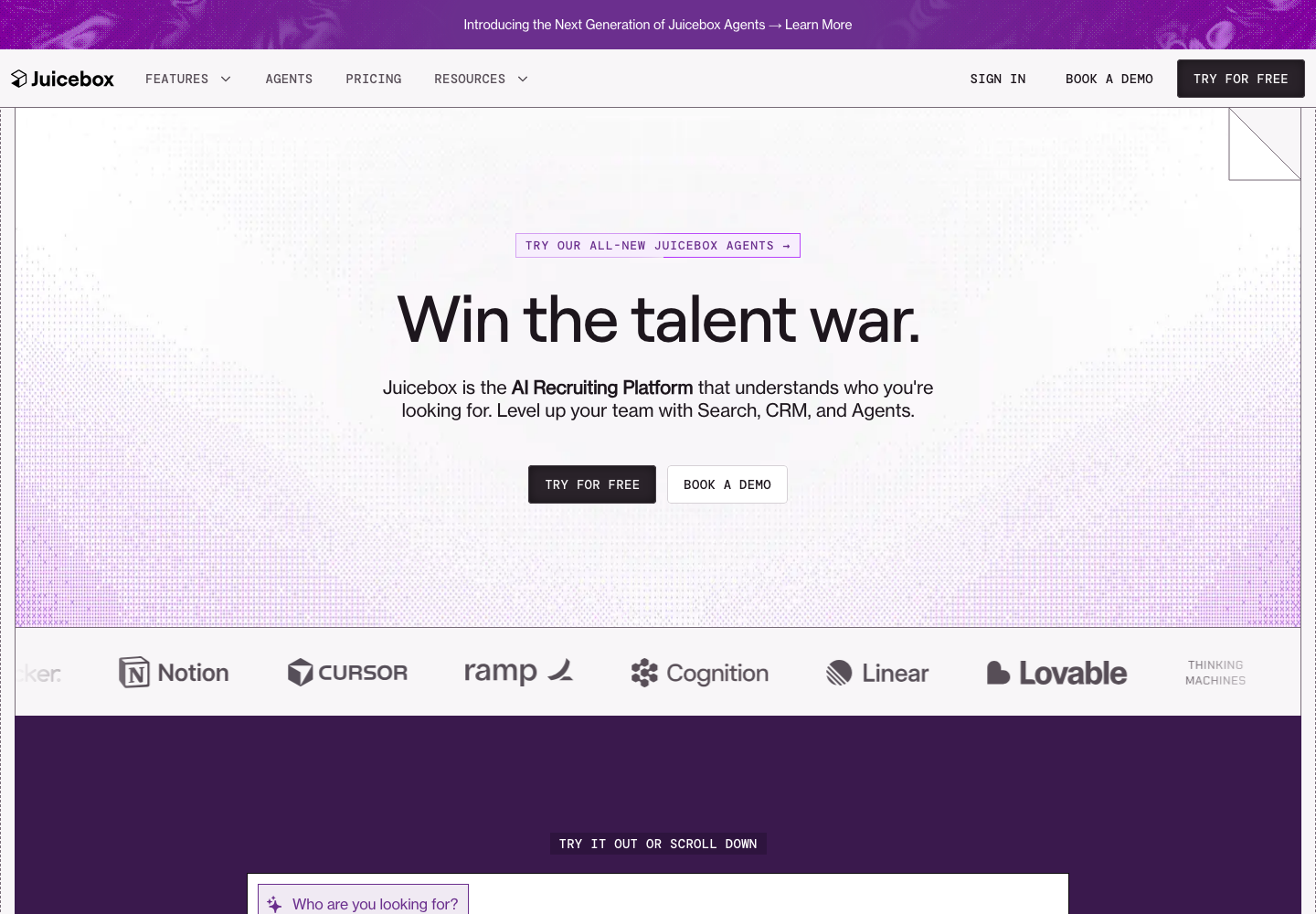
AI sourcing tools promise LinkedIn data without the LinkedIn invoice. Juicebox searches candidate profiles in natural language, with a free plan and paid seats from $139/mo.
hireEZ has more outreach sequencing features; long-time users like the results and grumble about feature sprawl.
Two cautions from the field before you automate sourcing. Recruiters report that profile data in AI sourcing tools can be months out of date.
And third-party automation that touches LinkedIn carries account-restriction risk; there are public reports of restricted accounts, so read the terms before connecting anything to your profile.
The 100Hires Chrome extension handles capture: one click saves a profile into the ATS and checks it for duplicates against your existing resume database.
AI notetakers and interview intelligence
Here is a research finding worth repeating: across 16 Reddit threads on recruiting tools, AI notetakers were the only AI category with zero detractors. Everything else splits opinion; this one just works.
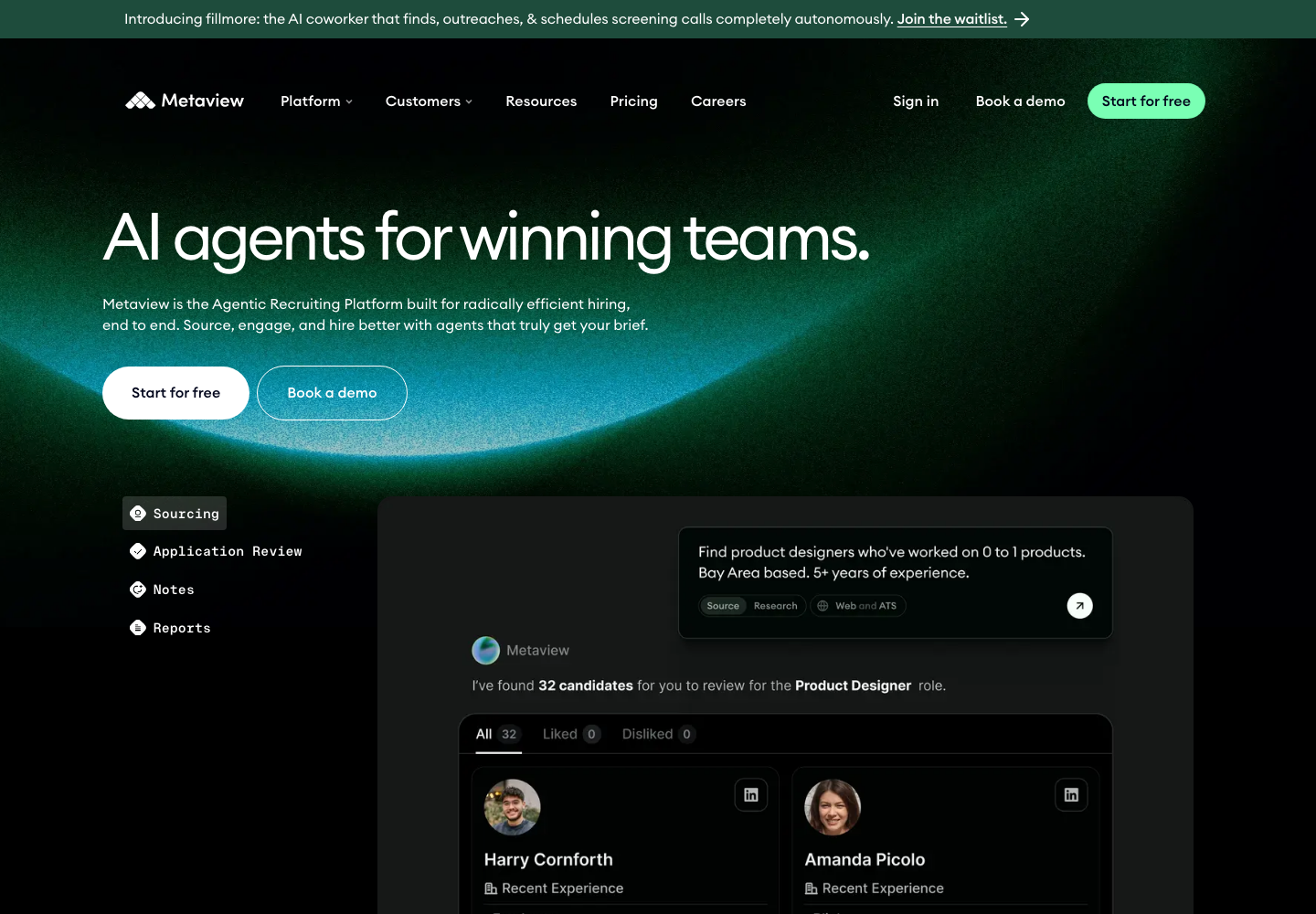
Metaview is the recruiting-specific pick, and the notetaker Reddit users rated highest in our sample. It captures screening interviews and intake calls, drafts the notes, and starts free.
The jump to the $100 per user per month Pro plan is the main gripe. Granola gets similar high marks as a general-purpose notetaker.
Noon AI, a newer entrant, showed up in four talent leaders' posts about their recruiting stacks within a month. Momentum is real; verdicts are not in yet.
Two practical notes. Executive candidates read a visible meeting bot as a junior move, so recording without a bot matters at senior levels.
And feeding candidate conversations into consumer AI accounts raises consent and privacy questions; use tools with clear data policies, and tell candidates you are recording.
Inside 100Hires, AI Copilot covers the downstream half: it turns raw interview notes into a structured assessment on the candidate record, so the insight does not die in a transcript tab.
Interview scheduling
In the Reddit thread that ranks on page one for this exact keyword, the top-voted answer was not an AI platform. It was Calendly.
Scheduling back-and-forth genuinely loses candidates; recruiters describe strong applicants going cold during a three-email time-zone negotiation.
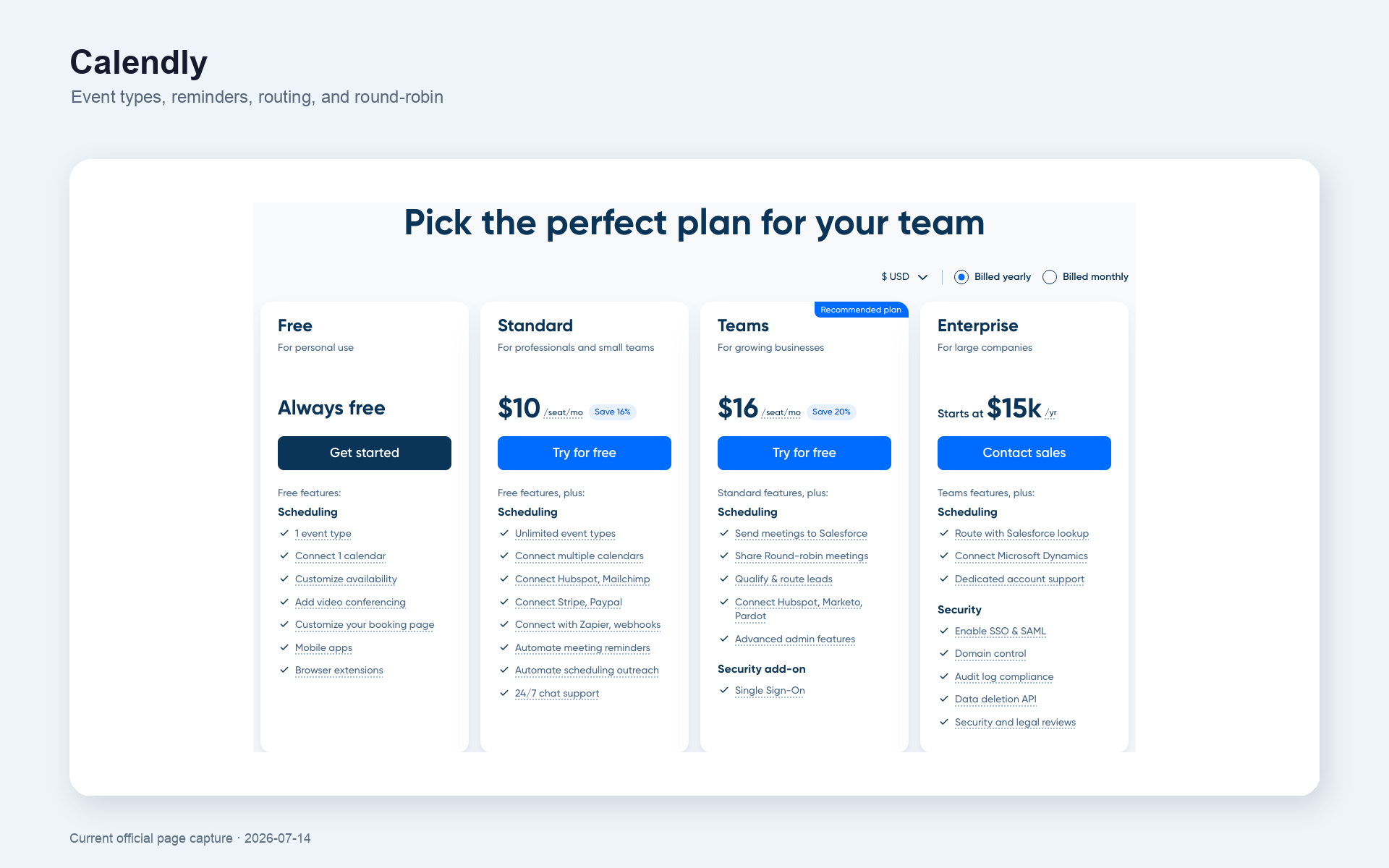
Calendly fixes that for free, with paid seats from $10/seat/mo; the free plan caps you at one event type, which is usually fine for a phone-screen link. GoodTime handles enterprise panel orchestration with quote-based, candidate-volume pricing.
If your ATS schedules interviews natively, you may not need either. 100Hires includes interview scheduling with calendar sync and reminders as part of the pipeline, which is exactly the kind of category consolidation this guide keeps pointing at.
Screening and skills assessments
Application volume is up everywhere, and candidate-side AI is the reason: resumes rewritten per job in one click and mass-apply tools mean more applications with weaker signal. Screening is where a small team either drowns or gets its time back.
Start inside the ATS. Knockout questions handle the hard requirements: certifications, location, work authorization. Phrase that last one carefully; the EEOC's guidance on pre-employment inquiries is the reference for what you can ask.
Then AI resume screening ranks the rest. The operator consensus across every podcast we transcribed: automate the administration, keep the judgment. AI prioritizes the queue; a human makes the call. No silent auto-rejections.
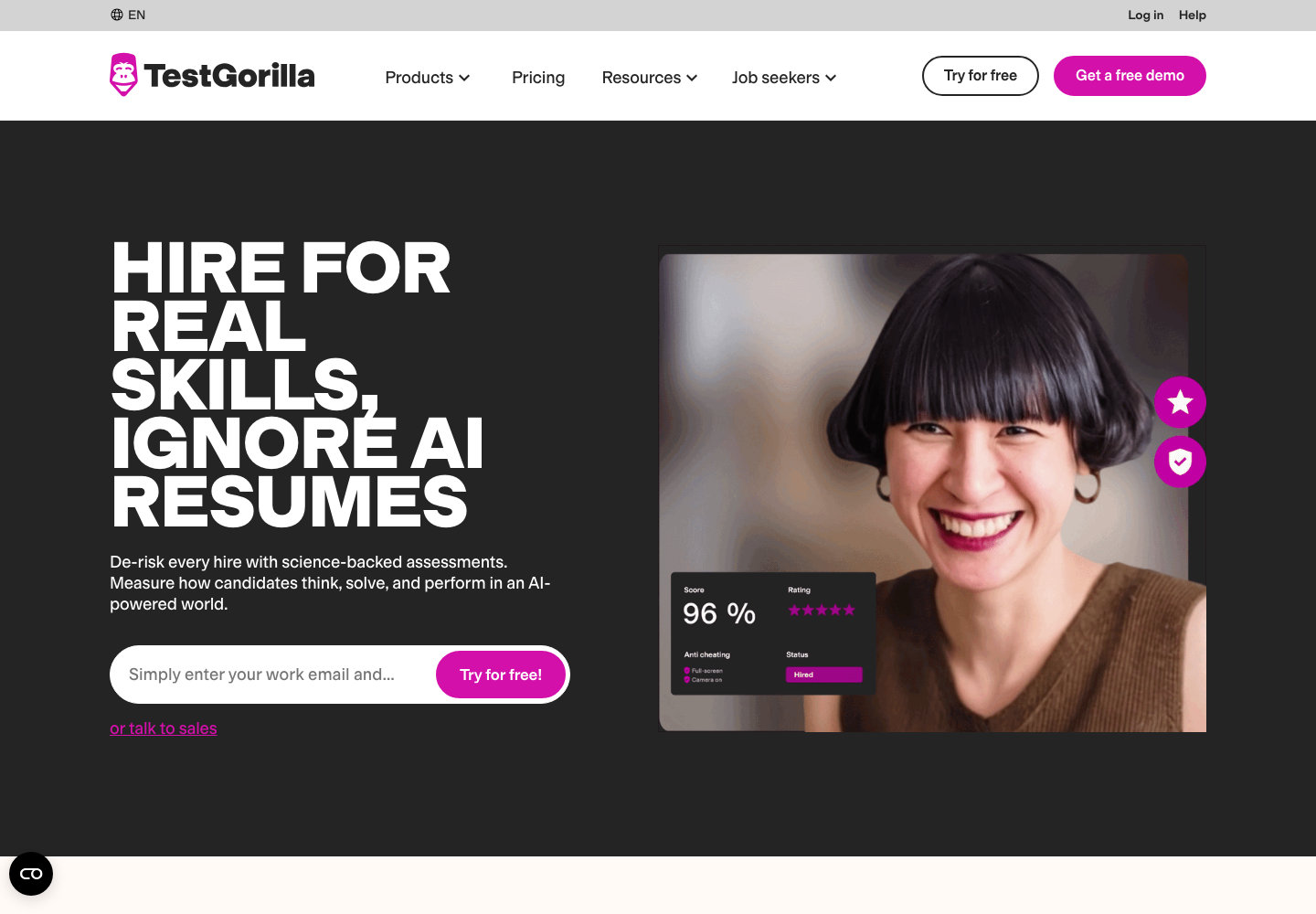
For hard-skill proof, TestGorilla is our standing pick: a free plan to start, Core at $142/mo billed annually, and a library that runs from coding to cognitive tests.
The trade-off is candidate friction; senior applicants push back on long test batteries, so keep assessments short and relevant.
Fair note: it earned this spot in our earlier hands-on comparison, more than in this round's practitioner chatter.
Video interviewing
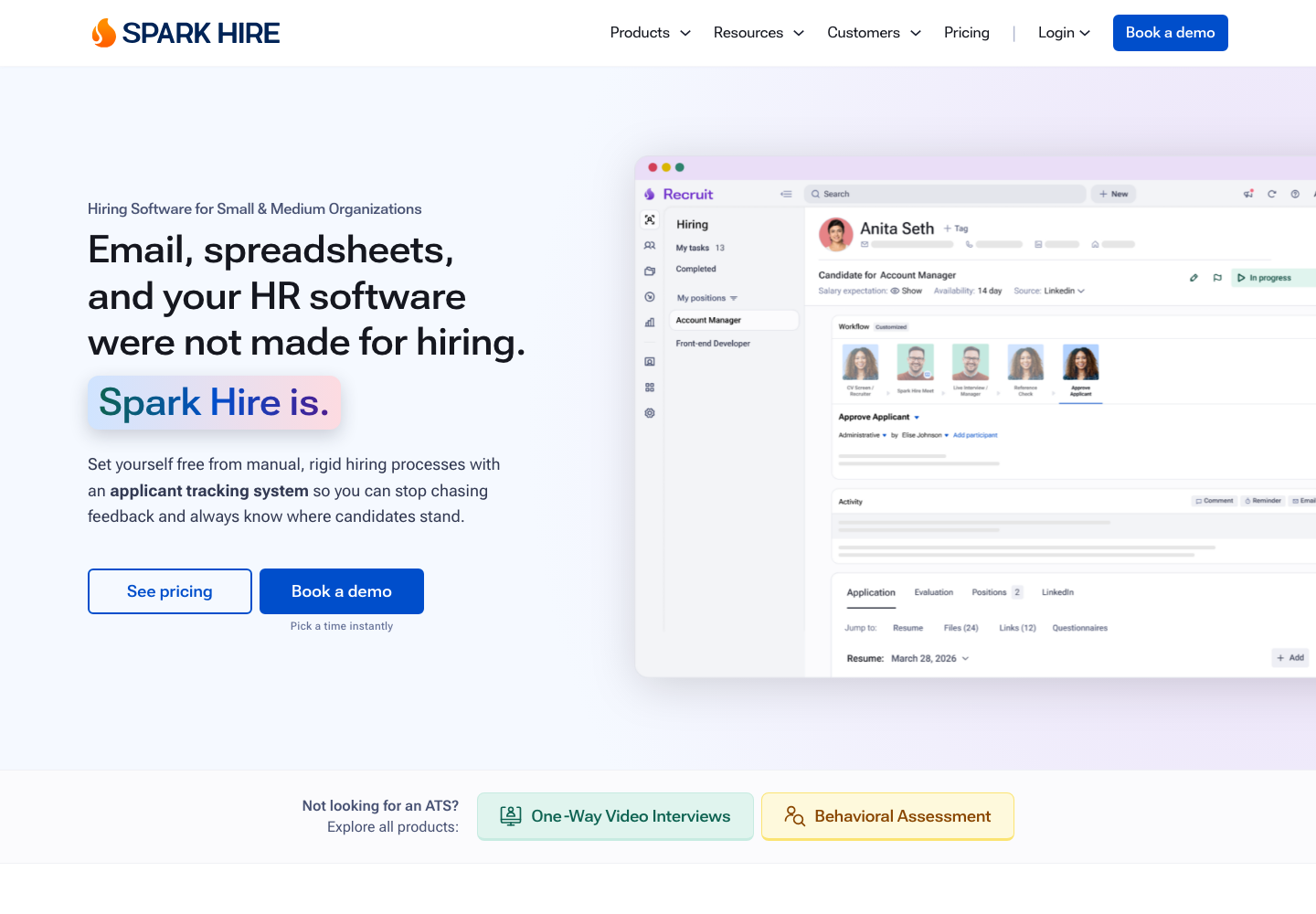
Async video screens earn their keep in two situations: high-volume hourly hiring, and first rounds across time zones. Willo (from $209/mo billed yearly) and Spark Hire (from $249/mo billed annually) are the SMB-priced picks; HireVue plays the same game at enterprise scale.
The caution: candidates with options often hate one-way video. One agency in our research dropped async screens entirely after in-demand candidates refused them. Use async for volume roles, live conversations for scarce skills.
More depth in our video interviewing software comparison.
Job boards and distribution
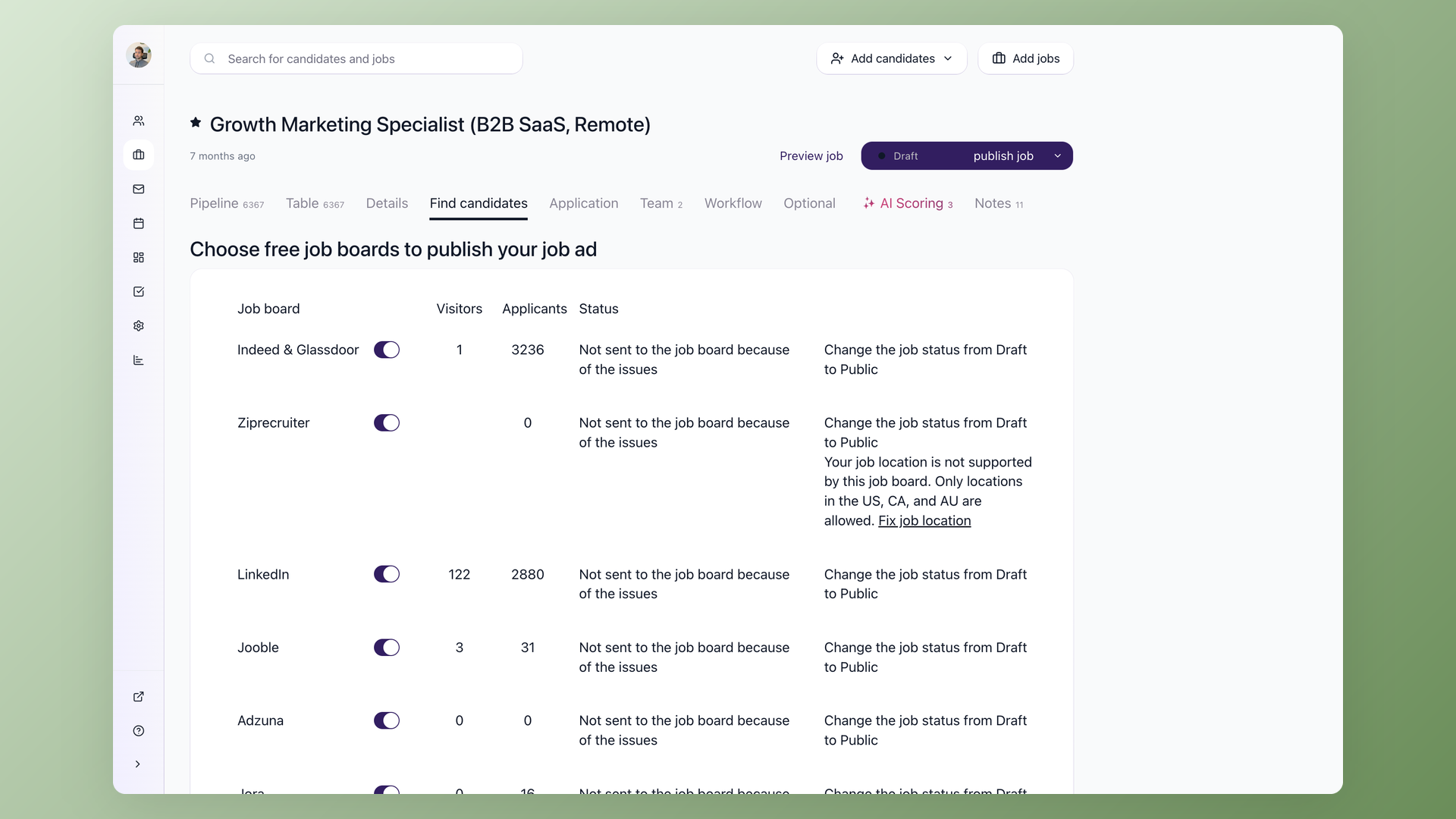
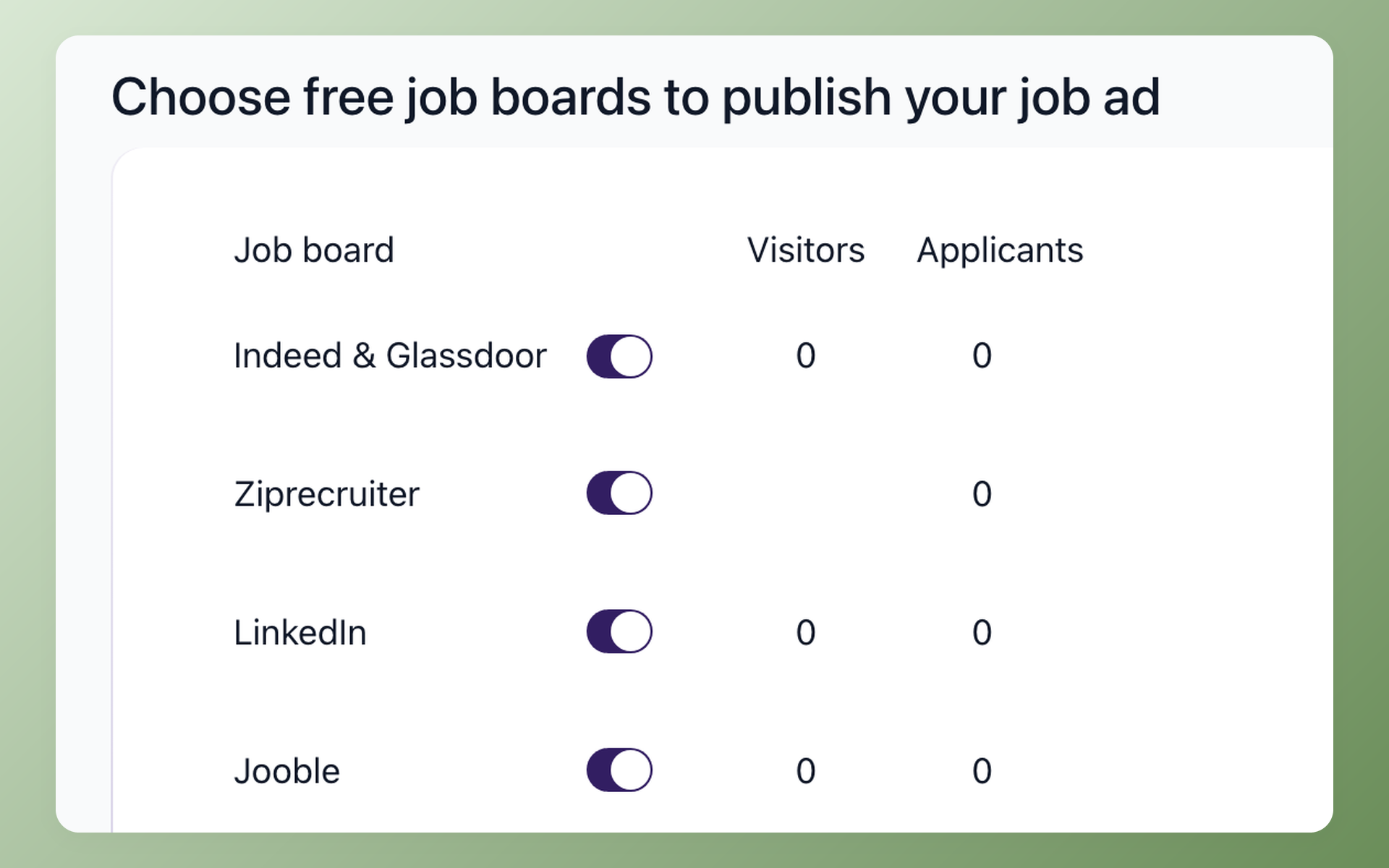
Job boards are still where SMB candidates come from. Indeed dominated our own sales-call transcripts: in a July 2026 pass across 314 conversations with hiring teams, it came up in 238 of them, more than every other tool combined.
Indeed's current model: up to three free job posts per calendar month, and sponsored posts where you set the budget and pay per click or per started application. ZipRecruiter pushes your job across its partner network instead. LinkedIn jobs round out the usual trio.
The point of the software is distribution, not the boards themselves. Posting one-by-one across sites is exactly the busywork an ATS kills: publish once and push to multiple boards, then let source tracking tell you which board deserves next month's budget.
AI assistants and the agent-ready stack
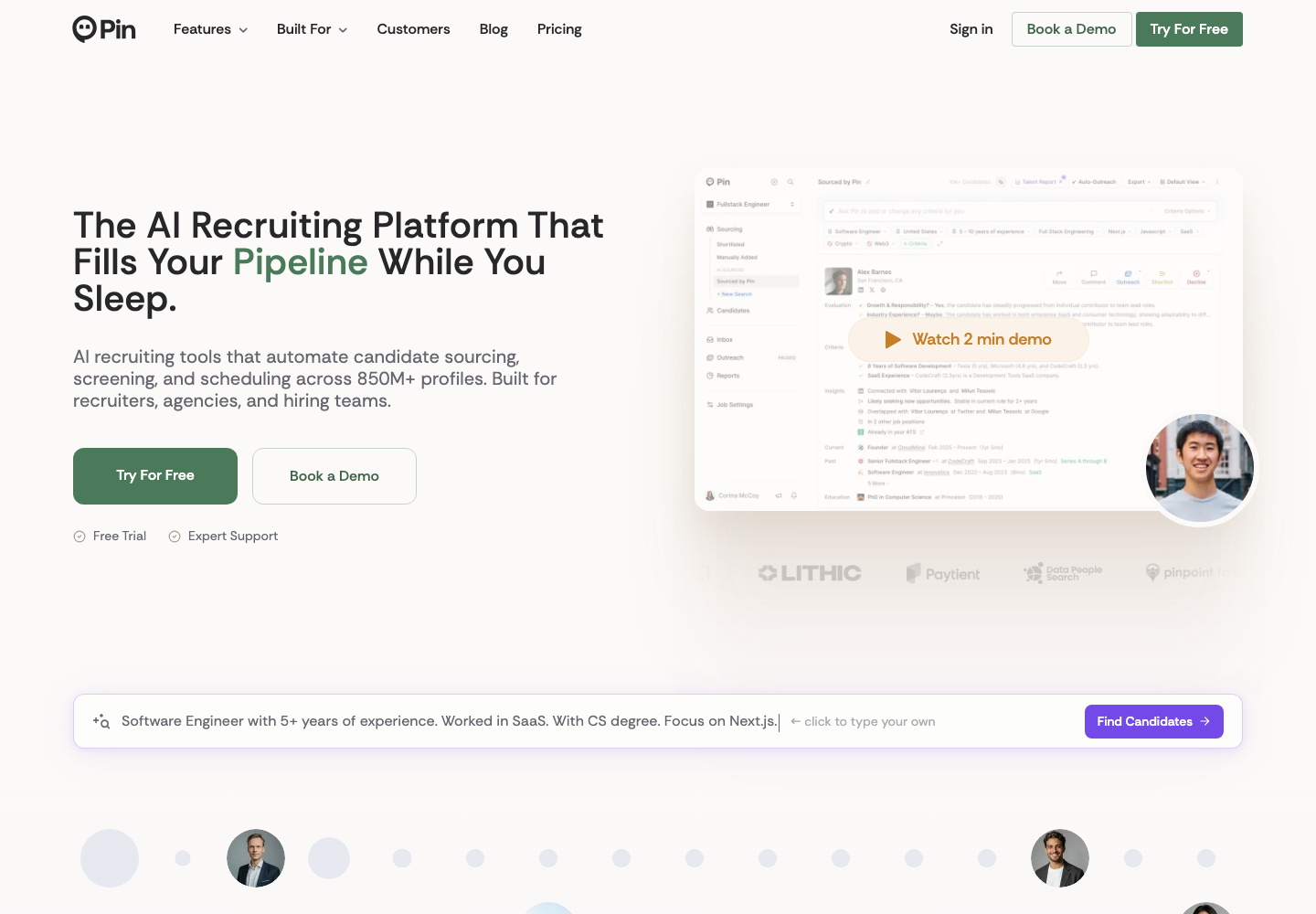
ChatGPT and Claude are already the default admin layer of recruiting. Job descriptions, boolean strings, screening summaries, offer-email drafts: across most channels in our research, this was the AI use case practitioners agreed on, all at consumer subscription prices.
The ceiling is context. A chat that cannot see your pipeline makes you paste data in and copy every useful answer back out. That is why the interesting question for 2026 is whether your recruiting stack can talk to AI directly.
This is emerging, not settled. A few ATS vendors have started offering MCP servers, the open standard that lets tools like ChatGPT, Claude, and Cursor read a system's data with permission.
Ashby opened a beta in June 2026. Most teams get zero value from this today, and that is fine.
But it is worth one question before you sign an ATS contract: does this system expose an API and an AI-agent connection, or will my data be locked behind CSV exports when the tooling matures?
100Hires offers this today: a native ChatGPT app built on a 130-tool MCP server covering 22 categories of recruiting data, plus a public REST API.
In practice that means asking ChatGPT to find past applicants by skill and stage, draft outreach from real candidate notes, or assemble the weekly hiring update from live pipeline data.
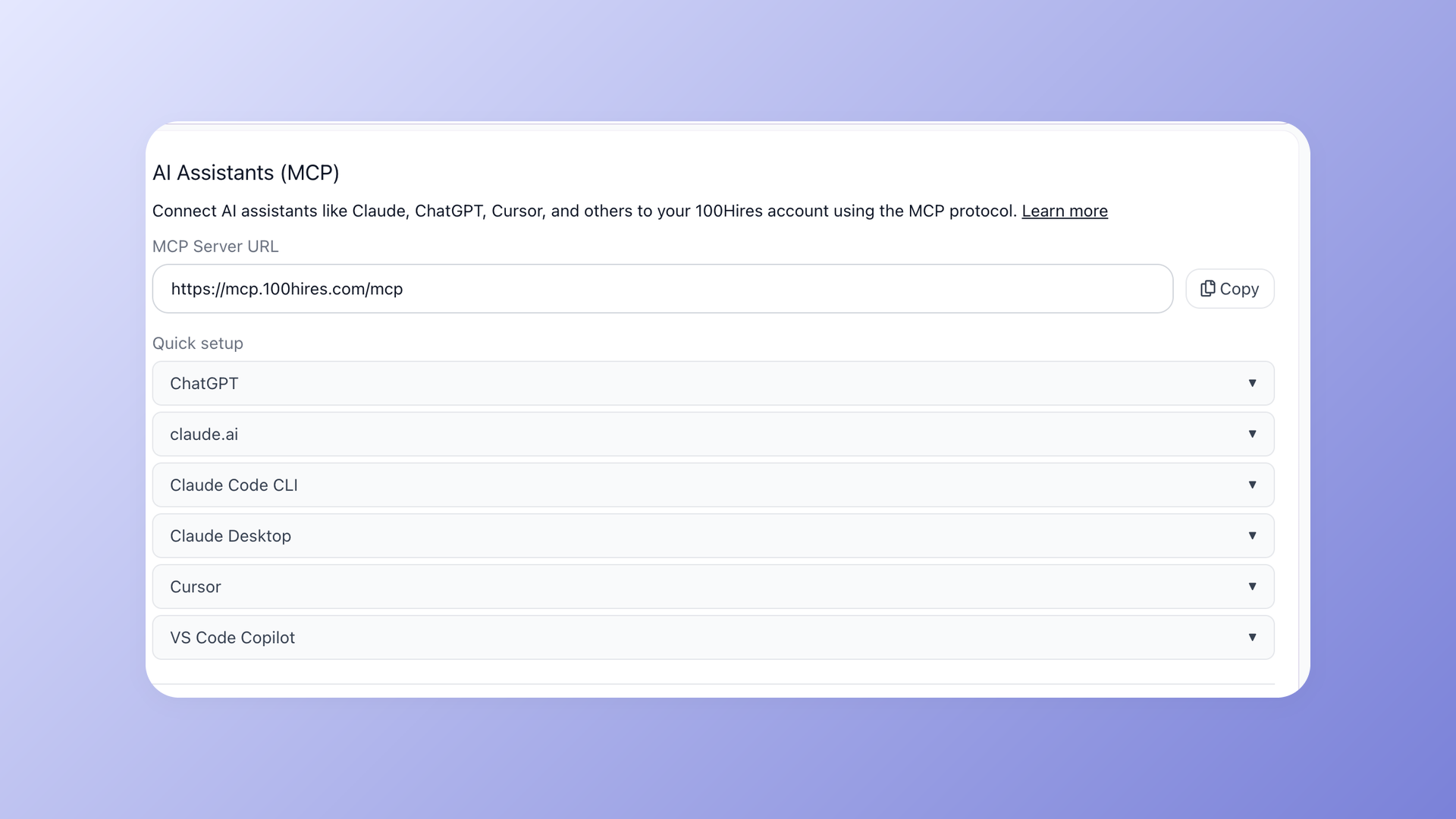
Same guardrail as everywhere else in this guide: agents draft, humans decide. And route candidate data through scoped, permissioned connections, not personal chatbot accounts.
Curious what an agent-ready ATS looks like on your own hiring data? Book a 100Hires demo and bring a real role.
Recruiting analytics
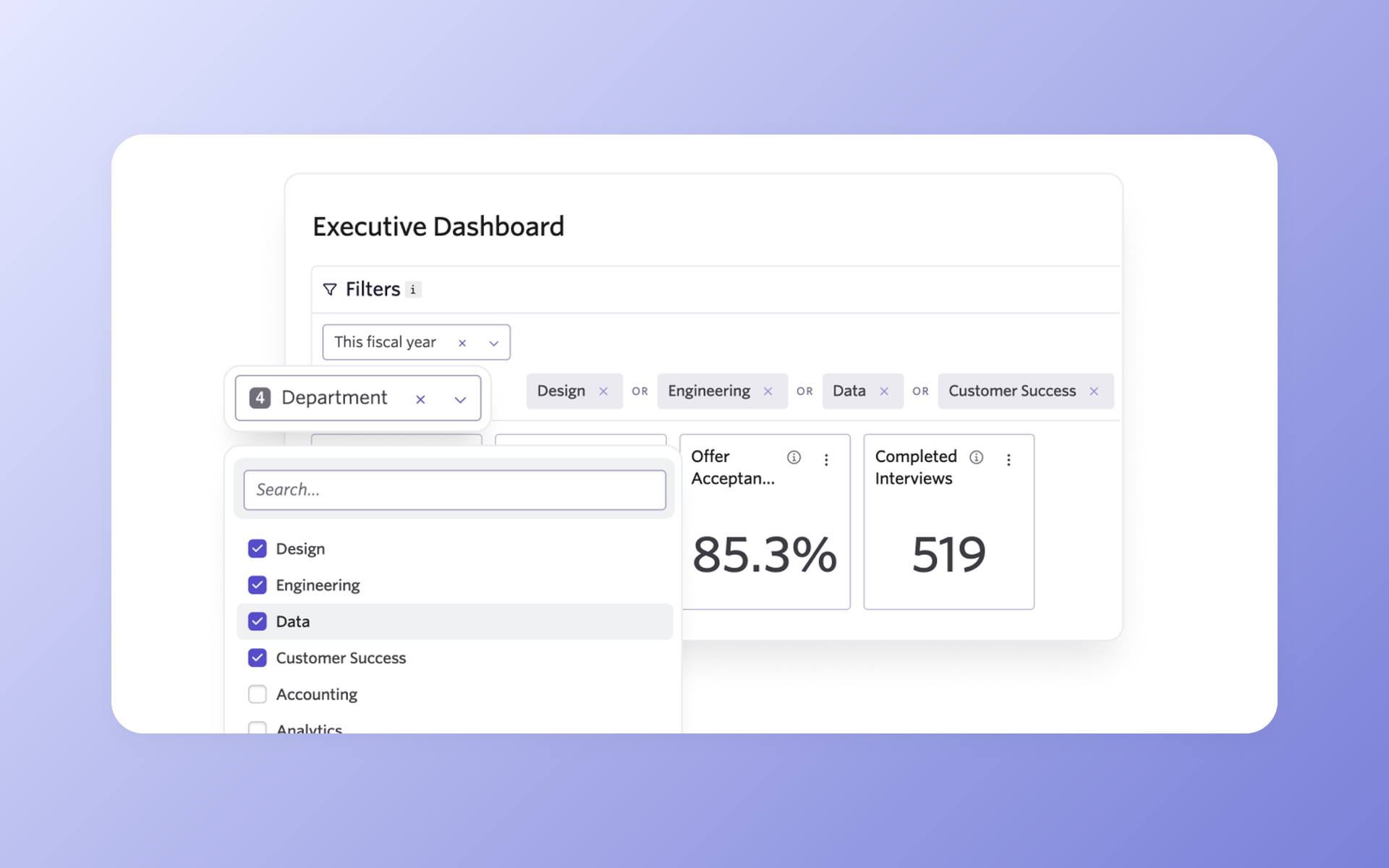
Small teams need three numbers, not a BI suite:
- Source of hire: which board or channel produces people you actually hire
- Pipeline conversion: where candidates stall, stage by stage
- Time to fill: as a diagnostic for stuck stages, not a vanity metric
All three should come from your ATS for free; in 100Hires they live in the reports view, fed by Trackable links. If you outgrow that, our recruitment analytics comparison covers the dedicated tools.
How to choose SaaS recruitment software without the tool fatigue
Nearly everything in this guide is SaaS recruitment software: subscription-priced, cloud-hosted, live in your browser the same day. That makes tools easy to adopt, and just as easy to stack into bloat.
The buying discipline that separates teams with a workable stack from teams drowning in tabs, distilled from the operators we researched:
- One tool at a time. Stagger rollouts. Adoption beats feature count every time.
- Strategy before software. A tool cannot fix an undefined hiring process; it just speeds up the confusion.
- Integration beats point tools. Ask "does it talk to my ATS?" before "what does it do?". The standout ROI stories in our research came from connected stacks, not isolated purchases.
- Check the exit. Can you export your data? Month-to-month first, annual contract after the pilot.
- Pilot on one real role before rolling anything out to the whole team.
FAQ
What are examples of recruiting tools?
The main categories: applicant tracking systems (100Hires), sourcing and contact data (Sales Navigator, Apollo), AI notetakers (Metaview), scheduling (Calendly), skills tests (TestGorilla), video interviewing (Willo), job boards (Indeed), AI assistants (ChatGPT, Claude), analytics, and background or reference checks for regulated roles.
What is an ATS recruitment tool?
An applicant tracking system collects every application into one pipeline so a team can post jobs, screen, and hire together without spreadsheets. Modern systems like 100Hires add AI scoring against your own criteria, one-toggle job board posting, and interview scheduling, replacing several point tools at once.
What is SaaS recruitment software?
SaaS recruitment software is recruiting software you rent in the cloud on a subscription, with nothing to install or host; some vendors call it cloud recruitment software. Nearly every paid tool in this guide works this way, 100Hires included, which is why a small team can go from signup to a posted job in one afternoon. The label matters less than the category: decide ATS versus point tool first, then compare prices.
What are CRM tools in recruitment?
A recruiting CRM manages relationships with people who have not applied yet: sourced prospects, past applicants, silver medalists. Agencies buy standalone CRMs; in-house teams usually get enough from ATS-native features like 100Hires Talent Pools, which keep strong past candidates warm for the next opening.
What are the 5 C's of recruitment?
A common version: clarity, consistency, communication, candidate experience, and compliance. Tools map to each one; for example, 100Hires workflow automations keep communication consistent, and knockout questions applied identically to every applicant are what consistency and compliance look like in practice.
Which recruiting tools are free?
Genuinely free tiers as of July 2026: Calendly, Apollo, Lusha, ContactOut, TestGorilla, Metaview, and Zoho Recruit's single-job plan, plus three free Indeed posts per month. Spreadsheets and Notion cover tracking at tiny volume. 100Hires has no free plan; it offers a 14-day trial with no credit card instead.
Do AI recruiting tools replace recruiters?
No. The operator consensus is human-in-the-loop: AI handles administration such as screening triage, notes, scheduling, and drafts, and people make evaluation decisions. 100Hires AI Score works exactly this way: it prioritizes the queue against criteria you define, and shows its reasoning so a human can overrule it.
The short stack wins
Start with the spine: an ATS that covers posting, screening, scheduling, and reporting in one place. Add a sourcing tool, a notetaker, or an assessment platform only when the ATS still leaves a real gap. Ask every vendor whether your data stays reachable through an API.
A short, connected stack means fewer tabs, fewer handoffs, and less time lost moving candidate data between tools. For most small teams, that beats adding another logo to the pile.
Start your free 100Hires trial: 14 days, full features, 15-minute setup, no credit card.
Try 100Hires for free
No credit card. 14-day trial. Forbes Advisor #1 ATS for SMBs.

