
Gmail integration that keeps every candidate email where you hire
Read a candidate's synced email thread next to their resume and AI Score, send from 100Hires and still find it in your Gmail Sent folder, and stop running hiring out of an inbox and a spreadsheet.






screening candidates
response rates
time to fill
per hire
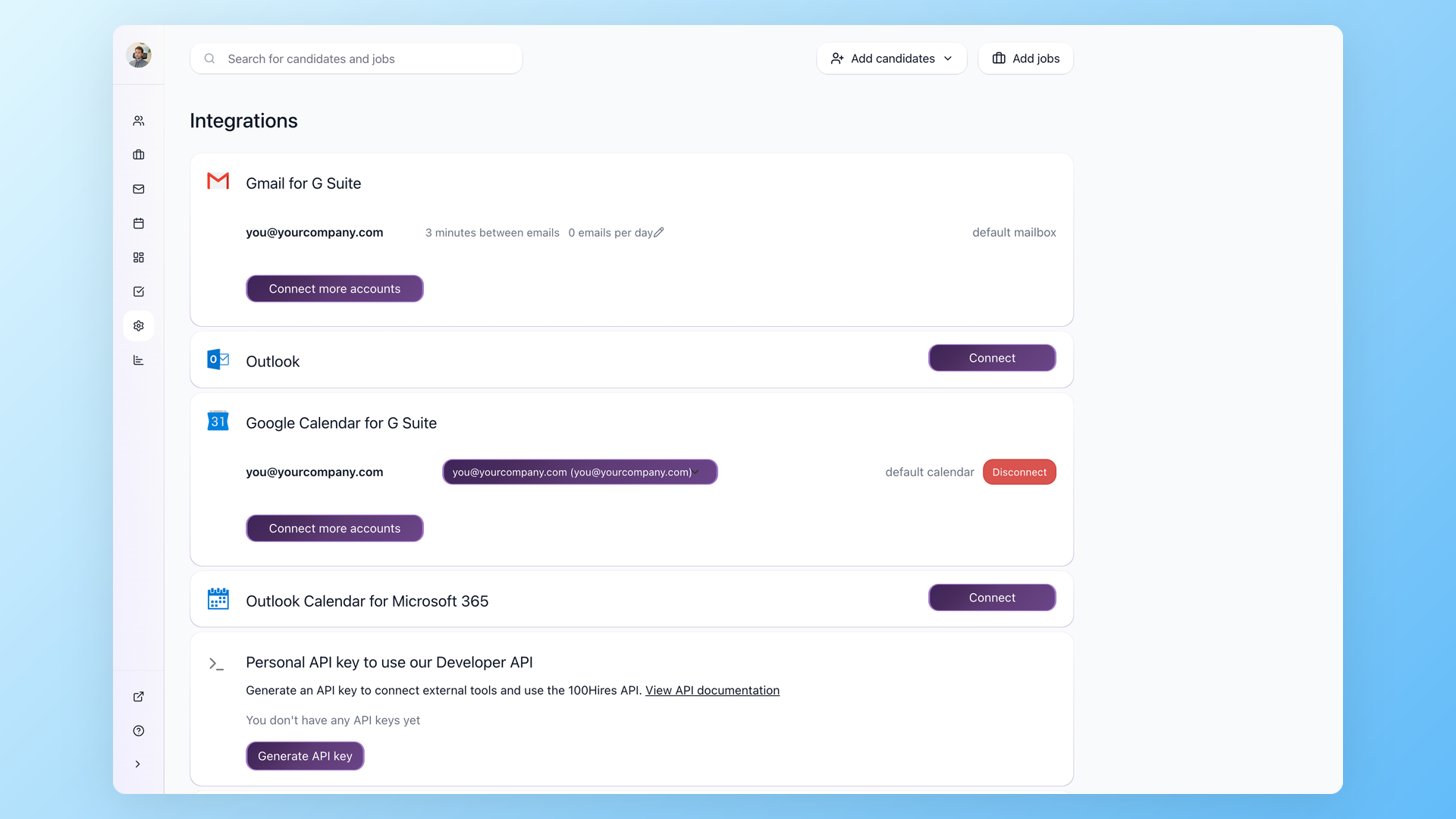
The 100Hires Gmail integration connects your Google Workspace mailbox to your ATS, so email and your hiring record finally live in the same place. Connect it once in Settings then Integrations, and messages sync both ways: what you send from 100Hires reaches the candidate and sits in your Gmail Sent, and replies that land in Gmail show back on the candidate profile. One thing to know up front: this works with Google Workspace on a corporate domain, not a personal @gmail.com address. This page covers what the integration does day to day, how to switch it on, and why a real ATS beats running hiring out of your inbox.
Running hiring out of an inbox falls apart fast
Plenty of teams start in Gmail and a Google Sheet. It works until it does not. Follow-ups get sent by hand and then forgotten, candidate threads scatter across three people's personal inboxes, and the moment someone takes a week off their conversations are locked in a mailbox nobody else can open. There is no shared record, no way to see who already replied to whom, and no quick answer to "did we ever get back to this person". The work is real, the tracking is not.
A Gmail ATS integration fixes the split: Gmail keeps doing what it is good at, sending and receiving mail, while a real ATS holds the pipeline, the scoring, and a candidate database the whole team can see. Here is how that works in 100Hires.
Find the whole conversation on the candidate, not across five inboxes
Connect your Google Workspace Gmail and email syncs both ways, so a candidate's messages land in the Messages tab on their 100Hires profile, right next to the resume, AI Score, stage and team notes. Read what they sent and reply on the spot, with the AI Email Composer drafting from the candidate and job context. Whatever you send goes to your Gmail Sent folder, and their reply syncs back here.
- Two-way Gmail sync, both directions
- Conversation on the candidate profile
- AI Email Composer drafts the reply
- Sends land in your Gmail Sent
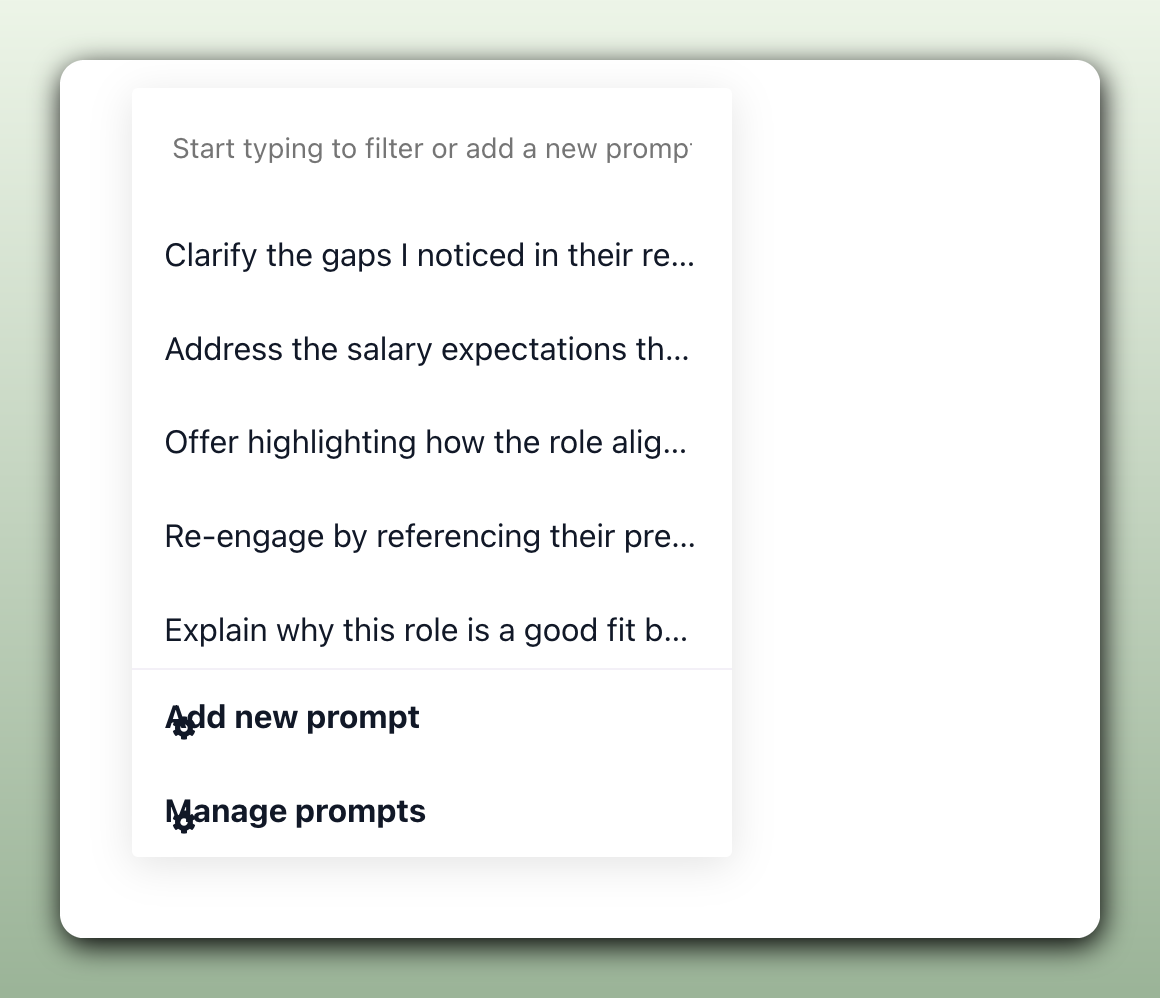
Stop rewriting the emails you send on repeat
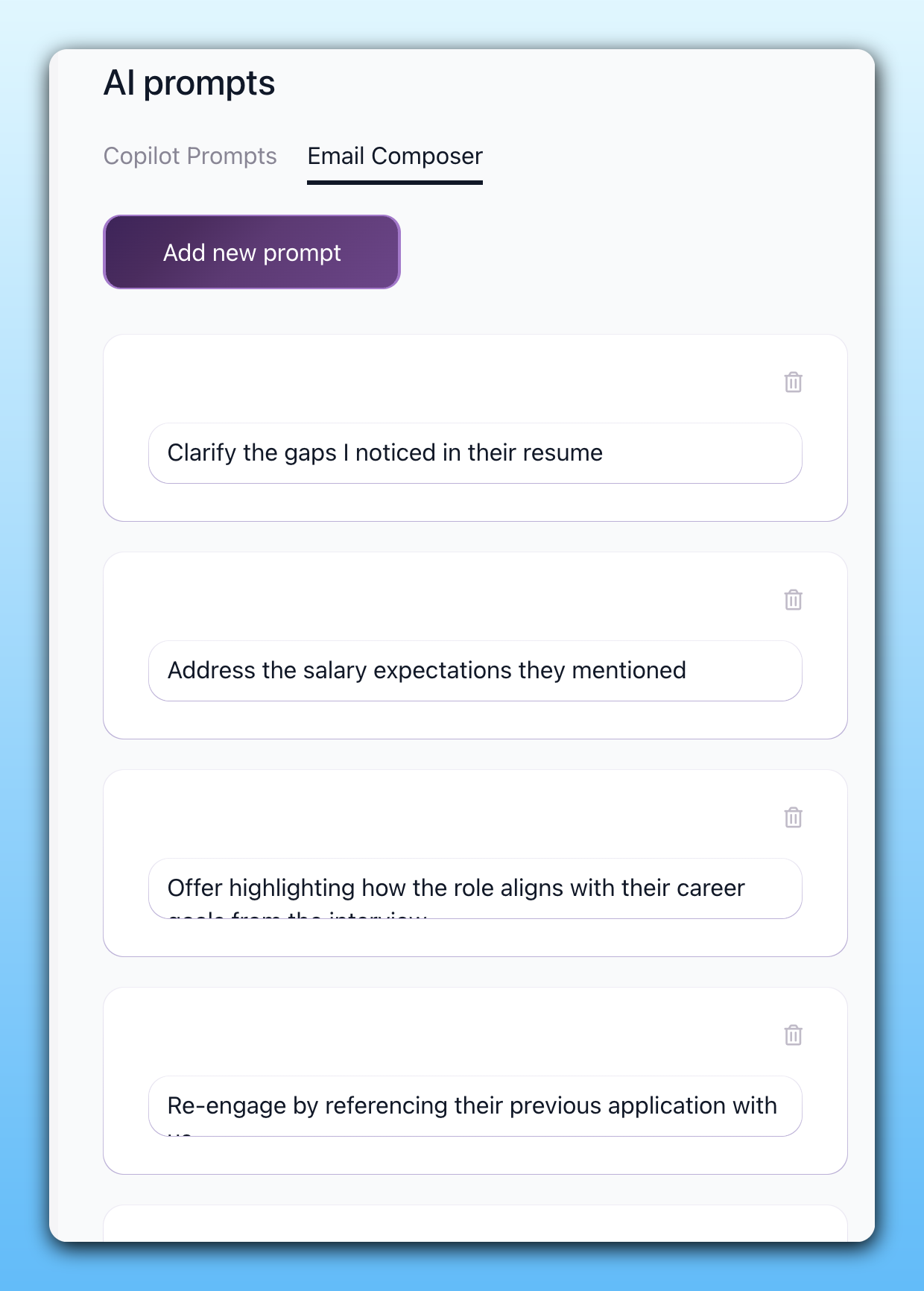
Save the messages you send again and again as Email templates and AI Email Composer prompts, then reuse them on any candidate so the tenth outreach reads as sharp as the first. The whole team pulls from the same library, which keeps the tone consistent and cuts the typing per candidate without making the email feel canned.
- Reusable Email templates
- Saved AI Email Composer prompts
- One shared library for the team
- Less typing on every candidate
Stop retyping the same follow-up every week
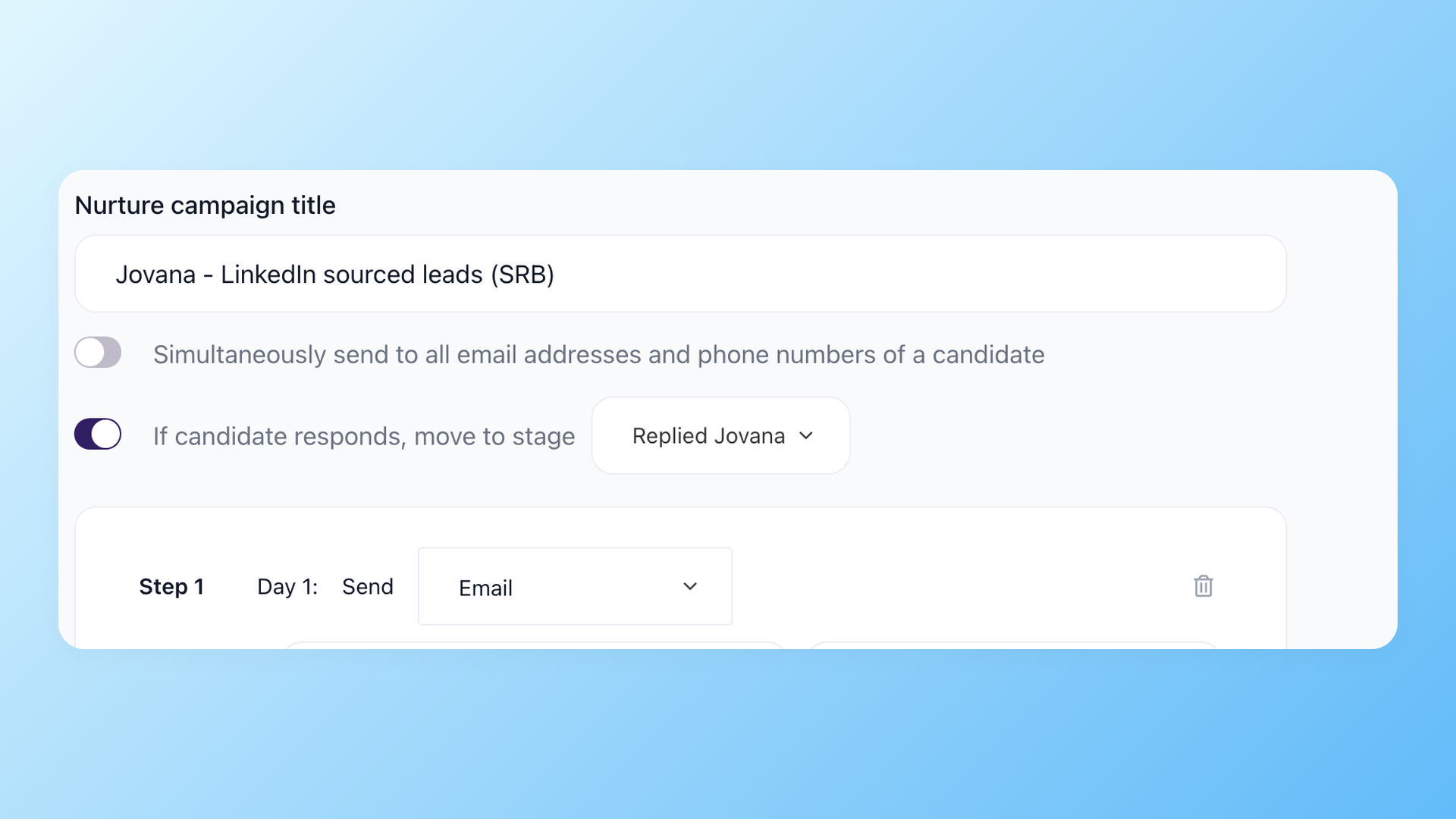
Tie emails to your Pipeline stages so the right message goes out the moment a candidate moves, and let Nurture campaigns keep warm leads engaged over days or weeks, pausing the moment someone replies. It all sends through your connected Gmail, so the messages leave from your real mailbox and stay tied to the candidate record.
- Stage-triggered emails on autopilot
- Nurture pauses when they reply
- Sends through your connected Gmail
- Tied to the candidate record
The same connection powers the 100Hires Chrome extension for recruiters, which recognizes candidates from emails inside Gmail and adds them to your pipeline, so a reply in your inbox becomes a tracked applicant instead of one more thing to copy across by hand.
The Gmail integration at a glance
Setup is short and the rules are simple. Here is exactly what the integration needs and what it does once it is on.
| Gmail integration in 100Hires | |
|---|---|
| Works with | Google Workspace on a corporate domain, not a personal @gmail.com address |
| Where you connect it | Settings then Integrations, the Gmail for G Suite section, then Connect |
| Who sets it up | Your Google Workspace admin installs the 100Hires app once, then every teammate connects their own mailbox |
| What syncs | Email both ways: sends from 100Hires reach the candidate and sit in your Gmail Sent, replies in Gmail show back on the profile |
| Where the thread lives | On the candidate profile, next to the resume, AI Score, stage and team notes |
| Related Google Workspace pieces | Google Calendar for two-way interview scheduling, plus an Outlook option that does the same email sync for Microsoft 365 teams |
Can I just use Gmail as an applicant tracking system
You can bolt a tracker onto your inbox with labels, a spreadsheet, or a Gmail plugin, and for a single hire it limps along. The trouble shows up at the second or third role. Gmail was built to send mail, not to run hiring, so there is no shared pipeline every teammate can see, no scoring to tell you who to read first, and no searchable database to re-engage a strong candidate next quarter, which is the whole job of real candidate tracking software.
100Hires takes the other path. Instead of turning Gmail into a half-built ATS, it connects your Gmail to a real one. You keep the inbox you already like, and you get the pipeline, the scoring, and the candidate database that hiring actually needs. Gmail stays Gmail, 100Hires does the hiring.
100Hires with Gmail connected versus Gmail on its own
 100Hires
Where 100Hires is not the fit: if you make one hire a year, your inbox and a sheet may be all you need, and because the integration is Google Workspace only, a personal Gmail account will not connect. For everything past that first hire, 100Hires runs the recruitment automation behind your weekly follow-ups and the candidate outreach when you need to source, while Gmail stays the calm inbox it was meant to be.

It solved all of my recruitment problems and offered all of the features I was looking for. It can automate most of my recruitment processes.

I’d happily recommend it to my industry peers. I’m able to use the platform with ease and don’t have to think twice about which function to use.

The system is very user-friendly. Even people with no experience will find it easy to understand its functionality.







 4.7
4.7
 4.8
4.8
The hiring playbook, in your inbox
One email a week - benchmarks, AI screening tactics, and short interview templates from the 100Hires team. No product pitches.