
Career Page Builder for Hiring Teams
Customize the design, embed on your existing site, or build a fully custom careers page with our public API. Jobs sync from 100Hires automatically - no developer required.






screening candidates
response rates
time to fill
per hire
A careers page built into your ATS
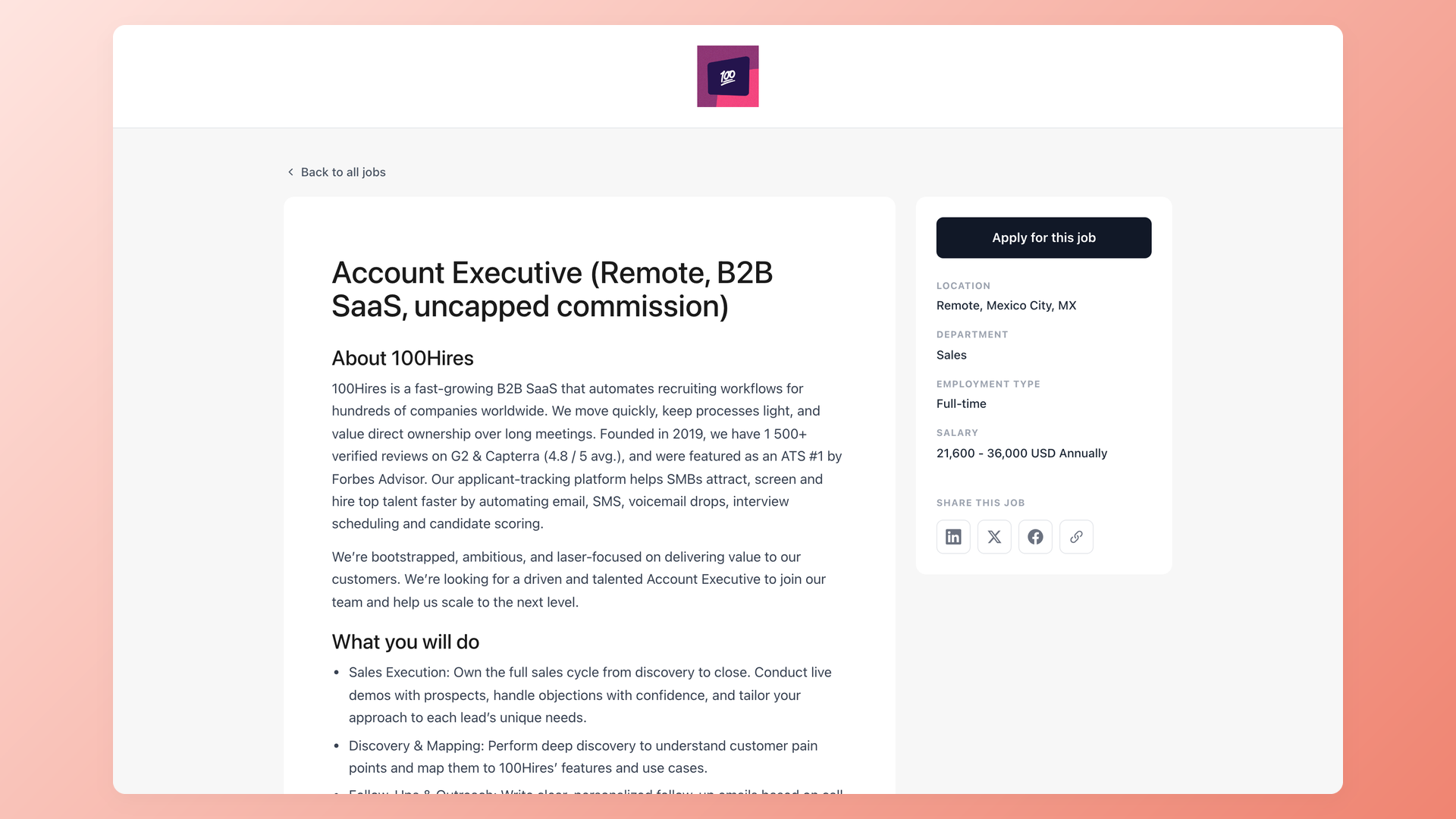
100Hires gives you a career page builder that lives inside the ATS. Publish a job and the careers page updates automatically. Close it and it disappears. Every job opens a full job description page with a sticky Apply button, share links for LinkedIn, X, Facebook, and copy-link, and an application form on your own brand. Some vendors call this a career site builder; the point is the same - one place where the page, the jobs, and the applicants stay in sync.
Customize the design without writing code
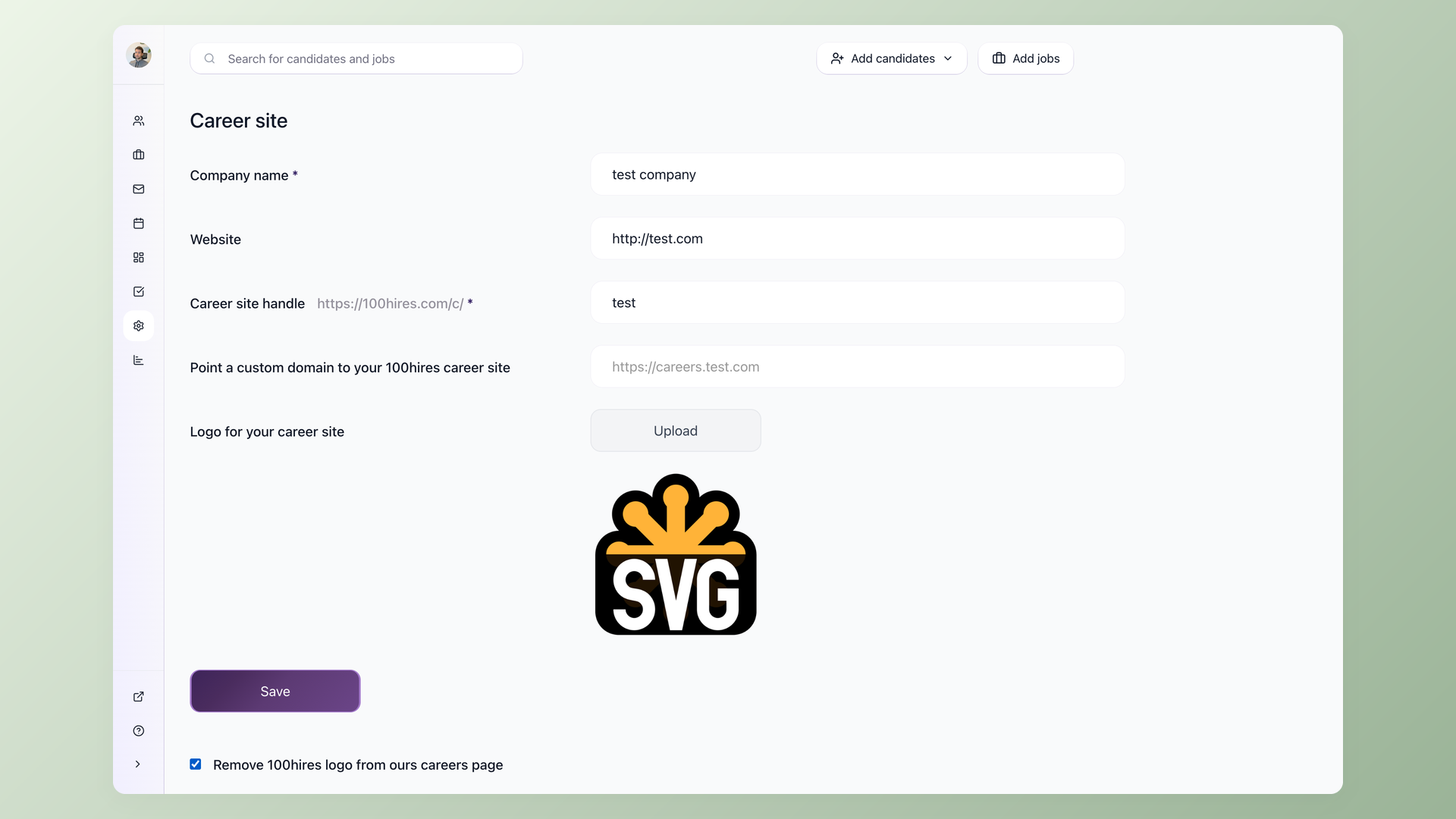
Configure logo, background color and image, fonts, apply button colors, favicon, and the LinkedIn/Facebook social-share preview from Settings: Career Site. Three independent typography bands - header, description, and body - each get their own font face, size, and color (typical ATS gives you one global font instead). Host on 100hires.com, or point a CNAME from a subdomain you own (careers.yourcompany.com). No code, no developer ticket.
- Three-tier typography: header / description / body, each independent
- Custom domain via CNAME
- Pickers and dropdowns - no developer
Application forms branded as yours, with the fields you need
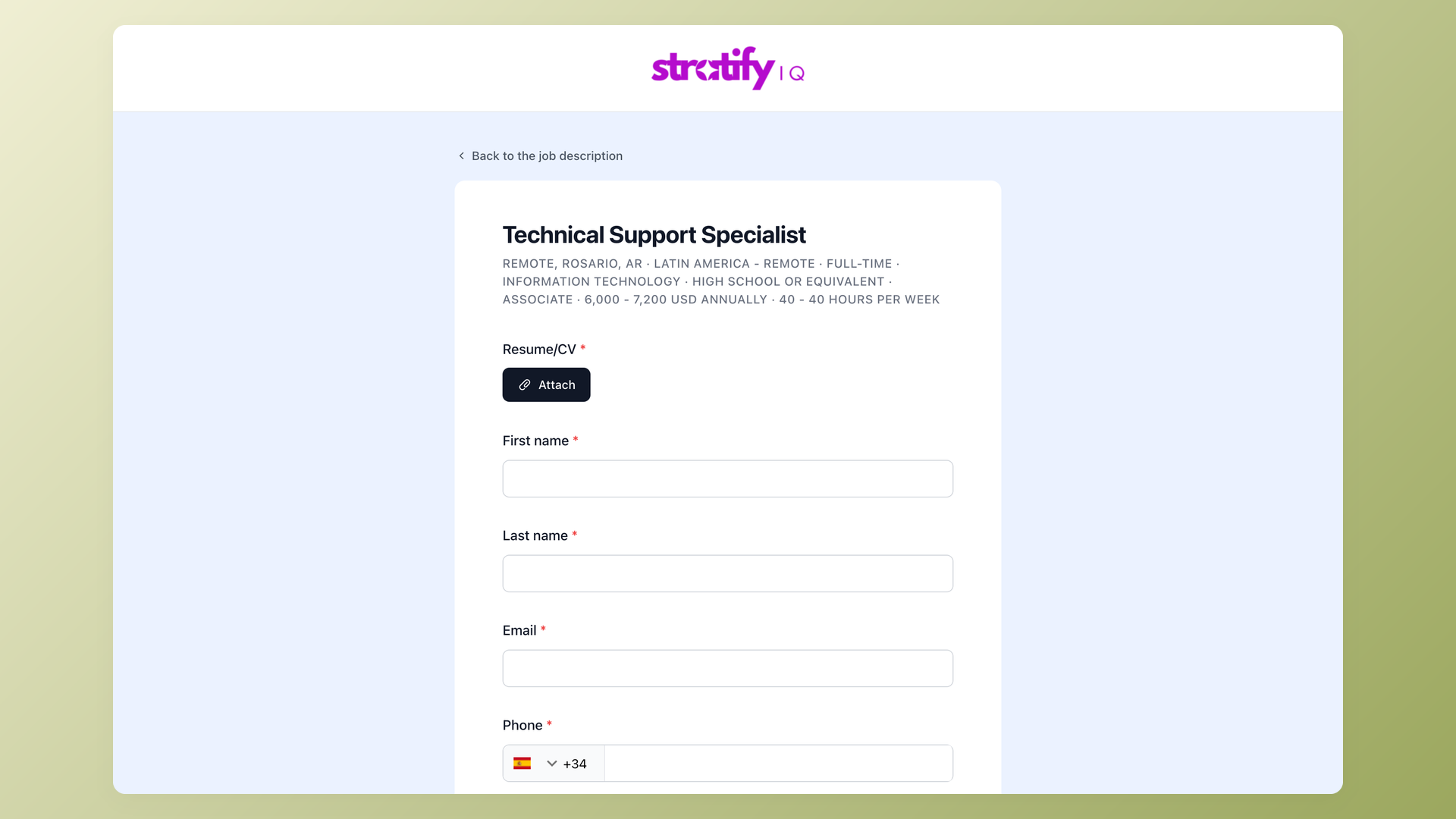
The application form carries your logo and brand color, not a generic 100Hires page. Add or remove fields, attach pre-screening questions per role (short text, long text, multiple choice, single choice, file upload, yes/no, date), and mark each field required or optional in any combination. Submissions land directly in 100Hires and feed the same pipeline as direct traffic and external job boards.
- Branded form: company logo and color
- Custom pre-screening questions per role
- Field-level required/optional toggles
Embed the careers page on your existing website
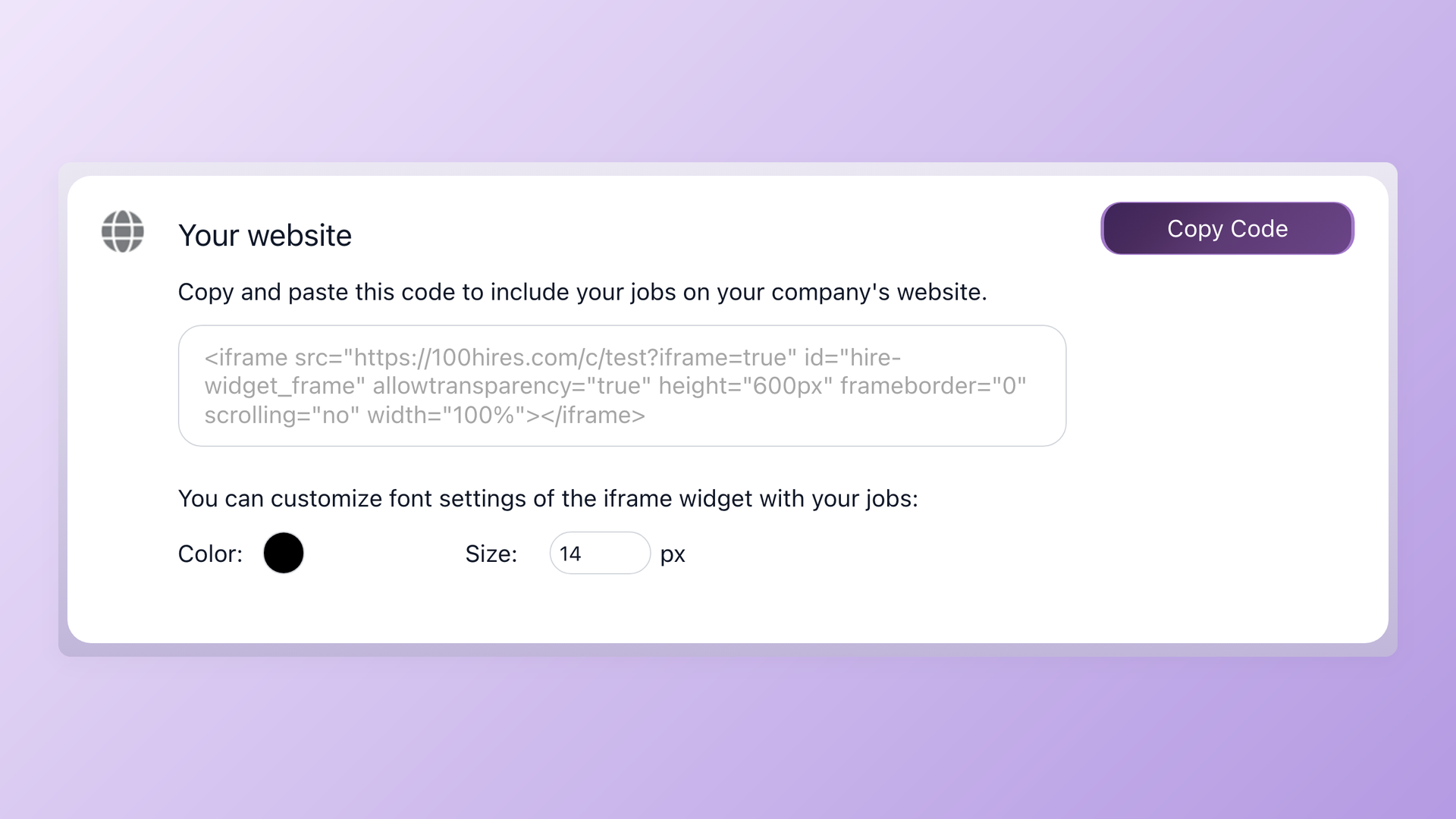
If you already have a corporate site on WordPress, Wix, Squarespace, Webflow, or anything that accepts an iframe, drop the 100Hires careers page in. From Settings: Integrations, copy the iframe snippet, paste it where the careers section should live, and the live job list renders inline. A native WordPress plugin is available too. Either way the list stays self-updating.
- Copy-paste iframe snippet
- Native WordPress plugin
- Font color and size matching
Draft job descriptions with the 100Hires AI Job Description Generator
Add your notes about the role, and the 100Hires AI Job Description Generator drafts a full, detailed job description for you - About section, What you will do, requirements, benefits. Edit before publishing.
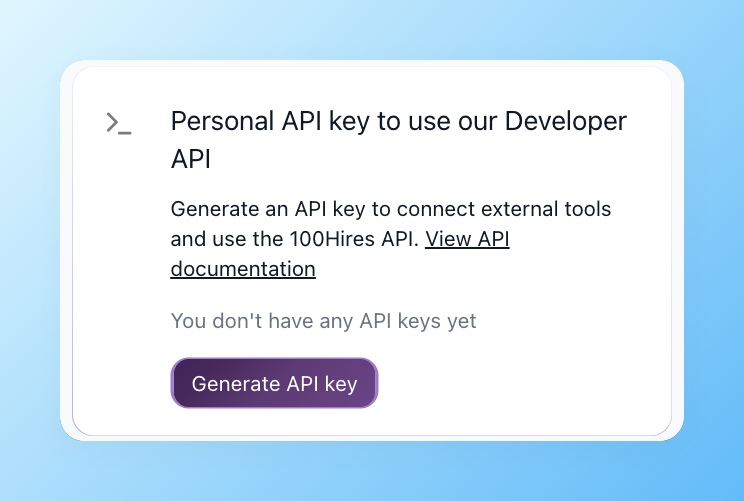
Build a fully custom careers page with the public API
The hosted careers page is configured through settings, not code. For full HTML, CSS, and JavaScript control, use the 100Hires public Career Site API: pull the open job list without authentication, render it in your own design, and submit applications back through the API. Submissions land in 100Hires as if they came through the hosted page. This is the path for non-English careers pages, A/B tests, fully bespoke application forms, and analytics injection (Meta Pixel, GTM, and the like).
- Public job list and detail endpoints (no auth)
- Application submit endpoint
- Use cases: multi-language, A/B tests, bespoke forms, analytics injection
| Element | Where it's edited | No-code? |
|---|---|---|
| Logo + favicon | Settings > Career Site | Yes |
| Background color + image | Settings > Career Site | Yes |
| Header / description / body typography | Three independent typography bands | Yes |
| Apply button color | Settings > Career Site | Yes |
| Application form fields | Per-job pre-screening questions (text, multi-choice, file upload, yes/no) | Yes |
| LinkedIn / Facebook share preview | Settings > Career Site - upload OG image | Yes |
| Fully custom HTML / CSS / JS | Public Career Site API - render in your own stack | No - use the API |

It solved all of my recruitment problems and offered all of the features I was looking for. It can automate most of my recruitment processes.

I’d happily recommend it to my industry peers. I’m able to use the platform with ease and don’t have to think twice about which function to use.

The system is very user-friendly. Even people with no experience will find it easy to understand its functionality.







The hiring playbook, in your inbox
One email a week - benchmarks, AI screening tactics, and short interview templates from the 100Hires team. No product pitches.
Related 100Hires resources: Explore multi company ats.