Best Recruitment Analytics Software in 2026 (12 Tools Reviewed)
Best recruitment analytics software in 2026 (12 tools reviewed)
Which recruitment analytics tools actually move time-to-hire and cost-per-hire, instead of adding charts to a dashboard nobody reads?
This guide reviews 12 platforms across source-of-hire reporting, pipeline conversion, time metrics, recruiter productivity, and AI scoring: 100Hires, Workable, Pinpoint, Recruit CRM, Manatal, BambooHR, Breezy HR, Ashby, Lever, Gem, Greenhouse, and Bullhorn. Each tool gets the same skeleton: positioning, best for, standout features, strengths, limitations, pricing, and verdict.
One-line answer: pick 100Hires for SMBs and startups, Ashby for analytics-first mid-market, Greenhouse for structured enterprise hiring. Jump straight to the comparison table.
The market splits into three buckets. AI-augmented analytics built into the ATS, where 100Hires sits with per-candidate AI scoring, an AI Copilot, and an email composer. Customizable BI-style dashboards for mid-market data teams, where Ashby leads and Gem covers the sourcing side. Enterprise reporting locked behind sales-led pricing, where Greenhouse, iCIMS, and Bullhorn live.
For SMBs and startups, pricing transparency is the cleanest filter. Only 3 of the 12 tools - 100Hires, Workable, and Recruit CRM - publish hard starting prices. The rest require a sales call.
What is recruitment analytics software
The hiring playbook, in your inbox
One email a week - benchmarks, AI screening tactics, and short interview templates from the 100Hires team. No product pitches.
Recruitment analytics software is the layer that turns each application, interview, offer, and rejection into pattern data your team can act on. It covers seven buckets: source performance, pipeline conversion, time metrics, recruiter productivity, outreach performance, quality signals, and compliance reporting. Most tools cover three or four well and the rest as a sales-deck afterthought.
Most teams already run an ATS or recruiting software, but standard ATS reporting answers single-job questions only ("how is this requisition doing this week"). Analytics goes wider: it compares pipelines side by side, scores recruiters against each other, and tracks source ROI across months. An HRIS analyst on r/humanresources captured the gap:
"There is no single source of truth for basic metrics like turnover, attrition, DEI, time to hire, performance rating distribution etc."
r/humanresources, "HR Dashboards" thread - link
One distinction worth making: recruitment analytics is not the same as people analytics or HR analytics. People analytics covers retention, engagement, performance, and compensation across the full employee lifecycle. Recruitment analytics is the front-of-funnel slice from candidate-source to offer-accept. The 12 tools reviewed here all sit on the recruitment-analytics side; teams whose buying brief includes turnover or engagement will need an HRIS-led platform layered alongside the ATS.
How we evaluated these tools
Each tool is scored on seven criteria, weighted equally. In practice, ICP fit and pricing transparency tend to determine the shortlist before deeper feature comparison even starts. We compare pricing plans on the 100Hires side since transparency is half the analytics value for budget-constrained buyers.
Reporting depth
Covers source, pipeline, time, recruiter, and quality signals out of the box, with date-range filters and per-job views. The honest test: ask a demo rep for source breakdown by week for the past 90 days, time-in-stage filtered by recruiter, and CSV export.
Built-in versus custom dashboards
Built-in dashboards answer recurring weekly questions without setup; custom dashboards or BI connectors handle business-specific questions. Blank-canvas tools (Ashby) suit analyst-led teams. SMBs usually need useful dashboards on day one.
Pricing transparency
Pricing on the website with tier names, features, and a real per-seat or per-month number. Only 3 of the 12 tools - 100Hires, Workable, and Recruit CRM - publish hard starting prices.
Ease of adoption
A non-technical recruiter can run their first useful report quickly without an implementation team. Tools with deep customization usually require an analyst and multi-week dashboard-building.
AI features layered on analytics
Real AI: scoring against custom criteria with importance weights, AI summaries of candidate strengths, and AI-drafted outreach tied back into reply-rate analytics. Many tools market AI but ship only generic resume parsing.
ICP fit
The tool's customer base maps to your size and use case. Check the G2 or Capterra company-size distribution before assuming sales-pitch positioning matches reality - vendors with most reviews from 51-1,000 employee companies are probably mid-market regardless of what they say.
Integration depth
Native, bi-directional connectors to the systems you actually use (LinkedIn, Google Workspace, Slack, Calendly, your HRIS), plus an API for custom dashboards. A handful of native bi-directional integrations beats a long marketplace list of variable depth.
Recruiting metrics that actually matter
Six metrics drive most weekly hiring conversations. Each one ties back to the tools on this list that handle it best, with one piece of evidence from a real recruiter or customer call. The order roughly follows the buying-priority sequence we see in sales conversations: source first, conversion second, time third, then the rest.
Source performance
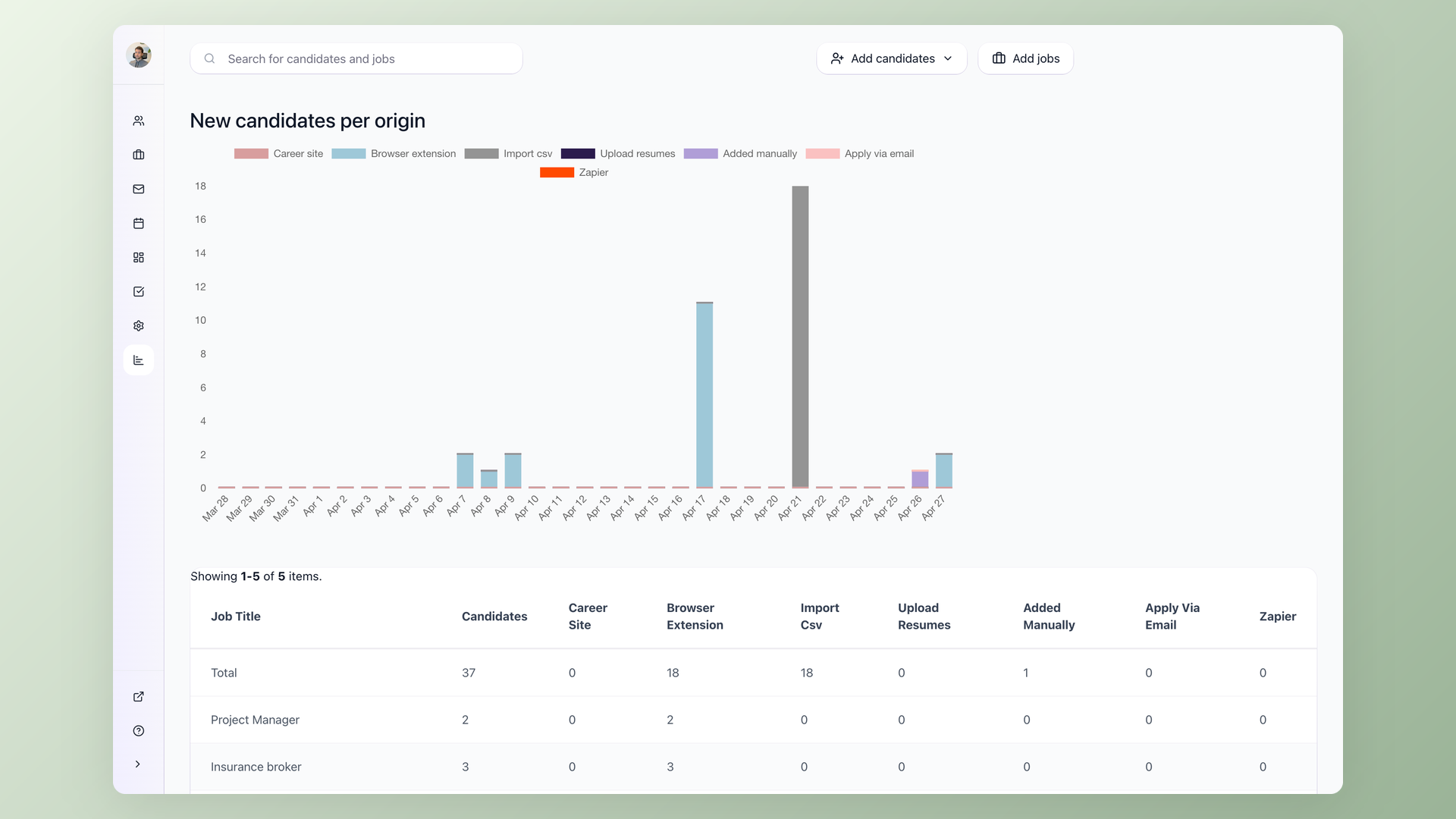
Which channels deliver hires, not just applicants - the metric that tells you to cut LinkedIn budget or shut down a job board.
- Tools that nail it: 100Hires (built-in source breakdown filtered by date and job), Gem (outbound source attribution at sequence level), Bullhorn (placement attribution for staffing).
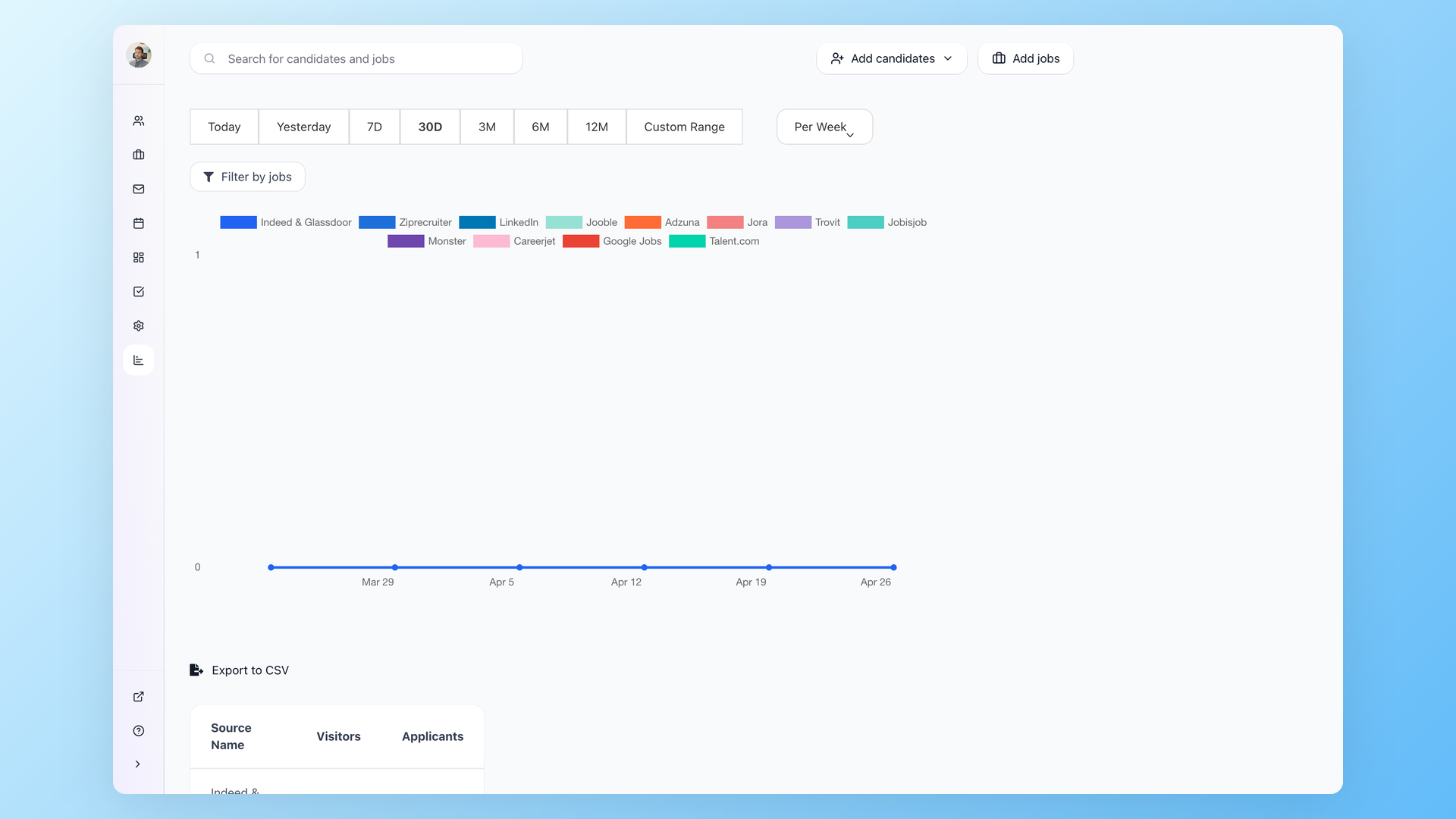
The recurring friction is that career sites, ATS, and analytics sit in different systems. An HR pro on Reddit framed the disconnect:
"We use Google Analytics to look at our website data, but are struggling to connect the dots to what's happening on the UKG pro side."
r/humanresources, "UKG Pro Recruitment Analytics" - link
Source-of-hire reporting only works if your application flow tags every applicant with a clean source field. Tools that pull from job-board APIs usually get this right automatically; tools that rely on candidates picking from a dropdown often end up with most applicants tagged "other." Test the source-tagging behavior with three to five real applications during evaluation, not just on a demo.
Pipeline conversion
Of 100 applicants, how many made it past screen, phone interview, on-site, into an offer, and into accepting - and where the funnel quietly leaks.
- Tools that nail it: Ashby (custom funnel slicing by source/recruiter/role + BI export), 100Hires (built-in pipeline conversion view + free Google Looker Studio for custom slices), Workable (drag-and-drop report builder).
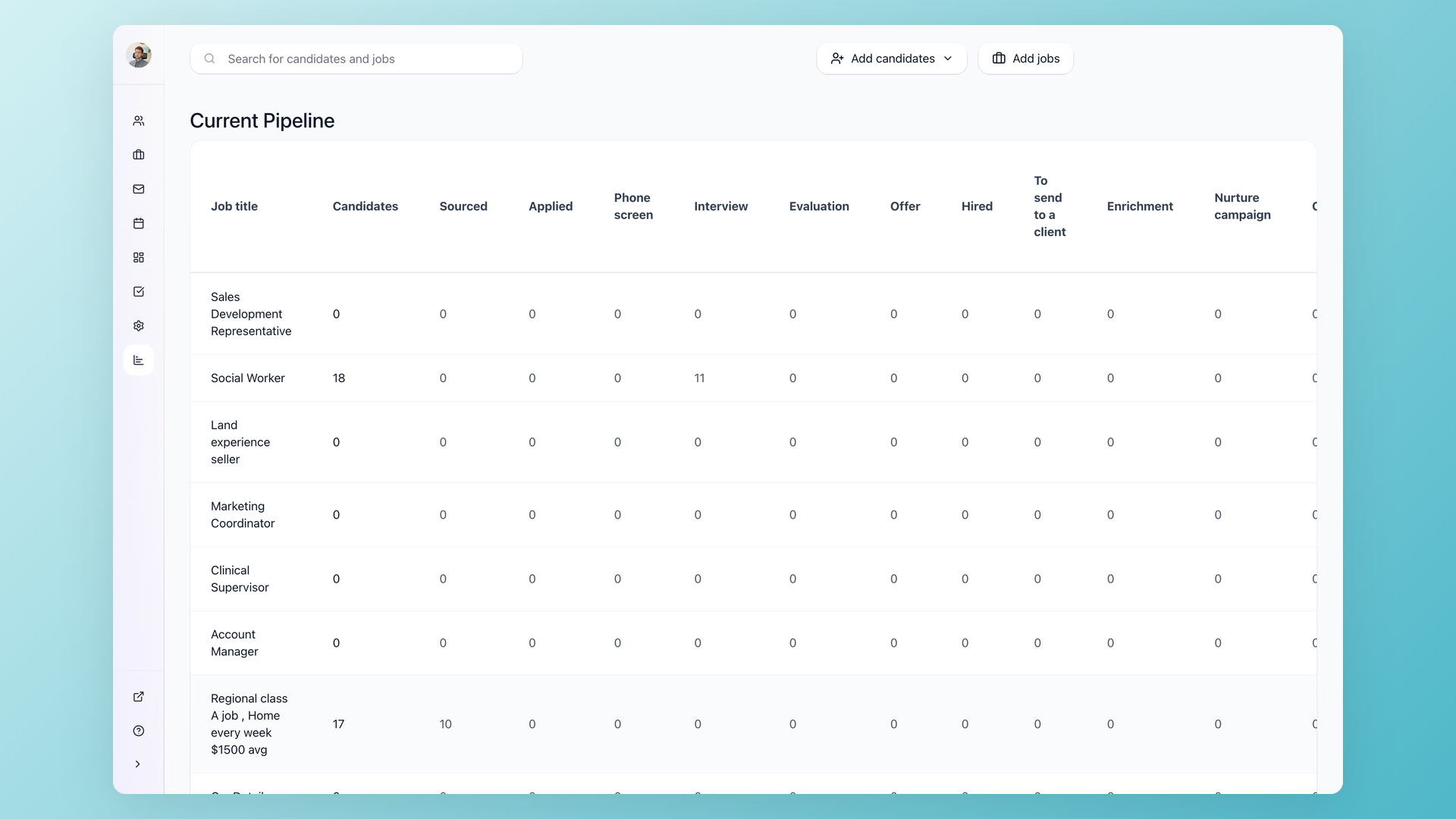
The Alejandro Saavedra demo captured why pipeline conversion matters for solo recruiters:
"Some of the reporting characteristics I would love is when leadership comes and asks me, well, how many applicants did we have with this certain certification? I can't query that right now."
Alejandro Saavedra, customer demo - solo recruiter at a 38-staff cybersecurity firm
Conversion data is only as good as the disqualification reasons recruiters bother to fill in. Tools that force a reason at the stage move (rather than allowing a "rejected" status with no reason) collect cleaner data. Pipeline conversion at the company level can also hide role-level differences: a low application-to-hire ratio on senior engineering paired with a high ratio on customer success averages out to something healthy at the company level. The tool that surfaces conversion by role and recruiter, not just by company, catches the engineering pipeline gap before it turns into a quarter-late headcount miss.
Time metrics
Time-to-hire, time-in-stage, and aging-candidate alerts - the metrics every recruiter says they want and few hiring managers act on.
- Tools that nail it: 100Hires (time-to-hire, time-to-disqualify, current pipeline aging flags out of the box), Ashby (custom time-in-stage by recruiter/role/source), Workable (aging reports inside the candidate list), Bullhorn (time-to-fill tied to recruiter scorecards).
A 20-year TA veteran on Reddit captured why the metric drifts even with good tooling:
"I've tried everything over the years... nothing seems to stick for more than a month or two before they slip back."
r/humanresources, 20-year TA veteran - link
Two nuances are worth confirming before quoting time-to-hire to leadership. Most tools default to time-to-hire from application date; the metric your CFO probably wants is time-to-hire from req-open. Some tools let you toggle, most do not. And averages can hide the long tail - the 90th percentile time-to-hire often tells a more useful story than the median, particularly for senior roles where outliers happen and hurt the team.
Recruiter productivity
Activity volume (calls, screens, candidates added) tied to outcomes (hires, offer acceptance, time-to-fill) - the metric staffing agencies live by, more nuanced for corporate teams.
- Tools that nail it: Bullhorn (submission-to-placement ratios, per-recruiter pipeline reports), Lever (similar depth with stronger ease of use), Gem (sequence-level recruiter activity), 100Hires (lighter built-in views, deeper through the free Google Looker Studio integration via API).
100Hires founder Alex Kravets framed the deliberate tradeoff on a recent customer call:
"We have a very simple reporting here inside 100 Hires. And it mostly focuses on metrics of the jobs, not like performance metrics of recruiters. And if you need anything custom, we usually set up Google Data Studio dashboards."
Alex Kravets, 100Hires founder, customer demo
Outreach performance
Sequence-level analytics: open rates, reply rates, positive-reply rates, and the tie-back to candidates who entered the pipeline. Critical for outbound-heavy teams, secondary for inbound.
- Tools that nail it: Gem (sequence reporting + A/B tests + contact enrichment, the platform's original product), 100Hires (nurture campaign stats, email reply analytics, AI Email Composer with three transform actions - rewrite tone, shorten, expand). Lower-volume teams stay ATS-native; multiple-SDR teams justify dedicated Gem.
Useful sequence reporting separates opens, replies, positive replies, and applications. The dial that matters most is the gap between reply rate and positive-reply rate: a high open and reply rate paired with a low positive-reply rate means messaging looks compelling on the open but does not match what the candidate expects when they read it. That is a messaging-fit issue, not a sequencing one - and tools that distinguish between failure modes help SDRs fix the right thing instead of rotating subject lines that were not the actual constraint.
Quality signals
Offer acceptance rate, 90-day retention, hiring-manager satisfaction, structured scorecards, and disqualification-reason patterns - proxies for quality of hire, the hardest metric to define honestly.
- Tools that nail it: Greenhouse (structured scorecards feeding quality-of-hire reporting), Pinpoint (anonymous-screening DEI tracking), 100Hires (mandatory disqualification reason at every reject step + AI Score correlation analysis + API for HRIS-joined 90-day retention reporting in Looker/Tableau).
The 90-day quality of hire question requires HRIS integration since the data lives outside the ATS. Cross-system reporting is one of the few places where dedicated BI on top of integrated data still beats single-vendor analytics. Among the SMB tools on this list, the practical move is to make the disqualification reason field mandatory at every reject step with a small canonical set (skills mismatch, comp out of range, declined comp, ghosted, location, work authorization, internal candidate selected). With clean disqualification data, you spot whether your pipeline failures are upstream (job description, sourcing) or downstream (interview process, comp).
Quick comparison table
The table below compares all 12 tools on starting price, best-fit ICP, and the standout analytics feature reviewers actually rave about. The ordering matches the detailed reviews that follow: 100Hires first, expensive enterprise last.
| Tool | Starting price | Best for | Standout analytics feature |
|---|---|---|---|
| 100Hires | $49/month (transparent) | SMBs and startups | AI Scoring + AI Copilot + built-in source/time/pipeline dashboards |
| Workable | $299/month (transparent) | SMB to mid-market with predictable pricing | Custom report builder |
| Pinpoint | Custom quote | UK and EU mid-market | Anonymous-screening DEI dashboards |
| Recruit CRM | From $85/user/month (transparent) | Small to mid recruiting agencies | Client-facing reporting portals |
| Manatal | Low entry, custom higher | Cross-border staffing agencies | Basic source and pipeline dashboards |
| BambooHR | Bundled with HRIS (custom) | BambooHR HRIS customers | Open roles plus time-in-stage |
| Breezy HR | Paid plans | Small visual-pipeline teams | Source plus recruiter activity reports |
| Ashby | From around $400/month | Data-driven mid-market TA teams | Customer-built custom dashboards |
| Lever | Custom quote | Growing teams that prioritize ease of use | Pipeline plus ROI analytics |
| Gem | Custom quote | Outbound-heavy teams | Outreach analytics across full funnel |
| Greenhouse | Custom quote (skews high) | Enterprise structured hiring | AI report filters and BI connector |
| Bullhorn | Custom quote | Established staffing firms | Recruiter performance dashboards |
A note on pricing transparency. Of the 12 tools, only three publish a hard starting number (100Hires, Workable, Recruit CRM). Two more publish a tier name without a number (Ashby's "from around $400" and Manatal's "low entry"). Seven require a sales call.
That is not a feature gap, it is a buying-process gap. Build it into your evaluation up front so you are not three weeks into the cycle before you learn the price exceeds your budget.
For independent third-party reviews of the larger TA suites in this list, the Gartner Talent Acquisition Suites Reviews page is a useful cross-check on Greenhouse, Bullhorn, and the enterprise tools we reference.
The 12 best recruitment analytics software in 2026
Each tool review follows the same skeleton: positioning, best for, standout analytics features, strengths, limitations, pricing, verdict. Limitations are mandatory for every entry, including 100Hires - one-sided promo loses credibility, and any reader comparing 12 vendors at once spots it instantly. Order runs from SMB-friendly to enterprise: 100Hires first, expensive enterprise tools last.
1. 100Hires - AI-first analytics ATS for SMBs and startups
Positioning. 100Hires is featured by Forbes Advisor as a recommended ATS for SMBs and startups, and has a public profile on Capterra in the recruiting and AI-powered ATS categories.
Where most analytics tools give you a blank dashboard and tell you to build it yourself, 100Hires layers AI on top of recruiting data so a small team gets ranked candidates, drafted emails, and pipeline insights without a BI engineer.
100Hires is the most practical recruitment analytics ATS for small and medium businesses. Reporting and AI scoring at SMB pricing, with a fast onboarding profile compared to enterprise-implementation tooling.
Best for. Small teams and startups (single recruiter through small TA team) and agencies that want AI-driven candidate prioritization and practical reporting without enterprise pricing or a dedicated analyst.
The buyers most often: solo or small-team recruiters at fast-growing companies who run a handful of active roles to a few dozen and need tooling that ranks candidates instead of just storing them.
Standout analytics features.
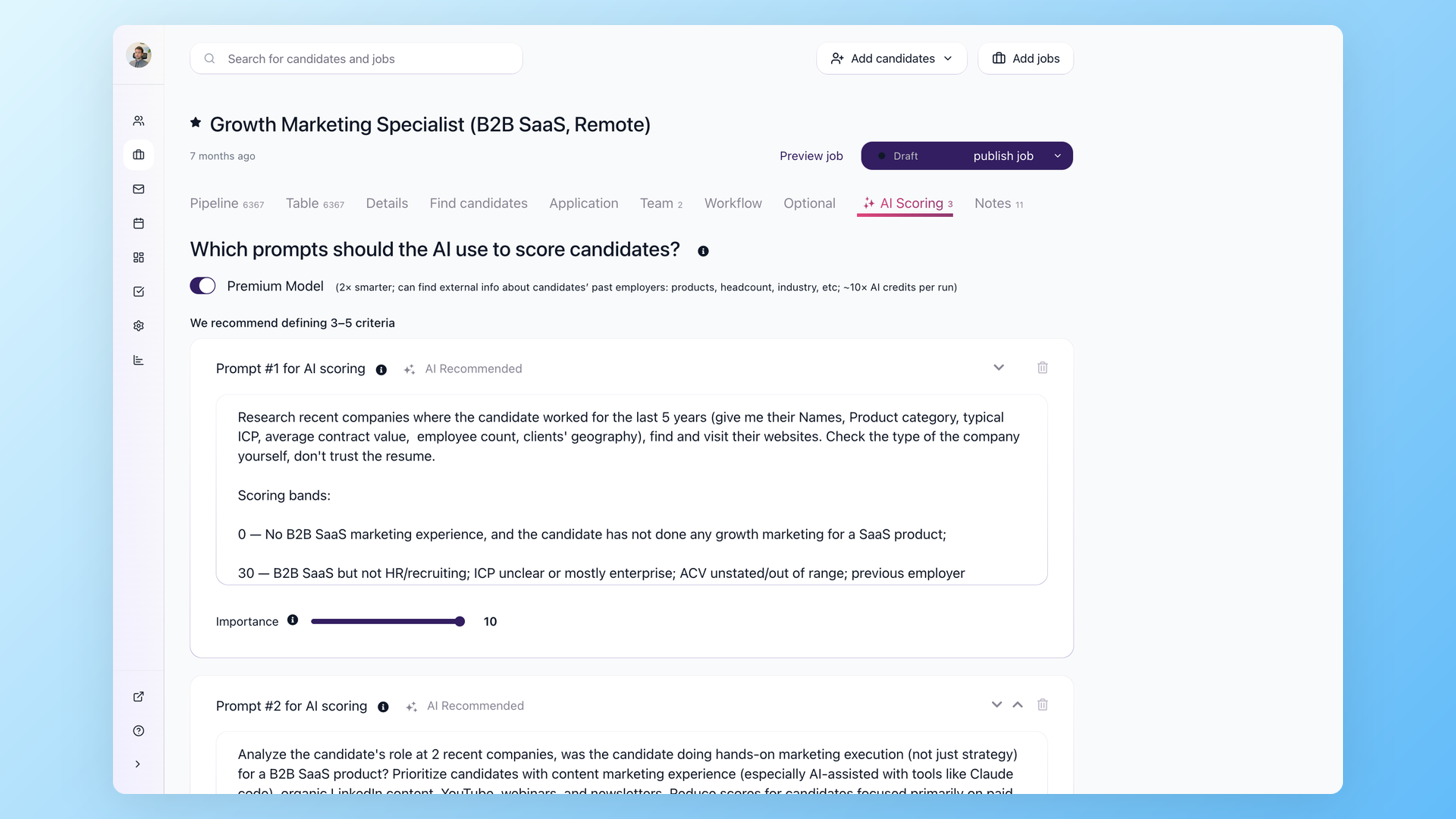
- AI Scoring. Define scoring criteria per job, set an importance weight 1 to 10 per criterion, and AI returns a per-criterion 0 to 100 score plus a total score for every candidate. The premium model option (more credits per run) can search external information about candidates. Output drives candidate prioritization reporting and a ranked candidate list.
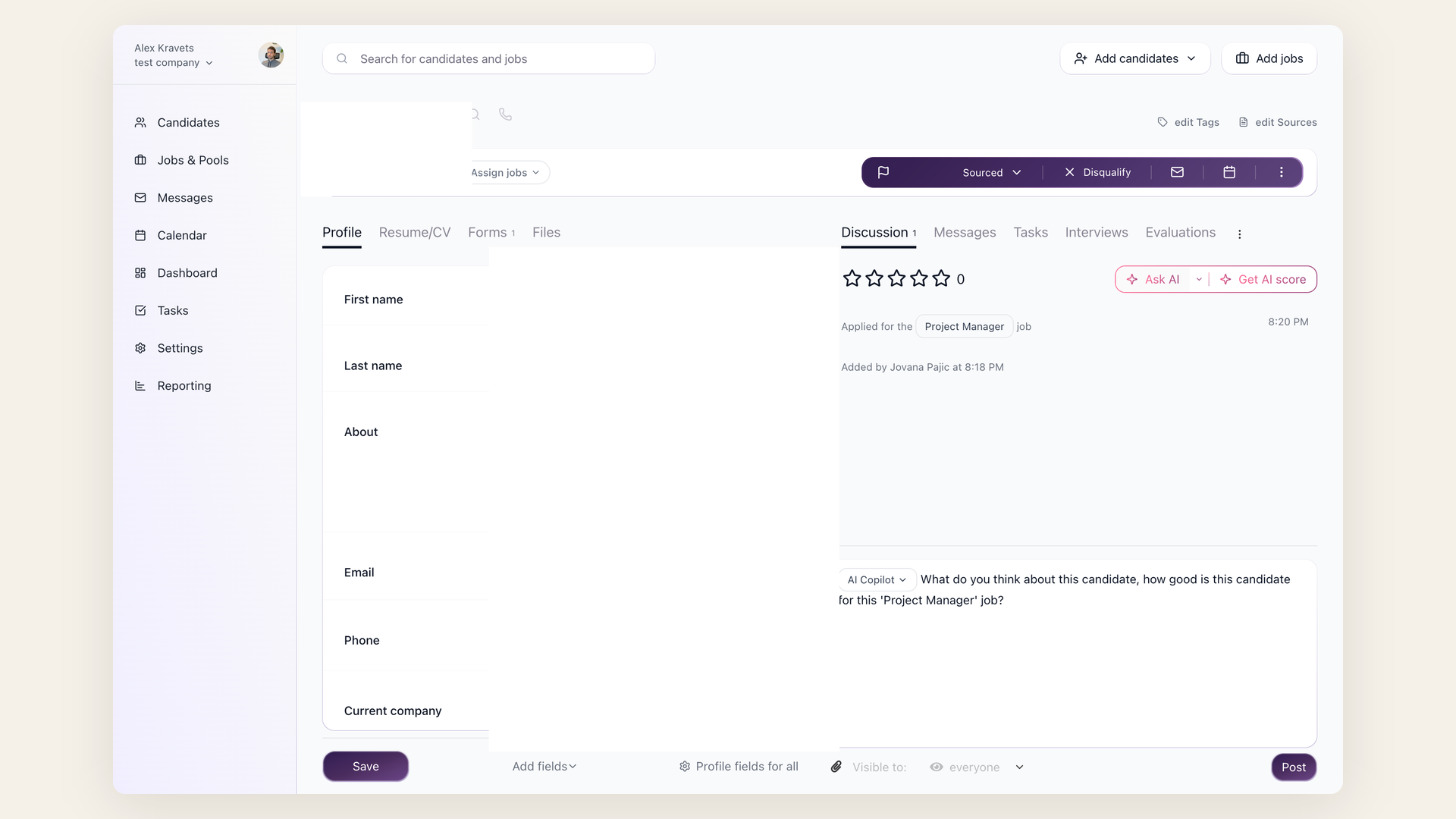
- AI Copilot. Chat with all candidate data inside the candidate's Discussion tab. Type @ to mention AI Copilot, or click "Ask AI." Copilot reads resume, notes, evaluations, emails, application answers, and job description, then answers prompts like "Summarize this candidate's strengths and weaknesses based on all available data."
- AI Email Composer. Drafts personalized emails from saved prompts in the Messages tab. Plus three AI Email Transform actions on existing drafts (rewrite tone, shorten, expand).
- AI-powered bulk resume parsing. Drop multiple resumes, AI parses each into your configured profile fields, and you can add yes/no screening questions ("Does this candidate have higher education?") that AI answers from the resume.
- Built-in dashboards. Source breakdown (filter by date, by job, weekly or daily), time to hire, time to disqualify, pipeline conversion, current pipeline view, disqualification reasons, email and nurture campaign stats.
- Custom reporting via free Google Looker Studio integration. Pull AI scores, evaluation form answers, application data, and activity logs into your own dashboards through the 100Hires API. Used for recruiter productivity (candidates added today, yesterday, last 7 days), custom KPIs, and any view the built-in reports do not cover.
The per-criterion mechanics matter. AI Scoring takes the criteria you define for the job, applies the importance weight (1-10) to each, and returns a separate 0-100 score per criterion plus a total - so a recruiter sees not just "75 overall" but which criteria pulled the candidate up and which dragged the score down. Criteria can be imported from a previous job in one click, which means hiring multiple similar roles takes minutes to set up rather than hours. Hiring priorities that should not be visible to candidates go into the Job Notes tab; AI Copilot reads those alongside the job description and uses them in scoring.
AI Copilot prompts are saved per user and ranked by recency in the dropdown. Common prompts on real customer accounts: "Give me a score from 0 to 100 on how likely this candidate is to be a great fit and whether we should interview them," "Summarize this candidate's strengths and weaknesses based on all available data," and "Compare this candidate's experience against the job requirements." Copilot answers from the candidate's resume, all evaluation form answers, the email thread, application answers, the job description, and any internal job notes - so the answer ties back to data the team has actually captured rather than a generic LLM guess.
Strengths.
- Fast onboarding. The product is designed for SMB teams to get a job posted and AI scoring criteria defined in a single working session, not a multi-week implementation.
- Transparent pricing from $49 per month. AI features ship with the entry tier.
- 13 free job boards built in. Useful, but not the hero feature; AI scoring and Copilot are the reasons buyers choose the platform.
- The free Google Looker Studio path means custom dashboards do not require a paid BI tool.
- AI Scoring criteria can be imported from a previous job, which speeds setup for teams hiring multiple similar roles.
Limitations.
- Less deep customization than analytics-first platforms like Ashby for teams that want to build their own BI dashboards from scratch with full SQL access.
- Recruiter-productivity views are simpler in the built-in reports than Bullhorn's or Lever's. Custom dashboards via API close the gap, but it is a setup step.
- OFCCP-grade compliance reporting is not the platform's focus. Federal contractors with formal AAP and OFCCP audit obligations should evaluate iCIMS or Jobvite alongside 100Hires.
- Higher tiers move to custom quotes for advanced needs (white-labeling, multi-account workflows).
Pricing. From $49 per month, transparent. Custom quotes higher up.
Verdict. The right pick for SMB and startup teams that want AI-augmented analytics out of the box. Pass if you have a dedicated BI team and need open-canvas dashboards with full SQL access.
The buying logic comes through clearly in customer demos. One agency owner framed it directly:
"And for me, it's really important the part of the metrics and the dashboard to see our recruiting performance. So I think that that could be a key for our decision."
Ariadna Portillo, customer demo -data-not-to be-public/sales/sales call transcripts/Ariadna and Jovana Pajic - 2025_10_08 14_30 CEST - Transcript.md
Earlier in the same call she had described the underlying pain:
"There is no single dashboard to keep track of all of our processes in one place... we are missing a way to give our clients visibility into how their candidate pipelines are progressing."
Ariadna Portillo, agency owner, customer demo
That is the buying pattern. Multi-source pain on the front end, dashboard visibility as the deciding feature.
To see 100Hires in action, book a 15-minute walkthrough of AI Scoring, Copilot, and the source-breakdown dashboard with our team.
2. Workable - transparent-priced analytics for growing teams
Positioning. Workable is the practical SMB-to-mid-market choice when you want transparent pricing and a clean reporting builder without AI bells and whistles. The platform has been on the market for over a decade and the analytics module reflects that maturity.
It is competent across source, pipeline, and recruiter activity, less differentiated on AI. The drag-and-drop report builder is the analytics anchor: most weekly questions land inside the existing dashboards without forcing a custom build.
Best for. SMB to mid-market teams (50 to 500 employees) that want predictable monthly cost and decent reporting depth. Teams that already standardize on a published-pricing vendor will gravitate here.
Standout analytics features.
- Custom report builder with drag-and-drop fields.
- Source-of-hire and pipeline conversion dashboards.
- Recruiter activity views by date range and role.
- Stage-time and aging-candidate reports surfaced inside the candidate list.
Strengths.
- Transparent pricing from $299 per month, the second-most-affordable transparent option on this list.
- 22 G2 mentions of "efficient candidate management" indicate consistent core-ATS execution.
- Broad ATS feature parity with the mid-market leaders, so analytics is bundled inside a tool that handles posting, screening, scheduling, and offers in the same product.
- Around 30 percent of Workable G2 reviews come from companies under 50 employees, so the SMB fit is real, not implied.
Limitations.
- 11 G2 mentions of limited customization for advanced needs. Custom dashboards above what the report builder ships with require workarounds.
- 12 G2 mentions of technical glitches across reviewed periods.
- Deeper reporting locks to higher plans, so the $299 entry price does not always include the analytics depth you saw in the demo.
- AI features are present but lighter than 100Hires or Greenhouse on per-candidate scoring.
Pricing. From $299 per month, transparent on the website.
Verdict. Right for SMB and mid-market teams that want a known-cost ATS with workable analytics. Pass if AI scoring or BI-grade dashboards are non-negotiable.
3. Pinpoint - UK and Channel Islands-based analytics with DEI focus
Positioning. Pinpoint is a UK and Channel Islands-based ATS focused on mid-market hiring teams that want a domestic vendor and DEI-conscious analytics. For UK and EU buyers especially, the data-residency story is cleaner than US-headquartered competitors and Pinpoint is attractive for UK clients.
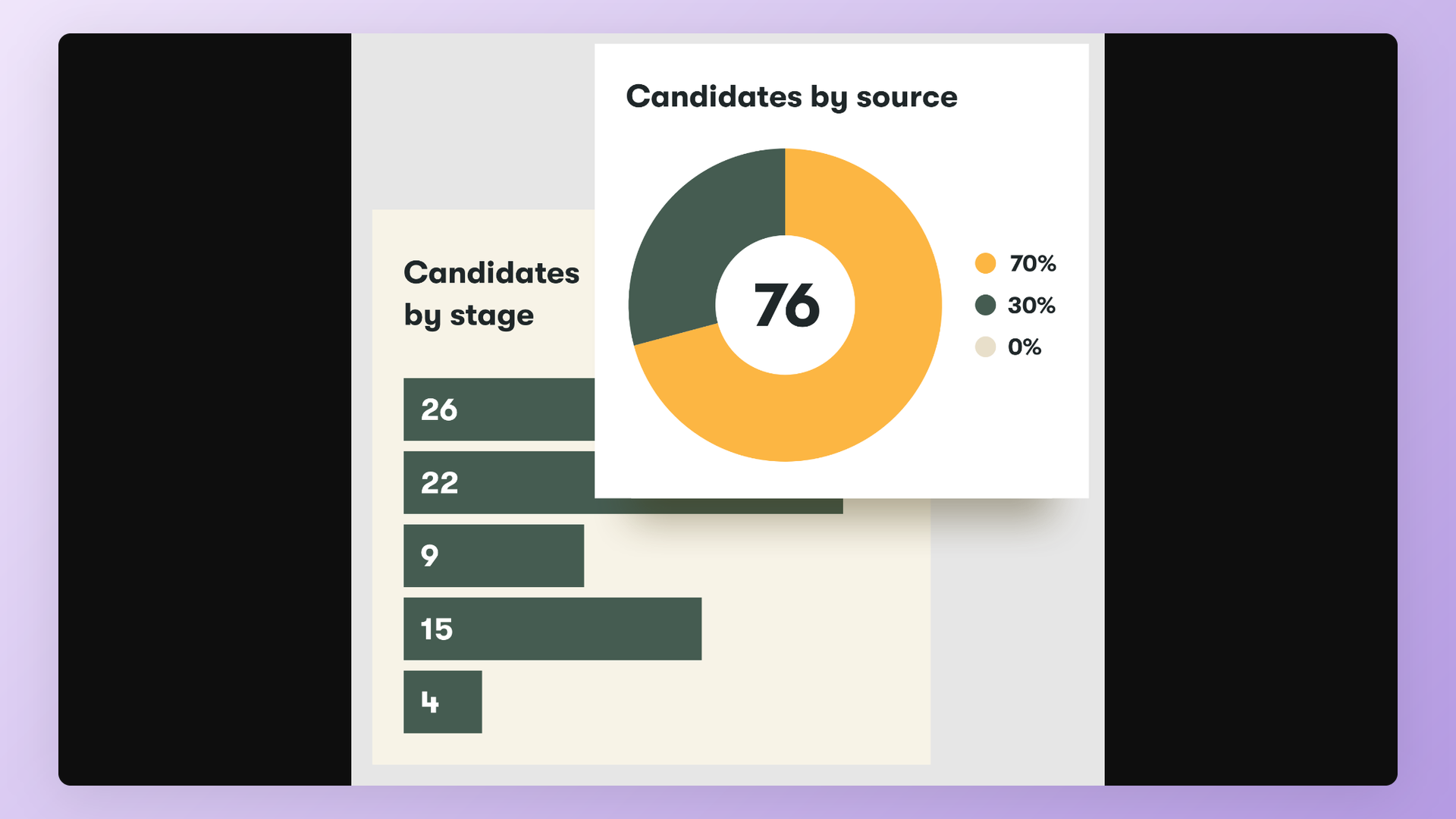
The product reflects the European market sensibility on anonymous screening and DEI reporting. Pinpoint also leans on hiring-manager satisfaction collection inside the workflow, which adds a qualitative layer to the standard pipeline funnel views.
Best for. UK and EU mid-market teams that prefer UK data residency, EU-timezone support, and DEI-first reporting.
Public-sector and regulated-industry teams in the UK in particular gravitate here, and HR leaders who want a vendor that understands GDPR by default rather than as a compliance afterthought.
Standout analytics features.
- Source dashboards with date-range filters.
- DEI-friendly anonymous screening features.
- Hiring-manager feedback collection built into the workflow.
- Pipeline funnel views by stage (verify exact feature set with the vendor).
Strengths.
- UK and Channel Islands-based vendor, which simplifies data-residency and procurement for UK and EU customers.
- Strong anonymous-screening features that align with EU DEI hiring norms.
- Clean, modern UI that compares favorably to the older enterprise tools.
- Engaged customer success team that operates on UK and EU business hours.
Limitations.
- Smaller customer base outside the UK and EU. US buyers may find the integration ecosystem and support footprint thinner than US-headquartered competitors.
- Custom-quote pricing, with no published entry tier.
- AI features are not the headline; reporting is the strength.
- Smaller marketplace of native integrations than Workable, Lever, or Greenhouse.
Pricing. Custom quote.
Verdict. Right for UK and EU teams that prioritize a domestic vendor and DEI reporting. Pass if you are US-only and need the largest integration ecosystem.
4. Recruit CRM - agency analytics with client portals
Positioning. Recruit CRM is built for recruiting agencies, not corporate hiring teams. The product bridges ATS and CRM with reporting designed for billing, client visibility, and recruiter performance attribution.
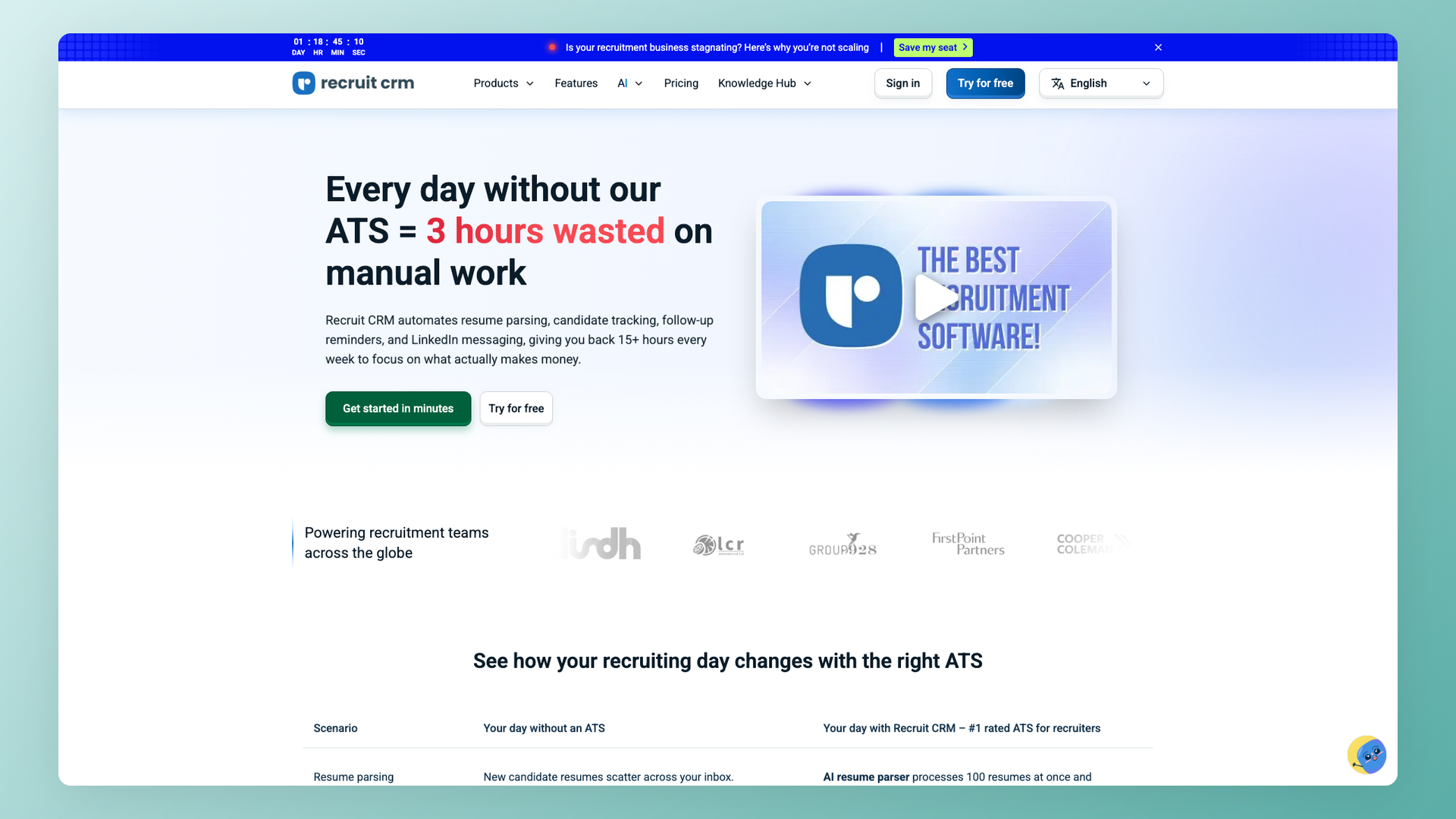
Pricing per user, not per company, fits the agency cost model where every billable recruiter pays for their own seat.
Best for. Small to mid-sized recruiting agencies running multiple client mandates, where a single tool needs to track candidates, clients, and recruiter billing. Teams that have outgrown spreadsheets but are not ready for the full Bullhorn complexity.
Standout analytics features.
- Recruiter performance dashboards (placements, submissions, fill ratios).
- Client-facing reporting portals so each client sees their own pipeline.
- Billing-ready time-and-fee metrics tied to placements.
- Pipeline-by-client views, which corporate ATS tools rarely surface (verify exact feature set with the vendor for your use case).
Strengths.
- Per-user pricing transparent from $85 per user per month on the Pro plan.
- ATS plus CRM in one tool, no second product to integrate.
- Agency-specific reporting that maps directly to billing workflows.
- Faster onboarding than enterprise staffing tools, often inside two weeks.
Limitations.
- Less suited for in-house corporate teams; the workflow assumptions are agency-shaped.
- Fewer AI features than ATS-native tools that have invested in scoring and Copilot capabilities.
- Integrations skew toward agency tooling (job boards, billing, LinkedIn) and away from corporate HR systems.
Pricing. From $85 per user per month on the Pro plan, transparent. Higher tiers (Business, Enterprise) at custom rates.
Verdict. Right for recruiting agencies that bill per placement and need client portals. Pass if you are an in-house TA team.
5. Manatal - low-cost staffing analytics
Positioning. Manatal is mostly used by staffing agencies, not corporate hiring teams. The product originated as a Google Hire copy aimed at staffing operators after Google shut down its ATS, and the lineage shows in the UI patterns and feature scope.
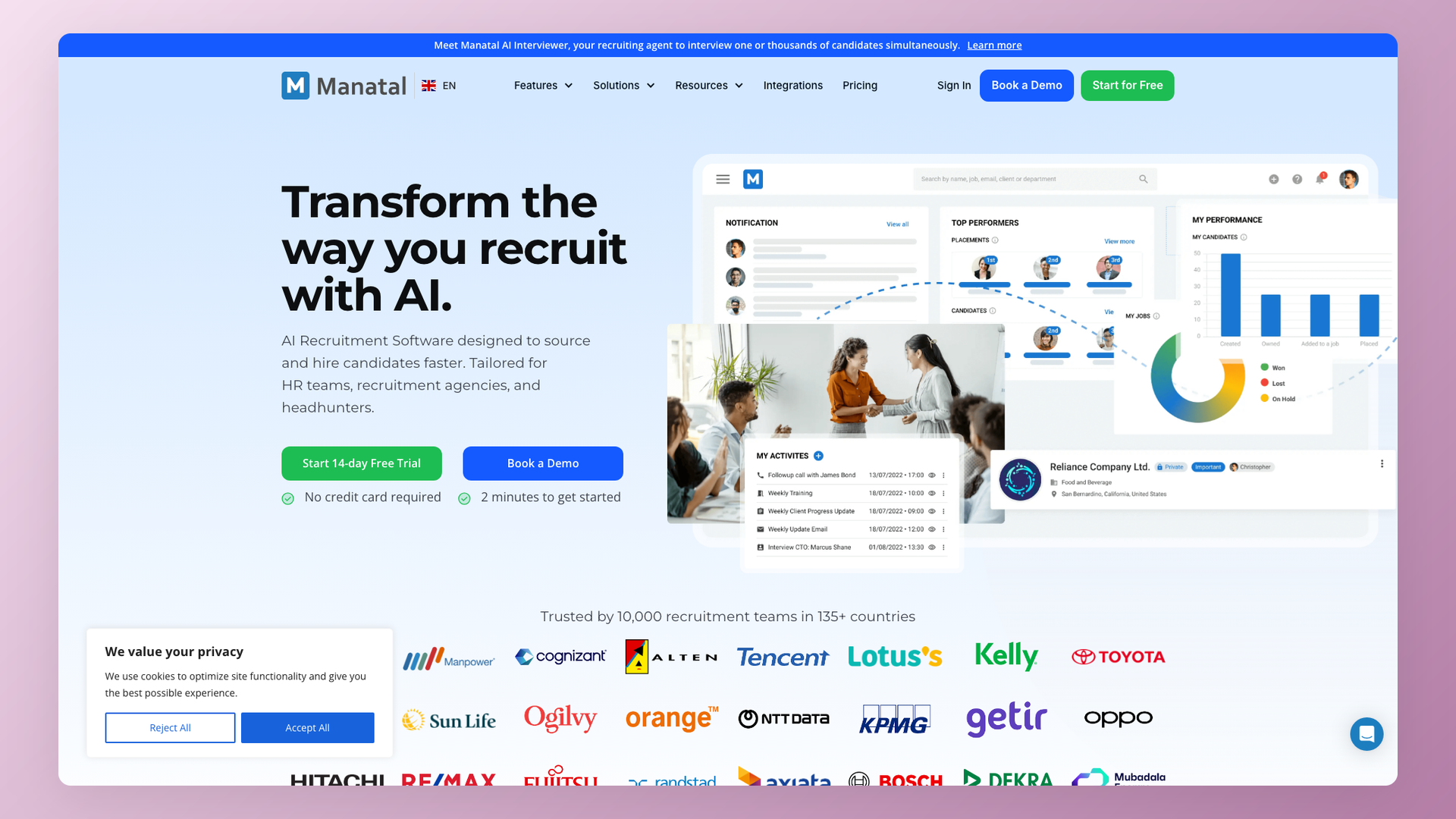
Reporting is functional rather than differentiated.
Best for. Small staffing agencies running cross-border placements, particularly Indian agencies placing talent into European clients.
The Asia-Pacific support footprint and low entry price are the buying drivers, alongside a feature set that handles high-volume staffing pipelines without the price premium of mid-market alternatives.
Standout analytics features.
- Source breakdown across job boards and channels.
- Pipeline aging reports for high-volume staffing pipelines.
- Recruiter activity views by user and by client.
- Basic placement reporting tied to candidate status (verify in their current build).
Strengths.
- Low entry price relative to ATS-native competitors.
- Decent for high-volume staffing pipelines where polish matters less than throughput.
- Asia-Pacific support timezone, which most US and EU vendors do not match.
Limitations.
- Product depth and reporting quality lag ATS-native tools targeting corporate teams.
- AI capabilities are shallow compared to 100Hires, Greenhouse, or Gem.
- UI polish and product maturity sit below mid-market alternatives.
- Integration ecosystem is thinner than mid-market players.
Pricing. Low entry tier, custom quotes higher up.
Verdict. Right for cross-border staffing agencies on a tight budget. Pass if you are a corporate TA team or want deep analytics.
6. BambooHR - HRIS-bundled basic recruiting reports
Positioning. BambooHR is primarily an HRIS. The ATS module is bundled in but recruiting analytics is an afterthought to the company's HRIS focus.
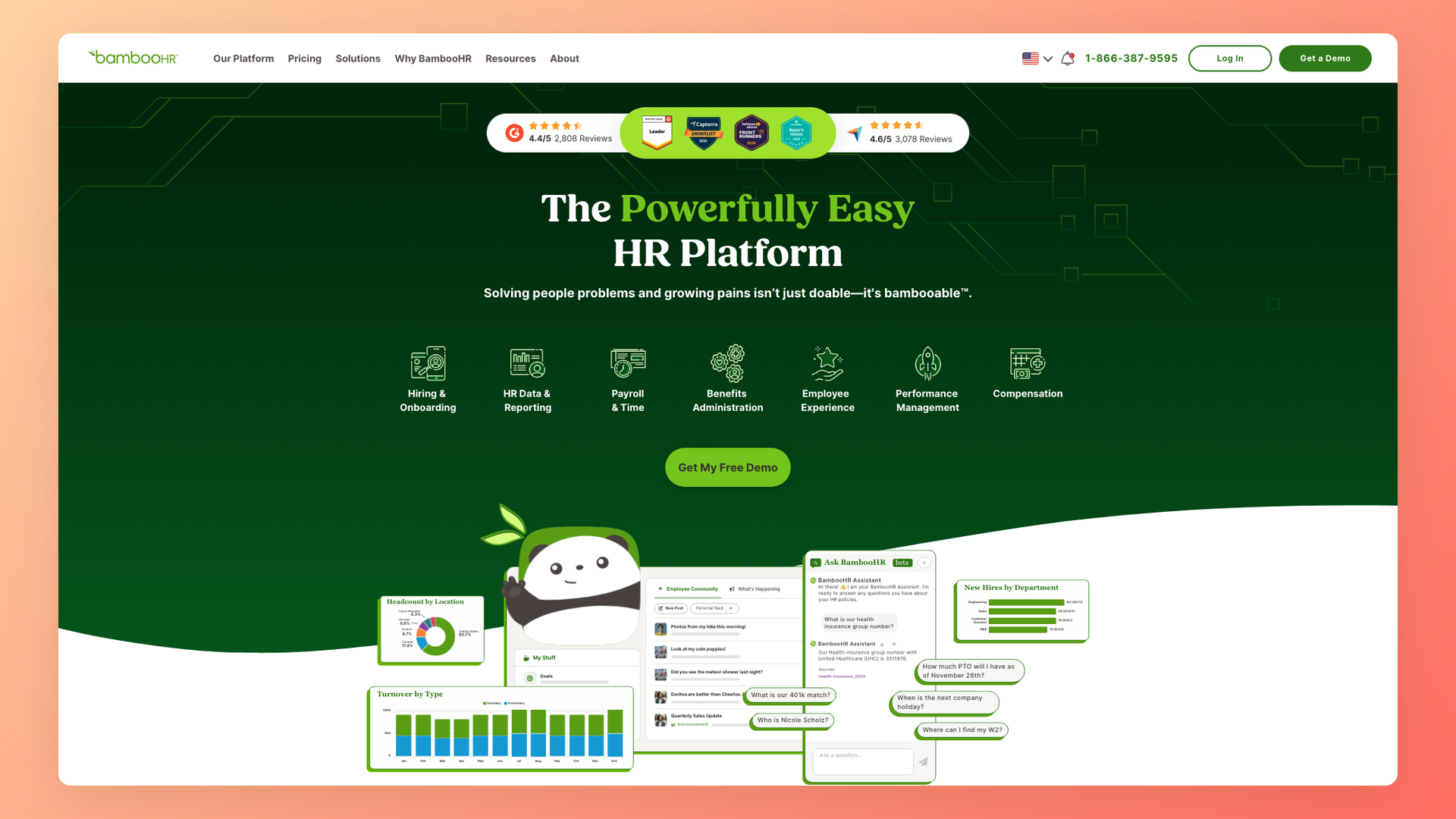
For teams that already pay for BambooHR's people-management features and want basic ATS reporting bundled, it is a low-friction option. As a standalone analytics platform, it is not the right pick.
Best for. Companies that already run BambooHR for HRIS and want basic recruiting reporting without buying a second tool. Mostly small and mid-sized businesses where HRIS is the primary system of record and recruiting is a secondary function.
Standout analytics features.
- Open roles and time-in-stage at a glance.
- Source-of-hire counts by channel.
- Surface-level pipeline views by job and by recruiter (verify exact feature set with the vendor for your use case).
Strengths.
- Tight integration with BambooHR HRIS.
- Lower friction if you are already a BambooHR customer.
- Friendly UI consistent with the broader BambooHR experience.
Limitations.
- The ATS module is weak compared to ATS-native tools. The recruiting workflow is simpler and the reporting depth is shallower.
- Almost no reporting customization beyond the built-in dashboards.
- No AI features for recruiting analytics.
- Source-tagging and pipeline customization are limited compared to ATS-native platforms.
Pricing. Bundled with BambooHR HRIS subscription, custom quote.
Verdict. Right only if BambooHR HRIS is already in place. Pass if recruiting analytics is the primary need.
7. Breezy HR - visual pipeline plus light reporting
Positioning. Breezy HR is a visual pipeline ATS for small teams that want a clean kanban view with light reporting attached. The product's strength is the workflow, not the analytics.
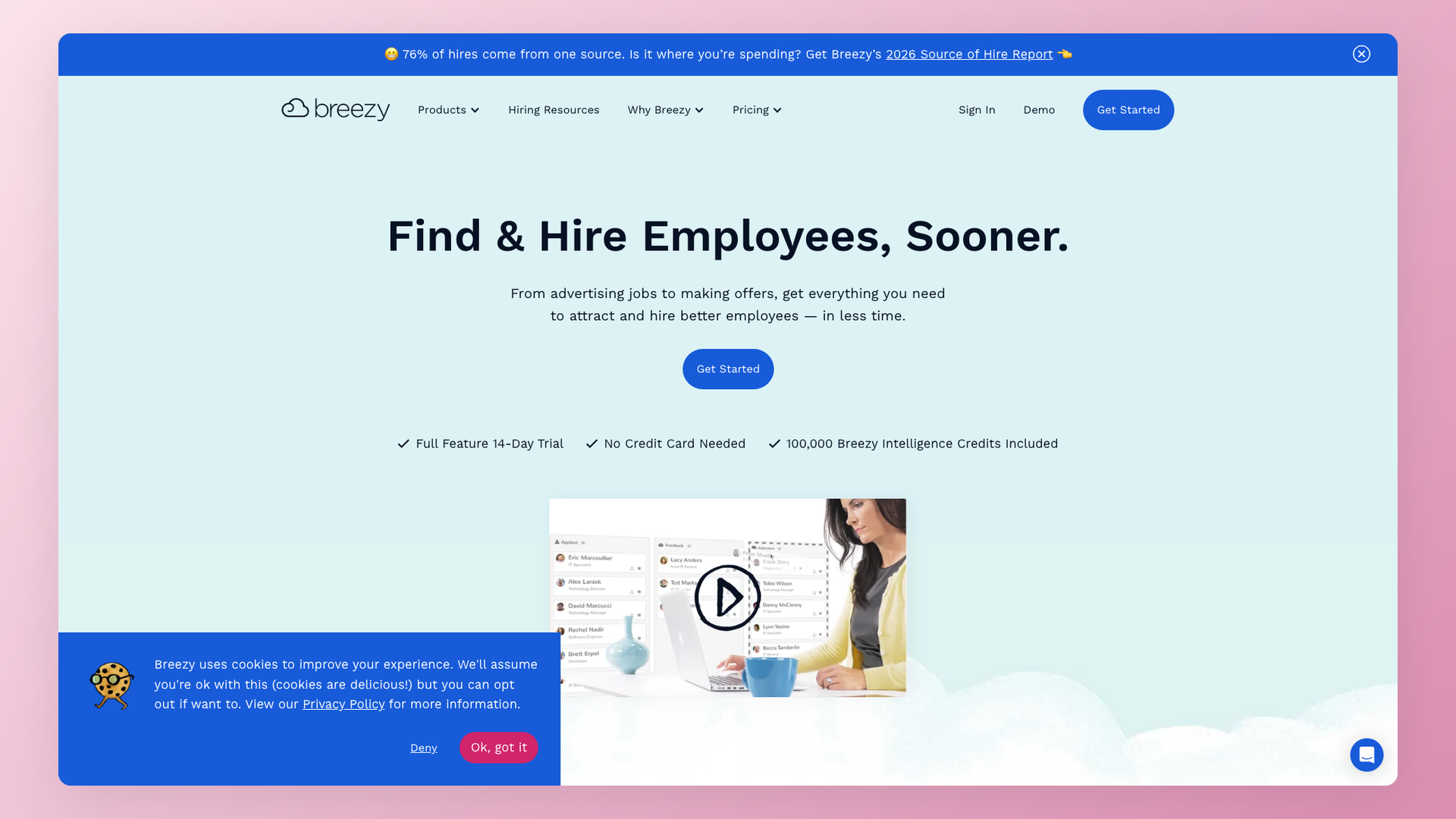
Reporting is sufficient for one-recruiter shops hiring a few roles at a time, less so for multi-team coordination.
Best for. Small teams hiring a few roles at a time who prioritize a visual workflow over deep analytics. Founders who do their own recruiting in the early stages of a startup often default here for the kanban experience.
Standout analytics features.
- Source-of-hire reports across channels.
- Time-in-stage reports surfaced inside the kanban view.
- Recruiter activity overview at the team level.
- Candidate-engagement summary across email and pipeline events (verify exact feature set with the vendor for your use case).
Strengths.
- Clean visual pipeline that small teams find intuitive.
- Easy onboarding with minimal training.
- Lower cost than full mid-market tools on the paid plans.
Limitations.
- Reporting depth is shallow compared to Workable or Ashby.
- Fewer integrations than the larger ATS platforms.
- Customization is limited; the strength is the visual workflow, not configurability.
- No AI scoring or Copilot equivalent.
Pricing. Paid plans with a moderately priced entry tier.
Verdict. Right for small teams that want a simple visual ATS with basic analytics. Pass if you need deep analytics or multi-role coordination.
8. Ashby - analytics-first ATS for data-driven teams
Positioning. Ashby is the analytics-first ATS for data-driven mid-market TA teams that want to build their own dashboards.
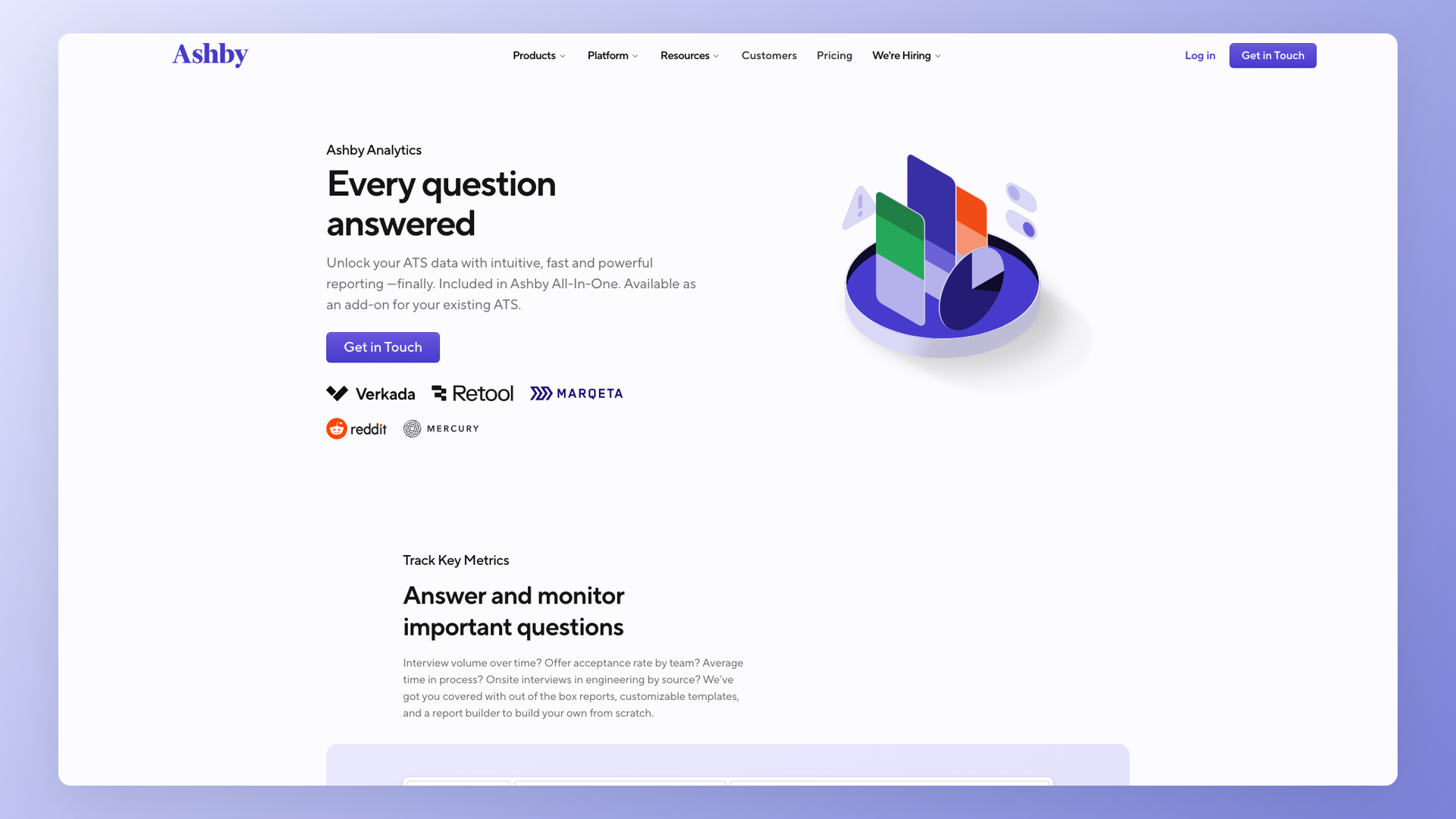
Where 100Hires layers AI on top of ranked outputs and Workable ships a competent report builder, Ashby ships a near-BI-grade analytics module with deep customization and full export options. The price reflects that depth.
Best for. Data-driven mid-market TA teams (51 to 1,000 employees) with at least one analyst on staff and a clear analytics strategy. About 65 percent of Ashby G2 reviews come from companies in the 51-1,000 employee range, which matches the product positioning.
Standout analytics features.
- Customer-built custom dashboards. The single most-cited strength in G2 reviews, with 20 mentions of "powerful analytics and reporting" in the recent review window.
- BI-grade exports to Looker, Tableau, or any SQL-aware analytics tool.
- Deep funnel and conversion filtering by source, recruiter, role, location, and custom field.
- Source ROI and recruiter performance views with full slice-and-dice control.
- Continuous product updates that ship monthly.
Strengths.
- Best-in-class analytics depth on this list. If your buying criterion is dashboard customization, Ashby wins on technical merit.
- Strong customization across the broader ATS module, not just analytics.
- Active product team that ships features at a faster cadence than the older enterprise tools.
Limitations.
- 5 G2 mentions of complexity and steep learning curve. The flexibility that mid-market teams love is overwhelming for small teams without an analyst.
- Premium pricing relative to SMB-focused alternatives. Entry tier starts around $400 per month, custom quotes higher up.
- Onboarding for analytics dashboards is measured in weeks, not hours.
- AI features are present but the product is positioned around analytics, not AI-augmented decisioning.
Pricing. From around $400 per month, custom quotes higher up.
Verdict. Right for mid-market teams with analyst headcount and a clear analytics strategy. Pass if you are SMB or want plug-and-play.
9. Lever - mid-market ATS-CRM with strong ease of use
Positioning. Lever is a mid-market ATS plus CRM that earns the highest ease-of-use scores in this category. With 41 G2 mentions of ease in the recent review window, it is the highest of any tool in this article.
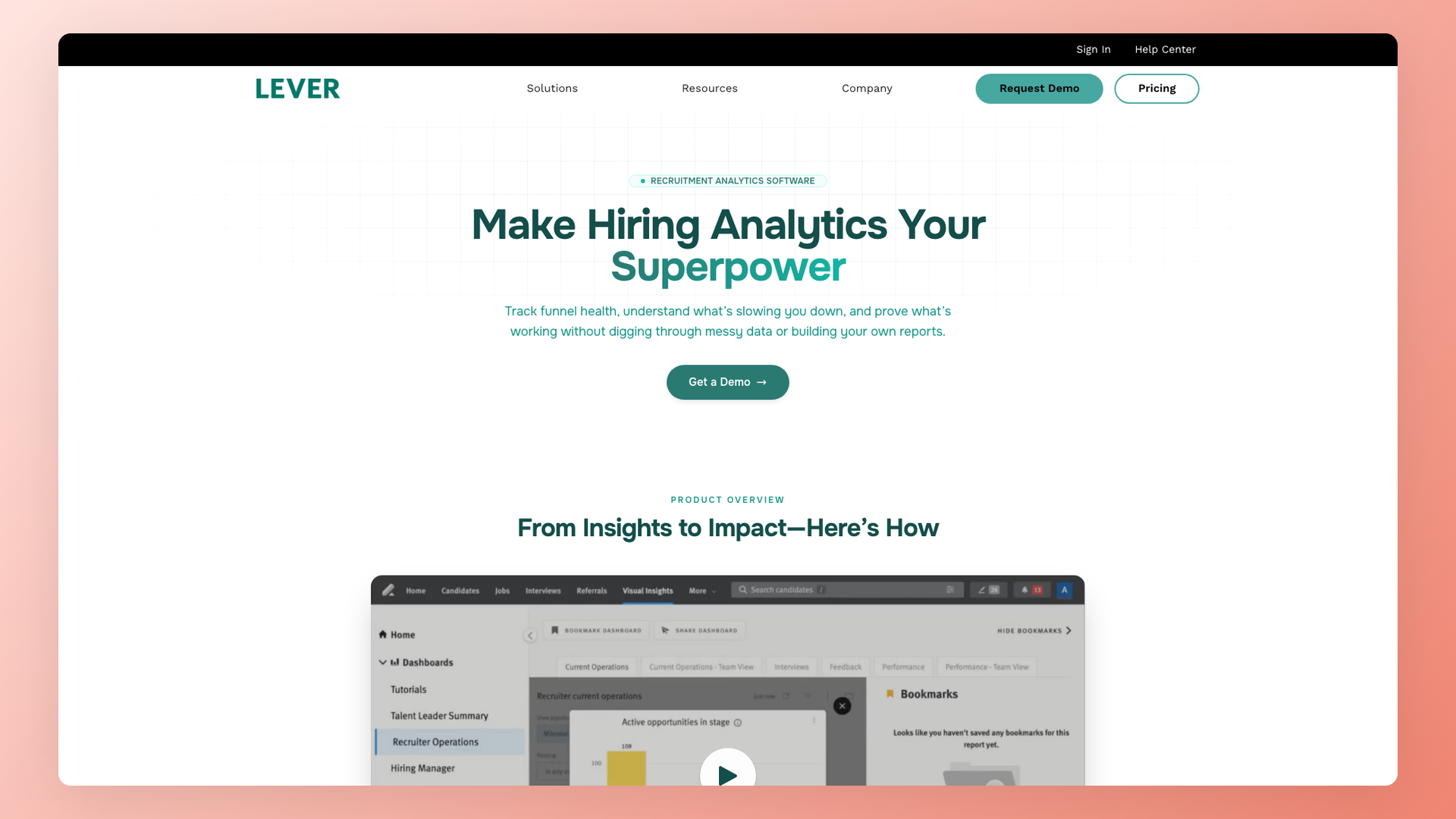
The product positioning is fast adoption over analytics depth, which is the right tradeoff for some teams and the wrong one for others.
Best for. Growing mid-market teams (50 to 500 employees) that prioritize fast adoption over analytics depth. About 82 percent of Lever G2 reviews come from companies in the 51-1,000 employee range.
Standout analytics features.
- Pipeline and ROI analytics tied to source and stage data.
- Visual insights for hiring managers, surfaced in their stakeholder views.
- Sourcing-funnel reports across the CRM side of the product.
- Recruiter-output dashboards by team and by user.
Strengths.
- Highest ease-of-use mentions on this list (41 mentions in the recent review window).
- Strong CRM side, with sequence outreach and candidate nurture built in.
- Well-known integrations across the modern HR stack.
Limitations.
- Deep reporting locks behind a premium plan. The base plan covers built-in dashboards but not the full BI export path.
- No native mobile app, which a portion of the user base flags in reviews.
- Custom-quote pricing with high per-seat cost relative to SMB alternatives.
- AI features are present but lighter than 100Hires or Greenhouse on per-candidate scoring.
Pricing. Custom quote.
Verdict. Right for growing teams that want adoption speed and a strong CRM side. Pass if you need open-canvas analytics or transparent pricing.
10. Gem - sourcing analytics with a newer ATS module
Positioning. Gem is a long-time sourcing and outreach platform. The company recently added an ATS module, so the ATS side is still maturing whereas the outreach analytics remain best-in-class.
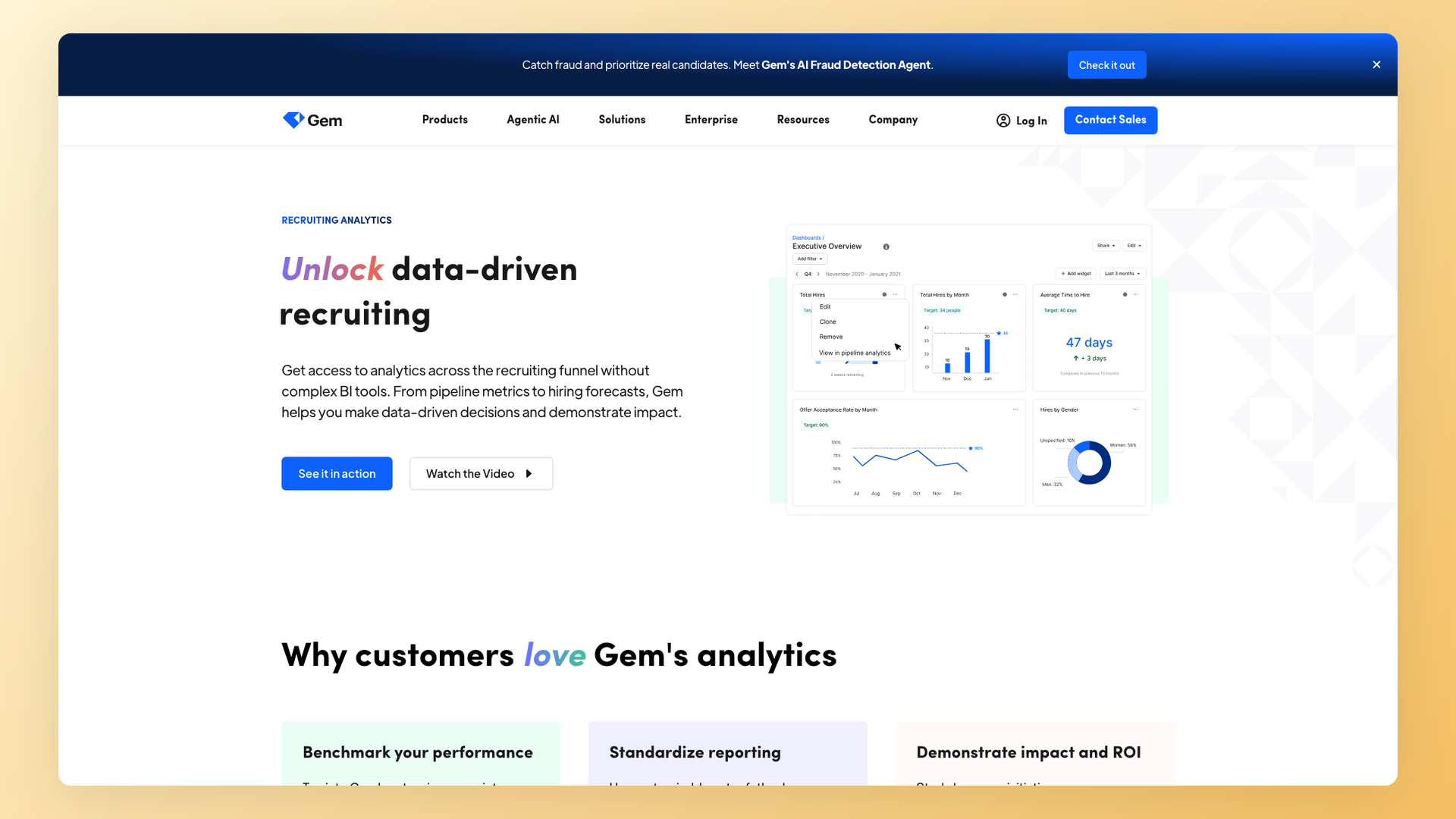
For teams that buy Gem, the buying logic is sourcing analytics first; ATS workflow is a bonus.
Best for. Outbound-heavy teams (mid-market to enterprise) that prioritize sourcing analytics over ATS workflow. About 48 percent of Gem G2 reviews come from companies of 51-1,000 employees and 34 percent from 1,000+, which matches the outbound-heavy enterprise pattern.
Standout analytics features.
- Outreach analytics across the full funnel. 25 G2 mentions of automated outreach in the recent review window.
- Reporting and analytics depth on the sourcing side, with 21 G2 mentions.
- Sequence performance and reply-rate dashboards.
- Source-quality scoring tied to candidate enrichment.
Strengths.
- Best-in-class outreach analytics on this list.
- Strong integration ecosystem on the sourcing side.
- 31 G2 mentions of ease of use, particularly on the sourcing dashboards.
Limitations.
- The ATS module is newer than competitors, so buyers should pilot core workflows before treating Gem as a full ATS replacement.
- 12 G2 mentions of email accuracy issues; not a deal-breaker for high-volume sourcing but worth piloting.
- 11 G2 mentions of integration challenges.
Pricing. Custom quote.
Verdict. Right for outbound-heavy teams that need sourcing analytics first and ATS second. Pass if you need a mature unified ATS with deep candidate-side reporting.
11. Greenhouse - structured-hiring enterprise analytics
Positioning. Greenhouse is an enterprise ATS with a structured-hiring framework that has shaped a generation of TA teams. Pricing is custom-quoted and skews high, which makes it expensive especially for larger companies.
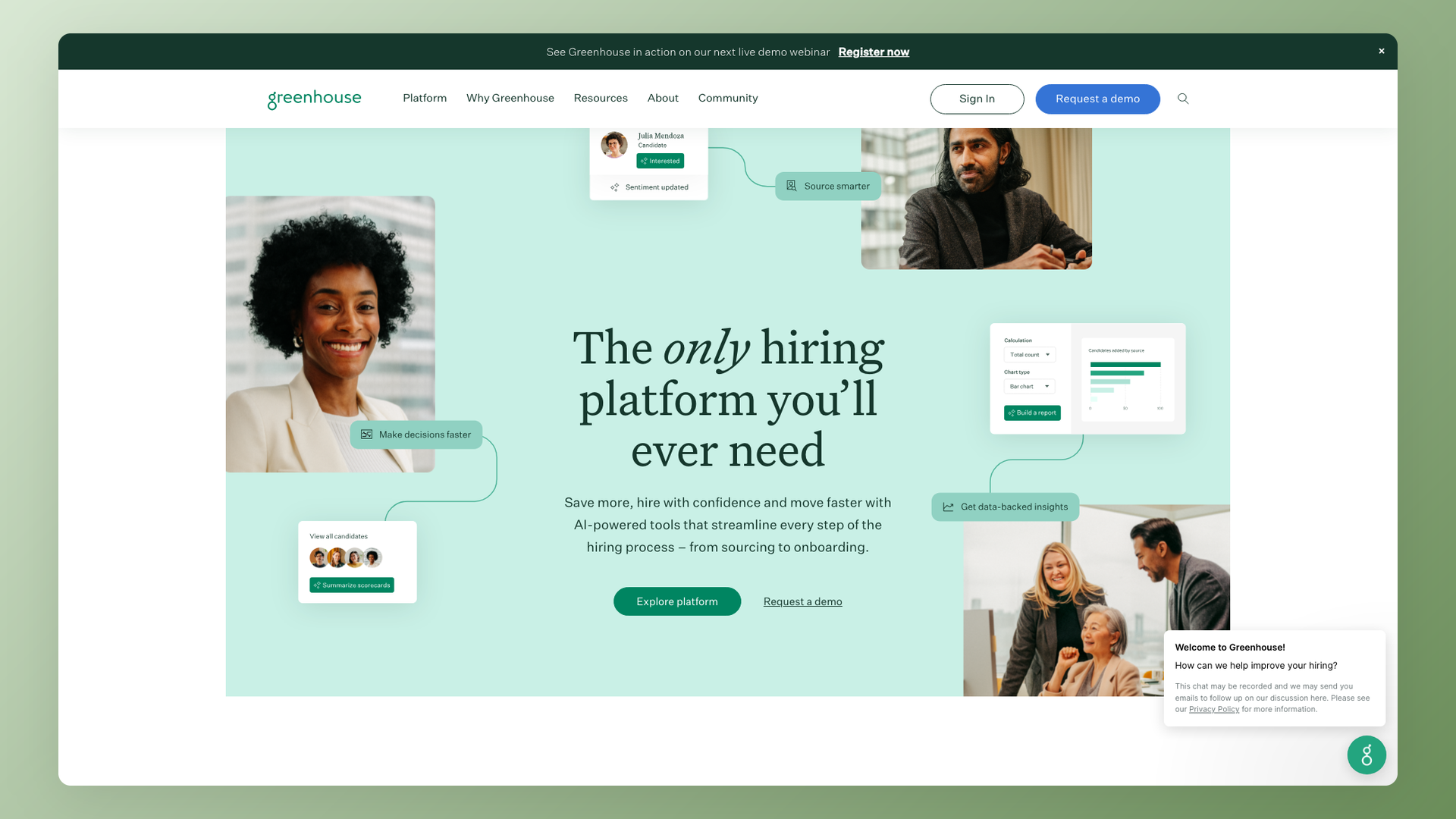
The analytics module is solid but locks the deeper capabilities behind premium tiers.
Best for. Enterprise teams with structured hiring processes and the budget to absorb premium pricing. About 64 percent of Greenhouse G2 reviews come from companies in the 51-1,000 employee range and 26 percent from 1,000+, with the enterprise tier being the strongest fit.
Standout analytics features.
- Custom reports and dashboards on premium tiers.
- AI report filters, a newer capability layered on existing reporting.
- BI connector on higher plans for export to Looker or Tableau.
- Structured scorecards feeding quality-of-hire reporting.
Strengths.
- Strong structured-hiring framework that improves interview consistency.
- Deep reporting on premium tiers with full custom-dashboard capabilities.
- Well-known in enterprise procurement, which simplifies internal sign-off.
Limitations.
- 10 G2 mentions of outdated UI in the recent review window.
- 6 G2 mentions of slow customer support.
- Reporting depth locks to higher tiers, so the SMB-friendly entry doesn't include the analytics that buyers see in demos.
- Expensive, especially for larger companies. The pricing pattern penalizes growth.
One Reddit thread captured the day-to-day friction with Greenhouse exports:
"Does anyone know if there is a way to schedule the delivery of job summary report exports to an SFTP or another system?"
r/recruiting, "Greenhouse ATS Reporting" thread - link
That kind of integration friction is normal for legacy enterprise tools and worth budgeting in your evaluation timeline.
Pricing. Custom quote, skews high.
Verdict. Right for enterprise teams with the budget and process maturity to use it. Pass if you are SMB, mid-market, or want pricing transparency.
12. Bullhorn - staffing CRM with deep recruiter analytics
Positioning. Bullhorn has a staffing-CRM heritage. About 38 percent of Bullhorn G2 reviews come from staffing and recruiting firms, which is the highest staffing share of any tool on this list. It is not a corporate ATS first, despite many corporate teams having used it.
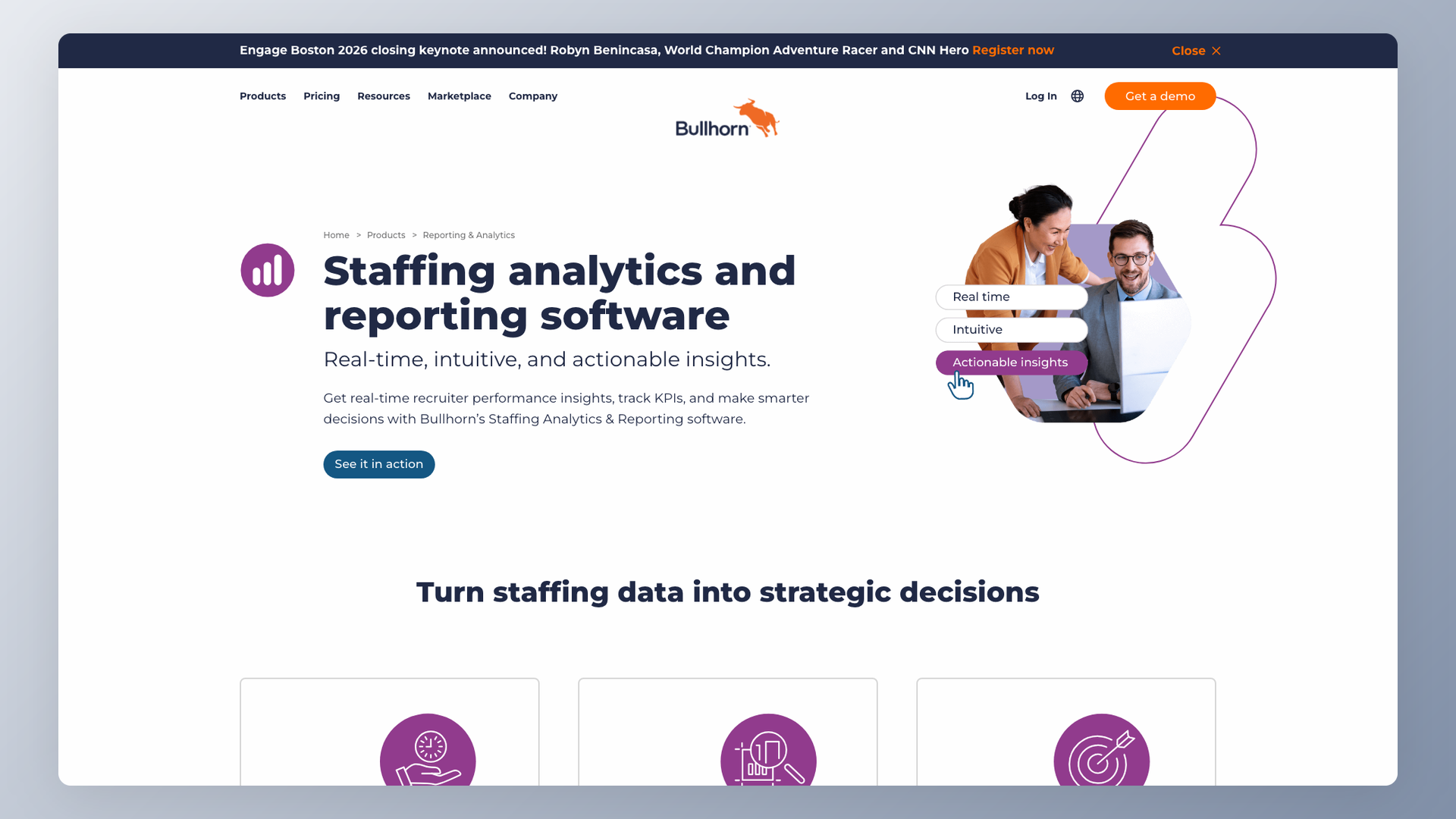
The deep recruiter-performance dashboards are the buying driver for staffing operators. Submission-to-placement ratios, fill rates, and pipeline-by-client visibility map directly to the agency commission structure, which is why staffing firms with multi-office operations lean on it as a system of record rather than a reporting tool.
Best for. Established staffing firms with deep CRM workflows and recruiter-performance reporting needs. Mid-sized to large staffing operators that need ATS, CRM, and billing in one platform.
Standout analytics features.
- Standard reporting plus advanced dashboards on the higher tiers.
- Recruiter-performance visibility (submission-to-placement ratios, fill rates).
- Pipeline and submission analytics tied to client mandates.
- Client-billing-ready reports for staffing firms (verify exact feature set with the vendor for your use case).
Strengths.
- 27 G2 mentions of ease of use across recruiter-performance views.
- Integrated CRM and ATS in one platform.
- Deep customization for staffing workflows, including billing and time tracking integrations.
Limitations.
- 18 G2 mentions of complexity, in tension with the ease-of-use mentions and reflecting the gap between simple and advanced workflows.
- 17 G2 mentions of technical glitches in the recent review window.
- 15 G2 mentions of poor support.
- 10 G2 mentions of outdated UI patterns.
Pricing. Custom quote.
Verdict. Right for staffing firms that need CRM plus ATS plus billing reporting. Pass if you are corporate TA.
Which tool for your use case
The 12-tool list maps to five buyer types. Pick the bucket first, then narrow on the specifics. The same tool can be the right pick for a 10-person startup and the wrong pick for a 200-person growth-stage company. ICP fit dominates the decision.
SMB and startup with AI needs
Default to 100Hires: AI Scoring, AI Copilot, AI Email Composer, and built-in source/time/pipeline dashboards on the $49/month entry tier, plus the free Google Looker Studio path for custom views. Workable at $299/month is the transparent-priced fallback if AI is not the primary buying criterion. Recruit CRM fits if you bill clients per placement and need client portals.
The buying signal that points here is a small recruiter-to-applicant ratio. Alejandro Saavedra captured the SMB pain pattern exactly on a recent demo:
"If I get 200 resumes... I just want it to prioritize for me. These are the top 30 out of the last 200 you need to look at."
Alejandro Saavedra, customer demo
That is exactly what AI Scoring delivers, and the reason 100Hires positions AI before pricing in this audience. The same scoring also turns leadership questions like "how many applicants have a specific certification?" into a top-N filter rather than a manual scan through every resume.
UK or EU-focused team
Pinpoint is the cleanest pick for UK and EU mid-market teams that need UK data residency, anonymous-screening DEI dashboards, or a domestic vendor for procurement reasons. The signals usually come from established mid-market HR teams in the public sector, education, or regulated industries. 100Hires is the alternative for AI-led teams not bound by UK-vendor rules.
Recruiting agency
Recruit CRM for boutique to mid-sized agencies that need client portals and lightweight billing reporting. Bullhorn for established staffing firms with billing complexity, time tracking, and multi-office coordination. Manatal for cross-border agencies on a tight budget, particularly Indian agencies placing into European clients. The deciding factor across the bucket is per-recruiter billing - per-user pricing maps cleanly to per-recruiter revenue, whereas per-company pricing on corporate-focused tools usually does not align with the agency cost structure.
Mid-market analytics-first
Ashby for the deepest dashboard customization with full BI exports (requires an analyst). Lever for teams that prioritize ease of use and CRM-side reporting over analytics depth. Gem for outbound-heavy teams where most pipeline volume comes from sourcing. The signal that points here is having an analyst on staff - if nobody on your team can write a Looker tile in the next month, mid-market analytics-first tools tend to get bought and never used.
Enterprise structured or compliance-heavy
Greenhouse is the default for enterprise teams with structured-hiring processes and the budget for premium pricing. iCIMS or Eightfold are the alternatives if OFCCP/EEOC/AAP compliance dominates the buying decision (both out of scope for this 12-tool list). The signal that points here is a procurement process that runs months rather than weeks, with multi-stakeholder review covering recruiting, finance, IT, and compliance.
Frequently asked questions
What is recruitment analytics software?
The reporting layer on top of an ATS that turns hiring activity (applications, sourcing, interviews, offers, rejections) into pattern data so teams can spot bottlenecks. Modern platforms add AI scoring to rank candidates against your criteria automatically.
What metrics should recruitment analytics track?
At a minimum: source performance, pipeline conversion, time-to-hire, time-in-stage, recruiter productivity, and offer-acceptance rate. Outbound-heavy teams add sequence performance; quality-of-hire measurement (90-day retention) usually needs HRIS integration.
Is recruitment analytics software different from an ATS?
An ATS records the hiring workflow; recruitment analytics interprets it. For SMBs and most mid-market teams, ATS-native analytics is sufficient if the ATS is a strong analytics player like 100Hires, Ashby, or Workable. Enterprise teams with custom data models often pair a separate Looker or Tableau setup with the ATS API.
How much does recruitment analytics software cost?
Transparent options start at $49/month (100Hires), $299/month (Workable), and $85/user/month on Recruit CRM Pro. Enterprise tools are custom-quoted, with pricing tied to seat count, modules, and implementation services. Hidden costs to budget for: implementation, premium-tier upgrades to unlock the analytics shown in demos, and BI-tool licenses for custom dashboards.
Can small businesses afford recruitment analytics?
Yes. 100Hires at $49/month and Recruit CRM from $85/user/month both fit SMB budgets, with Workable at $299/month the next step up. The risk to watch for is a custom-quote enterprise tool that comes in cheap on the demo and escalates at renewal.
Does AI improve recruitment analytics?
AI changes the output: instead of reading charts to decide who to interview, AI scoring ranks candidates against your criteria and AI Copilot answers questions like "summarize this candidate's strengths" directly from pipeline data. The recruiter still reviews each candidate, but the order is right.
What is the difference between built-in reporting and custom dashboards?
Built-in reporting answers the most common questions (source breakdown, time-to-hire, pipeline view) without setup. Custom dashboards via Looker, Tableau, or Google Looker Studio handle the questions specific to your business but require a BI integration or an analyst.
Should I track OFCCP and EEOC compliance reporting?
Federal contractors and regulated employers must track OFCCP, EEOC, and AAP reporting; iCIMS and Jobvite lead this bucket, with Greenhouse and Pinpoint covering the basics among the 12 tools reviewed here. Most SMB teams without federal-contractor obligations can pick AI-augmented analytics now and revisit compliance tooling when the requirement actually lands - confirm specific thresholds with your compliance attorney rather than treating headcount as a one-size-fits-all rule.
Wrap-up and next steps
The 12 tools split cleanly into three buckets: AI-augmented analytics for SMBs and startups (100Hires leads), customizable BI dashboards for mid-market data teams (Ashby leads, Gem for sourcing), and enterprise reporting with compliance and structured hiring (Greenhouse leads, Bullhorn for staffing). For macro-hiring context, the BLS JOLTS data publishes monthly job openings, hires, and quits.
If you are evaluating recruitment analytics software for an SMB or startup, book a 100Hires demo to see AI Scoring, Copilot, and the source-breakdown dashboard with your own data, or see 100Hires pricing for a full plan comparison.
Try 100Hires for free
No credit card. 14-day trial. Forbes Advisor #1 ATS for SMBs.