Outlook integration that runs candidate email and scheduling from your ATS
Email candidates from their profile and book interviews on real Outlook availability, with every message and calendar invite synced both ways so nothing hides in a folder only you can see.





screening candidates
response rates
time to fill
per hire
The 100Hires Outlook integration connects your Microsoft 365 account so you email candidates and schedule interviews without leaving the ATS. Send a message from a candidate profile and it goes out from your real Outlook address, and the reply lands in both your inbox and the candidate record.
Connect the Microsoft 365 Calendar on top of that and you book interviews on slots that are genuinely free, with invites that reach everyone involved. This page covers what syncs, what you need to turn it on, and how the email and calendar halves work day to day.
Your candidate email and your hiring record never agree
Most teams run hiring out of two places that do not talk to each other. Candidate threads pile up in Outlook folders only one person can see, so a teammate covering the role starts blind, and it is easy to message the same person twice. Scheduling turns into a round of proposed times and reschedules, and the strongest candidates accept another offer while you wait.
The fix is not another inbox. It is pulling Outlook email and your Microsoft 365 calendar into the same place you already track candidates, so the message history and the interview both sit on the record. Here is how that works in 100Hires.
Every candidate email, threaded where the team can see it
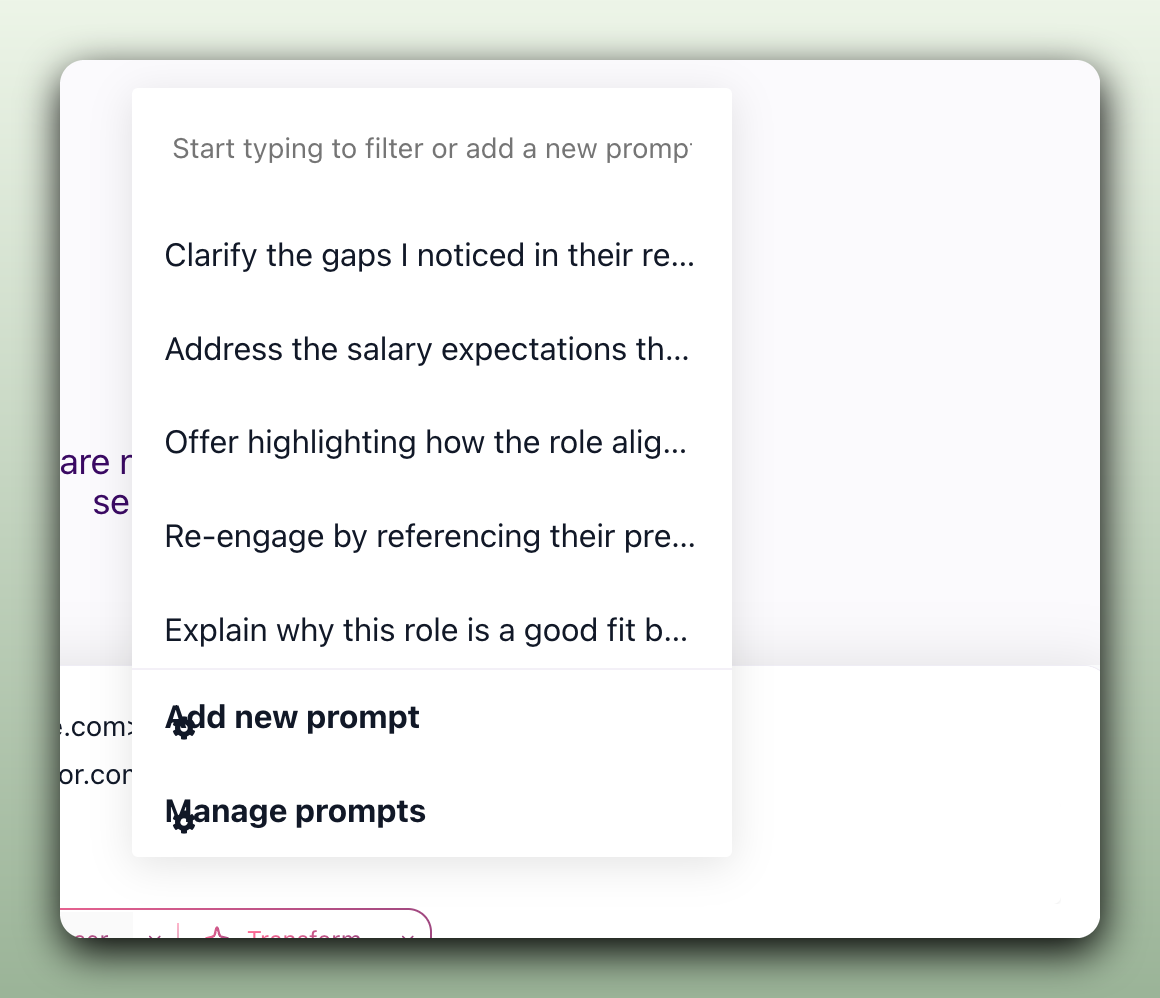
Connect Outlook in Settings then Integrations and 100Hires sends from your real address, with no administrator app install to wait on. Write to a candidate from their Messages tab and the email lands in their inbox and in your Outlook Sent folder. Their reply shows up in both places, threaded, so anyone on the hiring team reads the full back and forth without a single forward.
- Two-way sync with Outlook, both directions
- Sends from your real Outlook address
- Templates with personalization variables
- Connect more than one mailbox
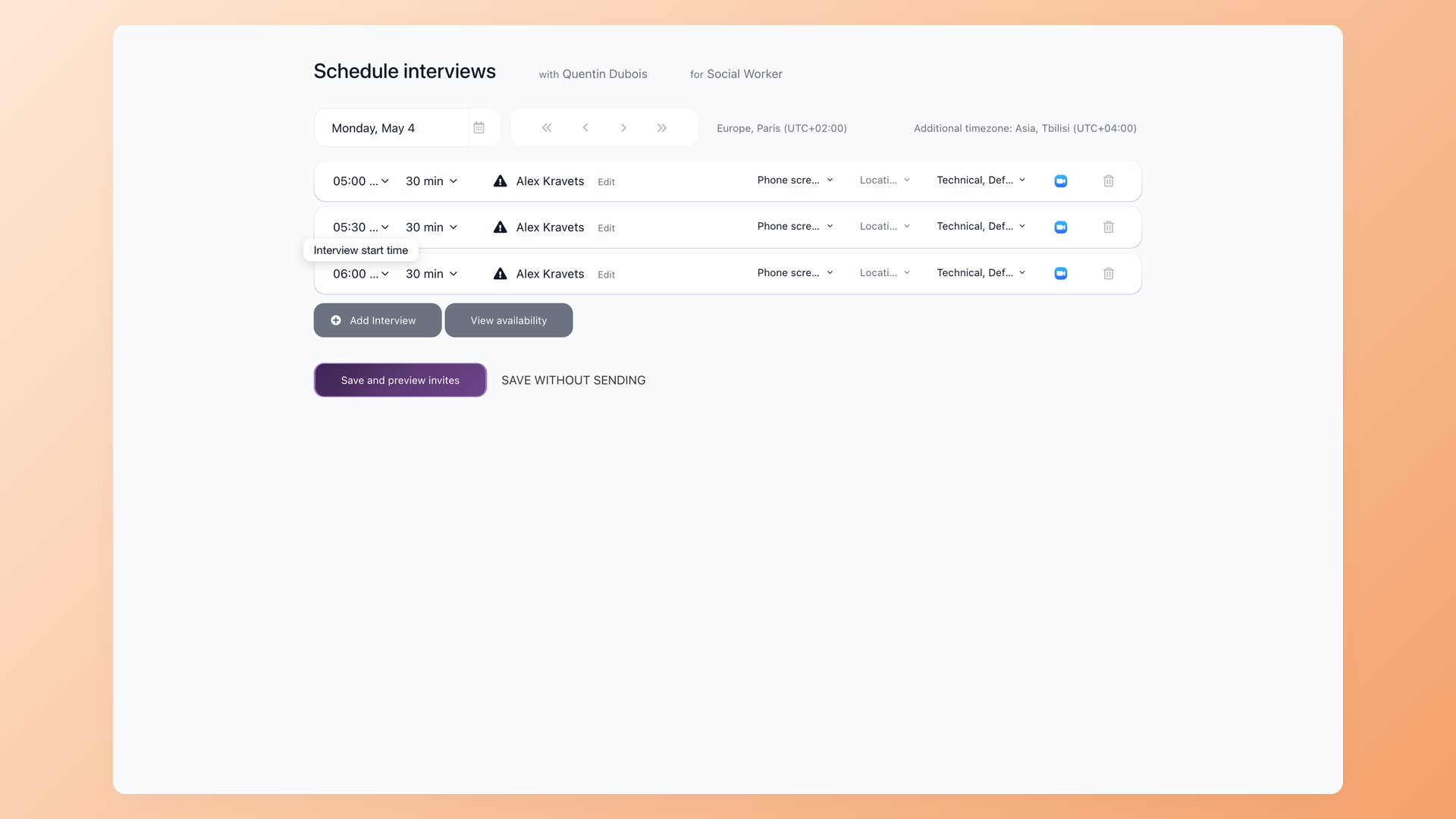
Book the interview on a slot that is actually free
Connect the Microsoft 365 Calendar and the Interviews tab shows each interviewer's real busy and free time. Pick a slot and 100Hires sends the Outlook calendar invite to the interviewers and the candidate, then keeps it in sync when someone reschedules or cancels. Panel interviews stop being a guessing game because you see everyone's availability on one screen.
- Interviewer free and busy from Outlook
- Auto calendar invites to the team and candidate
- Reschedules and cancels sync both ways
- One view for panel interviews
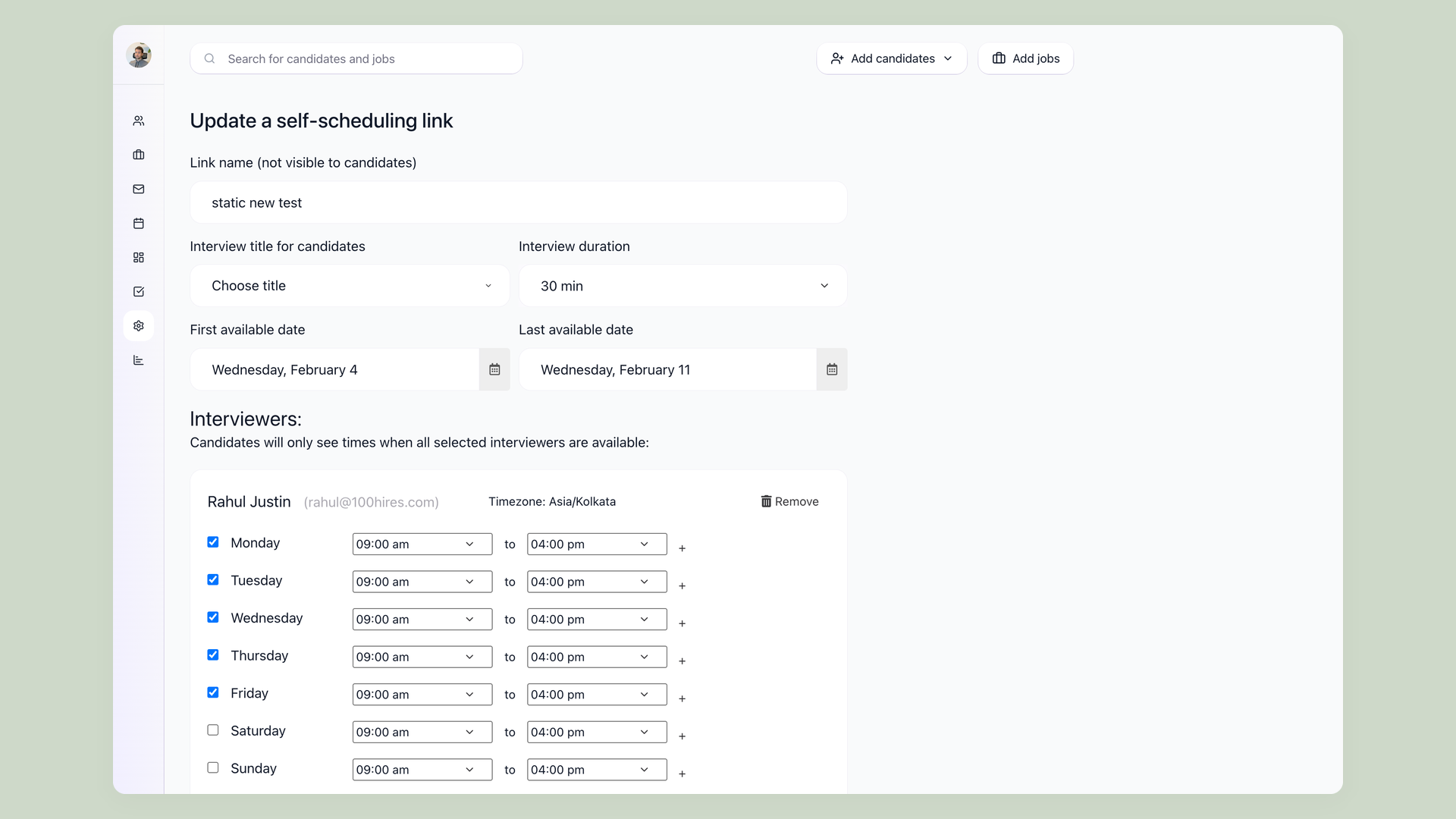
Stop chasing replies just to lock a time
Send a Self-scheduling link and the candidate books a real open slot straight from your Outlook availability, so the proposed-time email thread disappears. Pair it with stage automations and Nurture campaigns that send templated follow-ups from your Outlook address when a candidate changes stage, and the routine chasing runs on its own while you spend time on the people.
- Candidates self-book from your real availability
- No proposed-time email thread
- Stage-triggered follow-ups from your address
- Nurture campaigns keep candidates warm
What connects, what syncs, and what you need
Running candidate email and interview scheduling through Outlook takes two connections, both set up in Settings then Integrations. Here is the full picture, including the one requirement that applies to every row.
| What it does | Sync direction | What you need | |
|---|---|---|---|
| Outlook email | Send and receive candidate email from the candidate record | Two-way, both directions | Microsoft 365 work account |
| Microsoft 365 Calendar | Schedule interviews on real interviewer availability with auto invites | Two-way, both directions | Microsoft 365 work account |
| Self-scheduling links | Candidates book an open slot from your calendar availability | Reads availability, writes the booking | Connected Microsoft 365 Calendar |
| Automated stage emails | Templated follow-ups sent from your address as candidates move stage | Outbound from your mailbox | Connected Outlook email |
What you need to connect Outlook, and what 100Hires can see
The Outlook integration works with a Microsoft 365 work account, the email address on your company domain, not a personal Outlook.com or Hotmail address. Connecting email takes a couple of clicks in Settings then Integrations and does not need an administrator to install anything first. The Microsoft 365 Calendar connects the same way with its own authorization.
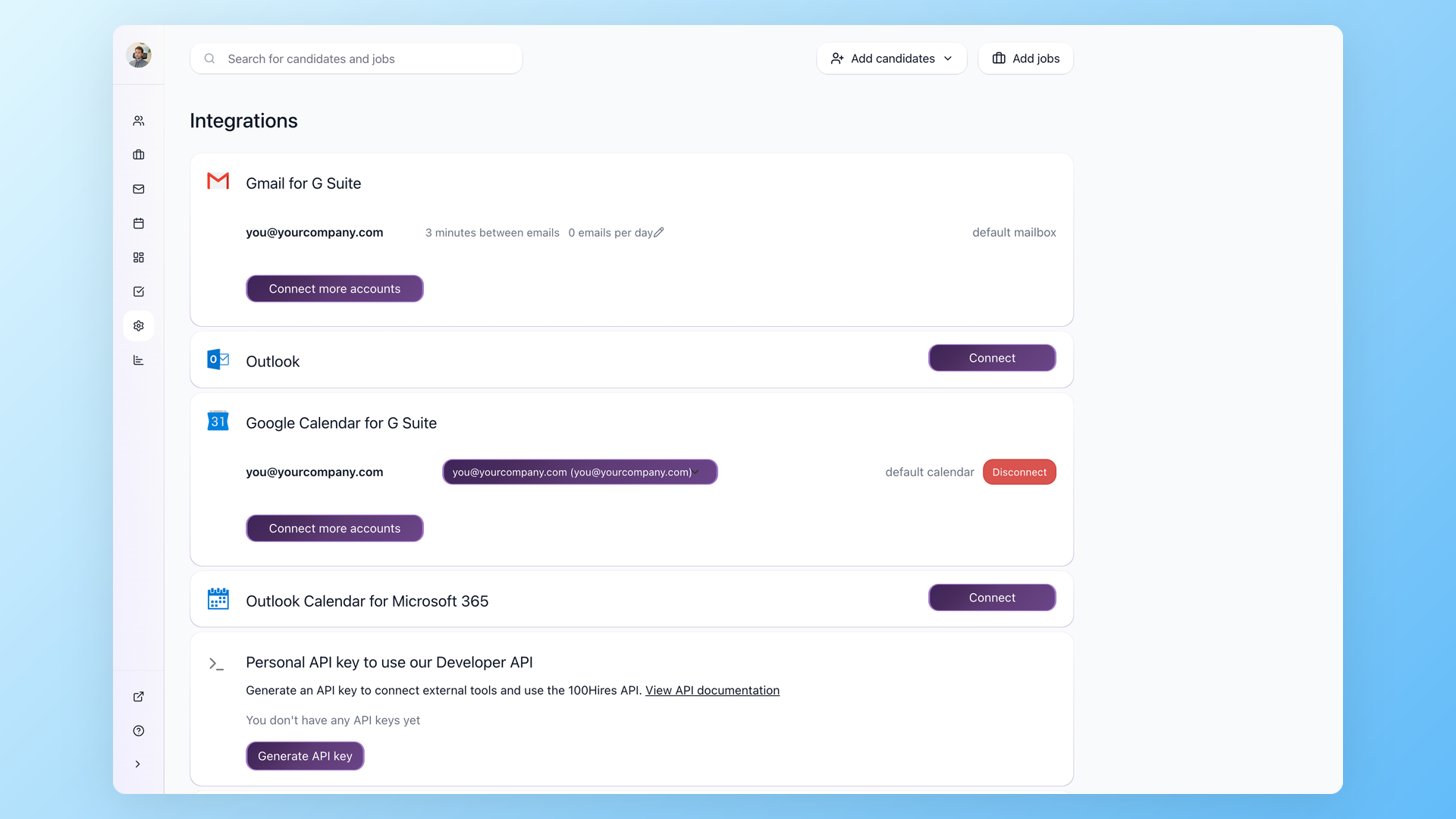
You choose which mailbox and calendar to connect, 100Hires syncs the candidate emails and interview events tied to your hiring, and you can disconnect at any time. Prefer Google? The same two-way email and calendar sync works with Gmail and Google Workspace, so a mixed team is not forced onto one provider.
100Hires with Outlook versus Outlook on its own
 100Hires
One honest boundary: the Outlook integration needs a Microsoft 365 work account, and 100Hires runs the hiring side, not your mailbox storage or inbox rules. For the scheduling half on its own, see how interview scheduling software works in 100Hires, or read about reaching passive candidates with candidate outreach at scale.

It solved all of my recruitment problems and offered all of the features I was looking for. It can automate most of my recruitment processes.

I’d happily recommend it to my industry peers. I’m able to use the platform with ease and don’t have to think twice about which function to use.

The system is very user-friendly. Even people with no experience will find it easy to understand its functionality.





 4.7
4.7
 4.8
4.8
The hiring playbook, in your inbox
One email a week - benchmarks, AI screening tactics, and short interview templates from the 100Hires team. No product pitches.
Related 100Hires resources: Explore indeed integration.