
AI email tool that knows your candidate
Generate personalized candidate emails in 5 seconds. Saved prompts, full candidate context (resume, interview notes, job description), and a rejection email that actually feels human. Built into 100Hires.






screening candidates
response rates
time to fill
per hire
Generic AI email tools cannot see your candidate. You can
Most "AI email" tools are general-purpose writers. They produce competent prose, but they have no idea who you are emailing. The candidate's resume, the role they applied for, the interview notes from last Tuesday, the job notes you wrote about hiring priorities: none of that is reachable from Grammarly or Mailmeteor.
So either you copy-paste each candidate's context into ChatGPT every time, or you fall back to generic templates and the email reads like a bot wrote it. Both options waste time, and rejection emails to candidates who interviewed twice end up sounding cold.
How 100Hires AI Email Composer works
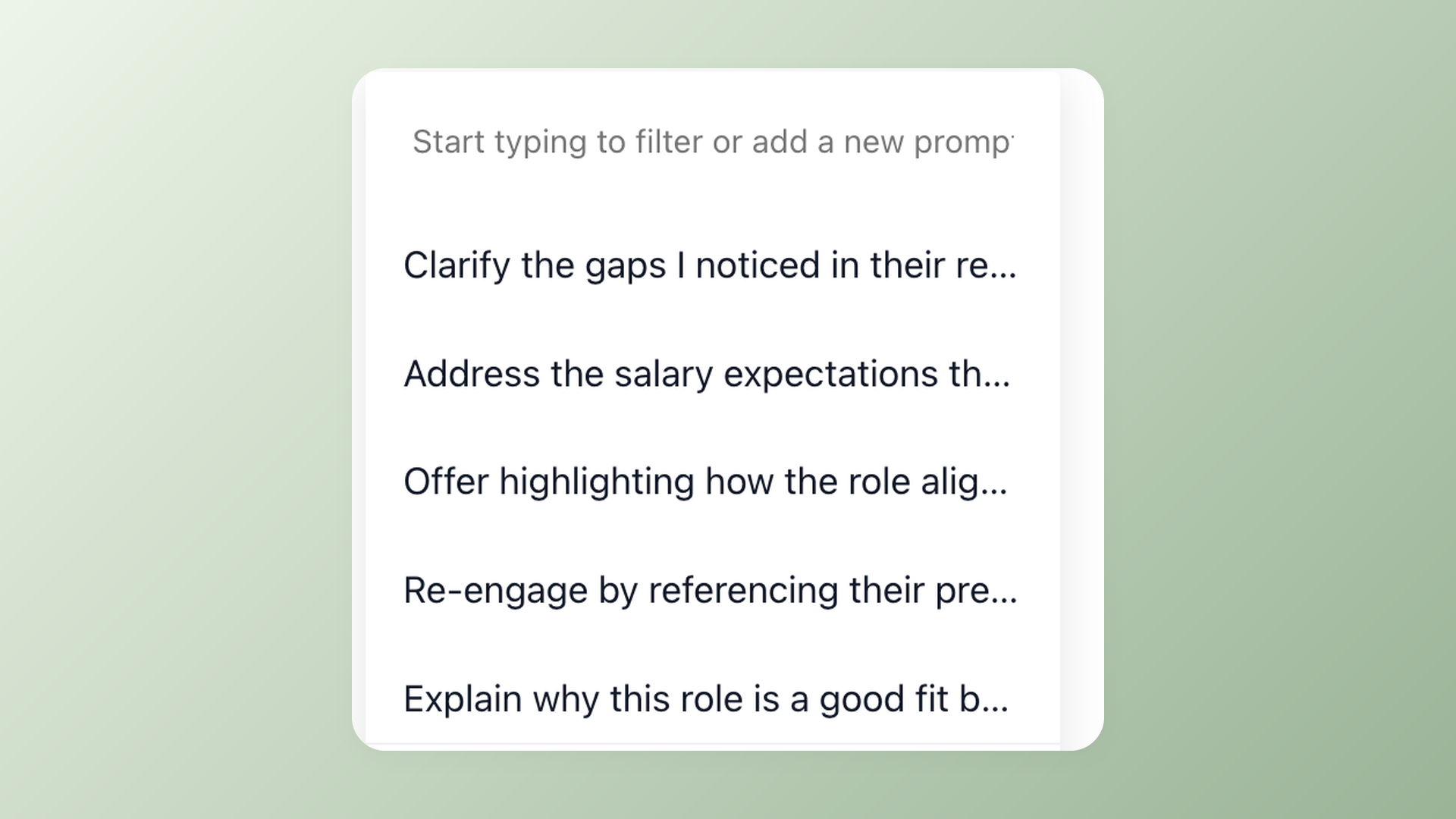
The AI Email Composer lives inside the candidate Messages tab, next to the "Insert email template" button. Click it, pick a saved prompt (or type a custom instruction), and the AI drafts the email using everything the platform already knows: resume, application answers, email history, evaluation forms, job description, job notes, interview discussion notes. Review, edit, send.
For the most common use cases, save the prompt once and reuse it forever. "Polite rejection with positive traits", "Schedule interview email", "Follow-up after no-show", "Recruiter intro for senior engineer": each becomes a one-click action that produces a candidate-specific email, not a templated one.
Saved prompts. One click. Personalized email
Pick a prompt from the dropdown, hit Generate, and the AI writes the email referencing the candidate by name, by role, by what they actually said in the interview. The first draft lands within 5 seconds. Edit if needed, send.
- Saved prompts library, sorted by recency
- Frontier-class AI model, refreshed as better ones ship
- Inline in the Messages tab, no separate AI app or browser extension
A prompt library that compounds with your team
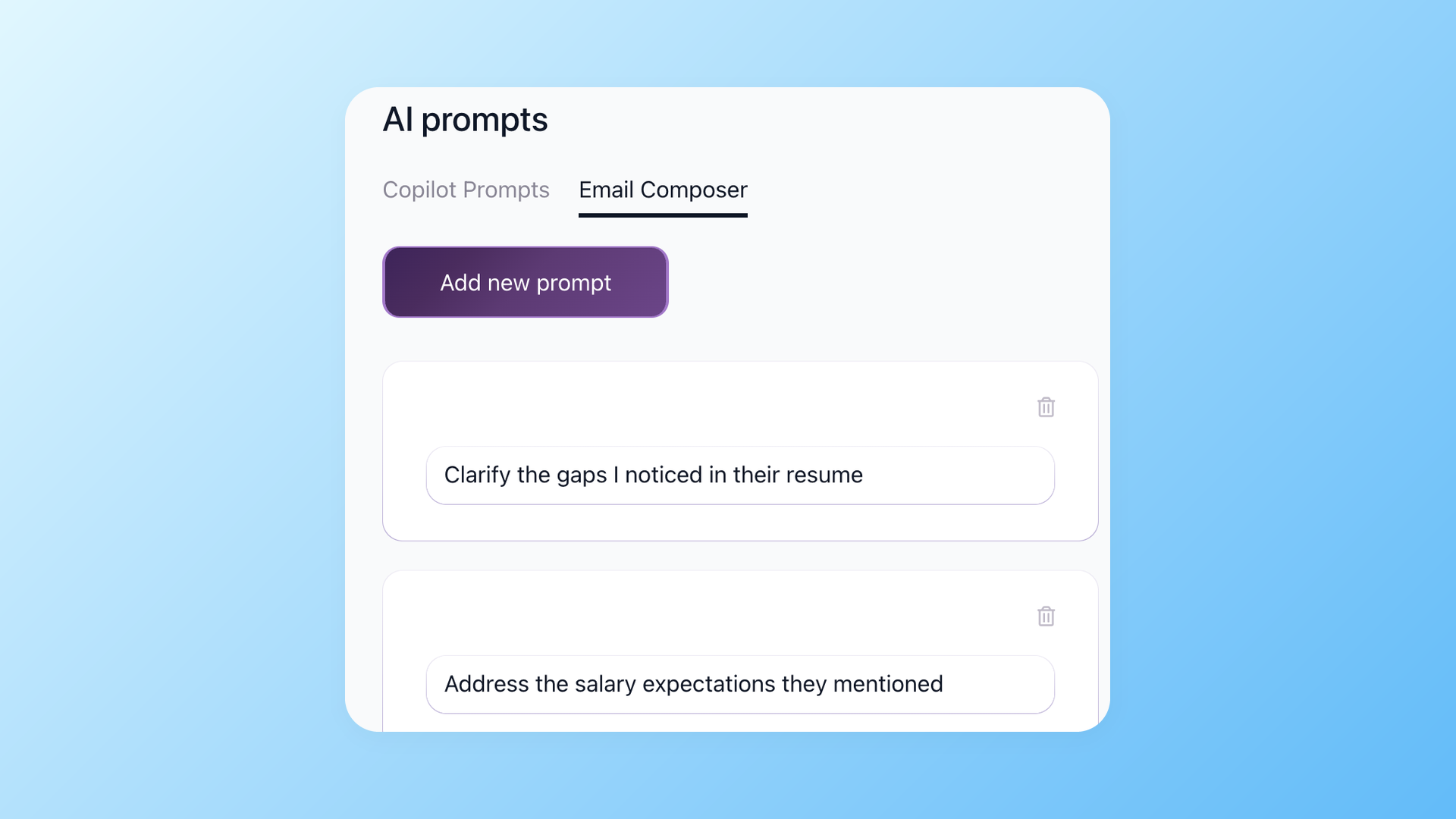
Build prompts for the emails you write 10 times a week: rejection after final interview, schedule the second-round panel, follow up on a stalled offer, intro to a passive candidate sourced through LinkedIn. The library is shared across your company, sorted by recency, and editable. The team adds prompts as workflows evolve, so the prompts your senior recruiter saves are immediately available to junior recruiters and hiring managers.
- Shared company prompt library
- Add, edit, delete from Settings > AI Prompts > AI Email Composer tab
- Most-recent-first dropdown so the prompt you used 5 minutes ago is still on top
Already drafted? Transform it instead
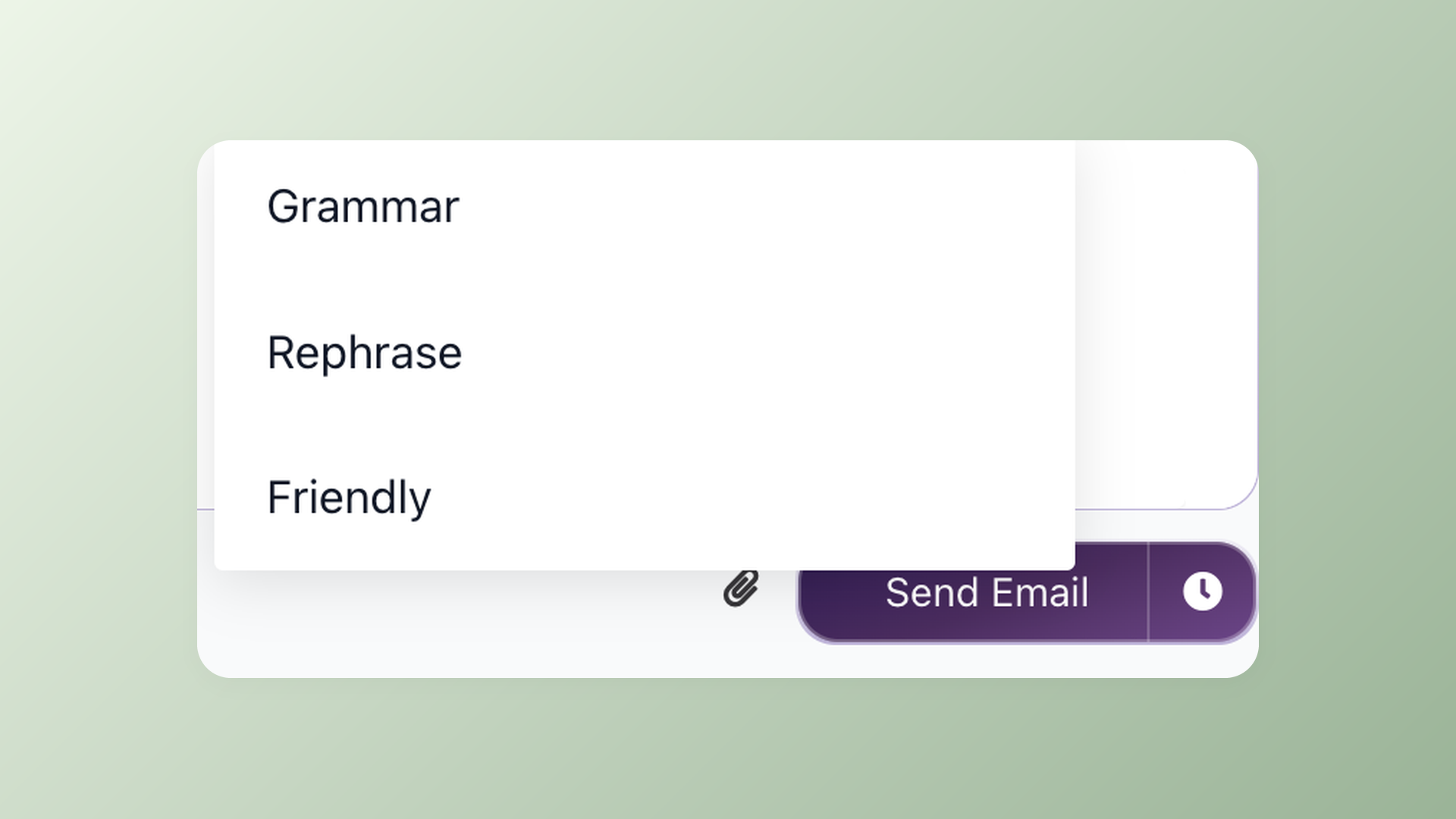
If you started typing the email yourself and want help finishing it, three transform actions are one click away in the email composer toolbar. Grammar fixes typos and grammar without changing the meaning. Rephrase keeps the message intact but reworks the sentences. Friendly softens the tone for candidates who need a warmer touch.
- Grammar - fix typos and tighten sentence structure
- Rephrase - rewrite the same idea in different words
- Friendly - shift the tone warmer without losing professionalism
The rejection email use case nobody else handles well
A candidate spent 3 hours of their week on your interview process. They prepared, they showed up, they answered honestly. Then you reject them with a 4-line template that starts "Dear [First Name]" and ends "we will keep your resume on file". They will remember that experience. They will tell other candidates.
The AI Email Composer reads the actual interview notes the team wrote, the application answers, the resume highlights, and writes a rejection that mentions specific strengths the candidate showed. The candidate gets a paragraph that reads like a person on the team paid attention to them. It takes the recruiter 30 seconds instead of 30 minutes.
Templates from a typical ATS cannot do this. They have no read access to the discussion notes. The 100Hires AI Email Composer does, because it sits inside the same product that holds the notes.
How 100Hires AI Email Composer compares to generic AI email tools
The "AI email tool" category includes everything from Grammarly to Mailmeteor to ChatGPT itself. They are excellent at generic writing. They do not know your candidate. Here is the tradeoff.
 100Hires
| Email type | How it gets generated | What 100Hires puts in the draft |
|---|---|---|
| Outreach to a sourced candidate | Saved prompt + one click | Personalized intro referencing the resume, role fit, and your past notes |
| Rejection after final interview | Saved prompt + one click | Respectful, role-specific rejection with optional feedback from the scorecard |
| Follow-up on a stalled offer | Saved prompt + one click | Reference candidate by name and the last conversation thread |
| Panel-interview scheduling | Saved prompt + one click | Frames available slots, interviewer panel, and prep materials automatically |
| Polish a draft you started | Toolbar - Grammar / Rephrase / Shorter | Fixes typos, keeps meaning, or trims length without rewriting your voice |
Where 100Hires AI Email Composer is not the right tool: if you write 5 candidate emails a year, generic AI assistants are cheaper and good enough. If you write 10 a day, the ROI flips fast: the AI saves about 5 minutes per email vs. writing it from scratch. 5 min × 10 emails × 250 working days = 12,500 minutes = ~208 hours of recruiter time saved per year. That is more than 5 full working weeks back, plus a better candidate experience.

It solved all of my recruitment problems and offered all of the features I was looking for. It can automate most of my recruitment processes.

I’d happily recommend it to my industry peers. I’m able to use the platform with ease and don’t have to think twice about which function to use.

The system is very user-friendly. Even people with no experience will find it easy to understand its functionality.
How CrossRef saved 16-20 hours per week with 100Hires automation
CrossRef's recruiting team automated their entire candidate communication workflow with 100Hires - templates, AI-drafted personalized emails, and stage-triggered automation. Read how they cut 16-20 hours of manual email work per week.







The hiring playbook, in your inbox
One email a week - benchmarks, AI screening tactics, and short interview templates from the 100Hires team. No product pitches.
Related 100Hires resources: Explore text recruiting software and recruitment automation software.