
Twilio integration: call and text candidates without leaving your ATS
Call or text candidates the way they actually answer, without leaving 100Hires or losing the thread.






screening candidates
response rates
time to fill
per hire
Yes, 100Hires connects to Twilio. Once you link your Twilio account, you can call and text candidates straight from the candidate profile, and the whole conversation lands on their timeline.
You bring your own Twilio account, so you keep your phone numbers and pay Twilio usage rates directly. Calling and texting sit next to the resume, the notes, and the pipeline stage, instead of in a separate app.
Candidates answer a text or a call long before they open your email
A call or a text reaches a candidate far faster than an email that sits unopened for a day. The problem was never the message. It was the channel, and the tab you had to leave to use it.
Run a separate texting app on the side and the conversation scatters. Half of it lives on a personal phone, the rest in an inbox, and none of it on the candidate record where the next recruiter looks.
Get a recruiter on the line before the candidate cools off
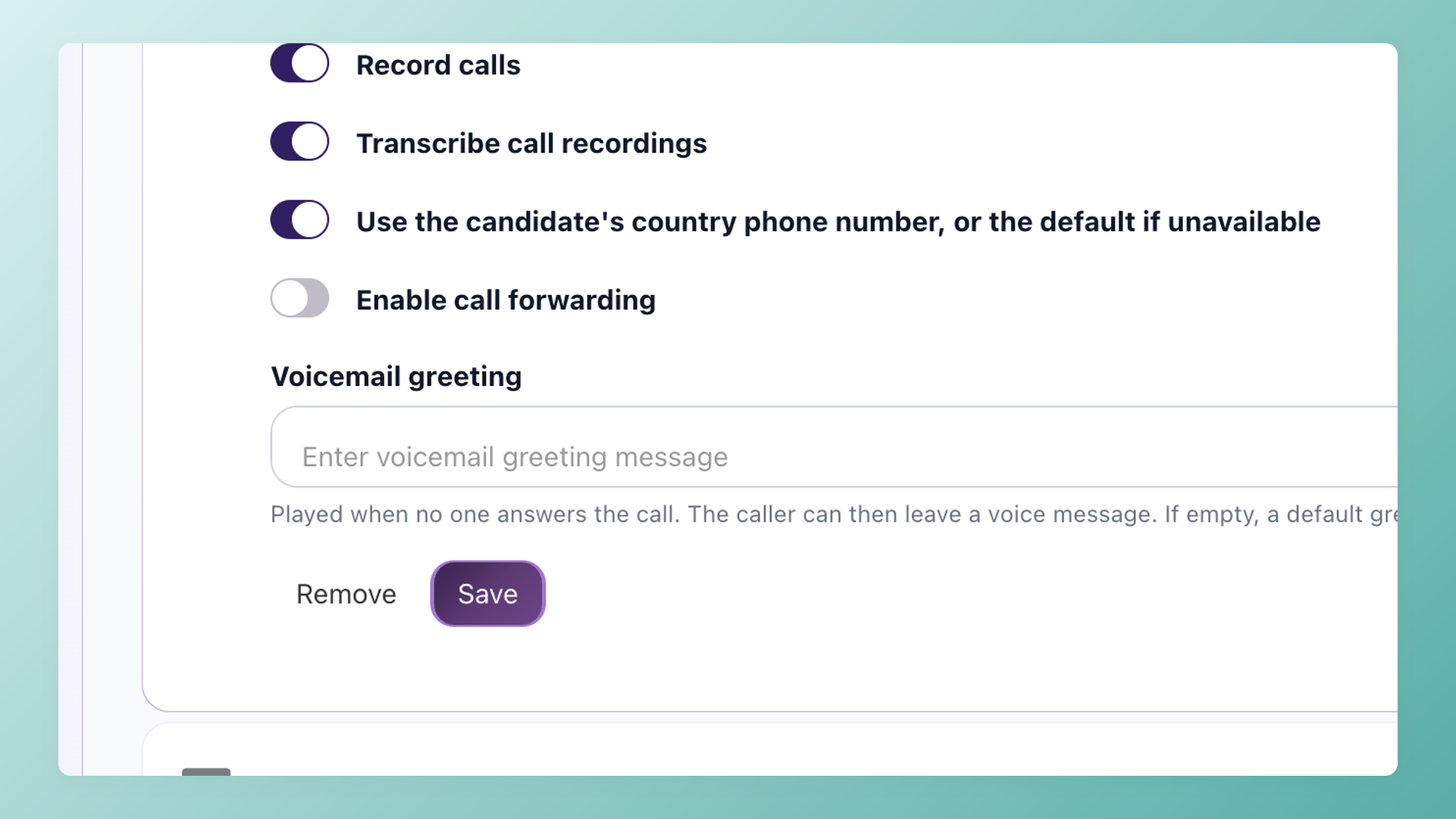
Click the phone icon on any candidate profile and a dialer opens right in the browser, placing the call through your Twilio number. No headset software to install. Switch on call recording and transcription, set a voicemail greeting, and the call attaches to the candidate timeline.
- In-browser dialer, nothing to install
- Click-to-call from the candidate profile
- Optional call recording on the Pro plan
- Logged to the candidate timeline
Text the candidates who never open your email
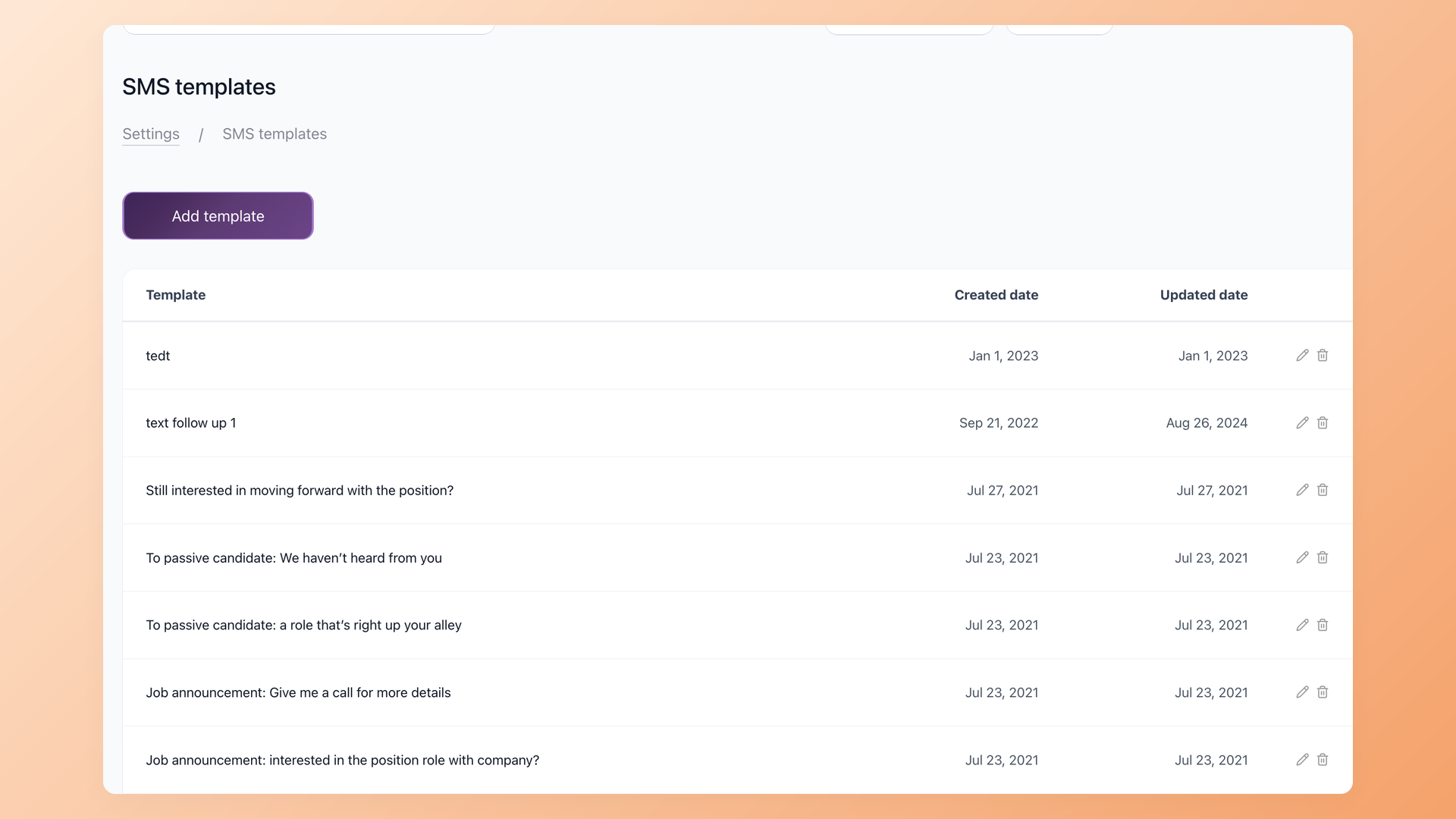
Send a text from your Twilio number in two clicks, drop in a saved SMS template with merge fields, and let candidate replies thread straight back into 100Hires. Nothing lives on a personal phone, and the next teammate sees the whole exchange.
- Two-way SMS, replies land in 100Hires
- Reusable SMS templates with merge fields
- Full text thread saved on the candidate profile
- Sent from your own Twilio number
Use your own numbers and pay Twilio rates, not a texting tax
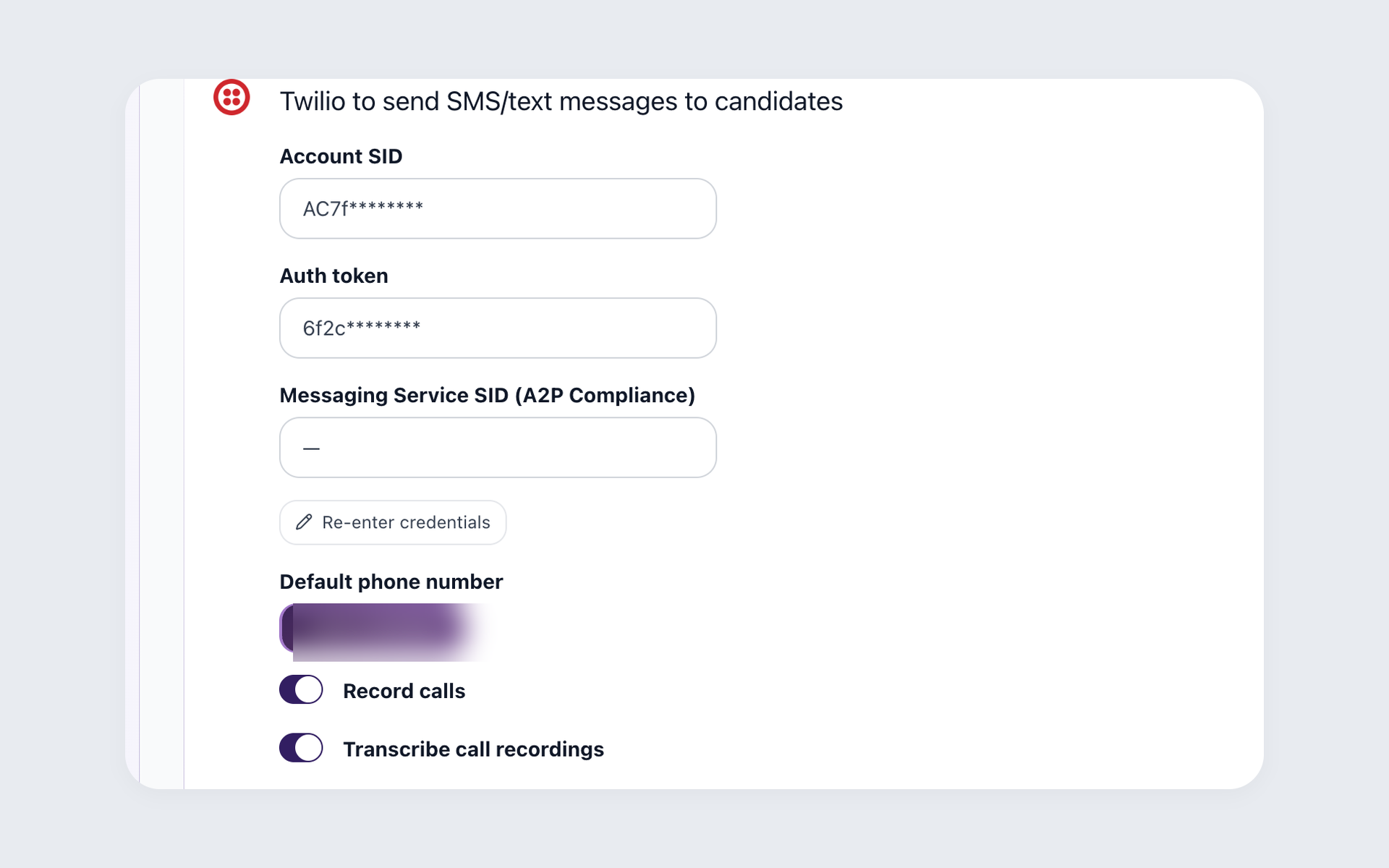
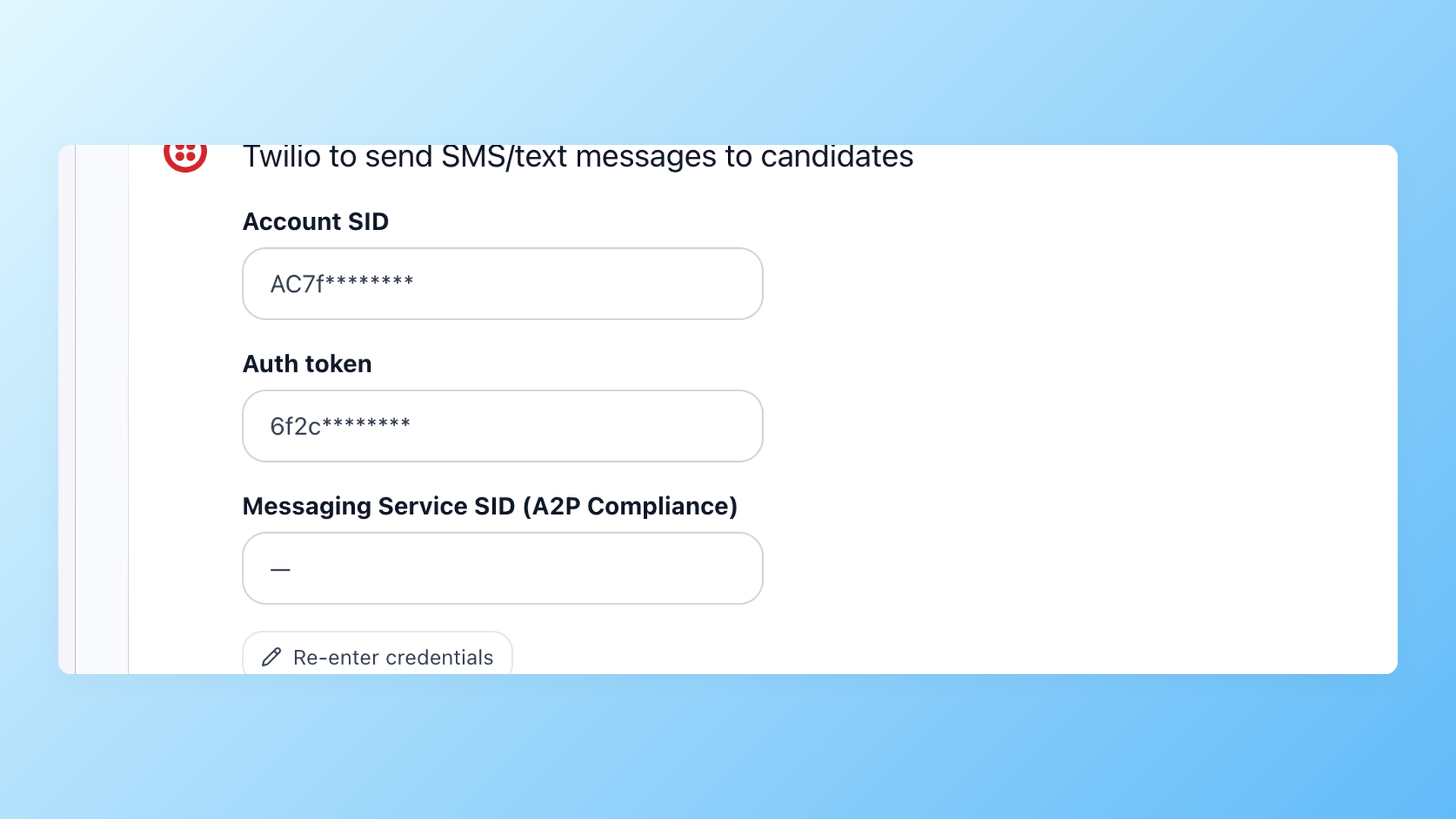
Connect in Settings under Integrations with your Account SID and auth token, pick a default number, and add a Messaging Service SID for A2P 10DLC registration. You own the Twilio account, so you control the numbers, the deliverability registration, and the cost.
- Bring your own Twilio account
- Your numbers and your A2P 10DLC registration
- Connect under Settings, Integrations, Twilio
- Use the candidate country number, or your default
What does a Twilio integration do in an ATS?
Twilio supplies the phone numbers and the network that carries the calls and texts. The integration is the layer that lets a recruiter dial and message candidates from inside the hiring system, then keeps every call and text attached to the right candidate record.
Without it, texting and calling happen in a separate tool, and the history never makes it back to the people making the hiring decision. With it, the conversation and the candidate file stay on the same screen.
For automated multi-step outreach across channels, calling and texting feed into the broader candidate engagement platform, where email, SMS, and voicemail run as one sequence.
How 100Hires and Twilio compare to a typical ATS
Most applicant tracking systems can send a templated email. Calling from the candidate profile, two-way texting, and your own Twilio account are where they stop and 100Hires keeps going.
This compares 100Hires with the basic messaging built into a typical ATS, not an enterprise contact-center suite.
 100Hires

It solved all of my recruitment problems and offered all of the features I was looking for. It can automate most of my recruitment processes.

I’d happily recommend it to my industry peers. I’m able to use the platform with ease and don’t have to think twice about which function to use.

The system is very user-friendly. Even people with no experience will find it easy to understand its functionality.







 4.7
4.7
 4.8
4.8
The hiring playbook, in your inbox
One email a week - benchmarks, AI screening tactics, and short interview templates from the 100Hires team. No product pitches.
Related 100Hires resources: Explore text recruiting software and indeed integration.