
Duplicate Candidate Detection
Keep one record per person so you stop sourcing, emailing, and interviewing the same candidate twice, and your pipeline counts reflect real candidates.
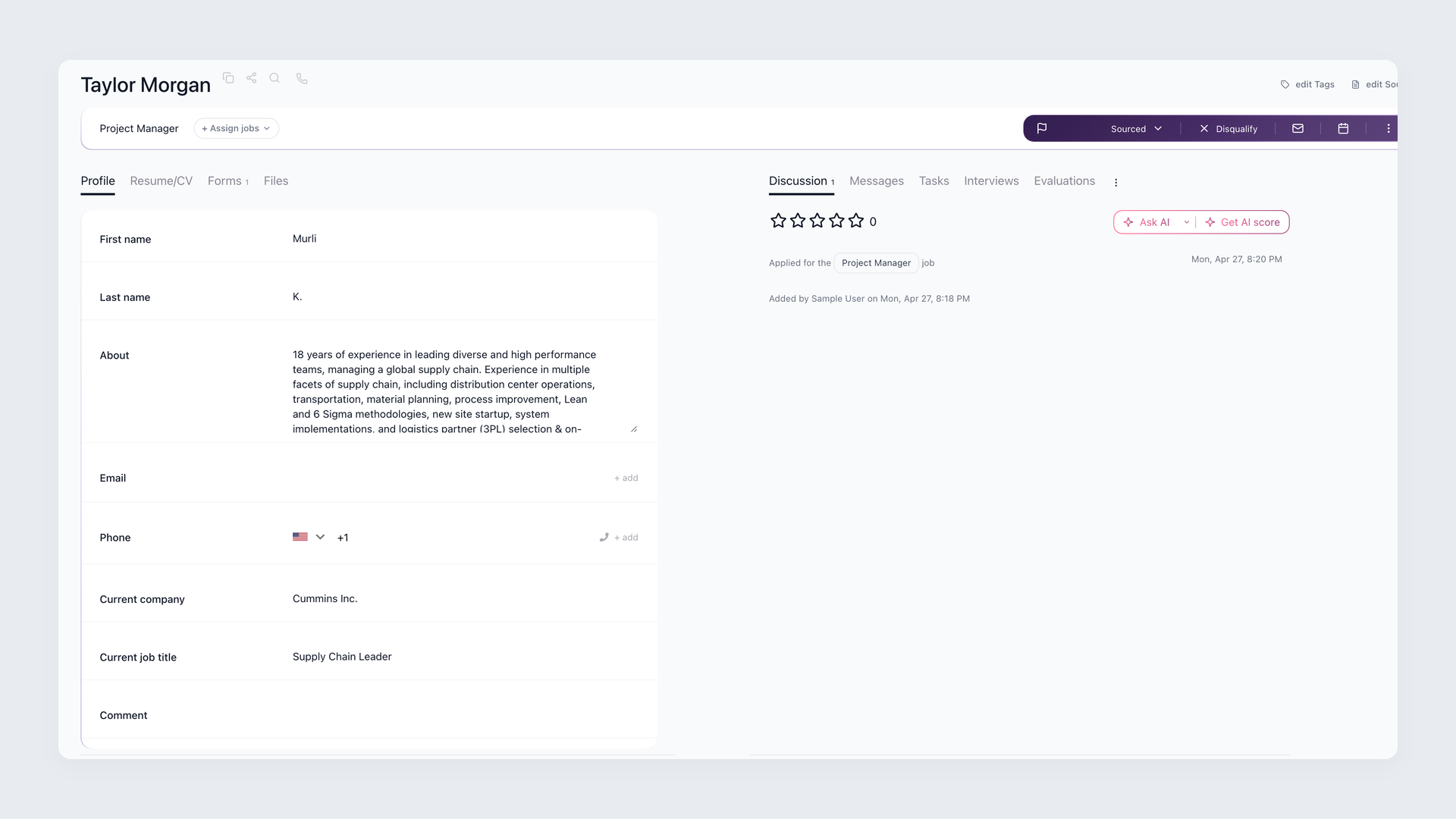
The same applicant lands in your pipeline twice. Now two recruiters screen them, the same person gets the same automated email twice, and your source report counts one person as two.
At worst, a recruiter calls a candidate back and reads out an email address the candidate never shared - pulled from an older profile created years ago. The candidate is confused and trust drops before the first real conversation.
Duplicate candidate detection is what stops that. 100Hires recognizes a returning or re-applying candidate by their email address or LinkedIn URL and keeps everything on one record: one person, one timeline, one set of numbers.






screening candidates
response rates
time to fill
per hire
Duplicate detection in 100Hires vs a typical ATS
Most ATS platforms can merge candidates. The difference is whether it happens automatically, what it matches on, and how much history survives the merge. Those three things decide whether your database stays clean on its own or needs a recruiter to babysit it.
 100Hires
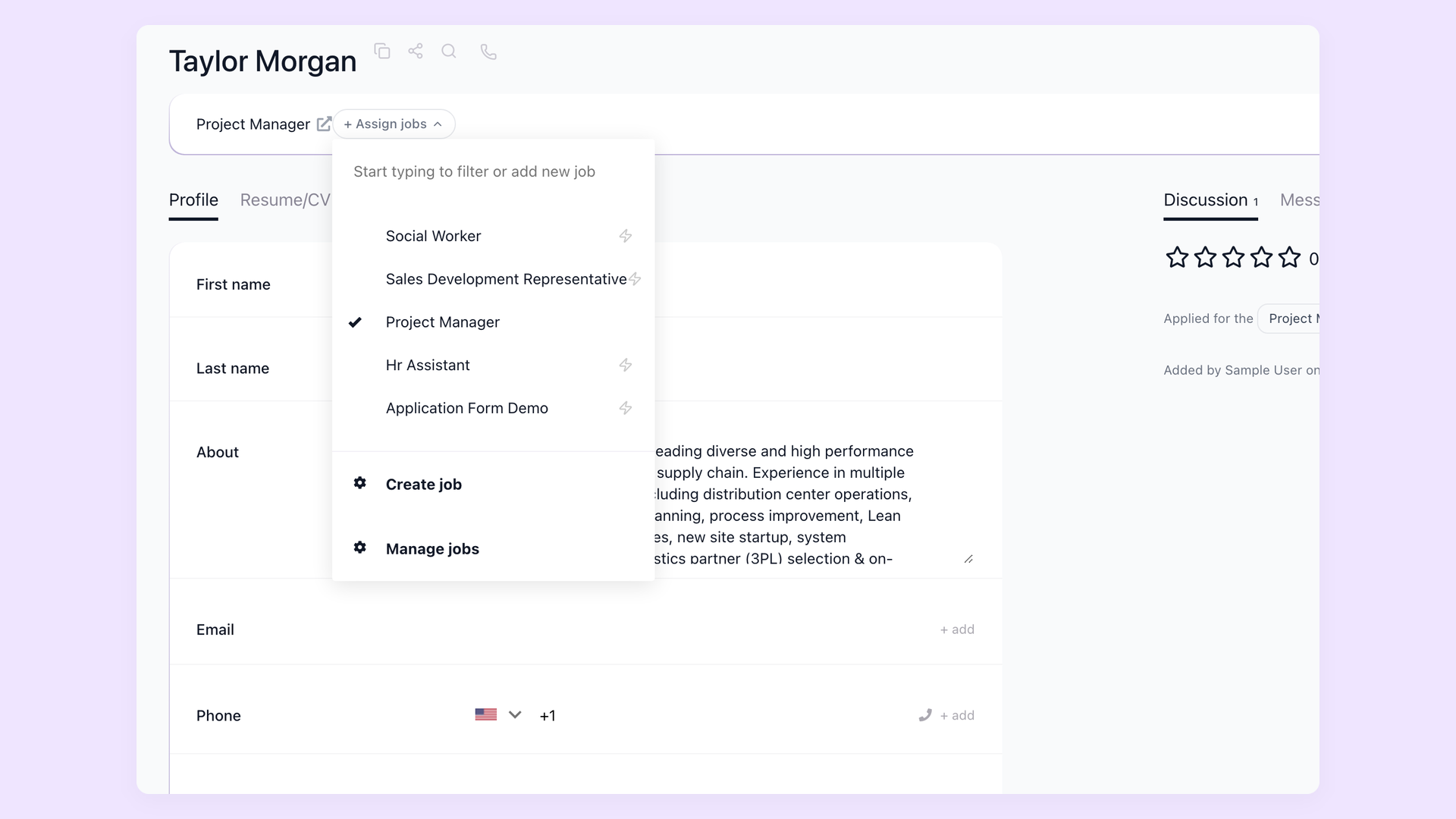
One applicant across three roles, not three half-empty records
When someone applies to a second opening, or comes back eight months later, 100Hires attaches the new application to the person you already have. You open one profile and see every role they tried, who interviewed them, and how each one ended before you spend time re-screening a known quantity.
- New applications attach to the existing person
- Every role they applied to on one profile
- Full history: resumes, emails, evaluations, stages
- See prior screens before you re-source
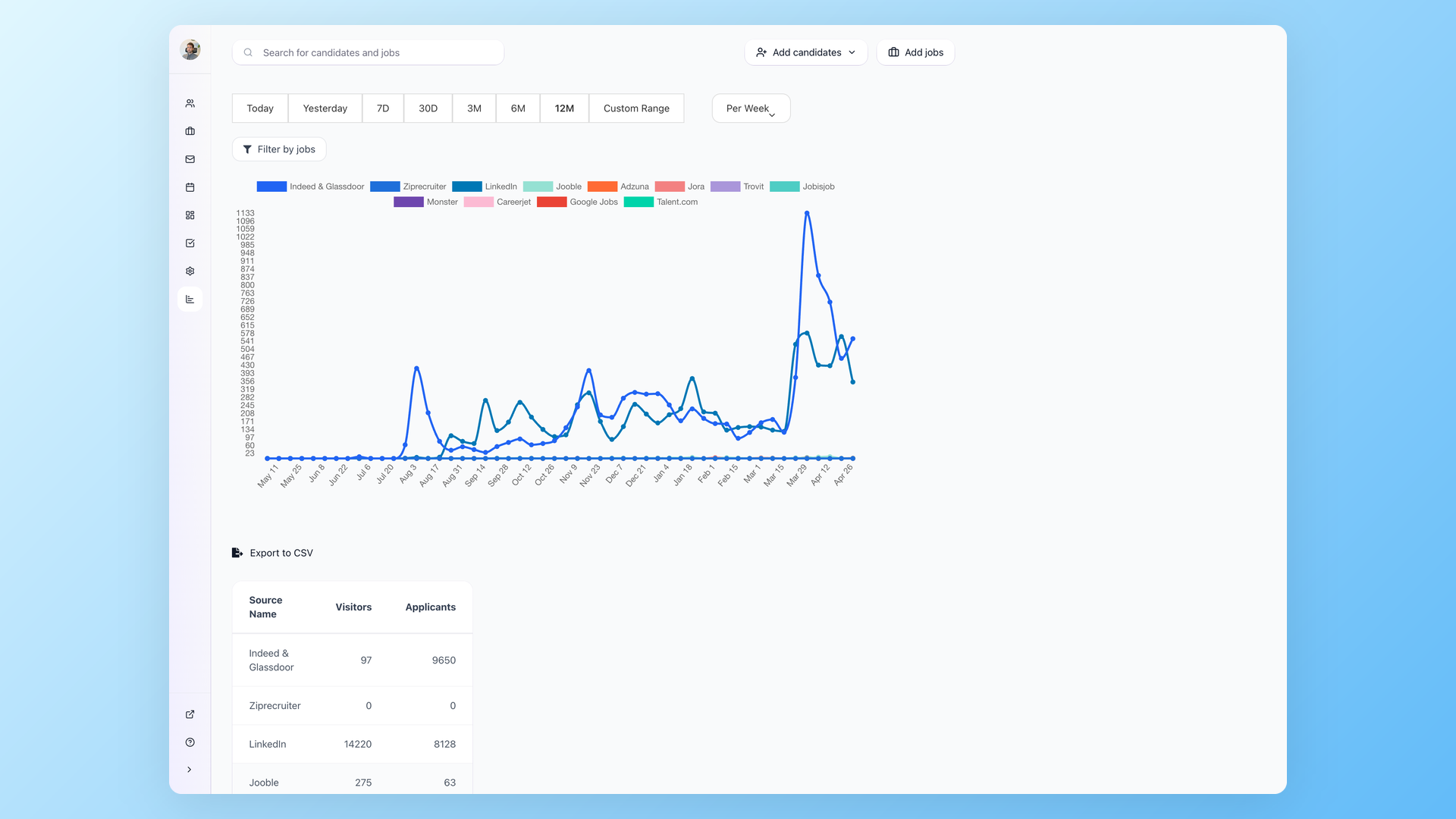
Stop letting duplicates inflate your pipeline numbers
Duplicates quietly inflate everything: your funnel looks healthier than it is, and a source that double-submitted a candidate looks twice as productive. Once 100Hires merges duplicates, stage counts and source ROI reflect real people, so the number you put in the weekly update holds up.
- Stage counts without phantom duplicates
- Source ROI not skewed by double-submits
- Conversion rates based on real applicants
- Cleaner exports to CSV and the API
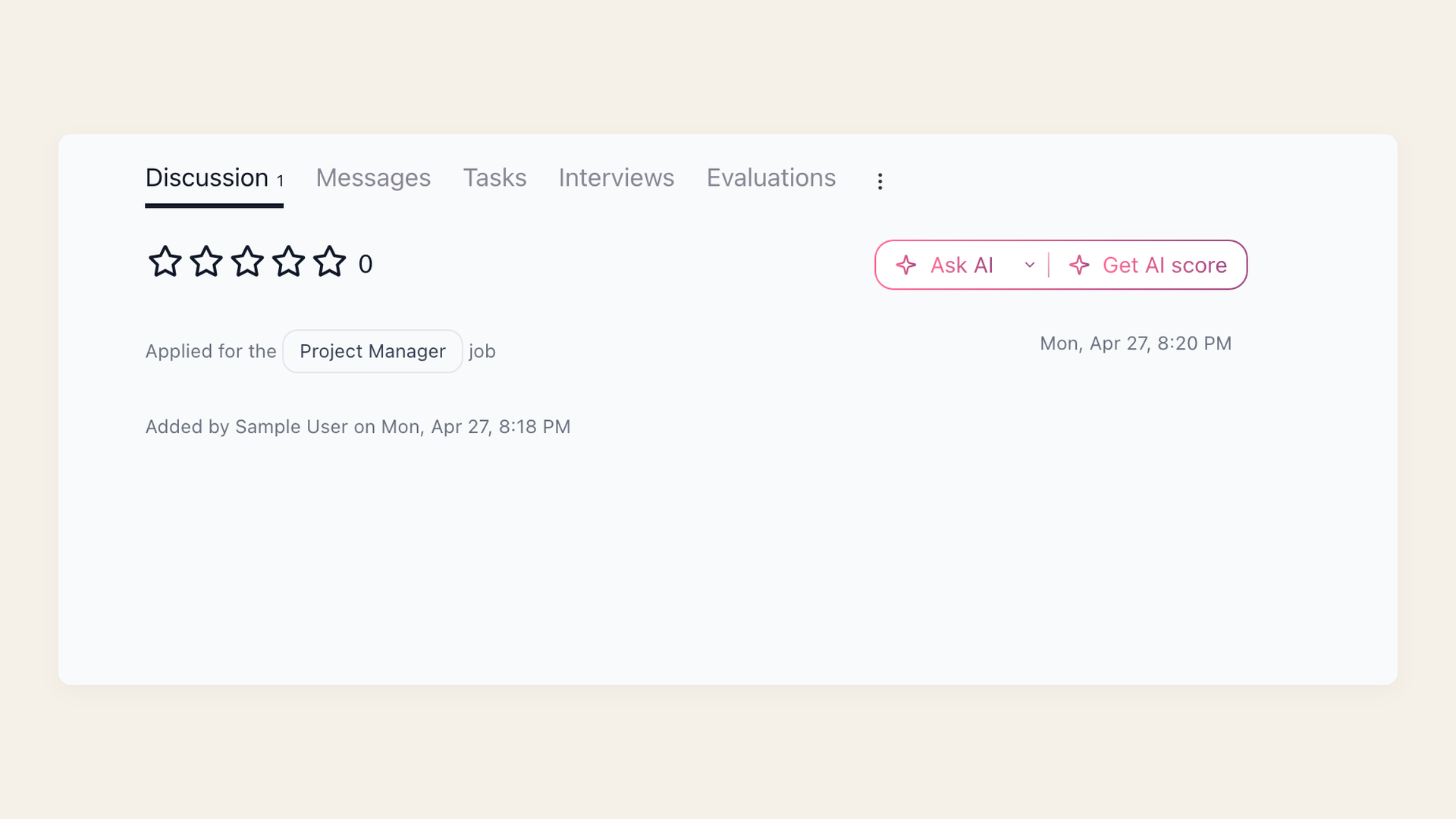
Nothing gets lost when two records become one
A merge is only safe if it keeps the history. When 100Hires unifies a duplicate, the applications, sent emails, interview evaluations, notes, and stage changes from both records land on one timeline. The third interviewer still sees what the first one wrote, and no context disappears.
- Applications and stage history from both records
- Sent and received emails kept on the timeline
- Interview evaluations and AI score preserved
- Notes preserved with their visibility settings
What is a duplicate candidate
A duplicate candidate is the same person stored as two or more separate records in your database.
It usually happens four ways: applying to multiple roles, re-applying months later, teammates adding the same person from separate imports, or the same profile arriving from several job boards at once - career site, Indeed, and a sourcing tool all in the same week.
A duplicate is a data problem, not a candidate behavior problem. The person usually has no idea they appear in your system twice.
Each copy carries only part of the story, so the full history gets split across cards.
How 100Hires detects duplicate candidates
100Hires matches on two deterministic signals: the candidate's email address and their LinkedIn URL. When a new application or import matches an existing person on either one, 100Hires treats them as the same record.
You turn this on in Settings > Company > Automation with the "Auto-merge duplicate applicants" option. The 100Hires Chrome extension also flags a candidate already in your database while you source.
Being honest about the limit: because 100Hires matches on email or LinkedIn rather than fuzzy name or phone, a candidate who applies with a brand-new email and no LinkedIn on file can still create a separate record.
That deterministic approach trades a little recall for precision, so you avoid the false merges that name-only matching produces. When you spot one of those edge cases, you merge the records by hand and keep the full history.
For the bigger picture of how 100Hires keeps one profile per person across every job, see candidate tracking software.

It solved all of my recruitment problems and offered all of the features I was looking for. It can automate most of my recruitment processes.

I’d happily recommend it to my industry peers. I’m able to use the platform with ease and don’t have to think twice about which function to use.

The system is very user-friendly. Even people with no experience will find it easy to understand its functionality.







 4.7
4.7
 4.8
4.8
The hiring playbook, in your inbox
One email a week - benchmarks, AI screening tactics, and short interview templates from the 100Hires team. No product pitches.
Related 100Hires resources: Explore resume screening software.