
Post jobs on Google, then own every applicant in a real ATS
Get your jobs in front of people searching on Google under your own brand, pull every applicant into one already-scored pipeline, and see what Google produced next to every other board.
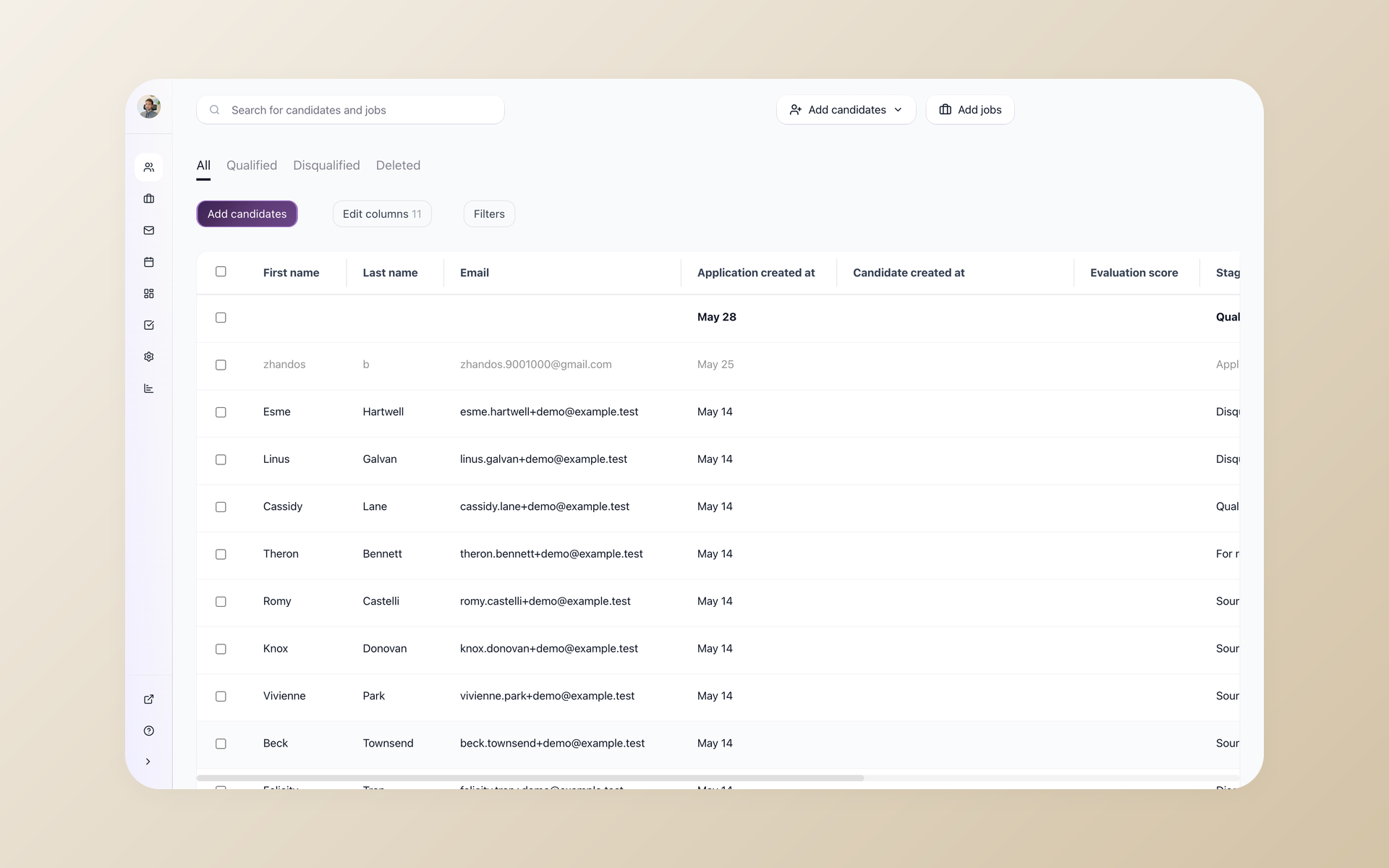






100Hires connects to Google so the jobs you post become findable in Google's free job results, and every applicant flows straight into your pipeline.
Google Jobs is one of 13 named destinations 100Hires lists each role, with no per-board fee and no separate posting tool to manage. This page covers how a job actually reaches Google, what stays free, and what happens after Google sends you applicants.
Google does not let you post a job directly
Google for Jobs is a free job box inside Google Search, not a board you upload to. To show up, your role needs the right data on a public page Google can read, or it has to sit on a site Google already indexes.
So "free" quietly turns into developer work, and when your roles do appear they are often pulled in through a job board that keeps the click instead of your own brand.
An integration fixes both halves. 100Hires gets your job in front of Google searchers under your own company, and a real ATS catches every applicant, screens them, and keeps them as yours. Here is how that works.
Is Google for Jobs free, and how do jobs actually get there
Yes, it is free. Google for Jobs shows job listings right in Search at no cost, with no ad spend and no account to buy.
The catch is eligibility: a role appears when there is valid job data on a public, indexable page, or when it lives on a site Google already crawls. Google reads that data, then decides on its own whether and where to show the role.
100Hires handles that setup for you. You flip one switch and your role is listed in a form Google can read, so you skip the code, the validation and the guesswork.
Eligibility is not a promise of placement, and Google still ranks roles its own way, which is why Google is one of 13 named destinations 100Hires lists each job rather than the only one.
For multi-location hiring, Google for Jobs is a free option for every public job page, while Indeed caps direct employers at three free posts a month. Eligibility is still not placement.
| Doing it yourself | With 100Hires | |
|---|---|---|
| Job data Google can read | Hand-build and validate the job data for every role | Handled for you the moment you list the job |
| A public, indexable job page | Build, host and keep one crawlable | Your branded 100Hires career page, live by default |
| A current posted date | Update the posted date by hand | Set on the job; archive the role and its job data comes off the page |
| A working apply option | Wire up an application flow Google accepts | Built-in application form on every role |
| Updates when the role changes | Edit the page and wait for a re-crawl | Edit the job once and the listing follows |
| Proof it produced hires | Stitch analytics together yourself | Per-board Sources report with Google included |
Be findable on Google without developer work
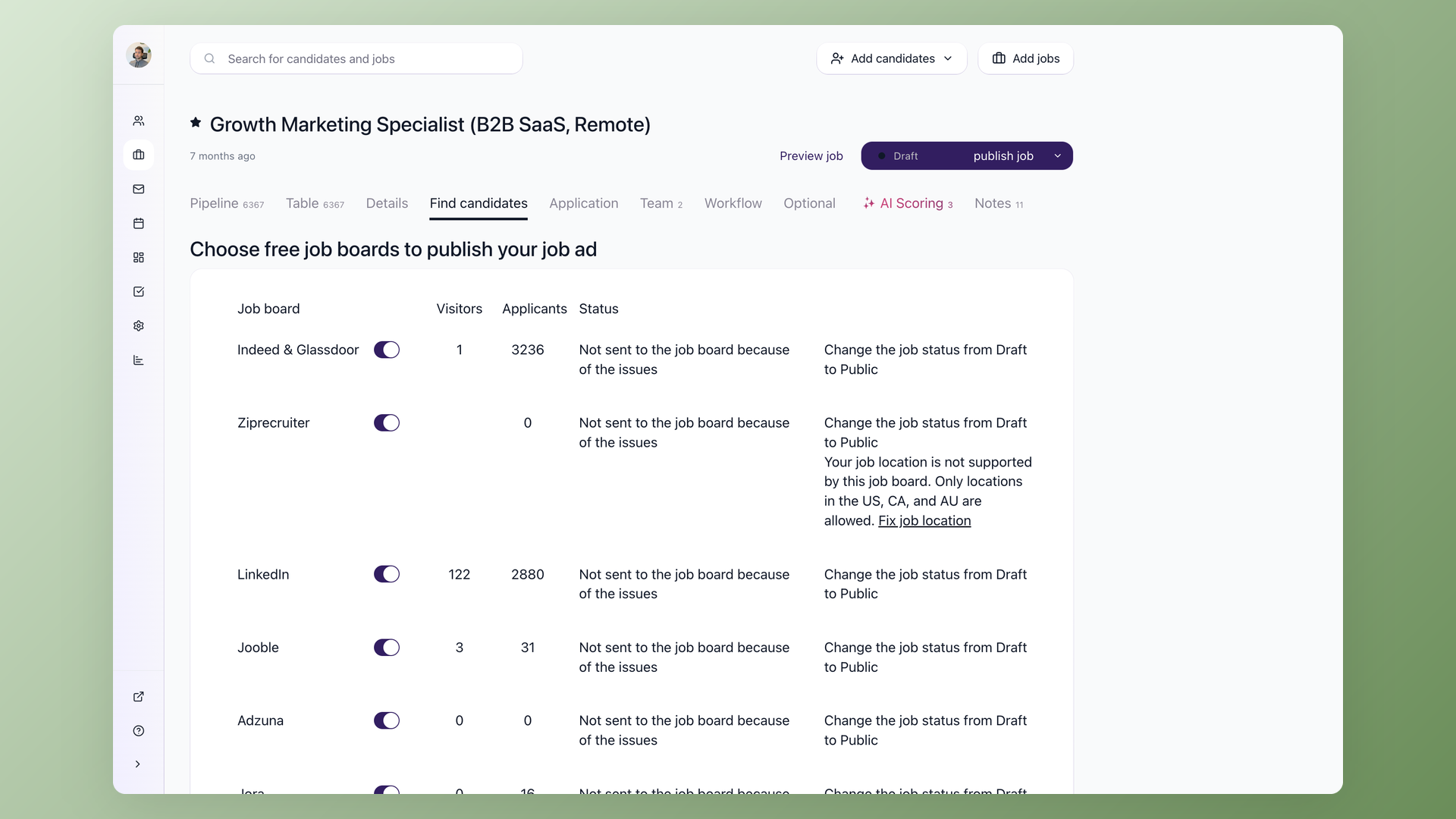
Open a job, go to the Find candidates tab, and turn on the Google Jobs switch. 100Hires lists the role so it is eligible to appear in Google's job results under your own company, with no code to write and no separate setup. It is one switch per job, and the same screen carries 12 more free boards, so you decide where each role goes without leaving 100Hires.
- Find candidates tab, one switch per job
- Listed under your own brand, not a board
- No code to write or host
- 12 more free boards on the same screen
Read a scored shortlist, not every Google applicant
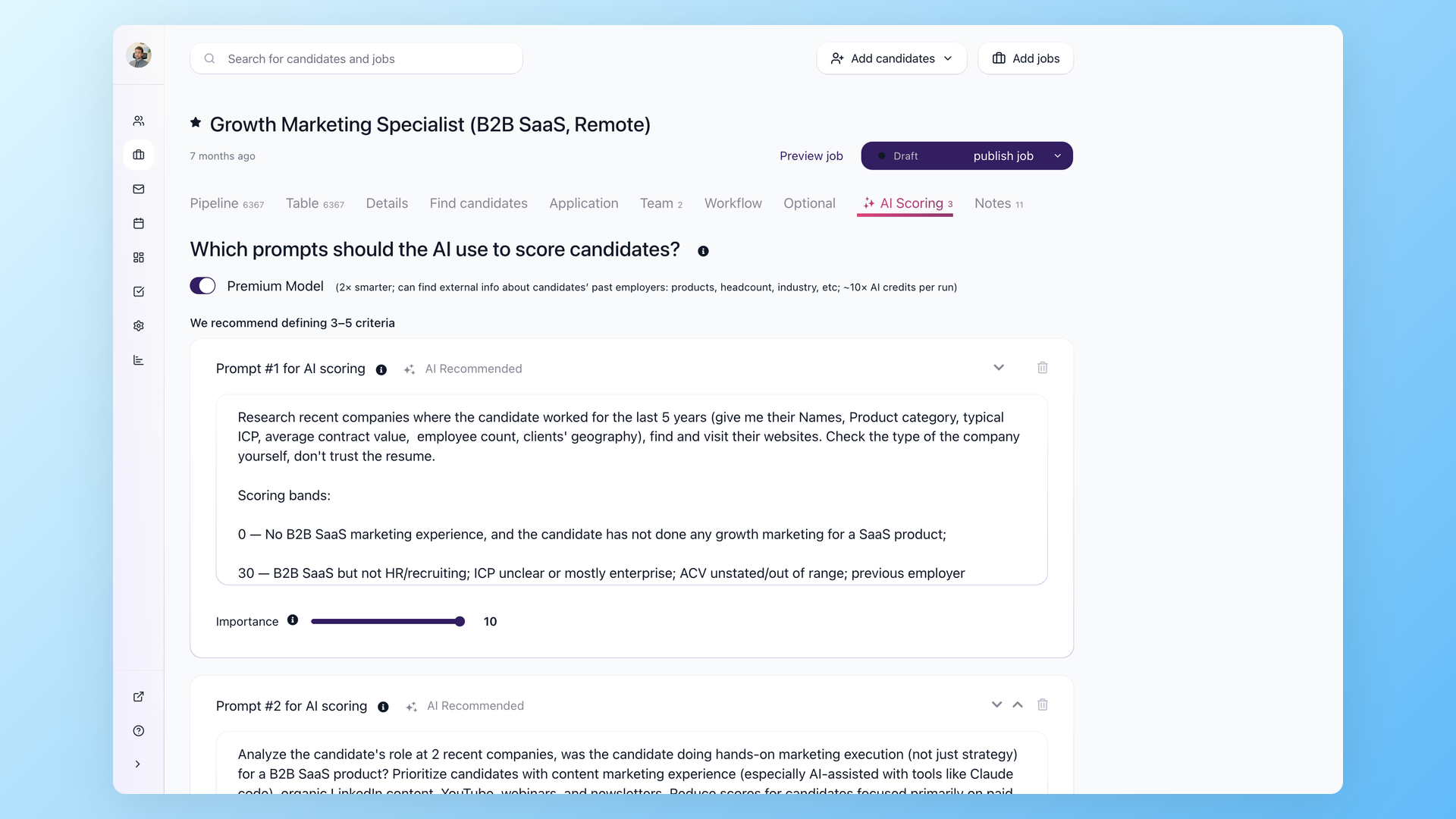
Every applicant from Google lands in your 100Hires pipeline with the source set to Google Jobs, so nothing gets re-keyed. Knockout questions auto-reject anyone who misses a hard requirement the moment they apply, and AI Score ranks the rest so the strongest people sit at the top before you read a single resume. Free reach turns into a list you can actually work through.
- Source set to Google Jobs automatically
- Knockout questions reject misses on apply
- AI Score ranks who to read first
- Talent Pools keep the rest for later
Know whether Google actually produced hires
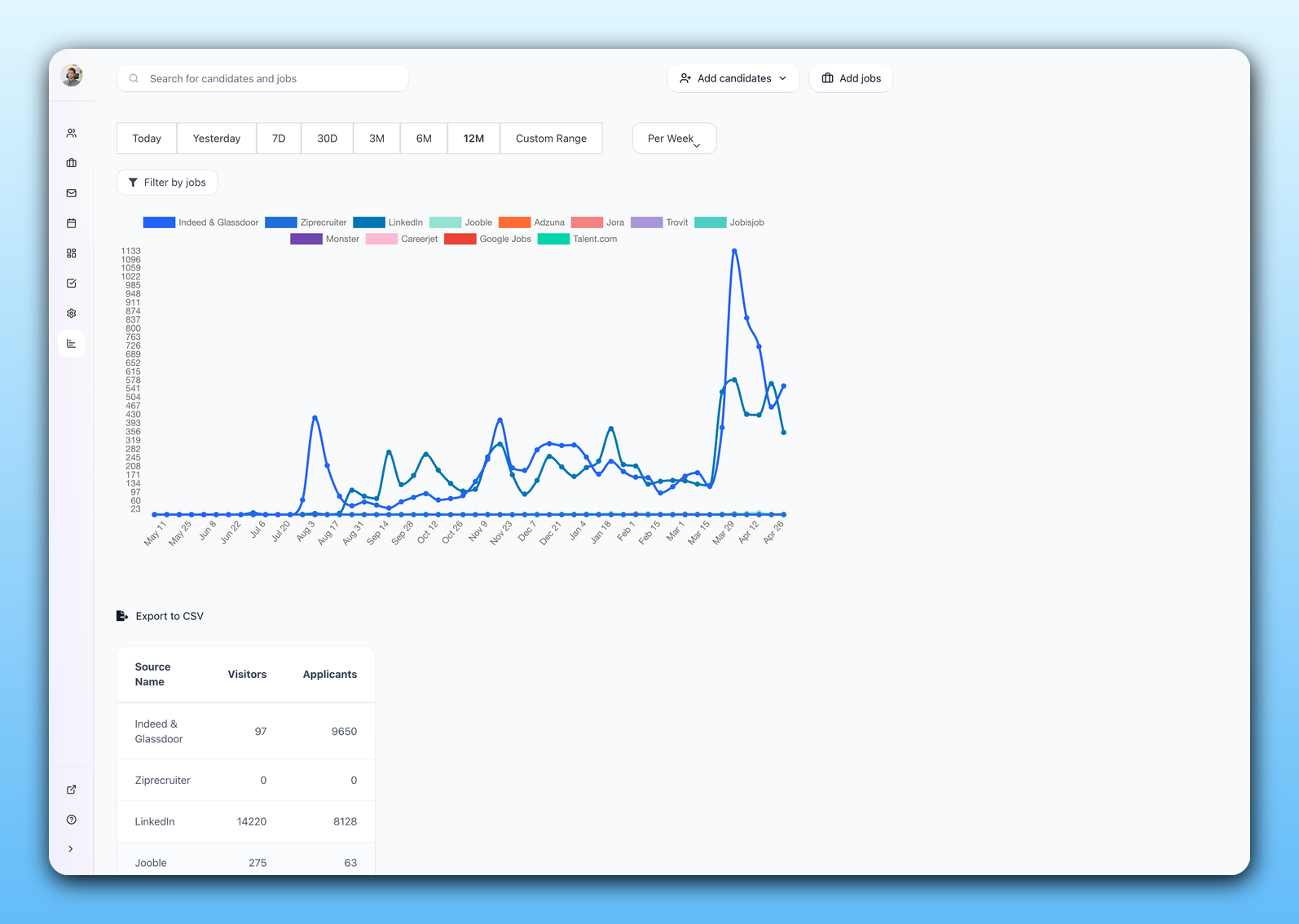
The Sources report breaks every applicant and hire down by board, so you see what Google produced next to Indeed, LinkedIn and the rest. Instead of guessing, you keep the channels that turn into hires and drop the ones that only burn time. The same live visitor and applicant counts show on the job itself.
- Per-board applicants and hires in the Sources report
- Google measured against every other board
- Live visitor and applicant counts per job
- Keep what hires, cut what only clicks
Keep every applicant after Google finds them
 100Hires
Where 100Hires is not the answer: if you only ever make one hire, a free listing on its own may be enough, and Google always decides ranking on its side, not us.
Competing roles can show up beside yours in the same Google results, and 100Hires is not a custom setup service for a career site you host somewhere else. What 100Hires runs is the listing on your own branded career page and everything after the click.
To push the same role to every board at once, see posting a job to multiple job boards or the full guide to multiposting and Satellite Jobs for cloning a role across many cities.
For a step-by-step walkthrough of how Google for Jobs listings work, read how to post a job on Google.
The same Find candidates screen also posts to Indeed through the Indeed integration, and our guide to the best job posting sites for employers compares Google with the paid boards.

It solved all of my recruitment problems and offered all of the features I was looking for. It can automate most of my recruitment processes.

I’d happily recommend it to my industry peers. I’m able to use the platform with ease and don’t have to think twice about which function to use.

The system is very user-friendly. Even people with no experience will find it easy to understand its functionality.







 4.7
4.7
 4.8
4.8
The hiring playbook, in your inbox
One email a week - benchmarks, AI screening tactics, and short interview templates from the 100Hires team. No product pitches.