
Outlook Calendar integration for faster interview scheduling
See who is actually free in Outlook, let candidates book themselves, and keep every interview on the candidate record without a second scheduling tool.





screening candidates
response rates
time to fill
per hire
Your interviews live in the ATS, your availability lives in Outlook
Most recruiting teams run on Microsoft 365. The pipeline sits in your ATS, but every interviewer's real availability sits in Outlook.
So you bridge the two by hand. You open three calendars in another tab, propose a time, find out someone was already booked, and the slot you finally land never makes it back onto the candidate record.
Connecting Outlook Calendar to your applicant tracking system closes that gap. Booking happens against live Outlook availability, and the interview is logged the moment it is set.
What connecting Outlook Calendar to 100Hires gives you
100Hires connects to Outlook Calendar for Microsoft 365, so availability checks, calendar invites, and interview sync all happen inside the candidate record. No separate booking tool and no manual loop back into the ATS.
It is the same approach we take to recruitment automation across the pipeline. Set the interview once and 100Hires handles the invite, the sync, and the timeline entry.
Works with Outlook Calendar for Microsoft 365 and Outlook email out of the box. See all integrations.
Stop double-booking your interviewers
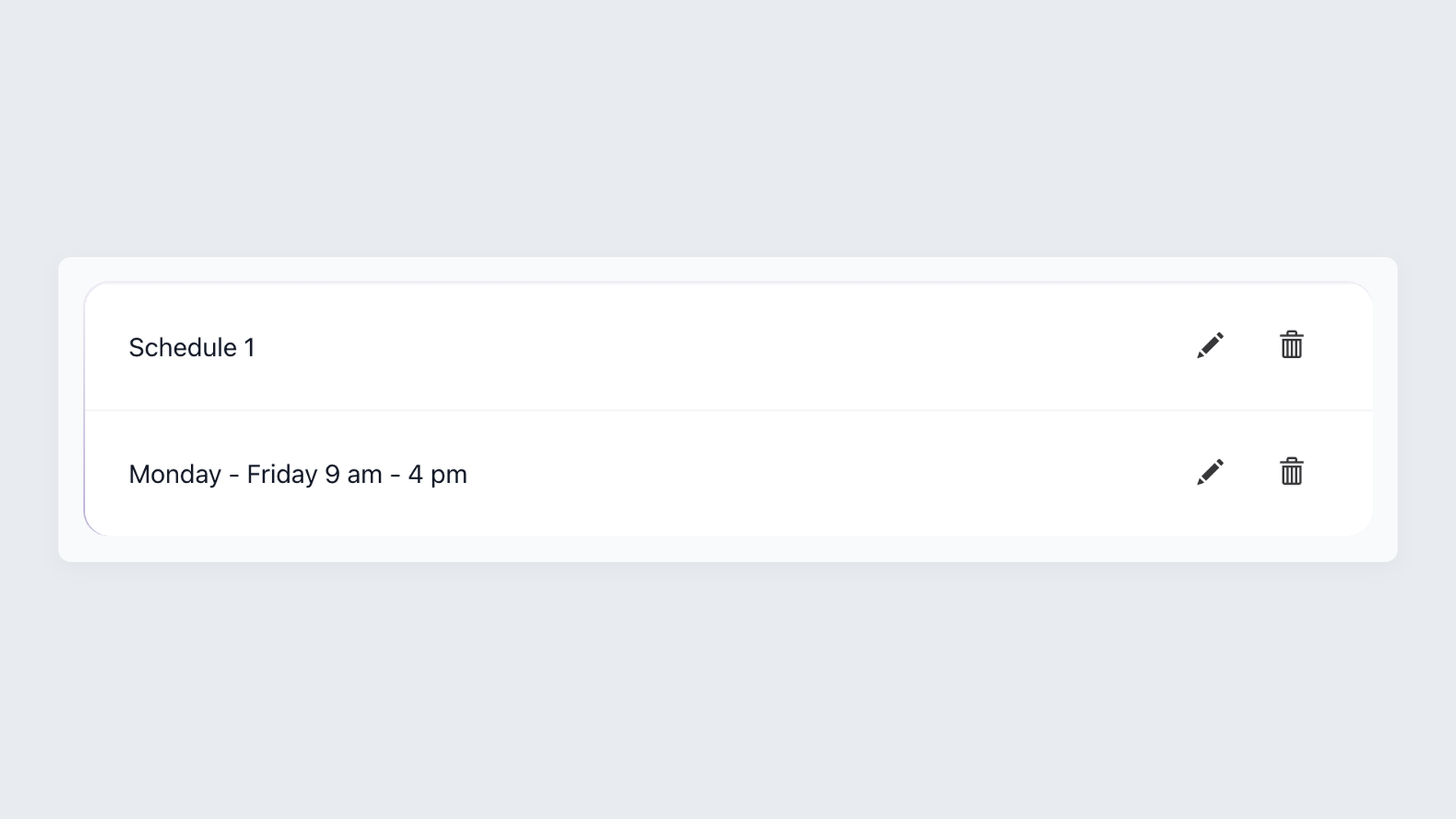
Set the hours your team takes interviews and 100Hires only offers candidates times inside that window. On top of that it reads free/busy from every connected Outlook calendar, so anything marked busy or out of office in Microsoft 365 drops off the booking page too. For panels, a live availability check spans the whole group.
- Free/busy read from connected Outlook calendars
- Busy and out-of-office times hidden automatically
- Live panel availability across the group
Let candidates book straight into Outlook
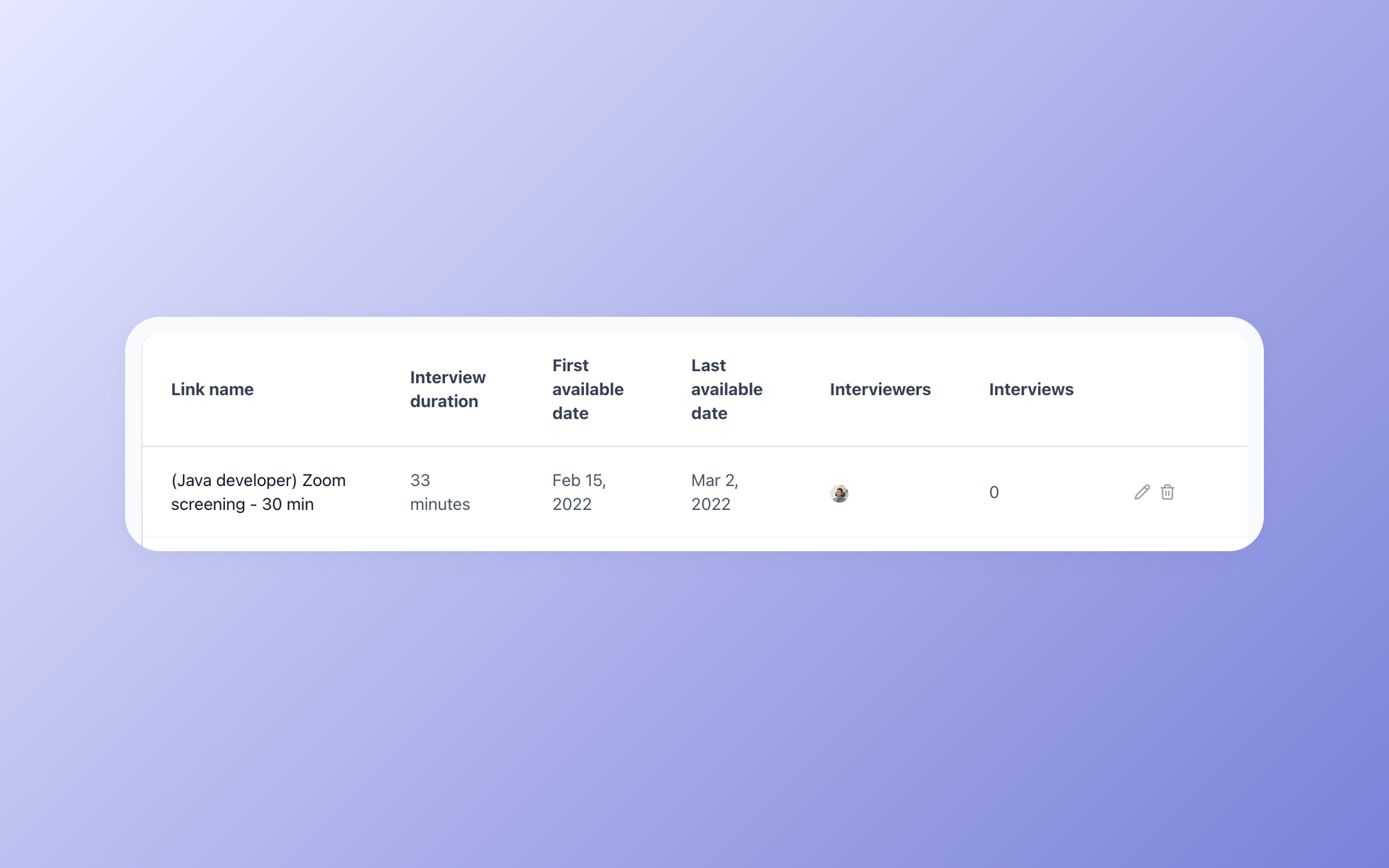
Share a self-scheduling link and the candidate picks from the open times your team has in Microsoft 365. The calendar invite goes out to everyone and the interview syncs both ways.
It lands on the candidate record in the same step, so there is no copy-paste back into the ATS afterward. The links work like Calendly, except they live inside 100Hires next to the rest of your pipeline.
100Hires vs bolting a scheduler onto a typical ATS
A typical ATS can connect to Outlook, but the useful parts often need an extra tool or a higher plan. 100Hires keeps availability, self-scheduling, and sync on one connection, with the full ATS underneath.
 100Hires
| You do this in 100Hires | What happens in Outlook | What lands on the candidate record |
|---|---|---|
| Schedule a 1:1 interview | Calendar invite sent to interviewer and candidate | Interview, time, and Zoom link on the profile |
| Schedule a panel | One invite to the whole panel once you pick a free slot | Shared interview entry plus evaluation form |
| Send a self-scheduling link | Candidate picks an open slot, invite auto-created | Booked interview logged automatically |
| Interviewer marks time busy or out of office | That time disappears from the booking page | Candidate never sees an unavailable slot |
| Reschedule or cancel | Outlook invite updates for everyone | Profile timeline reflects the change |
You can attach an evaluation form to any interview at the scheduling step, so panelists know what to score before the call starts. It is part of how 100Hires handles interview scheduling end to end.
Connect Outlook Calendar in a couple of clicks
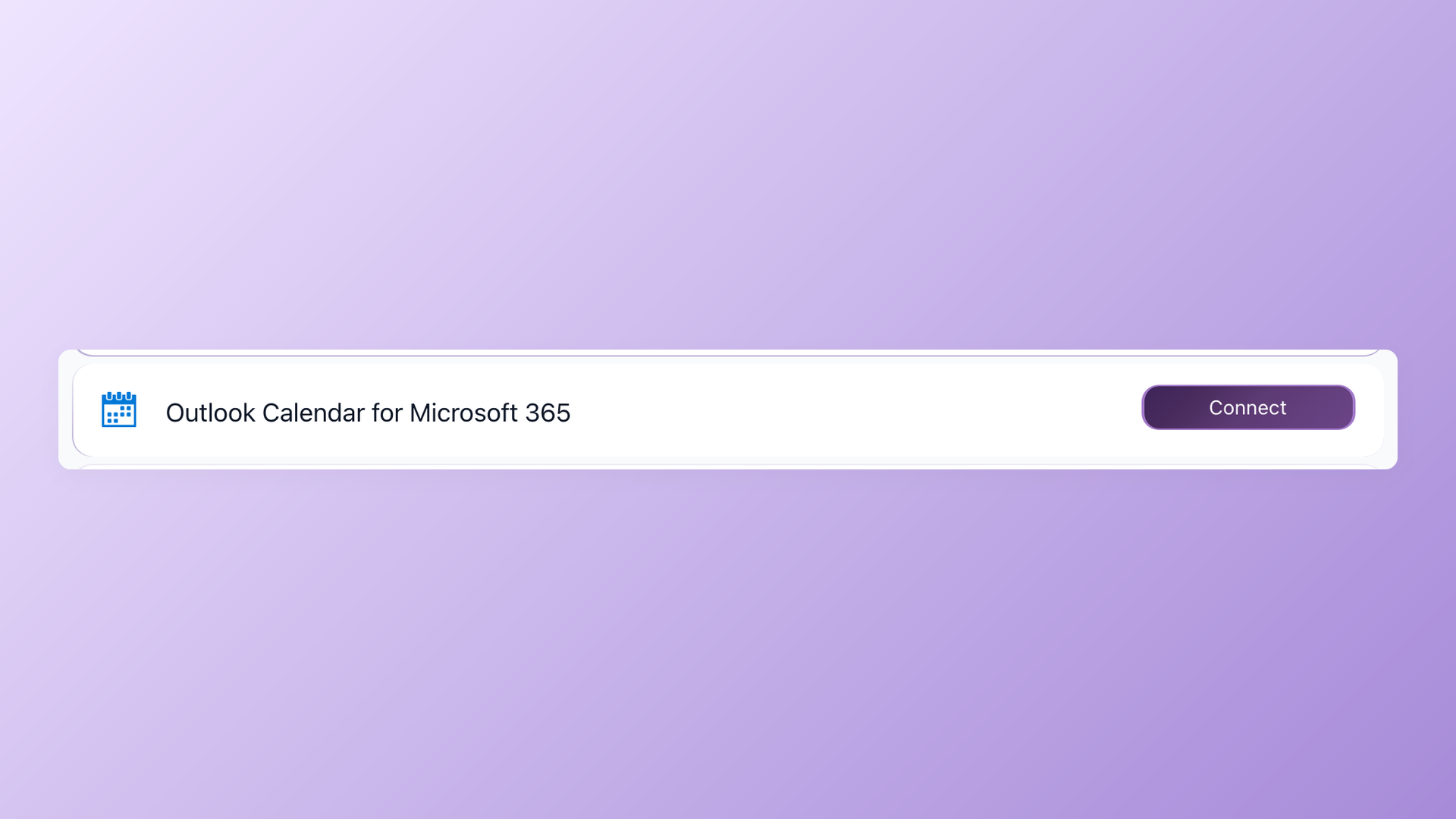
Open Settings, then Integrations, click Connect on Outlook Calendar for Microsoft 365, and authorize. The same screen connects Outlook email, so messages you send from a candidate profile show up in your Outlook mailbox too. Setup is the same self-serve flow your recruiters already use, not an IT project.
- Settings, Integrations, Connect, authorize
- No admin app install required
- Outlook email syncs from the same screen

It solved all of my recruitment problems and offered all of the features I was looking for. It can automate most of my recruitment processes.

I’d happily recommend it to my industry peers. I’m able to use the platform with ease and don’t have to think twice about which function to use.

The system is very user-friendly. Even people with no experience will find it easy to understand its functionality.




 4.7
4.7
 4.8
4.8
The hiring playbook, in your inbox
One email a week - benchmarks, AI screening tactics, and short interview templates from the 100Hires team. No product pitches.