
Custom Variables
Send one outreach or rejection template to every candidate and watch each name, role, and the right salary or benefits for that exact job fill themselves in - no find-and-replace, no separate template per role.






screening candidates
response rates
time to fill
per hire
The cost of personalizing candidate messages by hand
A recruiter running six open roles writes the same handful of messages all week: sourcing outreach, follow-ups, interview invites, rejections. Each one needs the candidate's name, the right job title, and often the salary or benefits for that specific role.
Two bad options follow. You keep a separate copy of every template for each salary band and benefits set, or you hand-edit each message before it goes out.
That is where the wrong job title, a stale salary number, and the occasional 'Dear [First Name]' slip through, and the whole desk slows down.
When a template requires five fields filled by hand before each send, someone skips one eventually. The candidate gets an email that still carries the original placeholder text, screenshots it, and posts it. 100Hires variables pull every field from the candidate and job record the moment you hit send, so there is nothing to fill manually and nothing to forget.
Write one template, let 100Hires personalize every send
A variable is a placeholder you add to an email or SMS template once. When you send the message, 100Hires swaps it for real data from the candidate, the job, your company, and you as the sender.
Write the template a single time, and it personalizes itself for everyone who receives it.
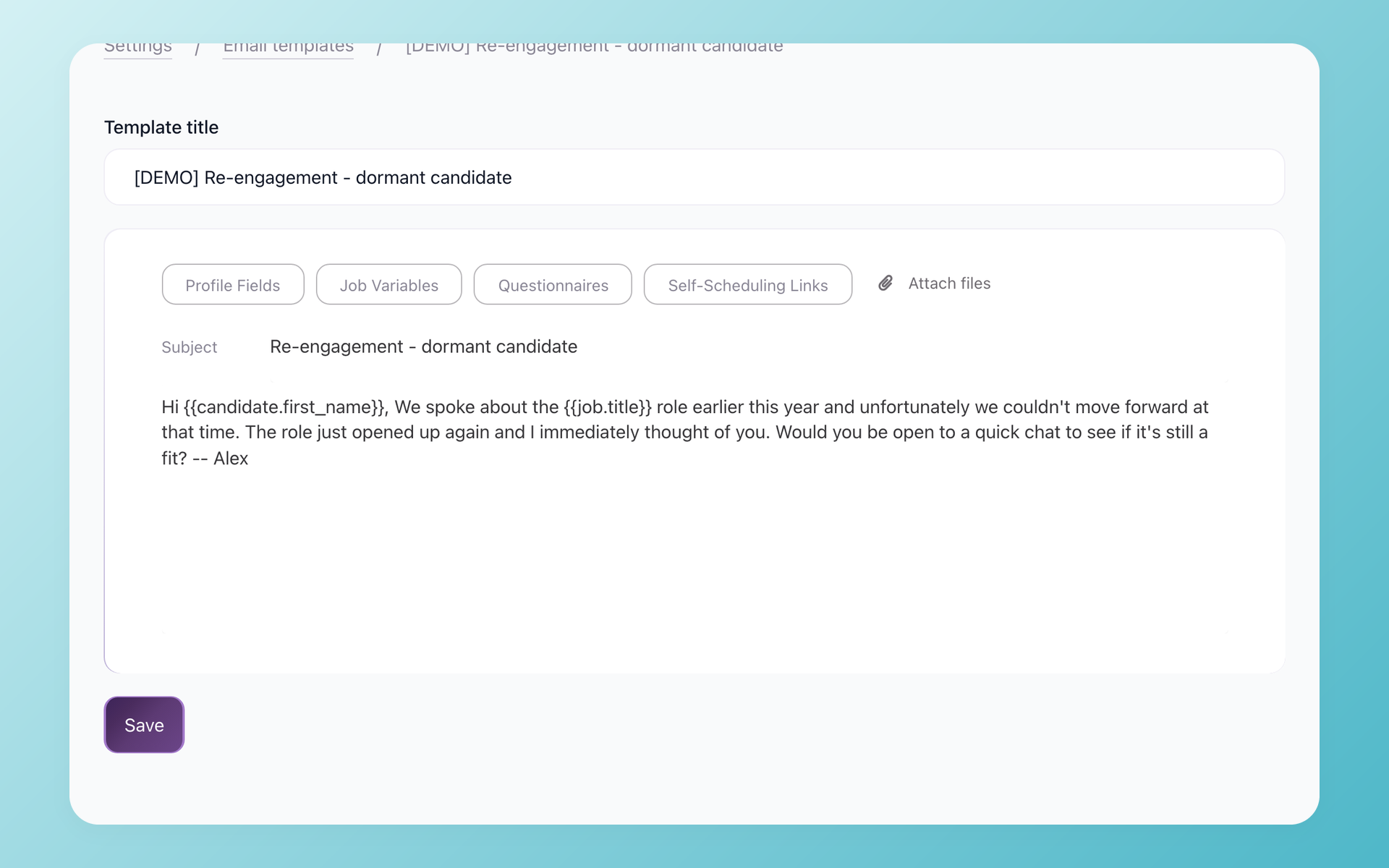
Every message reads like you wrote it by hand
Add the candidate, job, company, and sender variables to a template once, and 100Hires fills each one from the profile the moment you hit send. Send the same template to your whole pipeline and each candidate still gets their own name and the right job title, not a generic blast.
- Candidate fields: name, email, phone
- Job fields: title, location, department
- Your sender and company details
- No copy-paste from the profile
One template covers every open role
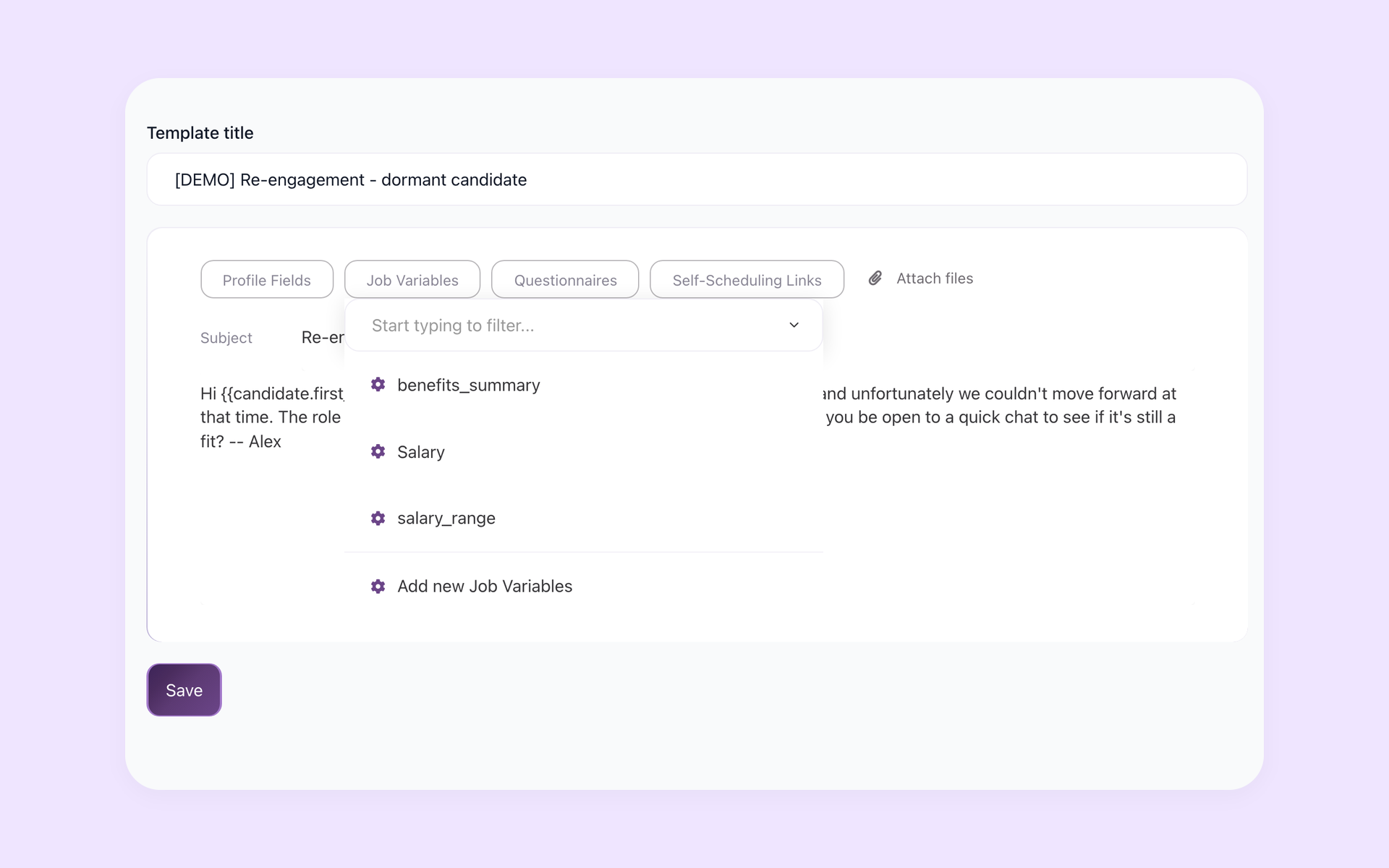
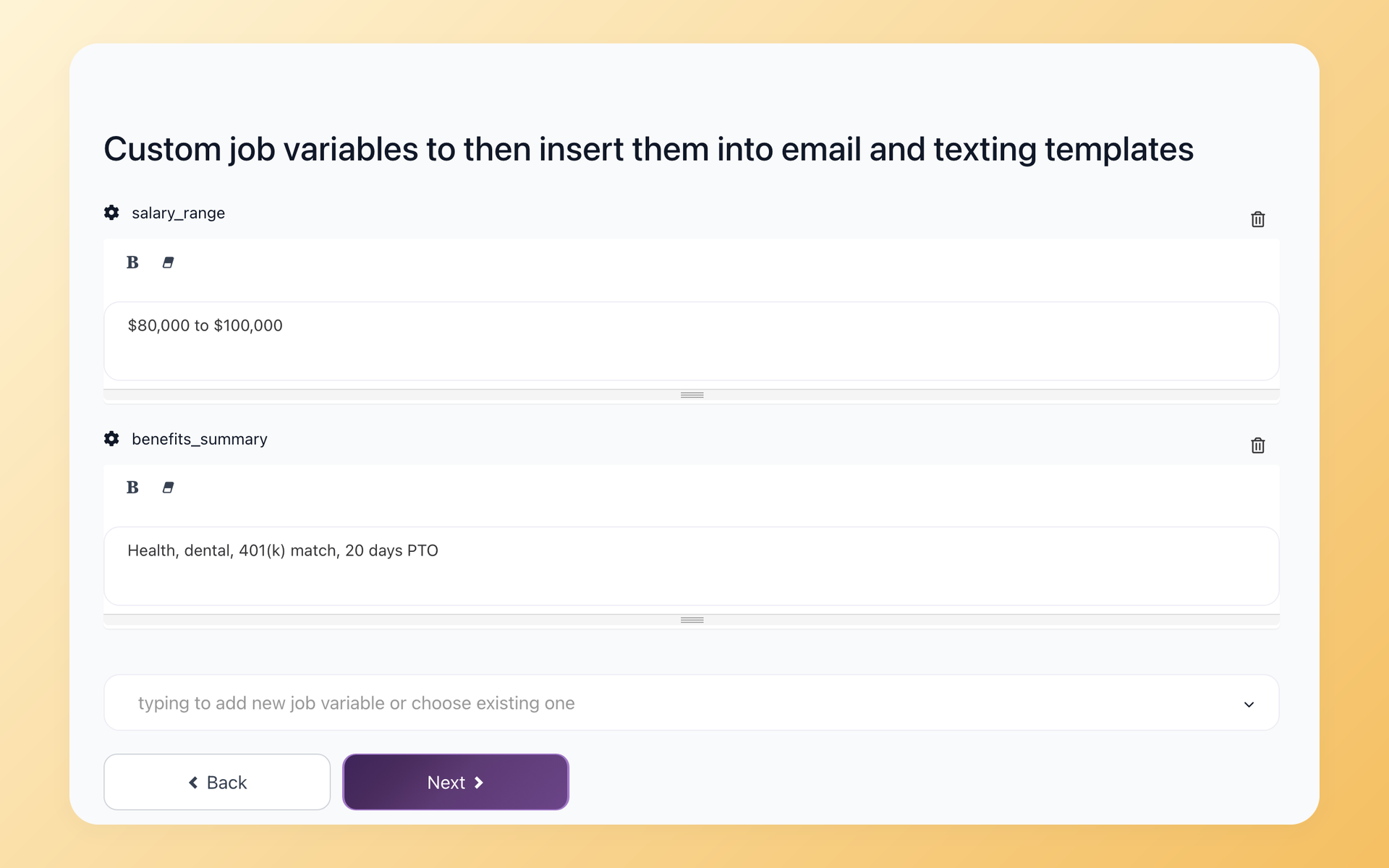
Custom job variables hold a different value for each job. Create a salary-range or benefits variable, give every role its own values, and a single rejection or outreach template pulls the right one for each candidate automatically. No more keeping one copy of every template per salary band.
- One value per job, one shared template
- Created in the job Options tab
- Inserted with the Job Variables button
- Filled in automatically on send
Set the salary-range variable to '$80,000 to $100,000' on one job and '$120,000 to $150,000' on another. The same template sends the correct range to candidates in each pipeline, with nothing to edit by hand.
| Variable group | Examples | What 100Hires fills in |
|---|---|---|
| Candidate | candidate_first_name, candidate_last_name, candidate_email, candidate_phone | The candidate's own details from their profile |
| Job | job_title, job_location, job_department | Details of the role the candidate applied to |
| Company | company_name | Your company name |
| Sender | sender_first_name, sender_last_name, sender_email, sender_phone | The recruiter who sends the message |
| Special links | self_scheduling_link, questionnaire_link, career_site_link | A live link to your scheduling page, a candidate questionnaire, or your career site |
| Custom job variables | salary_range, benefits_summary, and any name you choose | Any per-job value you define, such as salary or benefits |
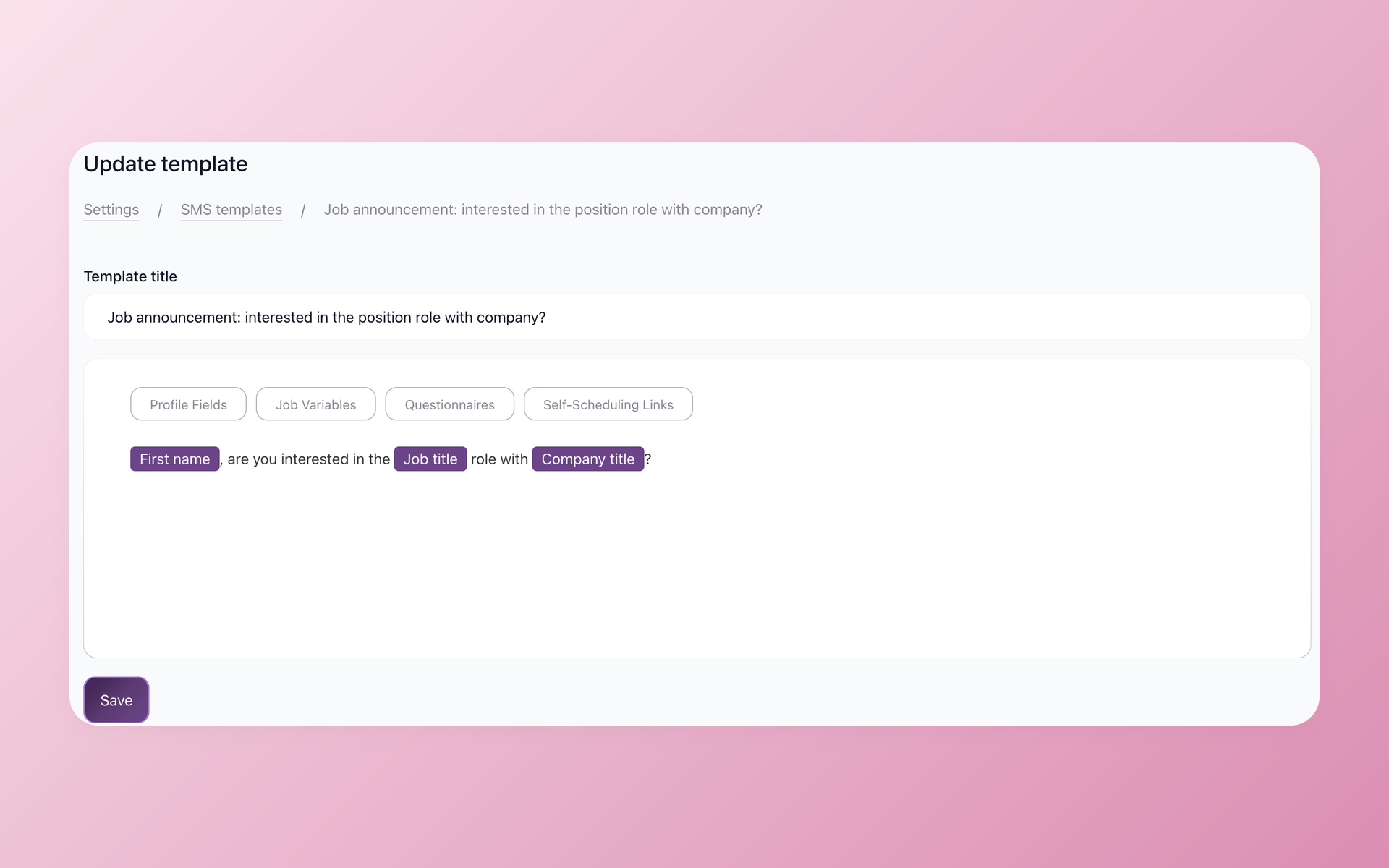
Personalize text messages, not just email
Variables work in SMS templates, not just email. Special-link variables drop a self-scheduling link, a candidate questionnaire, or your career-site URL straight into the text, so the message carries a working scheduling or questionnaire link without you pasting it by hand.
- Variables in SMS and email alike
- Self-scheduling link variable
- Questionnaire link variable
- Career-site link variable
The self-scheduling link opens your interview scheduling page, and the questionnaire link opens a candidate questionnaire you built in 100Hires. You can also let the AI Email Composer draft the message while the variables fill in the facts.
How Custom Variables compare to a typical ATS
Most applicant tracking systems support basic name and job merge fields. The difference shows up when you run many roles at once and need each one personalized with its own salary, benefits, and details.
 100Hires

It solved all of my recruitment problems and offered all of the features I was looking for. It can automate most of my recruitment processes.

I’d happily recommend it to my industry peers. I’m able to use the platform with ease and don’t have to think twice about which function to use.

The system is very user-friendly. Even people with no experience will find it easy to understand its functionality.







 4.7
4.7
 4.8
4.8
The hiring playbook, in your inbox
One email a week - benchmarks, AI screening tactics, and short interview templates from the 100Hires team. No product pitches.
Related 100Hires resources: Explore recruitment automation software.