
Zapier integration that automates the busywork between your ATS and 8,000+ apps
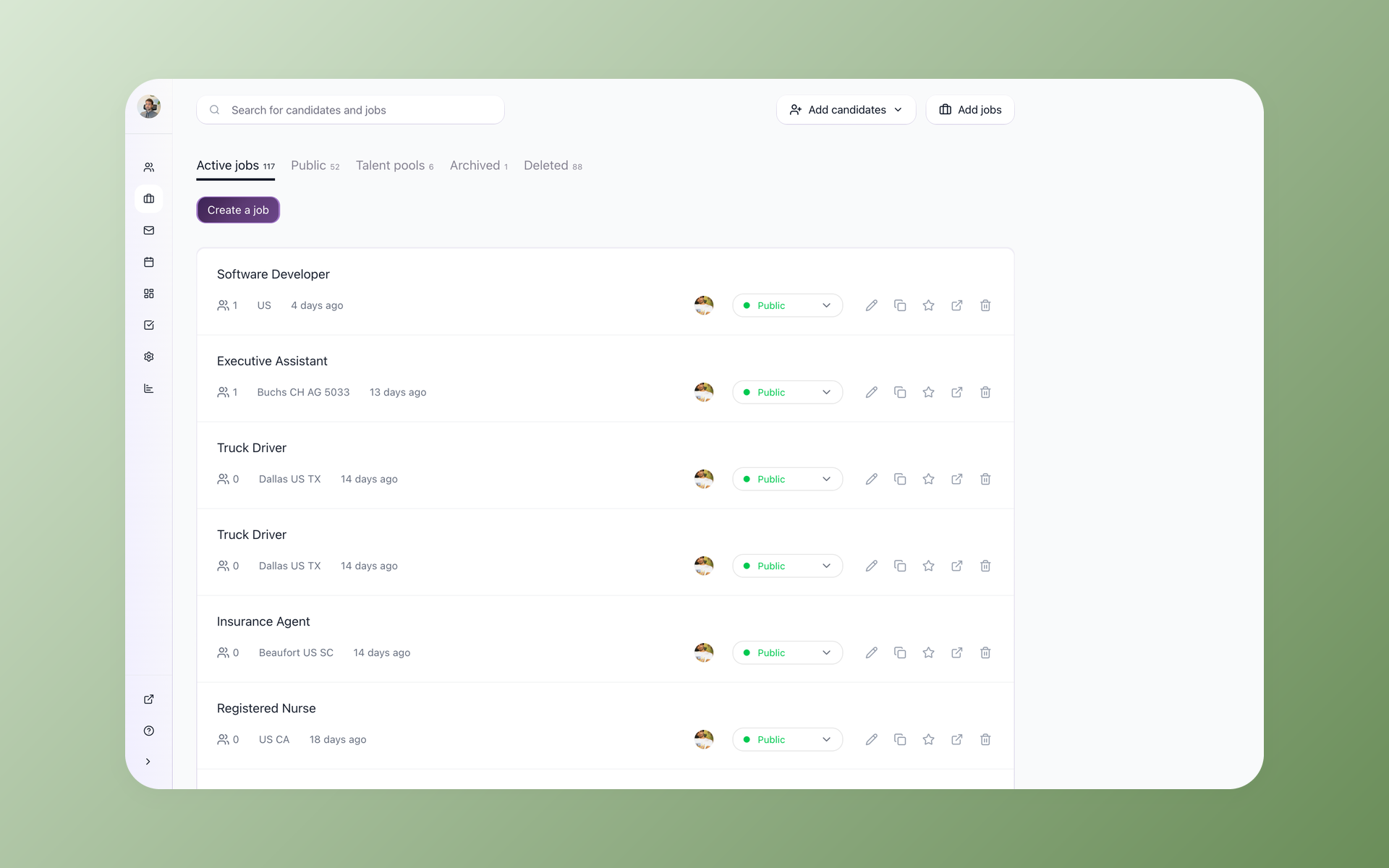
Stop copying new candidates into spreadsheets and updating interview stages by hand. New applicants, stage changes, and published jobs in 100Hires fire off actions in the apps your team already uses.






screening candidates
response rates
time to fill
per hire
Yes, 100Hires connects to Zapier. Once linked, every new candidate, stage change, or published job can fire an action in any of Zapier's 8,000+ apps. Zapier can also push data the other way to create candidates, move them through your pipeline, or assign them to a job.
This page covers what you can automate, the exact triggers and actions 100Hires exposes, the Zaps recruiters set up most, and how to connect the two in a few minutes.
The glue work between your ATS and everything else
Most recruiting teams already run a quiet pile of manual handoffs. A new applicant arrives, so someone copies them into a Google Sheet. A candidate moves to Interview, so someone updates a tracker and pings the hiring manager in Slack.
A form comes in, so someone retypes it into the ATS. Each task is small. Run them across every role, every day, and they eat hours nobody planned for.
Zapier is how teams connect tools that do not talk to each other on their own. The 100Hires Zapier integration puts your ATS on that map: pipeline events become triggers that start a Zap, and the apps you live in become the destination.
Nothing gets retyped, and the work happens whether or not anyone is watching the pipeline.
Connect once and hand the rest to Zapier
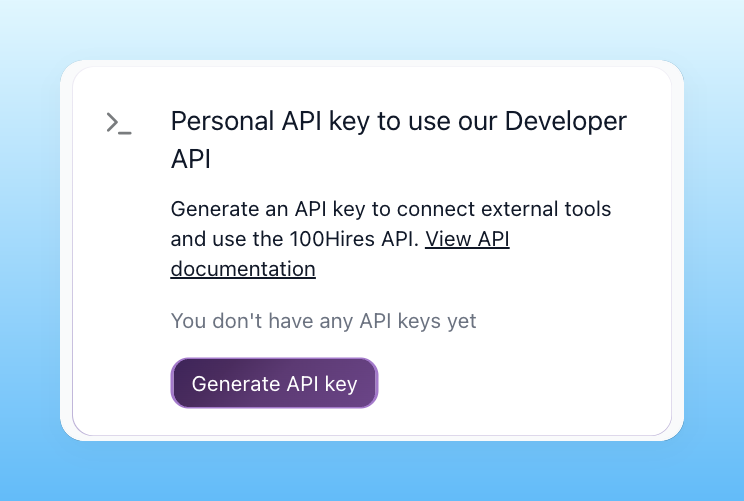
Setup takes a few minutes and no developer. In 100Hires, open Settings, go to Integrations, and generate a Personal API key. In Zapier, search for the 100Hires ATS app, click Connect, and paste that key to authenticate. From there you build Zaps in Zapier's own editor, pick a 100Hires trigger or action, and the two stay in sync without anyone touching code.
- Personal API key in Settings - Integrations
- Search 100Hires ATS in Zapier, paste the key
- No developer, live in minutes
- Same key powers the API and MCP server
Let a new applicant kick off the workflow
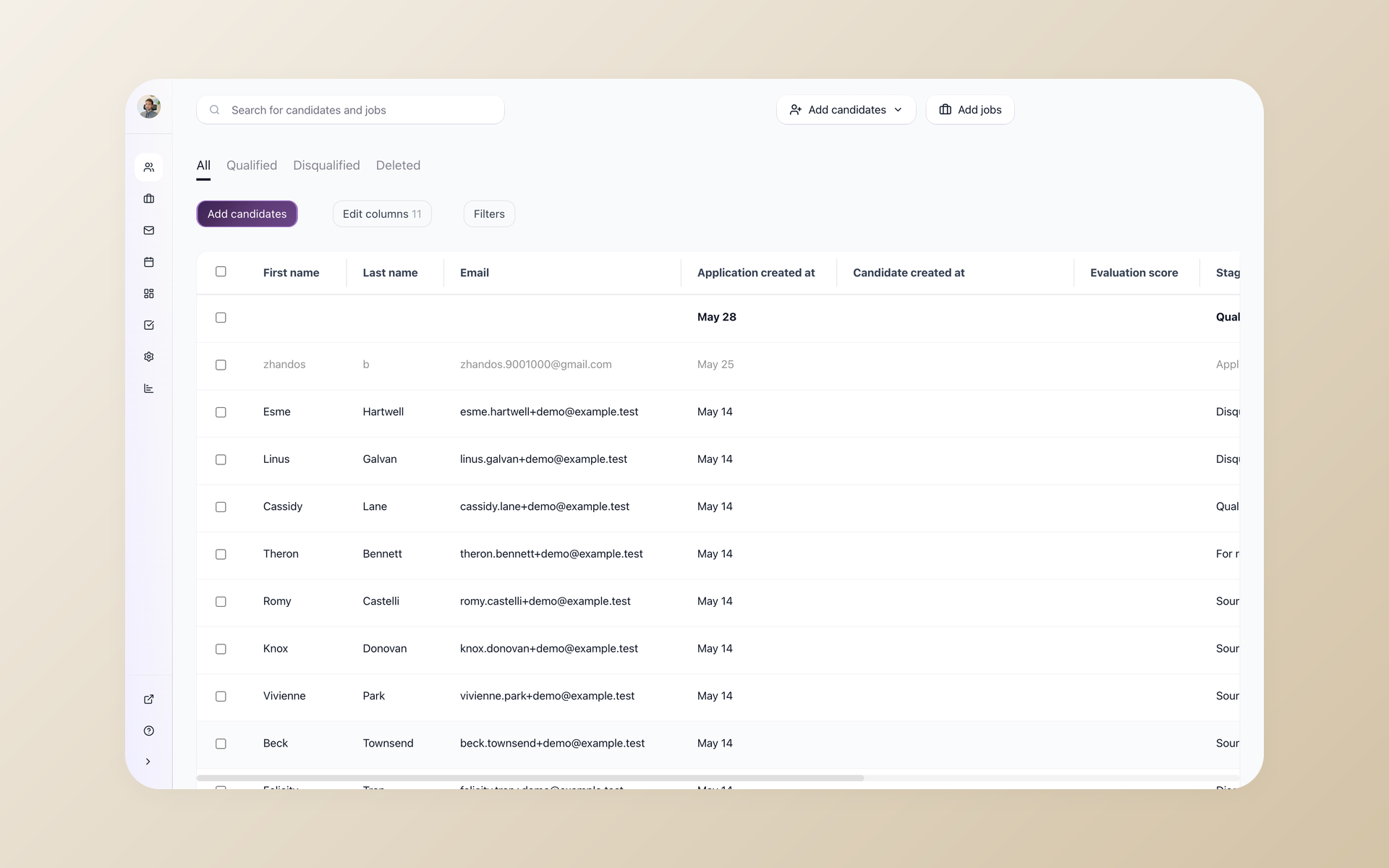
Three things happening in 100Hires can start a Zap. When a new candidate is added, when a candidate enters a stage you choose, or when a job is published, Zapier picks it up and runs whatever you set next. That is how a new applicant becomes a Slack message to the hiring manager, a row in a tracking sheet, or a welcome email, with no recruiter doing the busywork in between.
- New Candidate added
- New Candidate in a chosen Pipeline stage
- Job Published
- Each event runs your Zap automatically
Skip the data entry into your ATS
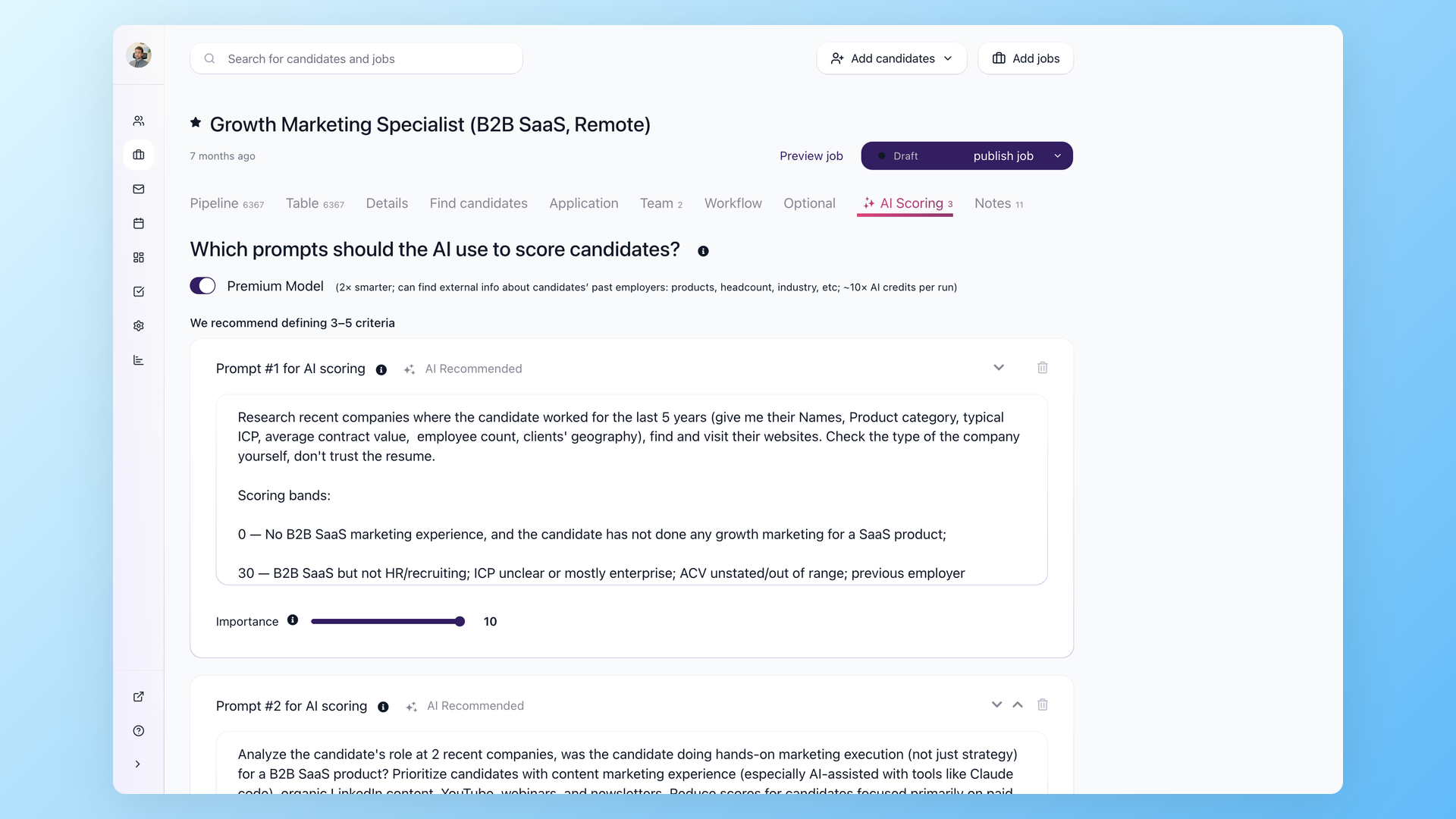
Zapier can also write back into 100Hires, so people land in your pipeline without anyone keying them in. It can create a candidate from a web form with their name, email, phone, and LinkedIn, move a candidate to a different Pipeline stage, or assign a candidate to a job opening or Talent Pool. Inbound applicants from a Typeform or a landing page show up already in the pipeline, assigned to the right job and ready for the same review as any other candidate.
- Create a Candidate from any form
- Move Candidate to a Pipeline stage
- Assign to a job opening or Talent Pool
- No retyping from email or spreadsheets
What 100Hires exposes to Zapier
The 100Hires ATS app on Zapier ships with three triggers and three actions. Triggers are events in 100Hires that start a Zap; actions are things Zapier does inside 100Hires. You combine them with any of Zapier's other apps to build a workflow.
| Type | Name | What it does |
|---|---|---|
| Trigger | New Candidate | Starts a Zap when a new candidate is added to 100Hires |
| Trigger | New Candidate in Stage | Starts a Zap when a candidate enters a Pipeline stage you pick |
| Trigger | Job Published | Starts a Zap when a job is published |
| Action | Create a Candidate | Creates a candidate from first name, last name, email, phone, and LinkedIn |
| Action | Move Candidate to Stage | Moves a candidate to a Pipeline stage you choose |
| Action | Assign to Job or Talent Pool | Assigns a candidate to a job opening or a Talent Pool |
Zaps recruiters set up most
The point of the integration is not the trigger list, it is the hours it gives back. These are the automations teams build first, each one replacing a manual handoff that used to sit on a recruiter's plate.
| When this happens in 100Hires | Zapier does this | Why it matters |
|---|---|---|
| A new candidate is added | Add a row in Google Sheets | Your applicant tracker fills itself, no manual export |
| A new candidate is added | Post to a Slack channel | The hiring team sees every applicant in real time |
| A candidate enters the Interview stage | Create a Google Calendar event or send a Gmail message | Scheduling and candidate comms fire the moment the stage changes |
| A job is published | Share it to Slack or a Google Sheet | Sourcers and recruiters are notified the instant a role goes live |
| A form is submitted in Typeform or Google Forms | Create a candidate in 100Hires | Inbound applicants land in your pipeline automatically |
| A candidate reaches your Hired stage | Add them to your HRIS or onboarding tool | The handoff to onboarding happens the moment they are hired |
Zapier or native automations? You will want both
100Hires already automates a lot inside the pipeline on its own. Native workflow automations advance or reject candidates by rule, AI Score ranks applicants from 0 to 100, and nurture campaigns follow up without you.
None of that needs Zapier, and none of it counts against a Zapier task quota. It runs inside the ATS on every plan.
Use native automations for logic that lives inside the ATS, and use Zapier for the long tail of apps outside it. The Zapier app exposes candidate and job events rather than every field in 100Hires, so deep in-pipeline rules are faster to build natively.
For the full picture of what 100Hires automates on its own, see recruitment automation software. Developers who want to drive 100Hires programmatically can also use the REST API and the 100Hires MCP server, which run on the same Personal API key.
100Hires plus Zapier versus a typical ATS
 100Hires
Where 100Hires is not the whole answer: Zapier itself runs on its own plan, so very high task volume is billed by Zapier, not by 100Hires, and the app exposes candidate and job events rather than every object in the ATS.
For most teams the three triggers and three actions cover the handoffs that waste the most time.

It solved all of my recruitment problems and offered all of the features I was looking for. It can automate most of my recruitment processes.

I’d happily recommend it to my industry peers. I’m able to use the platform with ease and don’t have to think twice about which function to use.

The system is very user-friendly. Even people with no experience will find it easy to understand its functionality.







 4.7
4.7
 4.8
4.8
The hiring playbook, in your inbox
One email a week - benchmarks, AI screening tactics, and short interview templates from the 100Hires team. No product pitches.
Related 100Hires resources: Explore indeed integration.