Google Calendar integration that books interviews without the back-and-forth
See every interviewer's real availability in one view, book the interview onto their calendars with the video link attached, and stop double-booking your hiring team.





screening candidates
response rates
time to fill
per hire
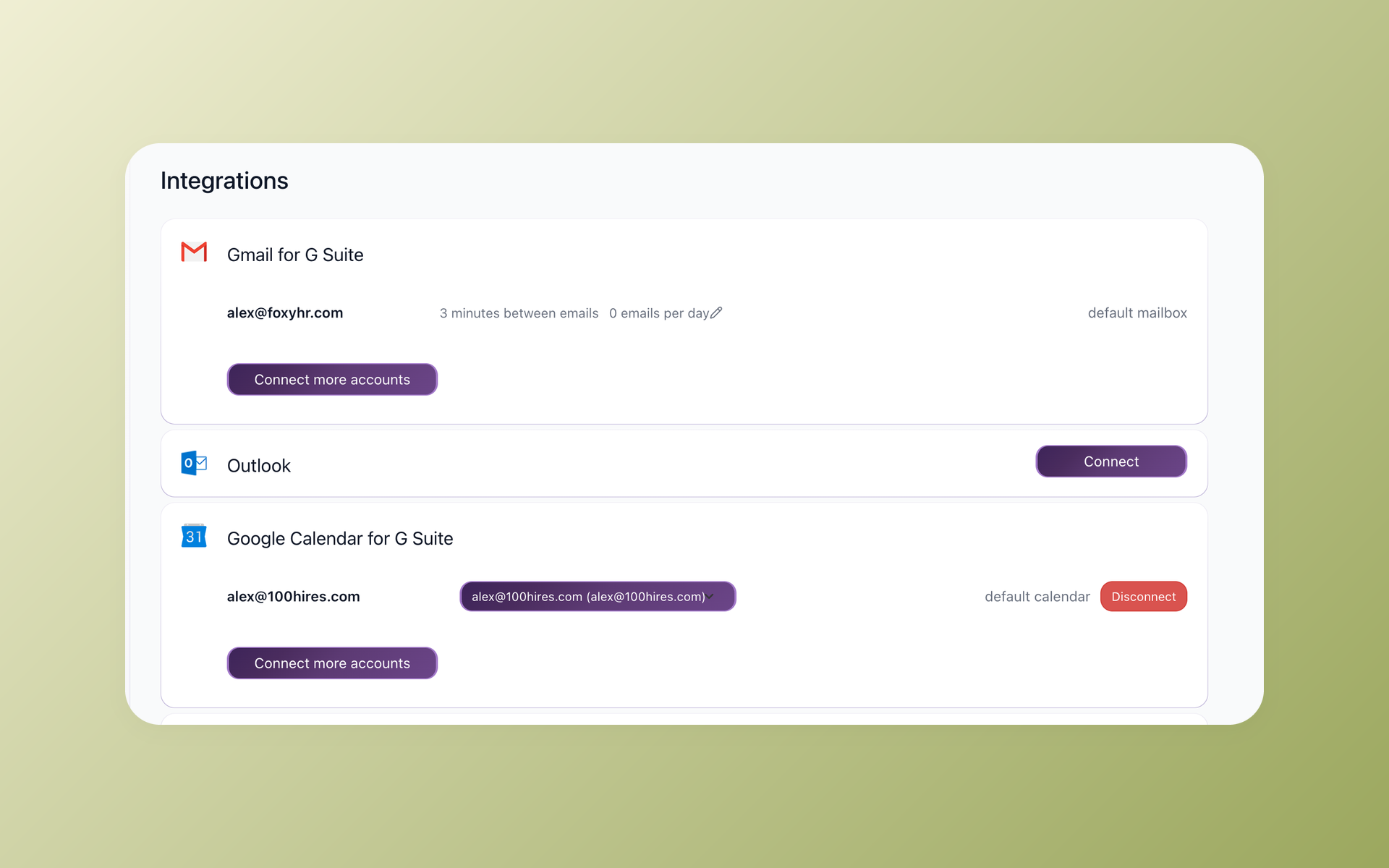
The 100Hires Google Calendar integration connects your Google Workspace calendar to your ATS, so booking an interview stops being an email thread. Connect it once in Settings then Integrations, and interviews sync both ways.
When you schedule, the interview lands on your calendar and your interviewers', and the meetings already on your calendar show up in 100Hires as busy time, so you are not booking over anyone.
One thing to know up front: this works with Google Workspace on a corporate domain, not a personal @gmail.com address. This page covers what the integration does, how to switch it on, and why connecting Google Calendar to a real ATS beats scheduling by hand.
Scheduling interviews by email falls apart fast
Finding one time that works for a candidate and three interviewers usually means a chain of emails, a couple of reschedule requests, and someone getting double-booked anyway.
You open each interviewer's calendar in its own tab, cross-check by eye, send the invite, then redo the whole thing when a conflict surfaces an hour later.
The fix is not another standalone scheduler. It is connecting the calendar your team already lives in to the place you actually hire, so availability, the interview, and the candidate record sit together. Here is how that works in 100Hires.
See every interviewer's real availability in one place
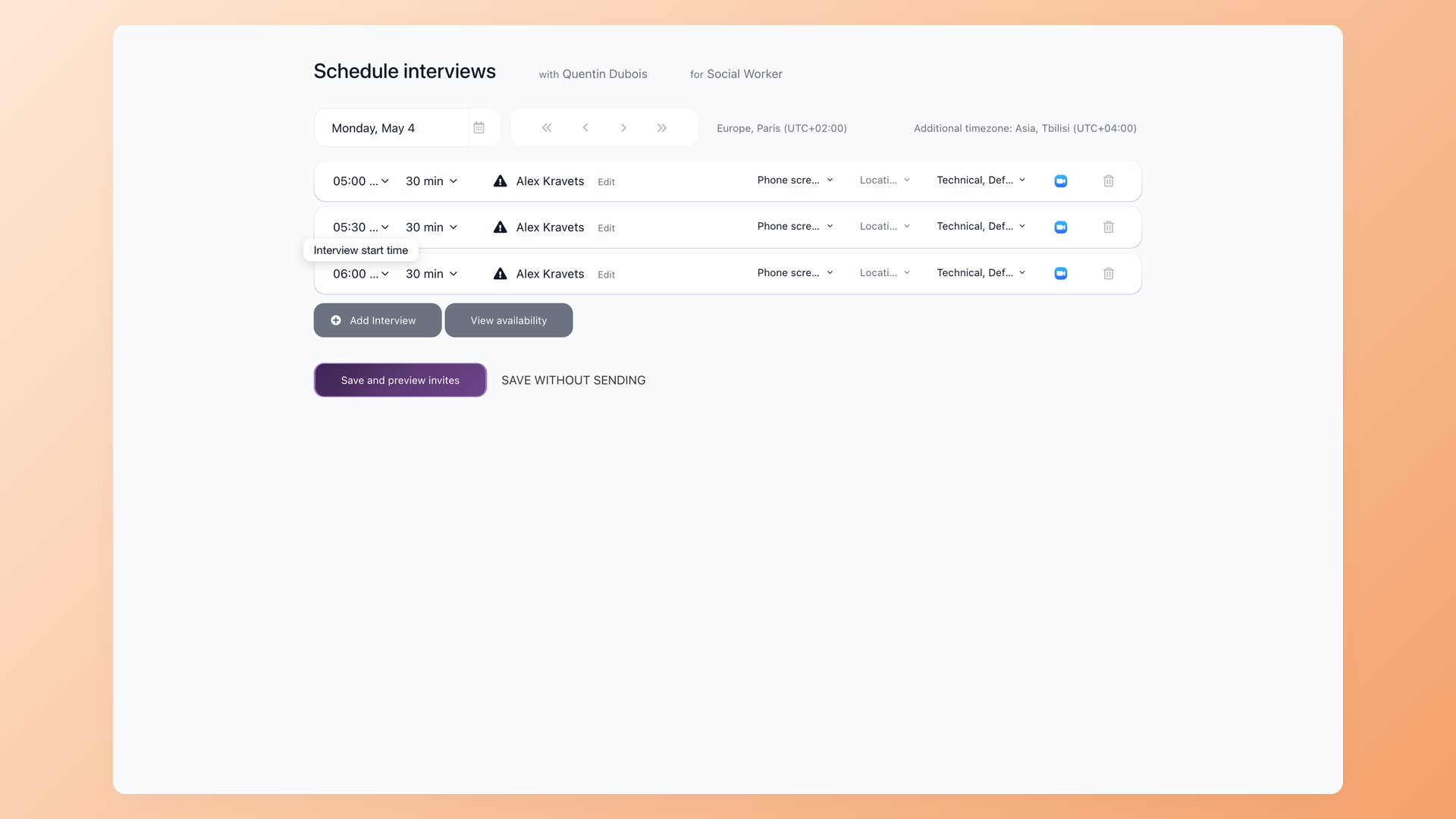
Connect Google Calendar and 100Hires reads busy and free time across every interviewer you add to the panel at once. Free slots show white, existing meetings show gray, so you spot a time that works for everyone in seconds instead of opening five calendars and guessing.
- Busy and free across the whole panel
- White is free, gray is already taken
- Find a common slot in seconds
- No opening five calendar tabs
The Google Calendar integration at a glance
Setup is short and the rules are simple. Here is what the integration needs and what it does once it is on.
| Google Calendar integration in 100Hires | |
|---|---|
| Works with | Google Workspace on a corporate domain, not a personal @gmail.com address |
| Where you connect it | Settings then Integrations, the Google Calendar section, then Connect |
| Who sets it up | Your Google Workspace admin installs the 100Hires app once, then every interviewer connects their own calendar |
| What syncs into 100Hires | Your existing meetings, all-day events and recurring events show in 100Hires as busy time |
| What syncs out to your calendar | Scheduled interviews appear on your calendar with the candidate name, the interview details and the Zoom link when Zoom is connected; reschedule or cancel updates both sides |
| Related Workspace pieces | Microsoft 365 Calendar does the same for Outlook teams, and the Gmail integration syncs candidate email two ways |
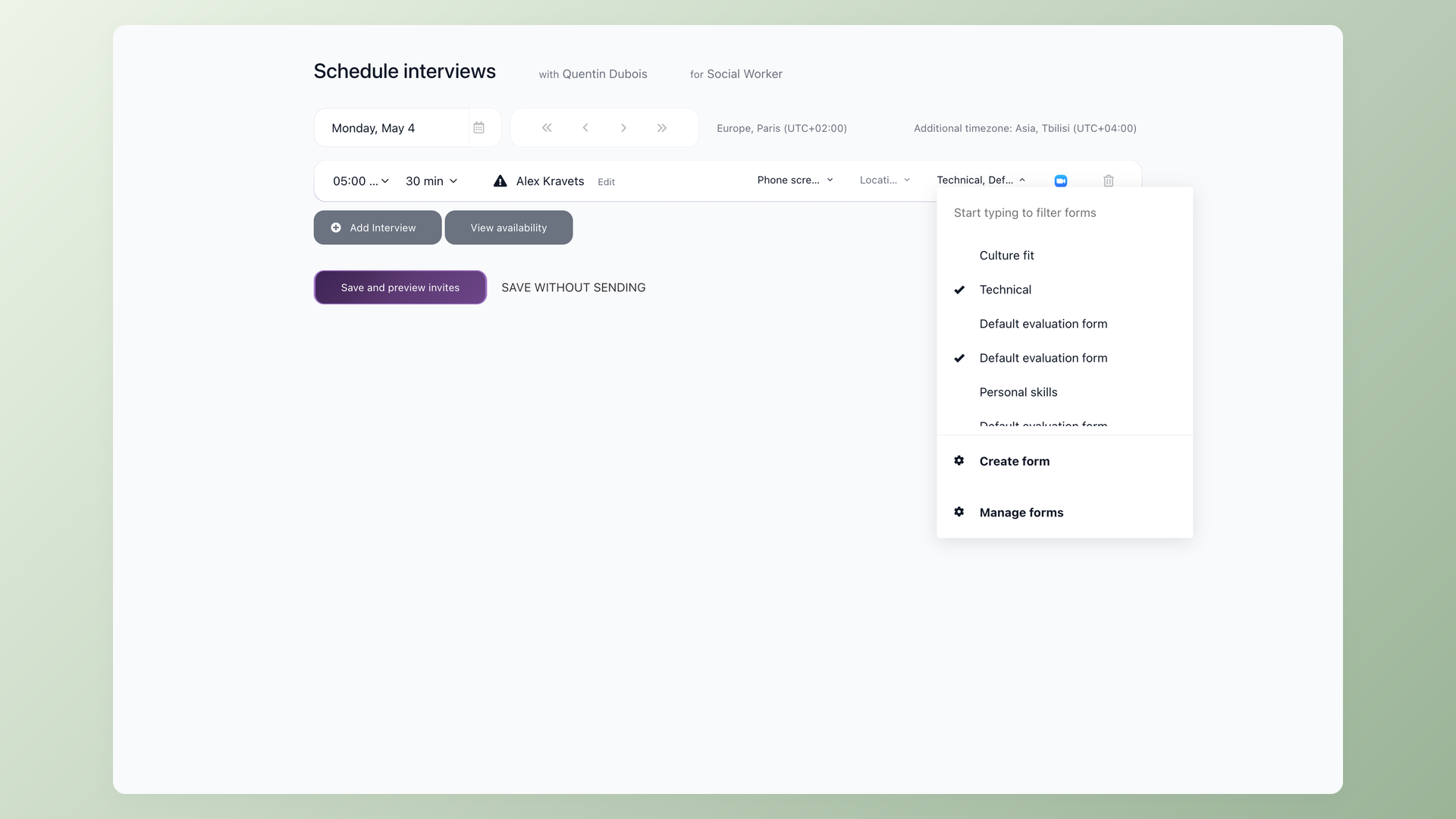
Stop chasing interviewers to put the call on their calendar
When you schedule in 100Hires, the interview lands on your calendar and your interviewers' calendars, with the candidate name, the details and the Zoom link when Zoom is connected. The candidate gets the invite too, and a reschedule or cancel updates both sides at once, so nobody is sitting on a call that already moved.
- Lands on the team's calendars automatically
- Candidate gets the invite
- Zoom link attached when connected
- Reschedule once, both sides update
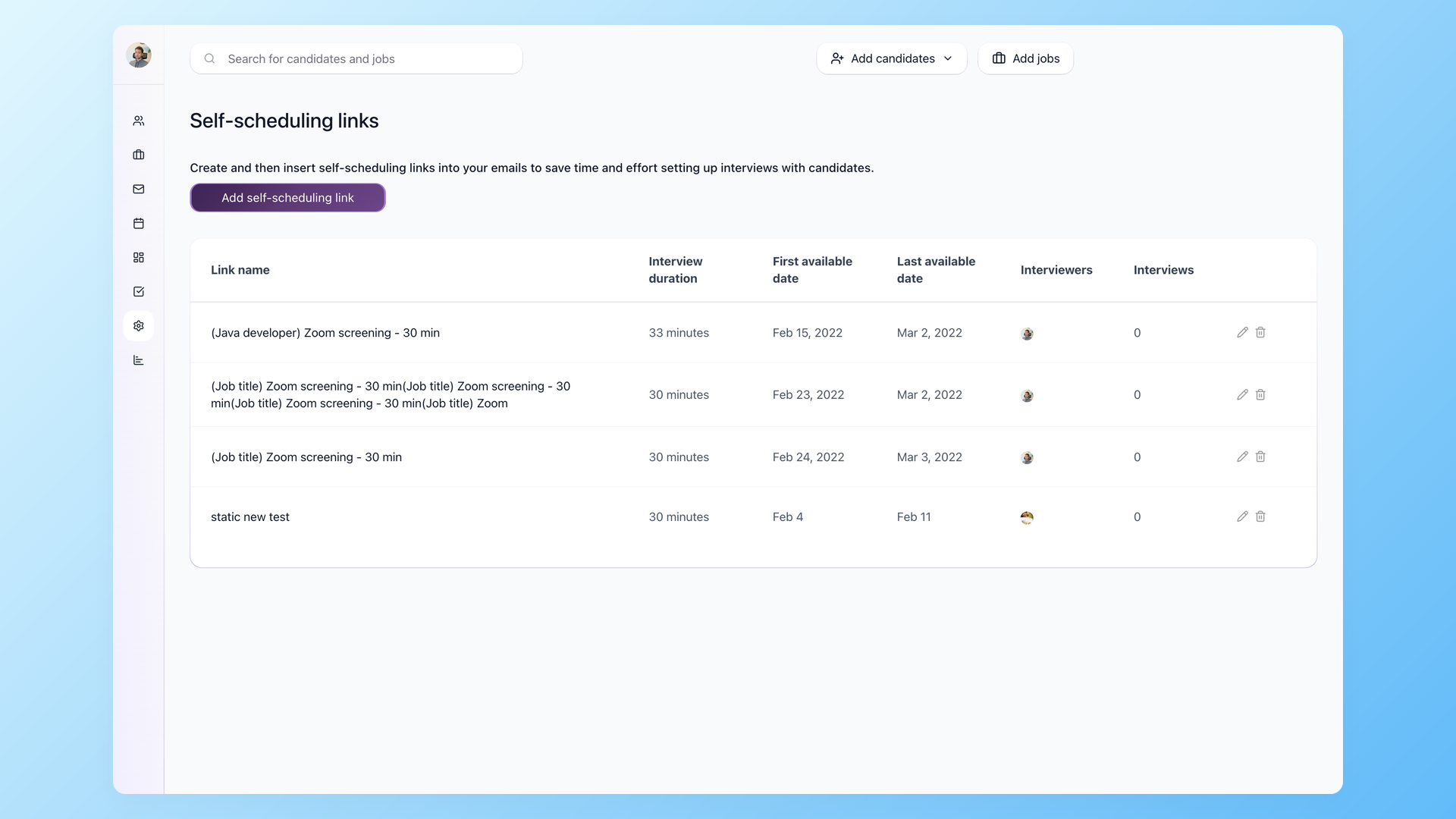
Hand the candidate a link instead of a thread
Not every interview needs a panel. Send a Self-Scheduling Link and the candidate books straight from your real availability, while 100Hires checks your connected Google Calendar so the slot is genuinely free. No three-day email exchange to land on a time.
- Self-Scheduling Links
- Books against live availability
- No back-and-forth email
Self-scheduling has a lot more to it, from panel rounds to automatic reminders, and the full story lives on our interview scheduling software page.
Can I just use Google Calendar for interview scheduling on its own
For a single interview, sure. You open Google Calendar, find a slot, send an invite, done. The trouble starts at the second interviewer and the third open role, because the calendar event knows nothing about the candidate, the stage they are in, or what the interviewer is supposed to evaluate.
100Hires takes the other path. Instead of running scheduling beside your hiring, it connects Google Calendar to the candidate record, so the availability check, the interview, the video link and the evaluation form all hang off the person you are hiring.
Google Calendar stays your calendar, 100Hires does the hiring.
100Hires with Google Calendar connected versus Google Calendar on its own
 100Hires
Where 100Hires is not the fit: if you run one interview a month, a calendar and a few emails will cover it, and the integration is Google Workspace only, so a personal @gmail.com account will not connect.
When scheduling is the whole job, our interview scheduling software covers panels, reminders and self-scheduling in more depth.

It solved all of my recruitment problems and offered all of the features I was looking for. It can automate most of my recruitment processes.

I’d happily recommend it to my industry peers. I’m able to use the platform with ease and don’t have to think twice about which function to use.

The system is very user-friendly. Even people with no experience will find it easy to understand its functionality.





 4.7
4.7
 4.8
4.8
The hiring playbook, in your inbox
One email a week - benchmarks, AI screening tactics, and short interview templates from the 100Hires team. No product pitches.
Related 100Hires resources: Explore recruitment automation software.