
Chrome Extension for Recruiters That Adds Candidates to Your ATS in One Click
Capture candidates you find on LinkedIn, Gmail, GitHub, and 11 more sites, straight into the right job in your ATS. No copy-paste, no switching tabs, no duplicate records. Free to install on Chrome.
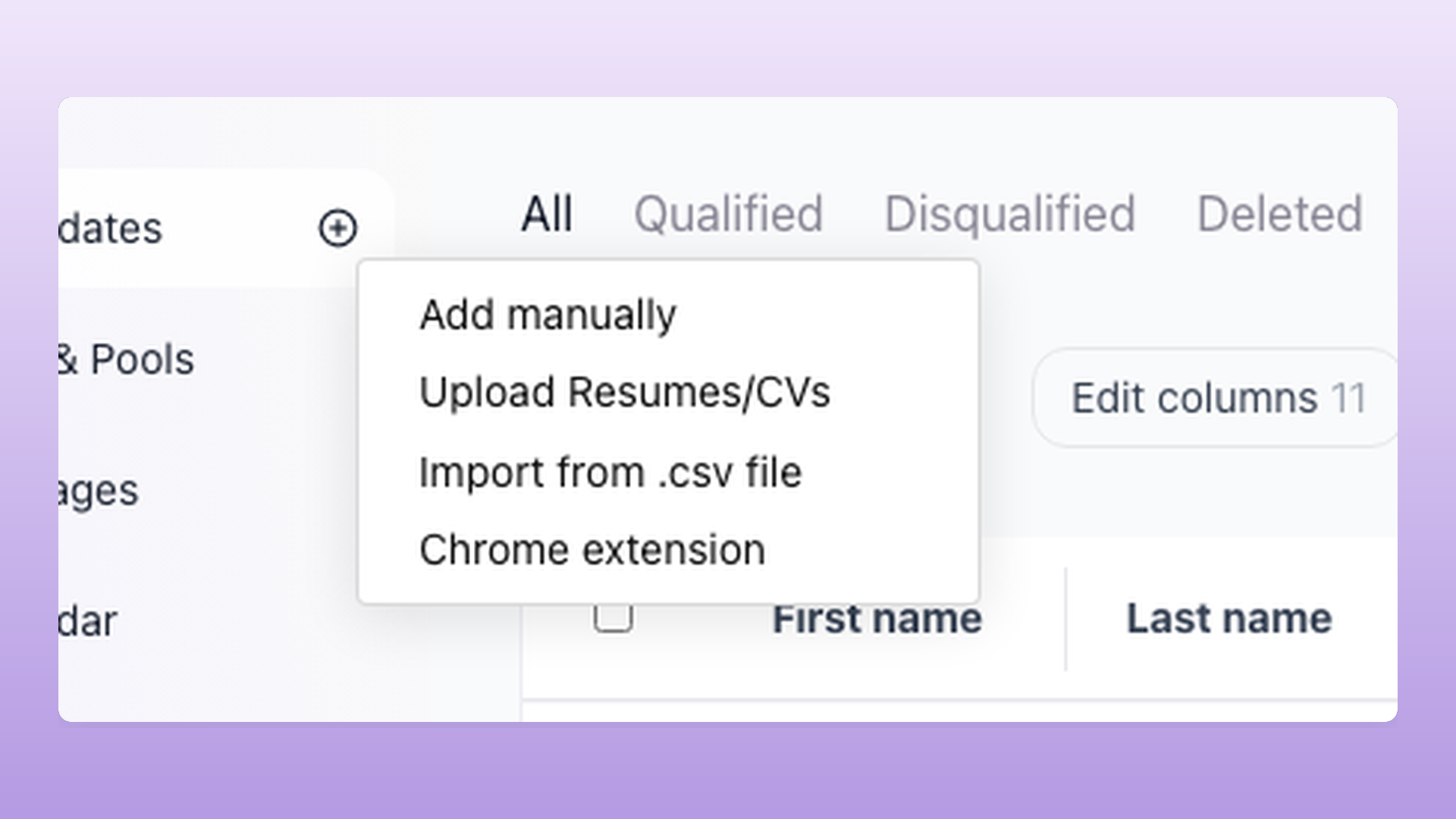
The 100Hires Chrome extension for recruiters adds candidates to your ATS in one click, from a LinkedIn profile, a Gmail thread, a GitHub page, or any supported site. No retyping names, no copy-pasting links between browser tabs.
Open a profile, click the icon, pick the job. The candidate lands in your pipeline with their name, title, location, and work history already filled in.
Manual data entry and switching between separate tools slow sourcing down. The extension reduces that to a single click, and it works inside the 100Hires recruiting software you already use to hire.






How the 100Hires Chrome extension works
Three steps, a few seconds per candidate. The same flow works across every supported site.
- Open a profile or a Gmail thread on any of the supported sites.
- Click the 100Hires icon. The extension reads the page and fills in the candidate's details for you.
- Pick the job and pipeline stage. The candidate is in your ATS, tagged with their source and checked against your existing database.
The extension works best on profile and email pages where candidate details are visible. On pages with limited public information, you may still adjust a field or two before saving.
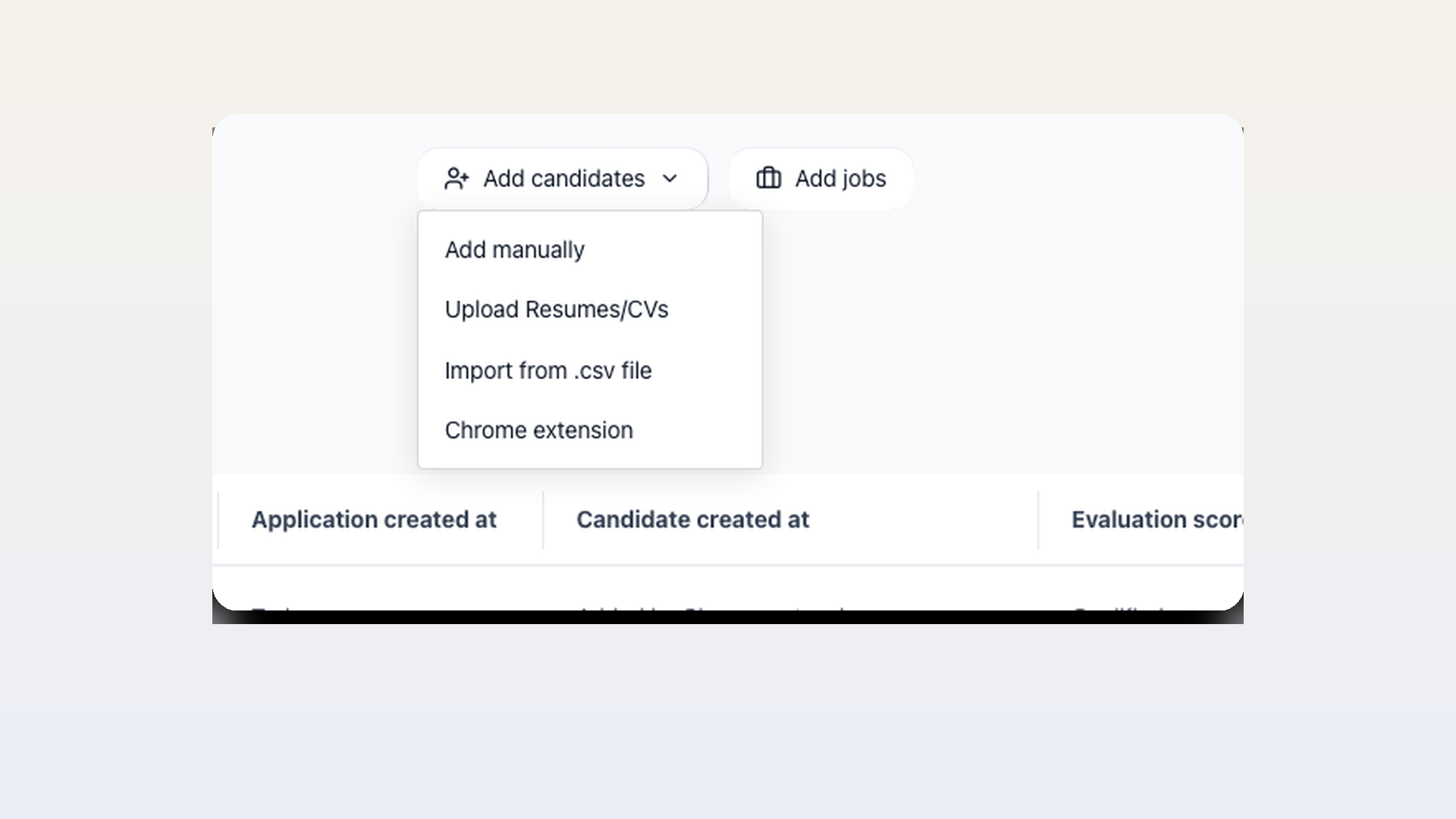
Add a candidate in one click, without making a duplicate
Open any profile, click the 100Hires icon, and the candidate name, job title, location, work history, and profile URL are added to your account automatically. Before it saves, the extension checks your database and flags anyone who already exists, with the job and stage they are in, so two recruiters never work the same person by accident. If an email or phone number is visible on the page, it is captured too, though the extension does not find hidden personal emails.
- One-click capture from any profile
- Auto-filled candidate fields
- Duplicate check shows the existing job and stage
- Works on 14 sites including LinkedIn and Gmail
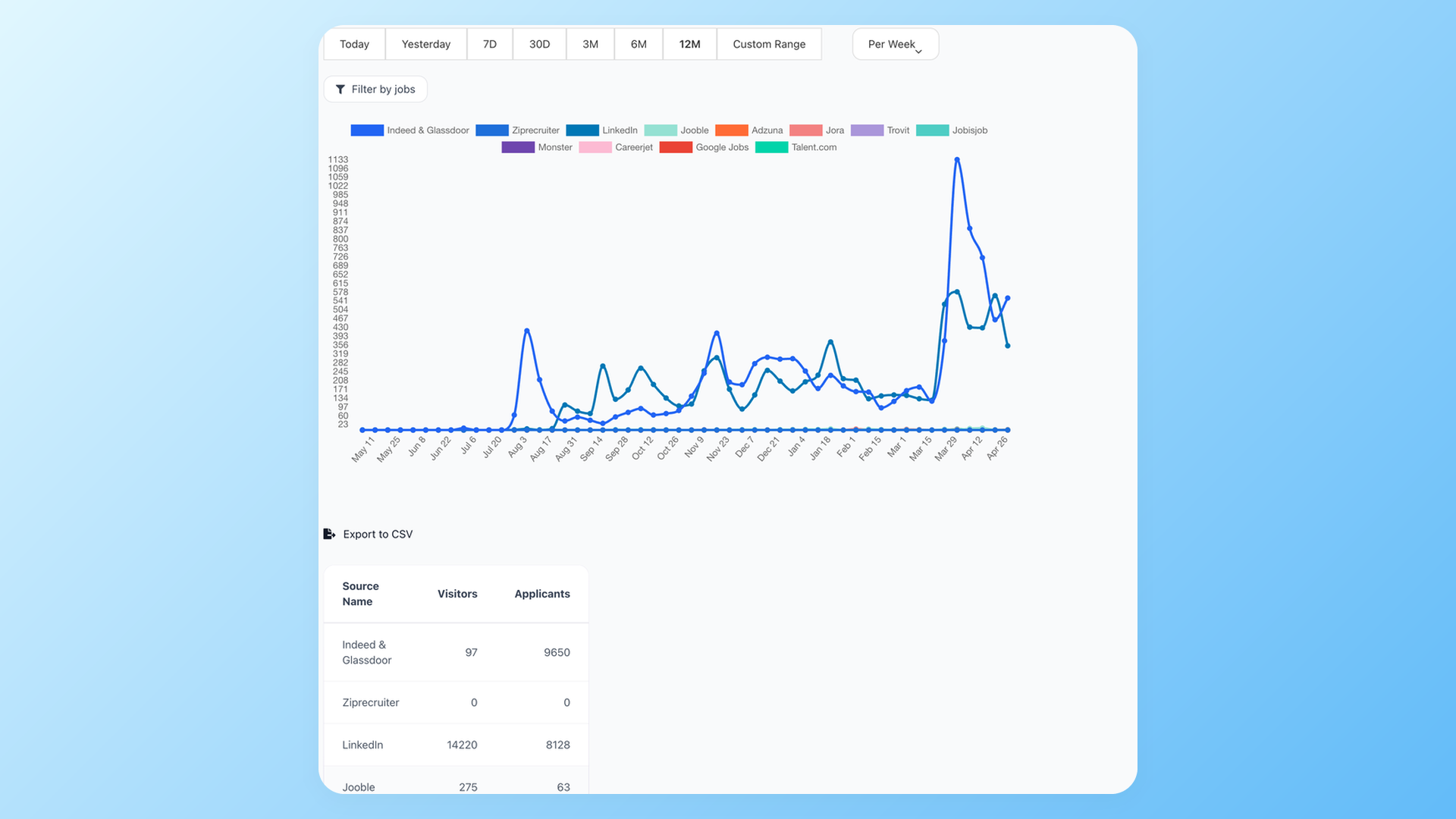
See which sourcing effort actually fills your pipeline
Pick the job and stage as you capture, so no candidate sits in an unassigned queue. Each one is tagged as sourced through the extension, so your source breakdown report shows which channels and recruiters are bringing in your candidates. In Gmail the extension also recognizes a candidate from an email thread and reads their signature.
- Assign job and stage on capture
- Automatic source tag for every capture
- Source breakdown report by channel and recruiter
100Hires Chrome extension vs a typical ATS
Many applicant tracking systems make you add candidates by hand, or only pull from LinkedIn. Here is how one-click capture changes a sourcer's day.
 100Hires
The extension gets candidates into 100Hires; the ATS handles the next steps. Once a candidate is in, your recruitment automation can take them from screening to scheduling in the same tool.

It solved all of my recruitment problems and offered all of the features I was looking for. It can automate most of my recruitment processes.

I’d happily recommend it to my industry peers. I’m able to use the platform with ease and don’t have to think twice about which function to use.

The system is very user-friendly. Even people with no experience will find it easy to understand its functionality.







 4.7
4.7
 4.8
4.8
The hiring playbook, in your inbox
One email a week - benchmarks, AI screening tactics, and short interview templates from the 100Hires team. No product pitches.