
ATS MCP server for 100Hires - run your hiring pipeline from Claude and ChatGPT
The 100Hires MCP server is a hosted endpoint with OAuth 2.1 and 130 tools for candidates, jobs, applications, interviews, and messages. One click in Claude.ai, ChatGPT, Cursor, VS Code, or Codex and you can run your hiring pipeline in plain English. Free on every plan.
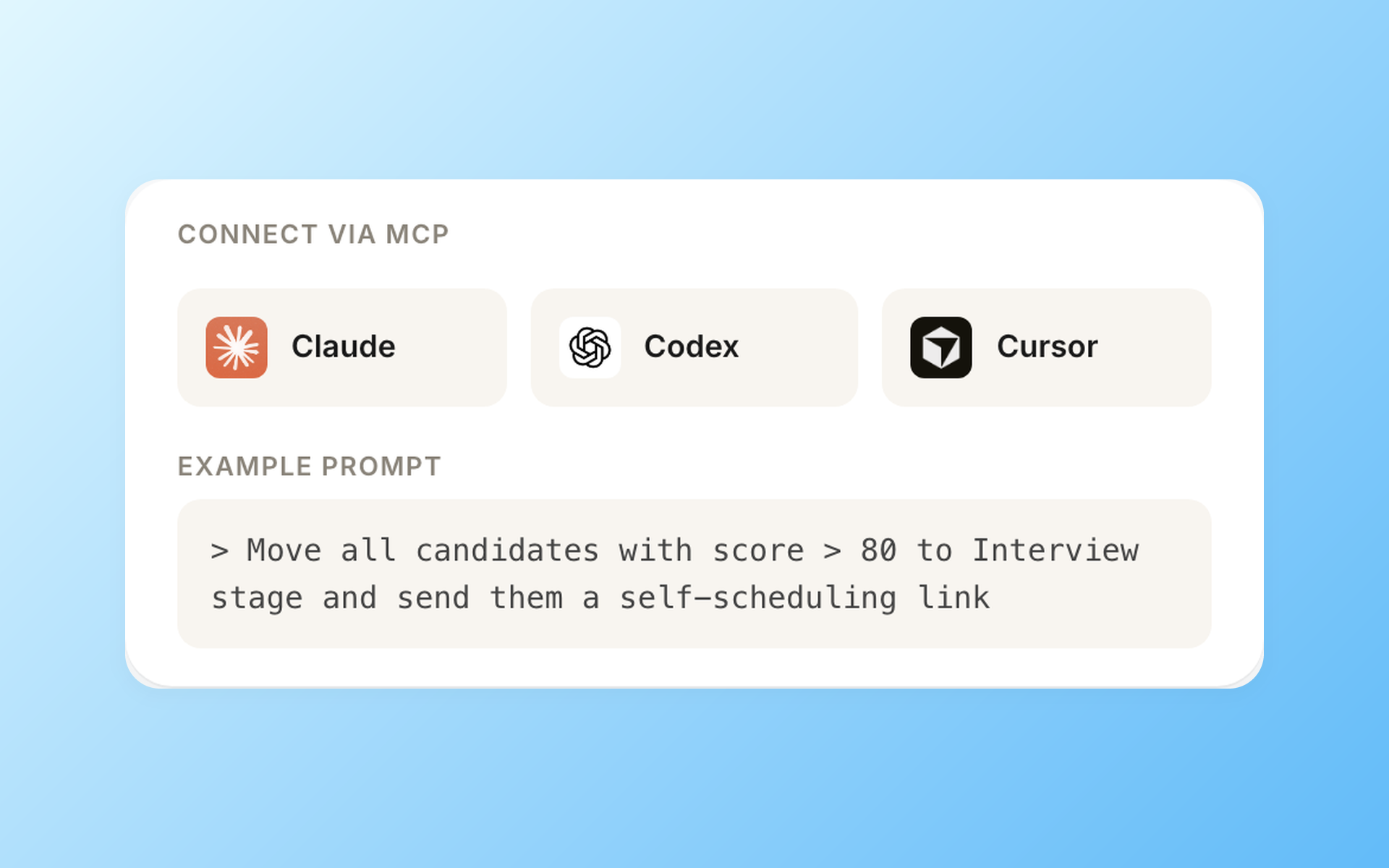






Connect in one click, no install
The 100Hires MCP server is hosted at mcp.100hires.com/mcp. There is no npm install, no API key to paste, and no local process to keep alive. Your AI client speaks Streamable HTTP to our endpoint, you approve the OAuth consent once, and the 130 tools show up in the chat.
If you prefer to call the 100Hires REST API directly, you can – the same endpoints and authentication surface are included with paid plans. MCP availability is a separate entitlement. Both paths are available. MCP is the simpler one for AI-driven workflows: no glue code, no per-workflow scripts, and the AI client discovers all 130 tools at startup. Pick the integration that matches your stack.
Step 1. Sign in to your 100Hires account
Free trial is enough. Confirm your email so the OAuth flow knows who you are.
Step 2. Click Connect in your AI client
In Claude.ai, open Settings, then Connectors, and add the 100Hires MCP server.
In ChatGPT the surface is Settings, then Apps & Connectors. Open Advanced settings and toggle Developer mode on (still in beta, available on Plus, Pro, Business, Enterprise, and Edu – not Free). Back in Apps & Connectors click Create and point a new connector at https://mcp.100hires.com/mcp. In Business, Enterprise, or Edu workspaces, an admin first enables custom MCP connectors under Workspace Settings, Permissions & Roles. Once it is added, hit + in the composer to invoke it.
For Cursor, VS Code, Codex, and Windsurf, the configuration block lives in the Developer Portal.
Step 3. Approve the consent screen
You will land on a 100Hires consent page. It lists the scope (mcp:full), shows which account is being connected, and lets you revoke the connection at any time from Settings, Integrations. Approve, return to your AI client, and start prompting.
The tokens are bound to your user, expire in one hour, and refresh automatically. There is no API key on the wire and nothing to copy into a config file.
Run your ATS in natural language, five prompts recruiters use
Many recruiting workflows follow a repeatable pattern: filter candidates by AI score, draft a follow-up email, move 50 applicants from “new” into “phone screen”. The 100Hires MCP server turns those patterns into one-line prompts inside Claude, ChatGPT, Cursor, or any MCP-compatible client.
Each prompt below maps to one or more of the 130 MCP tools the server exposes.
-
“Show me the top 10 candidates for the Senior Engineer role by AI score, in JSON.”
Maps tohires_list_applicationswith filters by job and AI score. -
“Move every candidate below AI score 40 to rejected, with reason ‘AI score below threshold’.”
Maps tohires_batch_reject_applications, a batch op that handles hundreds in one call. -
“For candidate Lydia Martinez, post a note: ‘Follow up next Tuesday after their portfolio review.’”
Maps tohires_create_note. -
“Schedule a follow-up email to all candidates stuck in ‘phone screen’ for more than 5 days. Use template ‘gentle nudge’.”
Maps tohires_batch_create_messagesandhires_list_email_templates. -
“Pull every interview from the last 30 days, summarize what each candidate said about salary, and add it to their notes.”
Chainshires_list_interviewsandhires_create_note.
130 MCP tools across 17 domains
The 100Hires MCP server exposes the entire 100Hires API v2 surface (87 REST endpoints) as 130 typed MCP tools, grouped into 17 domains. Every part of your ATS, candidates, jobs, applications, interviews, messages, forms, nurture campaigns, webhooks, is callable from your AI assistant with full schema validation.
| Domain | Tools | What you can do |
|---|---|---|
| Candidates | 18 | Search, create, update, tag, batch-tag, attach files, view timelines, send messages |
| Applications | 18 | Move stages, advance, reject, transfer, get AI score, batch-move, batch-reject, schedule interviews |
| Jobs | 17 | Create, update, set status, publish to 13 job boards, batch publish, manage hiring teams, register webhooks |
| Messages and Templates | 17 | Schedule emails, batch up to 100 in one call, manage templates, run nurture campaigns |
| Companies and Webhooks | 11 | Register webhooks at company or per-job level, manage multi-tenant agency setups |
| Reference and Taxonomy | 23 | Sources, rejection reasons, statuses, departments, workflow stages, question types, education levels, billing |
| Forms, Notes, Interviews, Users, Career Site, Attachments, Feedback | 26 | Application forms, candidate notes, interview lookup, user management, public career site endpoints, file attachments, structured feedback |
Full tool catalog, input schemas, and per-client setup snippets live in the 100Hires MCP Developer Portal.
Hosted, open source, and in the Official MCP Registry
The 100Hires MCP server is open source under the MIT license and runs as a hosted Streamable HTTP service at mcp.100hires.com/mcp. The code lives at github.com/100Hires/mcp-server and is built on @modelcontextprotocol/sdk, the official SDK from Anthropic.
The server is listed in Glama.ai and in the Official MCP Registry, so any MCP-compatible client can discover it. If your security team prefers to self-host, you can run the open-source server from a local clone of the repo, but most teams stay on the hosted endpoint and never touch infrastructure.
At a glance: 130 tools across 17 domains, MIT license, hosted at mcp.100hires.com/mcp, Streamable HTTP transport, OAuth 2.1 with PKCE and Dynamic Client Registration, built on @modelcontextprotocol/sdk by Anthropic, listed in Glama.ai and the Official MCP Registry.
Developer Portal | README | OpenAPI spec
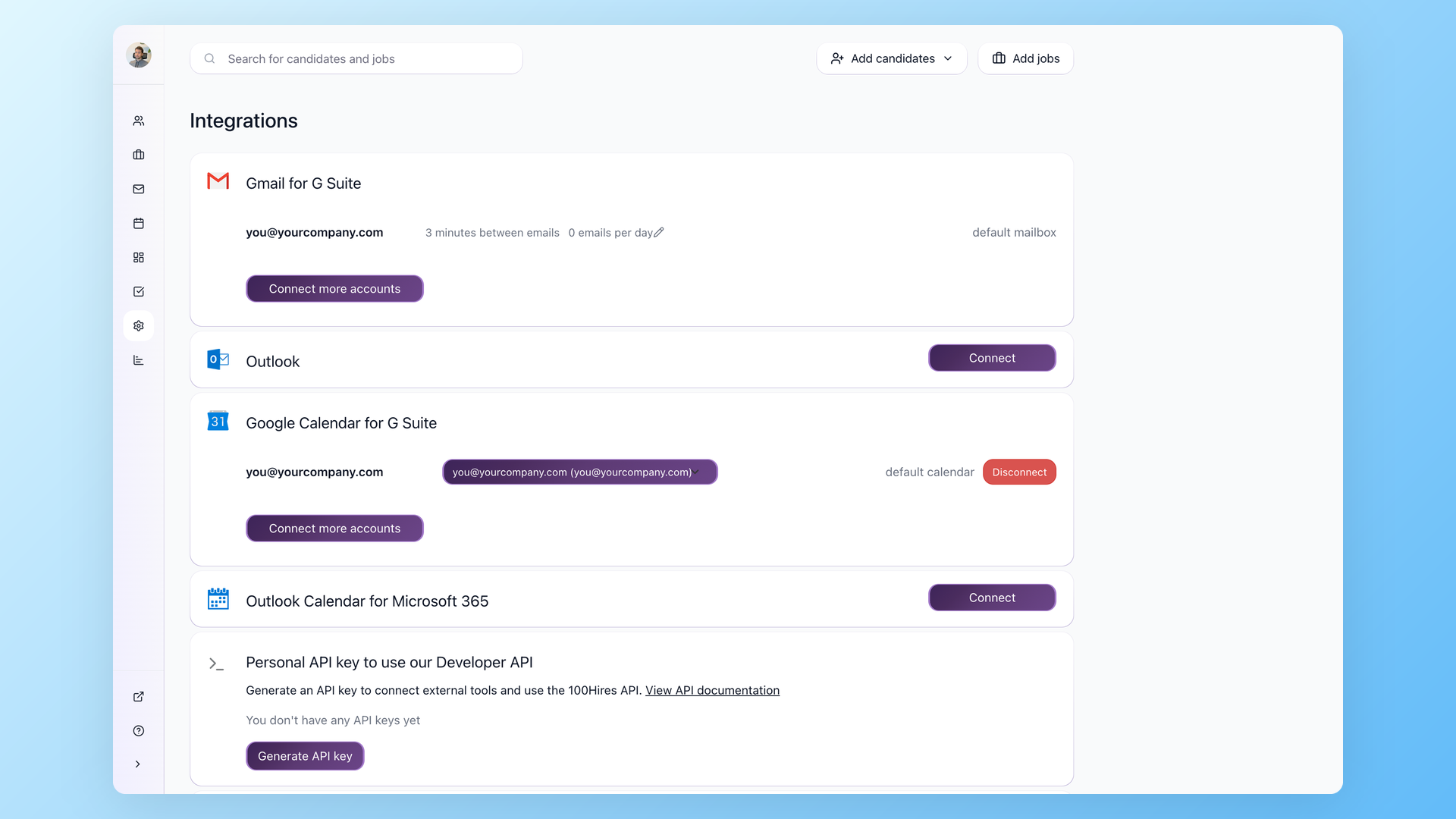
OAuth 2.1, not API keys, not env vars
Authentication goes through a standard OAuth 2.1 flow with PKCE and Dynamic Client Registration. Your AI client opens a 100Hires consent screen, you approve, and a refresh token is bound to your user. No API key on disk, no shared secret pasted into env vars, no key rotation to remember.
- OAuth 2.1 with PKCE (S256) and Dynamic Client Registration
- Access tokens scoped mcp:full, expire in 1 hour, auto-refresh
- Tokens bound to your user permissions, not company-wide
- Revoke any connection from Settings, Integrations in one click
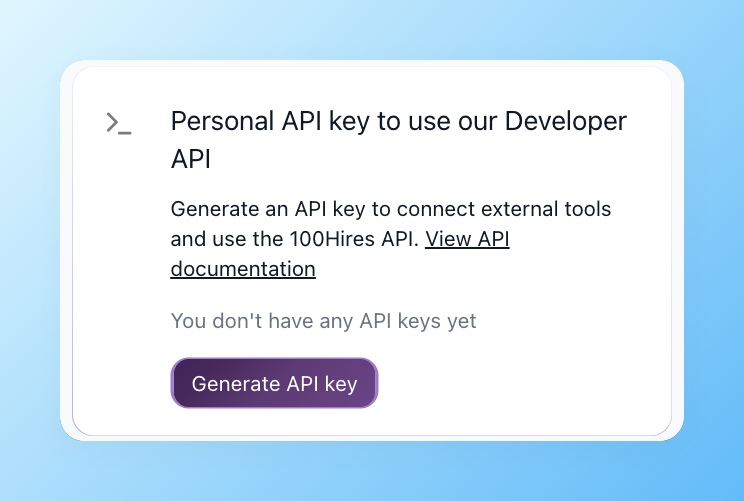
The same backend powers Zapier, Make, and the MCP server
If you cannot connect through MCP (locked-down laptop, no Claude or ChatGPT in your stack) the same 100Hires API wires into Zapier, Make.com, n8n, or any tool that speaks REST. The MCP server is one consumption pattern, not the only one.
- Zapier with 5,000-plus apps, no code
- Make.com or n8n visual workflows
- Webhooks at company or per-job level
- Direct REST when an AI is not in the loop
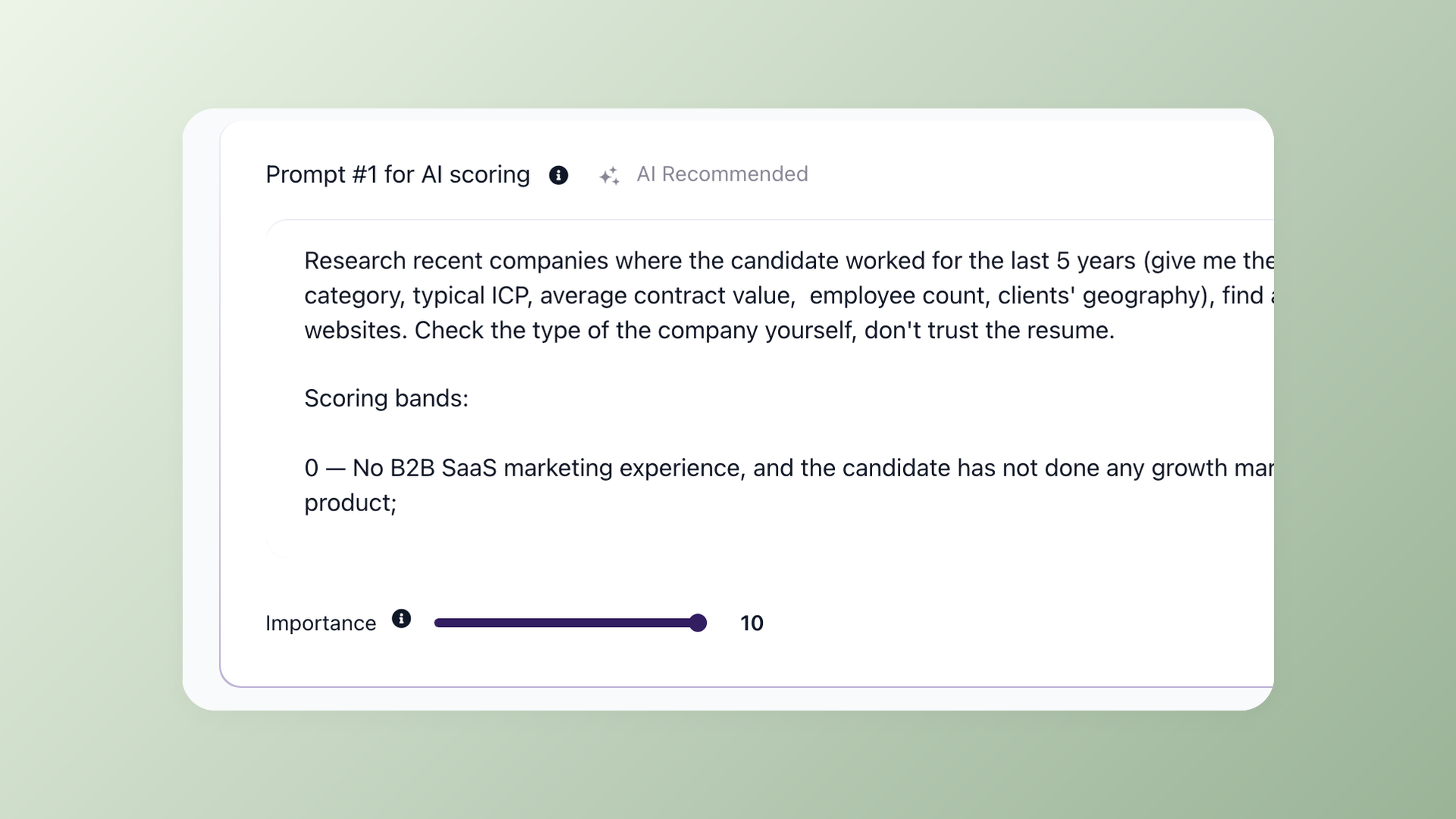
AI score, ranked candidates, batch ops in one prompt
Every application in 100Hires gets an AI score against the job description. The MCP server exposes those scores plus batch move and batch reject, so 'reject everyone below 40, move everyone above 80 to phone screen' is one prompt, not 200 clicks.
- AI score per application (0-100)
- Batch move up to several hundred applications at once
- Batch reject with custom reason and notification handling
- Filter by score, source, tag, or pipeline stage
See 100Hires AI in action
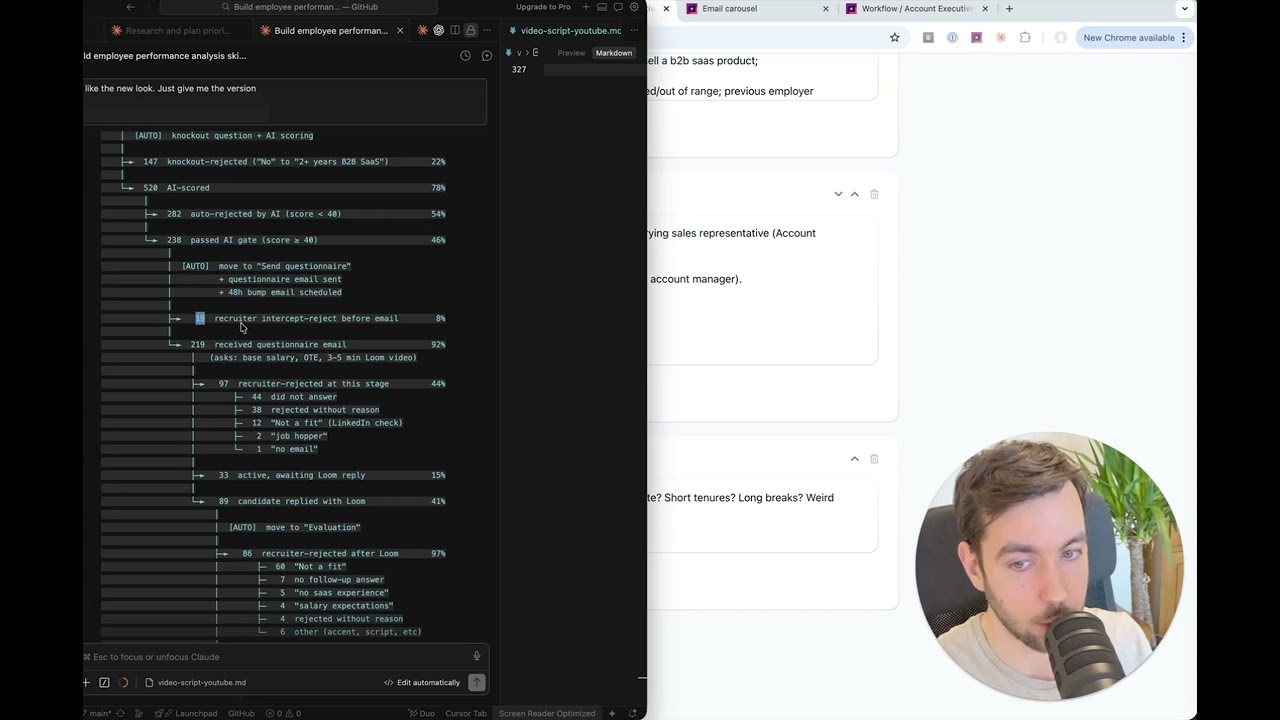
A 2-minute walkthrough showing how 100Hires AI surfaces drop-off points across your hiring funnel.
Why MCP, when you already have a REST API
Fair question. AI assistants in hosted environments such as ChatGPT and Claude.ai cannot make outbound HTTP calls on their own. Coding agents such as Cursor, Claude Code, VS Code, and Codex can write a script that calls a REST API, but that means writing fresh glue code for every workflow. MCP standardizes the tool surface either way: one protocol the AI client speaks, and a hosted server that maps it to the 100Hires API.
With the 100Hires MCP server, the AI client discovers the 130 available tools at startup and dispatches them with full schema validation. The alternative is a custom script per workflow: take the LLM tool-call payload, hit the 100Hires REST endpoint, validate the response, and loop it back. MCP removes that layer.
A second reason is permissions. The MCP server enforces your user scope through OAuth, so the AI client sees the tool list and the responses, but never the underlying credential. If you grant Claude access to the hires_reject_application tool, you are scoping that one verb, not handing over the keys to your ATS.
The third reason is composition. A real workflow looks like “find the top 10 candidates for the role, summarize each resume, draft a follow-up email, schedule it for tomorrow morning”. That is five different REST endpoints in sequence. With MCP the AI plans the chain itself; with raw REST you orchestrate it.
Honest caveat: if your workflow is one fixed REST call once a day, an MCP server is overkill. Use the API directly. The 100Hires MCP server pays off when the workflow is multi-step, exploratory, or natural-language driven.
How 100Hires compares to a typical ATS on the developer surface
 100Hires
How 100Hires runs its own hiring on this MCP server
We dogfood. The 100Hires hiring team, sales team, and founder use the same MCP server you do, every day. Below is one workflow we run from Claude in production. It is a use case the 100Hires platform supports out of the box.
-
Candidate assessment. Pull a candidate’s profile, applications, and evaluation forms; cross-check against company employees; flag failed-hire patterns; output a hire/reject recommendation. Tools:
hires_get_candidate,hires_list_applications,hires_list_application_evaluations,hires_create_note.
Security, scoping, and data privacy
The 100Hires MCP server uses OAuth 2.1 with PKCE (S256) and Dynamic Client Registration (RFC 7591). Your AI client never sees a long-lived API key, only a short-lived access token bound to your user. Tokens expire in one hour and refresh in the background; you can revoke any connection from Settings, Integrations in 100Hires at any time.
The scope mcp:full inherits your user permissions. If your role in 100Hires cannot delete a job, the MCP server cannot delete a job through your session either. Hiring managers, recruiters, and admins get exactly the tool surface they already have in the UI.
Candidate data is only sent to the AI when you call a tool that returns it. There is no background sync and no telemetry to a third party. If you ask Claude “show me the top 10 candidates for Job X”, the names, resumes, and AI scores for those 10 candidates flow into your AI client’s context for that prompt and nowhere else. If your data protection policy requires anonymization before LLM processing, do that in your prompt or in a wrapper script. The 100Hires MCP server hands the AI exactly what the API returned.
The server source code is MIT-licensed and on GitHub. Audit it, run a self-hosted clone, or vendor it into your own infrastructure if you want full control of the runtime.

It solved all of my recruitment problems and offered all of the features I was looking for. It can automate most of my recruitment processes.

I’d happily recommend it to my industry peers. I’m able to use the platform with ease and don’t have to think twice about which function to use.

The system is very user-friendly. Even people with no experience will find it easy to understand its functionality.







The hiring playbook, in your inbox
One email a week - benchmarks, AI screening tactics, and short interview templates from the 100Hires team. No product pitches.
Related 100Hires resources: Explore recruitment automation software and recruiting software.