
Webhooks for 100Hires that push hiring events to your stack
Sync candidates to your CRM, update a BI dashboard, or ping Slack the second someone applies or changes stage, without polling the API on a timer.
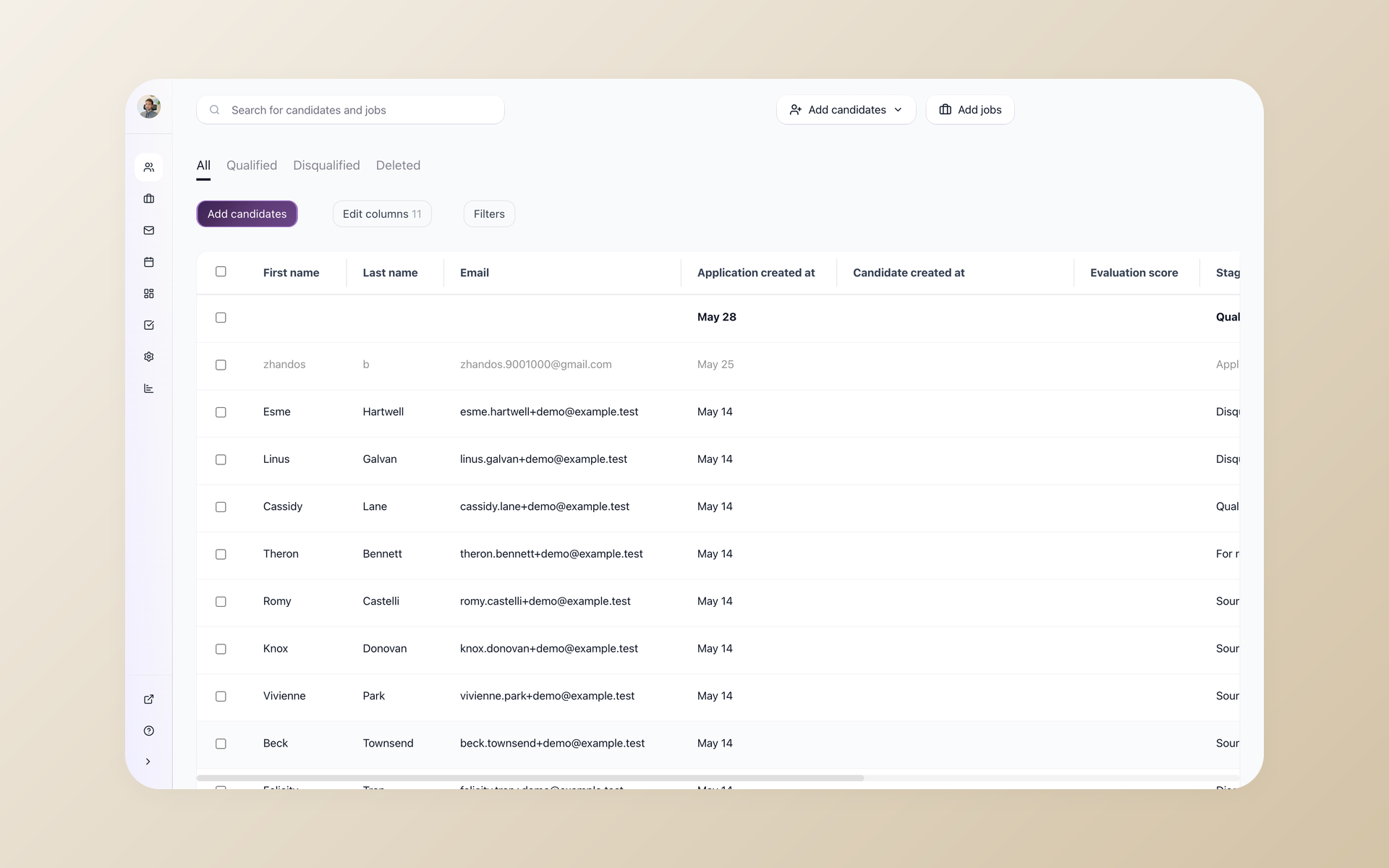






Most of your hiring data lives inside your ATS, and getting it anywhere else usually means one of two bad options. You export a CSV by hand, or you write a script that polls the 100Hires API every few minutes and still reacts late.
Webhooks remove the wait. Register an HTTPS endpoint once and 100Hires posts to it the instant something happens, so your CRM, warehouse, or team chat updates on its own.
This page covers the events you can subscribe to, how to register a webhook, the no-code path, and the limits worth knowing first.
Trigger workflows the instant something changes
A polling loop is wasted work. It hits the API on a schedule whether or not anything changed, makes unnecessary requests, and still lags behind real time by however long the interval is. Webhooks invert that. Nothing fires until an actual event happens.
React the moment a candidate moves, not minutes later
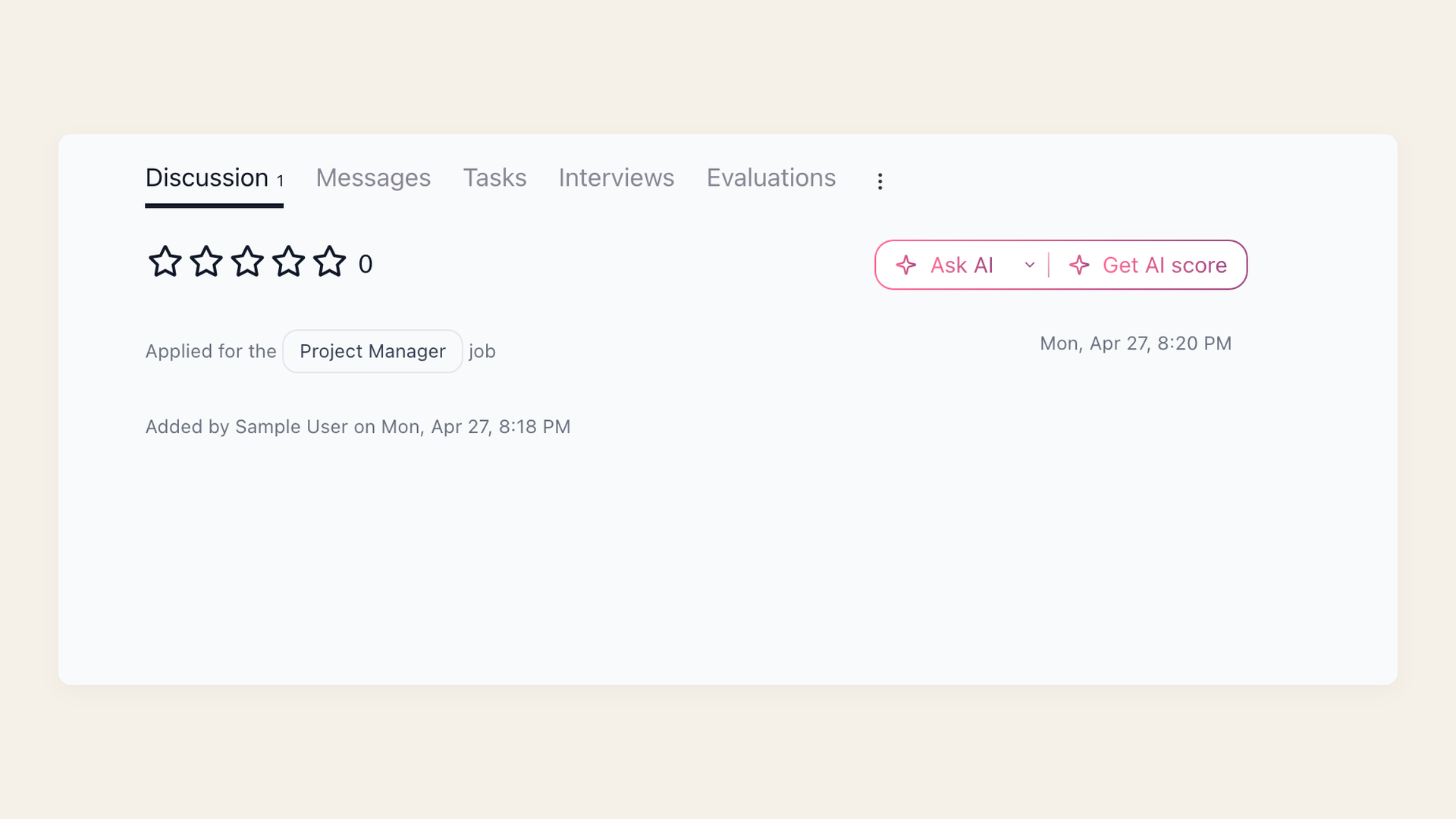
Subscribe an endpoint and 100Hires calls it in real time as candidates move through hiring. A new application lands, someone advances a stage, a candidate gets hired, and your external system hears about it immediately instead of on the next poll. Those are the lifecycle moments a webhook can act on, the second they happen.
- New application received
- Candidate moves a pipeline stage
- Candidate hired
- Company-wide or per-job stream
Set up with an API key, not a settings toggle
There is no webhook toggle to flip. Webhooks are part of the 100Hires Developer API, so setup starts with an API key from Settings, Integrations, and the registration itself is one API call. If you would rather not write code at all, skip to the Zapier path below.
It runs on your Developer API key
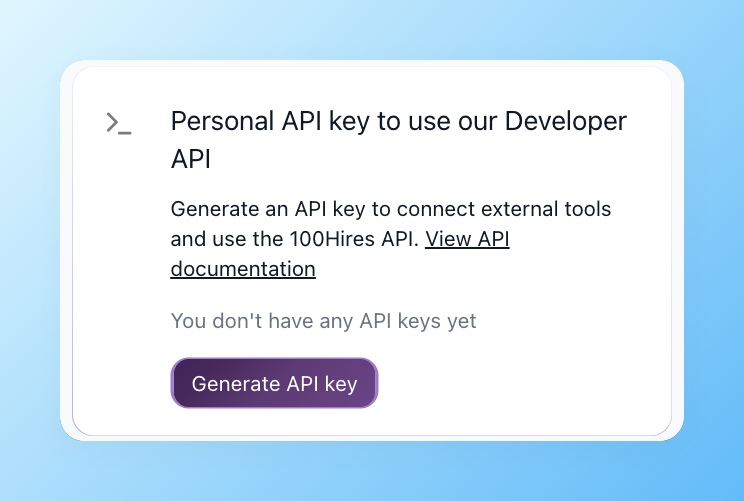
Open Settings, Integrations in 100Hires and generate a Personal API key under Developer API. That key authenticates the call that registers your webhook endpoint. API keys need a verified company account; keys created before company verification return 401 until verification is complete.
- Settings, Integrations, Developer API
- HTTPS endpoint, registered by API call
- Account verification required
- Or register it in plain English through the 100Hires MCP server
Register a webhook with one API call
Point a webhook at the whole company or at a single job. Company scope catches events across every role, and job scope keeps a focused stream for a single job.
Company-level subscription:
POST https://api.100hires.com/v2/companies/{id}/webhooks
Authorization: Bearer YOUR_API_KEY
Content-Type: application/json

{"url": "https://your-app.example.com/hooks/100hires"}
Job-level subscription:
POST https://api.100hires.com/v2/jobs/{id}/webhooks
Authorization: Bearer YOUR_API_KEY
Content-Type: application/json

{"url": "https://your-app.example.com/hooks/100hires"}
List your webhooks with a GET on the same path, and remove one with a DELETE. The request body accepts only a url field, and it must be HTTPS and 2048 characters or fewer.
The create response returns a signing secret once. Store it securely and use it to verify the x-hires-signature-v2 header on every delivery.
Rotate a signing secret without replacing the subscription by calling POST /companies/{id}/webhooks/{webhook_id}/rotate-secret or the equivalent job-scoped route. The full payload schema and rotation behavior live in the 100Hires OpenAPI specification.
Webhooks are one slice of the 100Hires Developer API. If you would rather drive the whole pipeline in plain English, the same account connects to AI assistants through the 100Hires MCP server.
| Where the data lands | What 100Hires pushes | What you automate |
|---|---|---|
| Your CRM or HRIS | New application, stage change, hire | Keep candidate records in sync with no manual export |
| A data warehouse or BI tool | Every stage change and outcome | Live hiring-funnel dashboards in Looker, Metabase, or Sheets |
| Slack or Teams | New application, candidate hired | Post to the channel the second it happens, no inbox refresh |
| Your own app or script | Any subscribed event | Trigger background jobs without a polling loop |
Prefer no code? Route the same events through Zapier
The 100Hires API also backs a native Zapier integration, so you can connect events to thousands of downstream apps without hosting an endpoint. Make and n8n can connect to the same API.
Direct v2 webhooks are signed HTTPS POST requests. If you do not want to host and secure an endpoint, use the native Zapier path to connect events to downstream apps.
Send events anywhere without hosting an endpoint
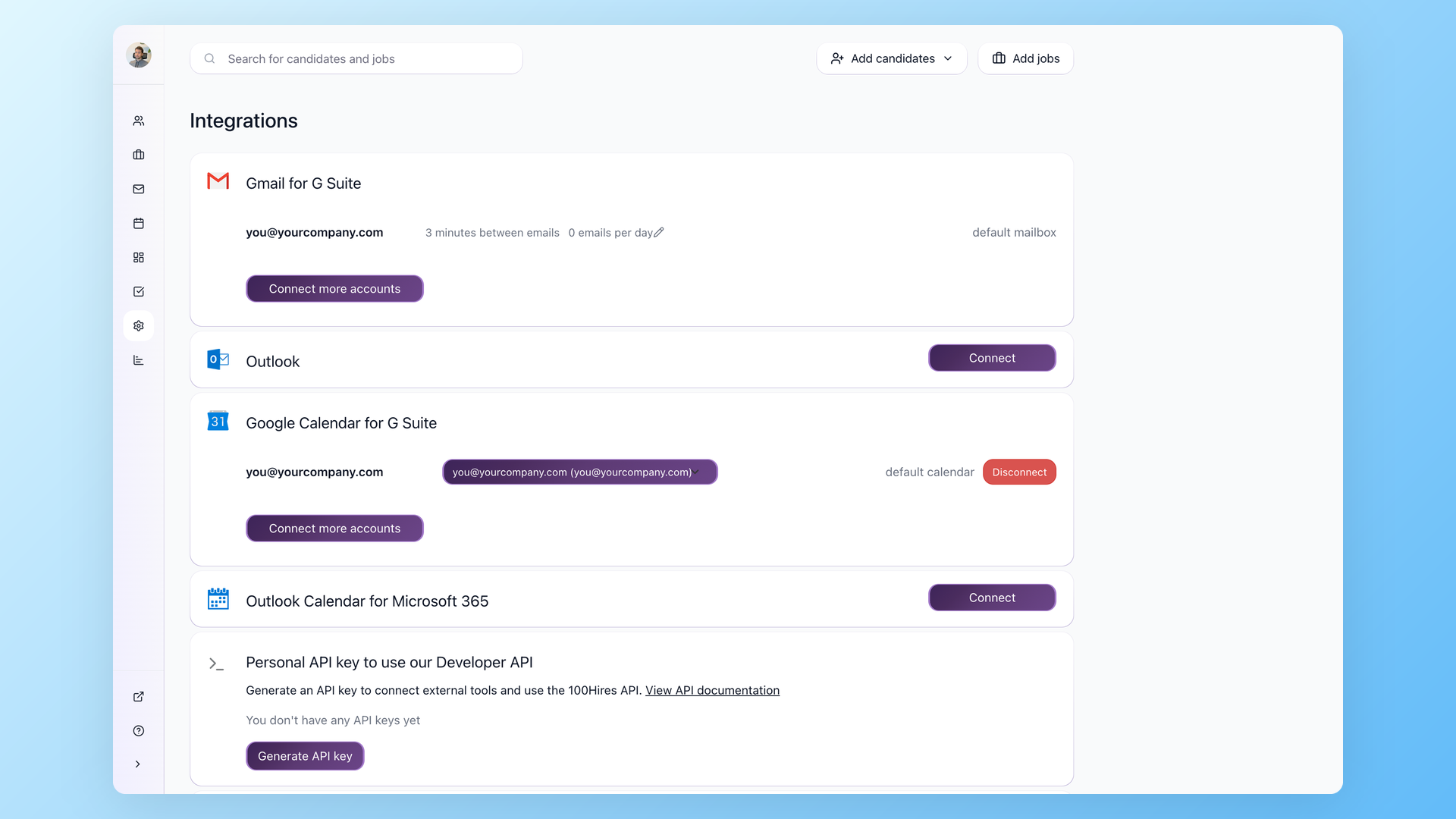
Generate the Zapier API key from Settings, Integrations and 100Hires events become triggers in Zapier. From there a new application can create a row in a sheet, open a ticket, or message a channel, with no server to run. It is the fastest way to wire 100Hires into a stack you do not want to write code against.
- Native Zapier integration
- 5,000-plus downstream apps
- No endpoint or signature-verification code to maintain
- No endpoint to host
How 100Hires webhooks compare to a typical ATS
 100Hires
Good to know before you wire it up
Two honest limits. First, there is no UI to add a webhook, so you register through the API or the 100Hires MCP server, not a settings screen.
Second, the public specification does not publish a retry schedule or delivery guarantee. Make your handler idempotent, return a 2xx response quickly, and process the payload asynchronously. Do not rely on an undocumented retry interval.
For the exact event names and payload fields, the 100Hires API docs at https://api.100hires.com/v2/openapi.json are the source of truth.
The hiring playbook, in your inbox
One email a week - benchmarks, AI screening tactics, and short interview templates from the 100Hires team. No product pitches.
Related 100Hires resources: Explore recruitment automation software and multi company ats.