
Personal Email Finder
A passive candidate's work email bounces or tips off their current boss. 100Hires finds their personal email and phone, validates it, and drops the contact into your hiring pipeline, so your outreach reaches the inbox they actually open.
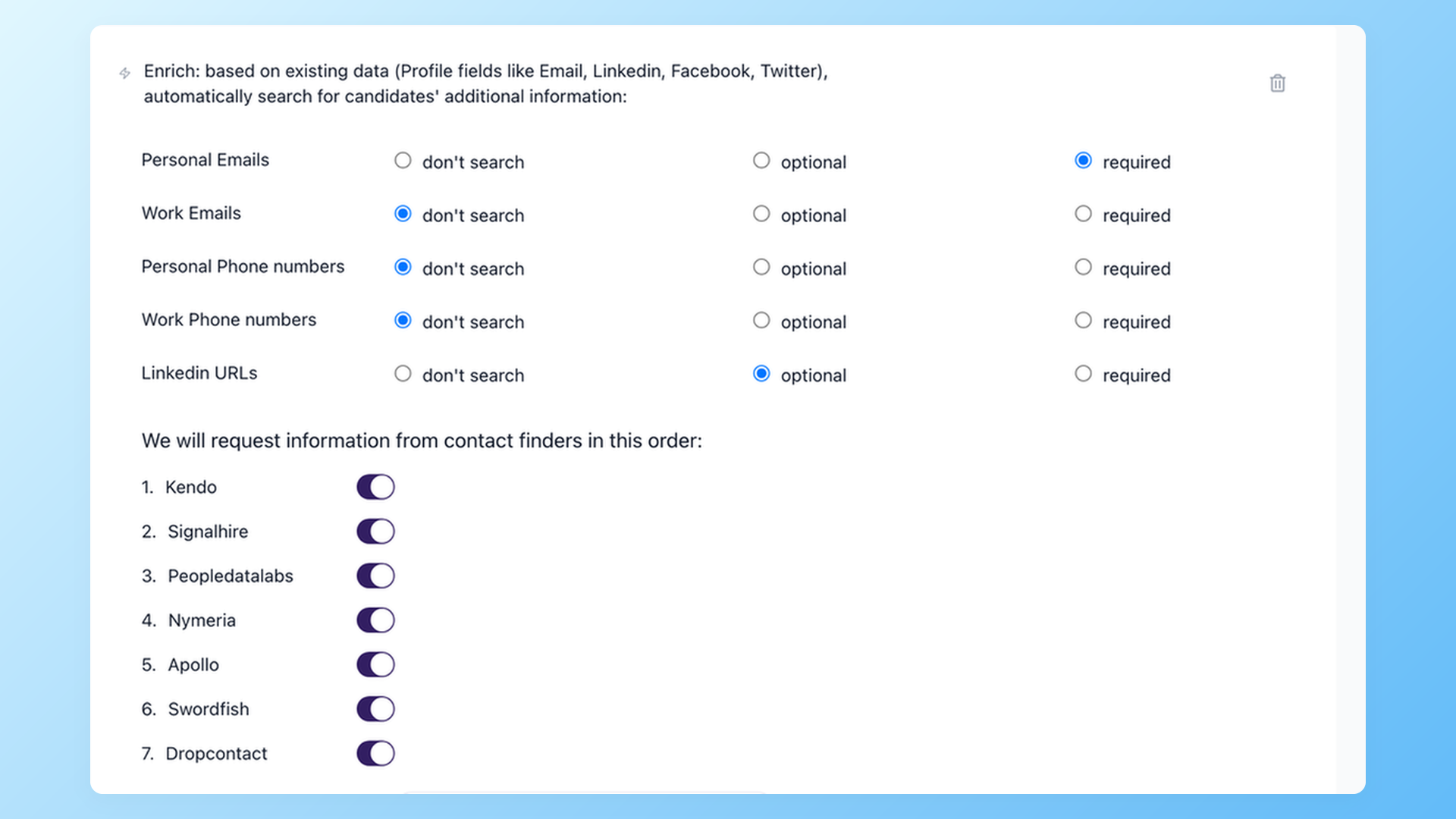
A personal email finder gives you a candidate's private email and phone number instead of the work address you cannot use. 100Hires looks it up from a LinkedIn profile or an email address you already have, then saves the result to the candidate record in your pipeline.
Contact enrichment is a 100Hires Pro feature that runs on your own provider subscriptions. 100Hires orchestrates the lookup across multiple providers in real time. It holds no contact database of its own, so you are not working from a list that has gone stale.
How to find a candidate's personal email address
Start with what you already have: a LinkedIn URL or any email address for the person. 100Hires passes that to its enrichment providers and returns the personal email, work email, phone number, and LinkedIn URL where available.
A LinkedIn URL is the most reliable input for a personal email. You choose which providers run and in what order, whether they search one by one to save credits or all at once to cast the widest net, and which result ends the search.






screening candidates
response rates
time to fill
per hire
Found them on LinkedIn. Now you can't reach them
You spend the morning using LinkedIn and Boolean search to build a list of people who fit the role. Then the catch: LinkedIn shows you the person, not their email. The profiles worth chasing are the ones that keep contact details hidden.
Recruiters tell us InMail reply rates have fallen - some teams report 15% or lower on seats that cost $10,000 a year or more. A note sent to a work address either bounces or lands in front of the candidate's current manager.
The usual fix is a stack: a LinkedIn license for search, a separate finder for personal emails, a validator, and an outreach tool - four products, four logins, four bills, before the first message goes out.
Get the inbox a passive candidate actually opens
A work address bounces or tips off the current employer. 100Hires looks for the personal email, work email, phone, and LinkedIn URL from a LinkedIn profile or an email address you already have. When one provider has no match, the next one tries, so you find a match where a single-source tool comes up empty. 100Hires reports 37% more personal emails of sourced candidates than a single-provider lookup.
- Personal and work email addresses, phone, and LinkedIn URL
- Seven providers, searched in the order you set
- Works with a LinkedIn URL or an existing email address
- One by one to save credits, or all at once for broader coverage
Stop copy-pasting between a finder tab and your ATS
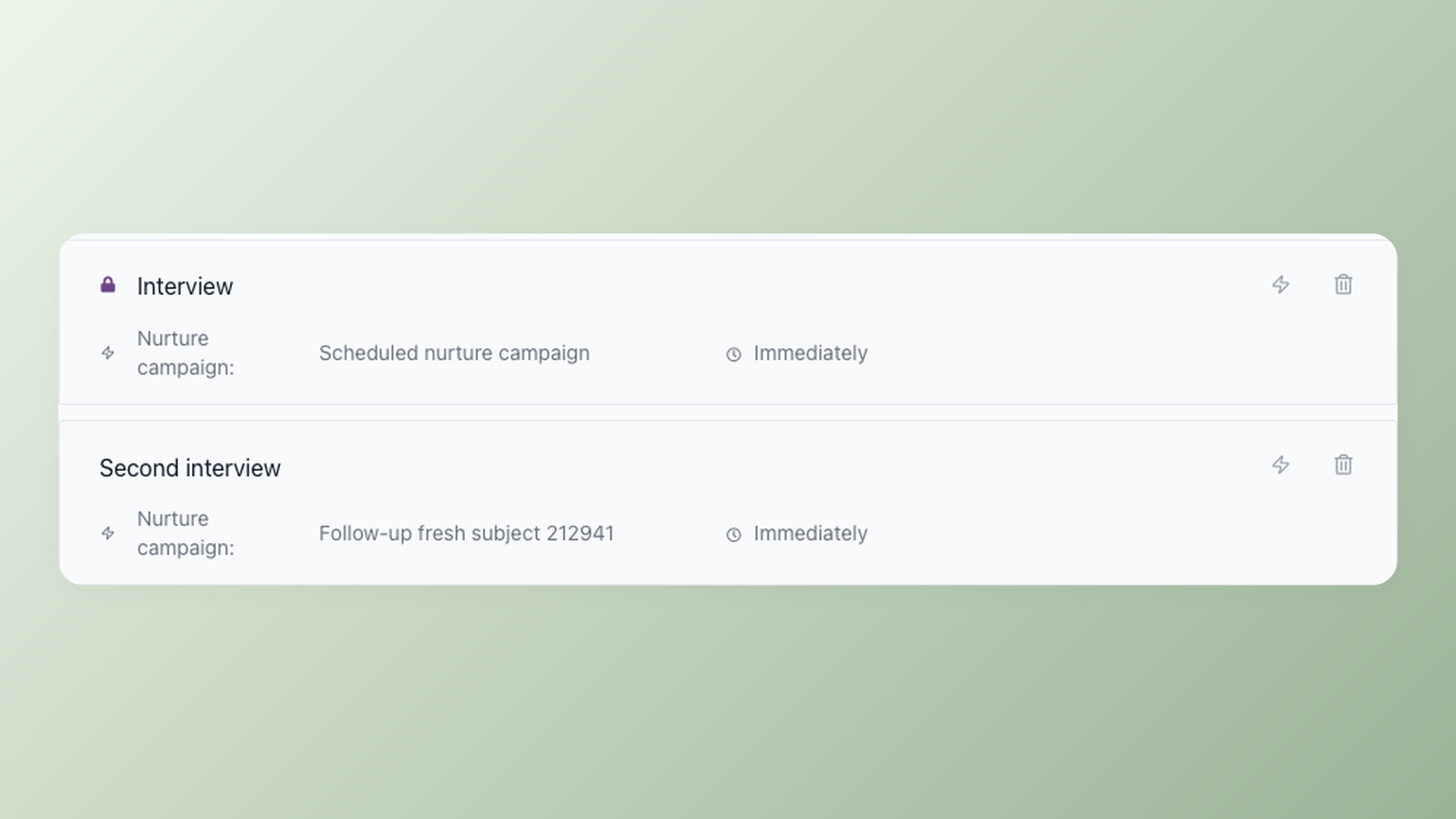
A standalone finder hands you a spreadsheet of addresses to copy into a validator, then into an outreach sequencer, and eventually sync back into your ATS - four tools, four sets of credentials, every candidate touching each one by hand. In 100Hires the lookup is a workflow automation on a pipeline stage: a candidate reaches the enriching stage, the providers run, and the candidate moves on to outreach without you touching it. Source, enrich, validate, and send the first message inside one hiring system.
- Enrichment runs as a pipeline-stage automation
- Auto-advance a candidate when a result is found
- Found contacts saved to the candidate record
- No CSV export, no second login
Finding the personal email is one half of the workflow. The other half is finding people in the first place, which the 100Hires candidate sourcing tools and Chrome extension handle by pulling profiles from LinkedIn and other channels straight into the right job.
Send only to addresses that won't bounce
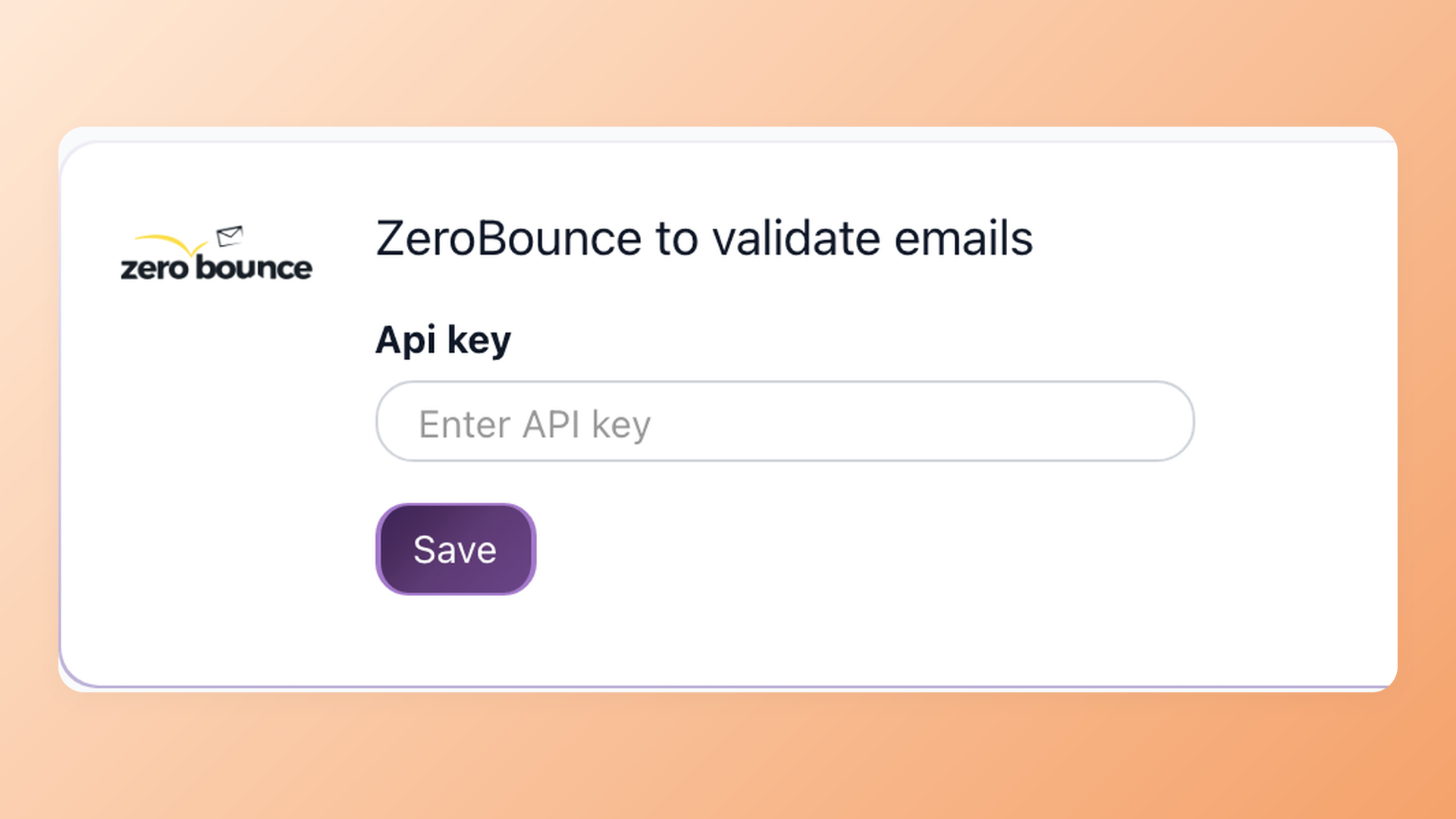
Add a ZeroBounce validation step to the stage and enriched emails get checked before any outreach goes out. Invalid addresses are filtered out, so more of your sequences reach a real inbox and your sender reputation holds up as your outreach grows. Because the lookup queries live provider APIs the moment you enrich a candidate, you work from current data, not a stored list.
- Optional ZeroBounce validation step
- Invalid emails filtered out before sending
- Real-time provider lookup, not a static database
- Protects sender reputation as outreach grows
Validation runs through ZeroBounce, which you connect with your own API key under Settings and Integrations. It is the same validation step that helps keep high-volume outreach out of the spam folder.
How 100Hires compares to a typical email finder
Most email finders are built for B2B sales and usually return the corporate address. For recruiting, what matters is where the contact details go next and whether you can reach a passive candidate at all.
100Hires is part of an applicant tracking system, so the email you find becomes an outreach step, not a row in a spreadsheet.
 100Hires
100Hires contact enrichment is a Pro-plan feature and runs on your own provider subscriptions. See 100Hires pricing for current plan details.

It solved all of my recruitment problems and offered all of the features I was looking for. It can automate most of my recruitment processes.

I’d happily recommend it to my industry peers. I’m able to use the platform with ease and don’t have to think twice about which function to use.

The system is very user-friendly. Even people with no experience will find it easy to understand its functionality.







 4.7
4.7
 4.8
4.8
The hiring playbook, in your inbox
One email a week - benchmarks, AI screening tactics, and short interview templates from the 100Hires team. No product pitches.