
Manage multiple companies in one ATS
Run every company you hire for from a single login, with each one's jobs, candidates, pipeline, and branding kept completely separate.
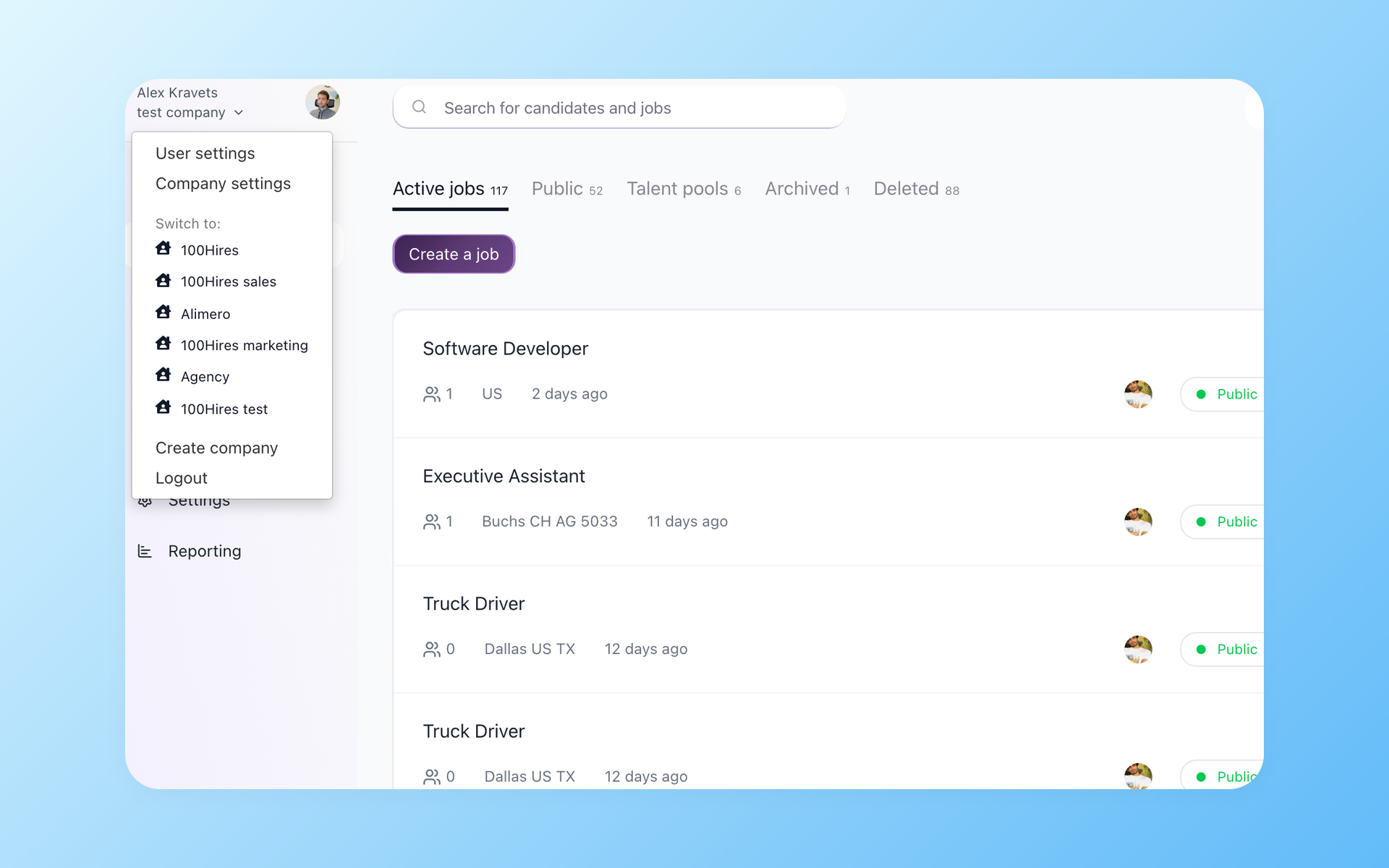






Most ATSs are built for one company - here is what that costs you
When you hire for more than one company, most tools make you run each as its own account. You log out of one and into another just to check a candidate, and the context-switching adds up across a day.
Per-seat tools make it sting more: add a recruiter and the bill grows in every account at once, whether or not that recruiter works in each one.
For agencies running several client companies, the problem goes further. Most ATSs have no concept of multiple clients. So client contacts, open headcount, and pipeline for each company end up in a spreadsheet alongside the ATS - because the tool has nowhere to put them.
100Hires works the other way. One login holds every company you hire for, and you move between them from a dropdown in the top-left corner. Each company keeps its own jobs, candidates, pipeline, and career site, so nothing bleeds from one brand into the next.
How Multi-Company works in 100Hires
Switch between companies without a second login
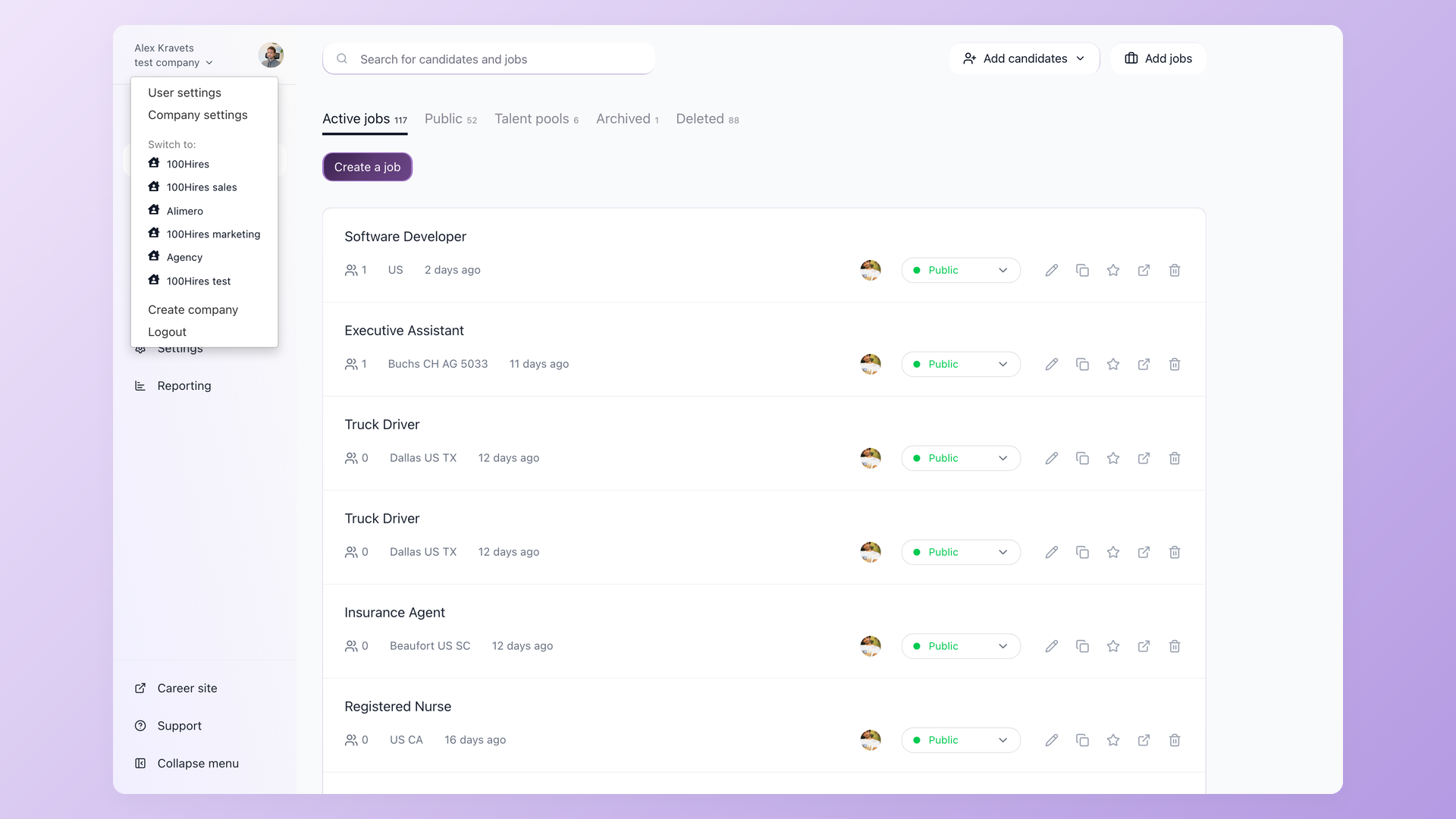
Click your company name in the top-left corner and a dropdown lists every company your login has access to. Pick one and you land inside it, with its jobs and candidates loaded. No separate password, no logging out. The same login carries all of them.
- Company switcher in the top-left corner
- One login across every company
- Switch from the dropdown, no re-login
Keep every company's candidates walled off
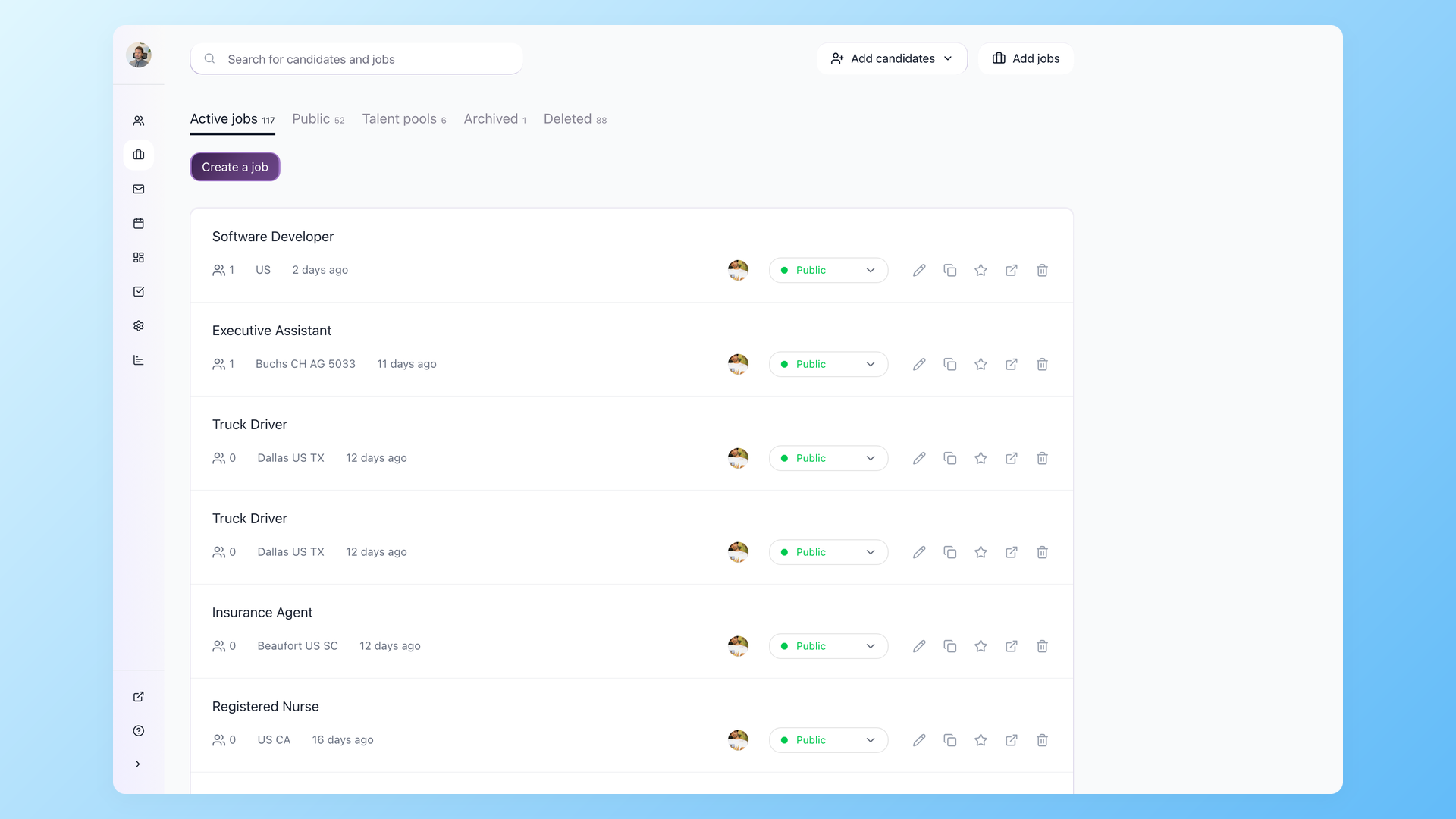
Jobs, candidates, and pipelines live inside one company and never surface in another. A candidate you are screening for one client stays invisible inside any competing client's workspace. Inside each company you scope access further by role, so a recruiter only sees the jobs they are on.
- Per-company data isolation by default
- Role-based access inside each company
- Clean privacy between competing clients
Let each company show its own brand to candidates
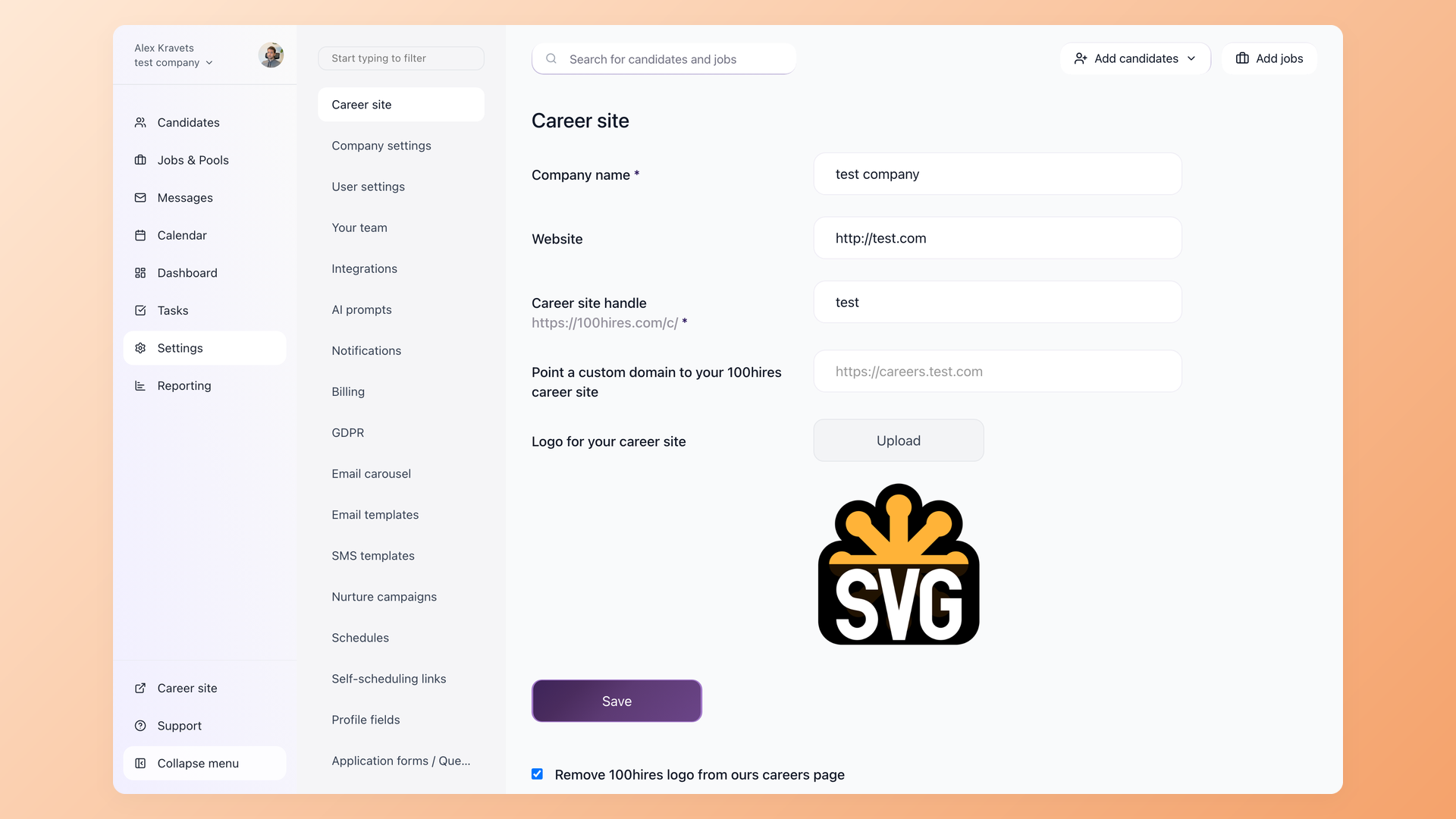
Every company gets its own career site with its own handle, logo, and colors, and the Advanced plan adds a custom domain. Candidate emails send from that company's own connected Gmail or Outlook mailbox, so applicants see the company they applied to, not your agency or a vendor subdomain.
- Branded career site per company
- Custom domain on the Advanced plan
- Emails from each company's own mailbox
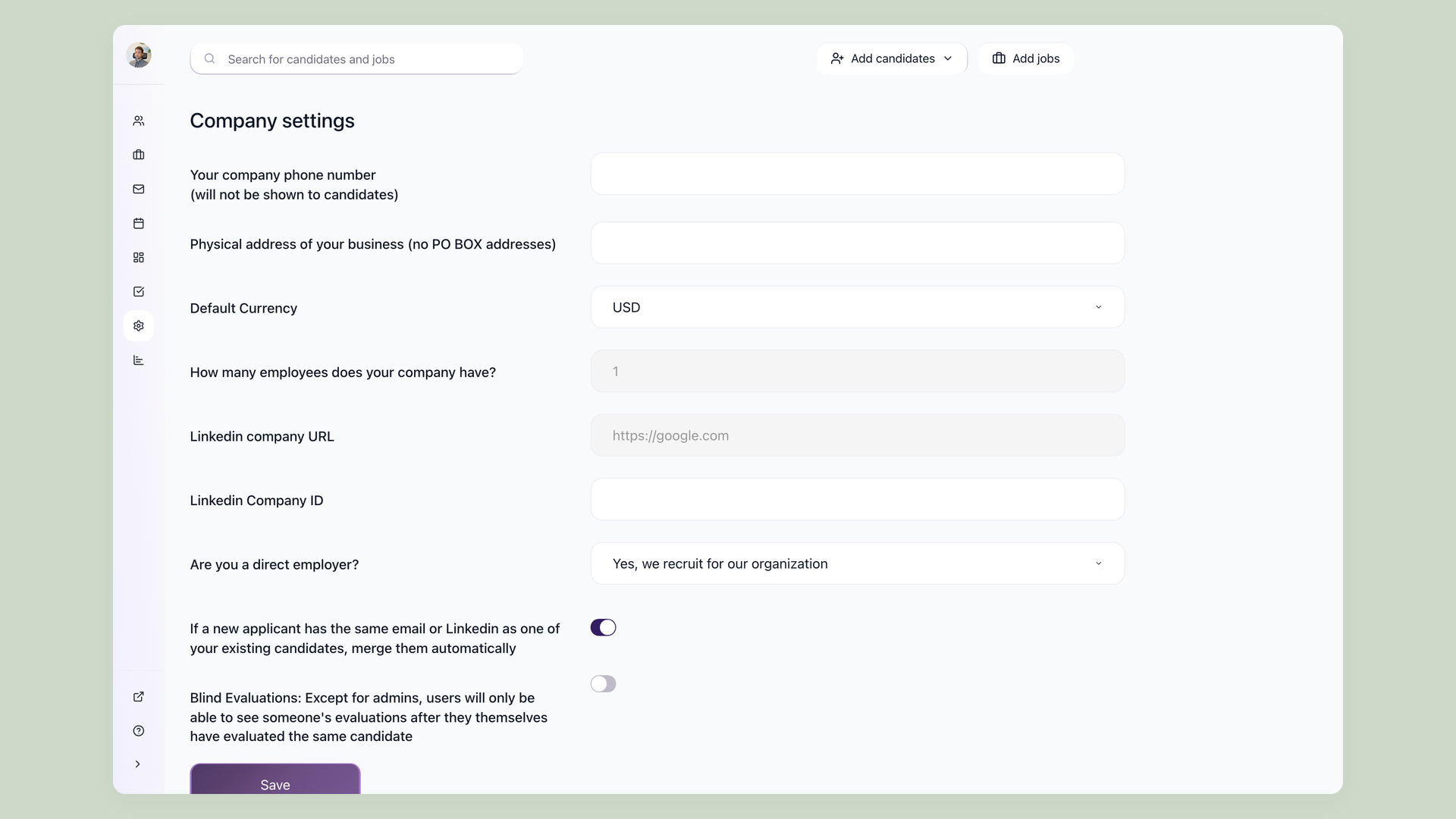
Add a new company straight from the switcher
Create company sits right in the switcher dropdown. A new workspace opens with its own settings: company type for a direct employer or staffing agency, default currency, and LinkedIn company page. Each company runs on its own subscription, separate from the others.
- Create company straight from the switcher
- Own company type, currency, and LinkedIn page
- Each company on its own subscription
Inside every company you still get the full 100Hires toolkit: a branded careers page, candidate tracking, and a talent pool, each kept to that company on its own.
Multi-Company in 100Hires vs a typical ATS
Many applicant tracking systems give you one company per account, so running more than one means a separate account, and a separate bill, for each. Here is how 100Hires compares.
 100Hires
Who runs several companies on 100Hires
Multi-Company fits any team that hires under more than one name. A few of the most common:
| Who | What they manage | Why Multi-Company fits |
|---|---|---|
| Recruiting and RPO agencies | Hiring across many client companies | Each client gets its own workspace, brand, and candidate privacy |
| Holding and multi-brand groups | Several brands under one parent | One team hires for every brand without separate tools |
| Franchise groups | Many locations or franchisees | Per-location career sites and pipelines from one login |
| Multi-venture founders | Several startups or businesses at once | Move between ventures without juggling accounts |
| Solo and freelance recruiters | 2-5 client companies at once | One login tracks every active client search, no separate account per client |
Where Multi-Company fits, and where it does not
Multi-Company makes 100Hires one home for hiring across companies. It is an applicant tracking system, not a staffing back office. There are no timesheets, no pay-and-bill or contractor invoicing, no placement commission or margin tracking, and no client-sales CRM.
Companies in 100Hires are hiring workspaces, not a pipeline of sales prospects, and candidate data stays inside each company rather than in a shared pool across all of them.
If you run permanent or direct-hire desks across several brands or clients, this fits well. If you need full temp pay-and-bill, pair 100Hires with a dedicated staffing-operations tool.

It solved all of my recruitment problems and offered all of the features I was looking for. It can automate most of my recruitment processes.

I’d happily recommend it to my industry peers. I’m able to use the platform with ease and don’t have to think twice about which function to use.

The system is very user-friendly. Even people with no experience will find it easy to understand its functionality.







 4.7
4.7
 4.8
4.8
The hiring playbook, in your inbox
One email a week - benchmarks, AI screening tactics, and short interview templates from the 100Hires team. No product pitches.