
ATS Data Migration
Bring your candidates, resumes, notes, and jobs to 100Hires, and keep hiring while our team moves your data for you.
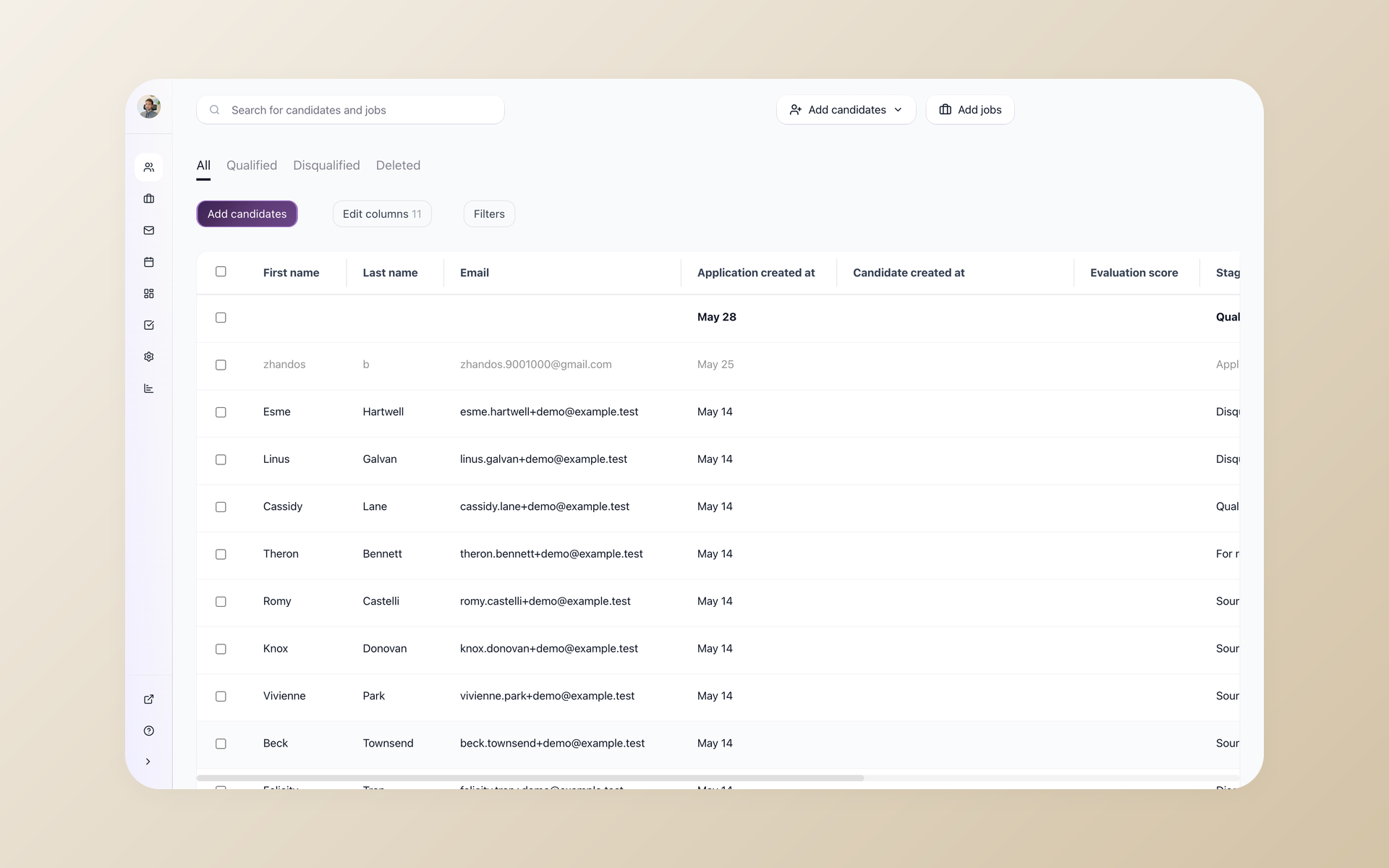






Your candidate history is the hardest thing to leave behind
You picked a new applicant tracking system. The problem is the years of candidates, resumes, and notes sitting in your old one. None of it moves on its own, and a rushed export can drop records you spent years building.
Recruiters who have switched systems describe the same fear: some data always seems to go missing in the move. Fields stop matching, attachments go missing, and the stage history you relied on no longer lines up.
Getting data out of an old ATS is usually harder than getting it in. Export limits, odd file formats, and slow support turn a simple move into a multi-week project nobody on your team has time to own.
A migration you do not have to run yourself
100Hires runs the migration for you. Our team moves your full history from your old ATS into your new account, maps the fields, removes duplicates, and checks the result before you go live.
On Pro annual contracts the done-for-you migration is included. On other plans it is scoped to a custom quote based on the volume and complexity of your data.
You keep working in your current system while the migration runs, so hiring does not stall, and the manual data wrangling is on us.
What an ATS data migration actually moves
An ATS data migration is the process of moving your recruiting records from one applicant tracking system to another. Done right, your records land in 100Hires with their history attached, not as a flat list of names.
The hard part is mapping. Each field in your old system has to line up with the right field in 100Hires, so a candidate stage, source, and application date survive the move instead of collapsing into a single text blob.
Migrating everything is rarely the goal. Records nobody has touched in five or ten years just bloat your new system with dead data. Before you migrate ATS data, it is worth setting a cutoff and deciding what is actually worth keeping.
| Data type | Comes from your old ATS as | Lands in 100Hires as |
|---|---|---|
| Candidates | Contact records and profiles | Searchable candidate profiles |
| Resumes and attachments | Files on each candidate | Parsed resumes on each profile |
| Notes and evaluations | Recruiter notes and scorecards | Notes and Evaluation Forms on the profile |
| Jobs and openings | Active and closed requisitions | Jobs with their candidates attached |
| Pipeline and stage history | Where each candidate stood | Pipeline stages with stage history |
| Tags and sources | Labels and origin data | Tags and source tracking |
A good migration is also honest about its edges. A field with no match in 100Hires, a file your old system already corrupted, or a record outside the cutoff you set will not come across.
During scoping, the 100Hires team tells you upfront what moves cleanly and what does not, so there are no surprises on go-live day.
How your data gets to 100Hires
1. Scoping call
Tell us which system you are leaving, roughly how many candidates and jobs you have, and what you want to keep. We will tell you exactly what we need from you, then our team takes it from there, so you are not stuck fighting export limits on your own.
2. We map and move your data
Our team runs migration scripts built for popular ATS systems, maps every field to the right place in 100Hires, and removes duplicates as the data loads. You keep hiring in your current tool while this runs in the background.
3. Review and go live
Before anything is final, you review a sample of the migrated records and our team runs a quality check. Once it looks right and you sign off, we switch you over to 100Hires.
 100Hires
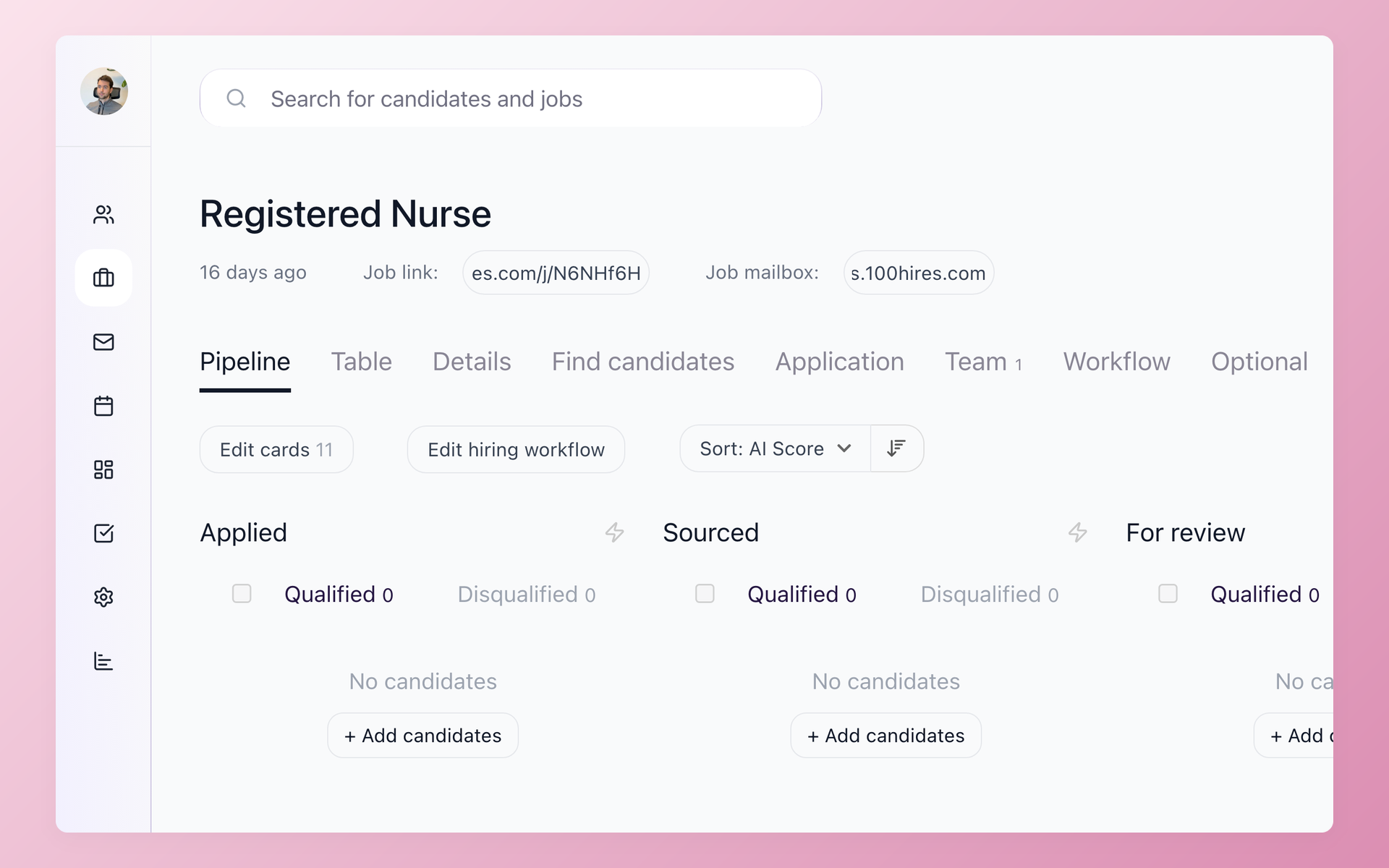
Your candidates land in a pipeline, not a spreadsheet
After the migration, every imported candidate sits in a 100Hires pipeline with their stage and history intact. Your team opens 100Hires on day one and finds the work already organized, not a raw export to clean up.
- Imported candidates grouped by stage
- Stage history preserved
- Nothing to re-sort by hand
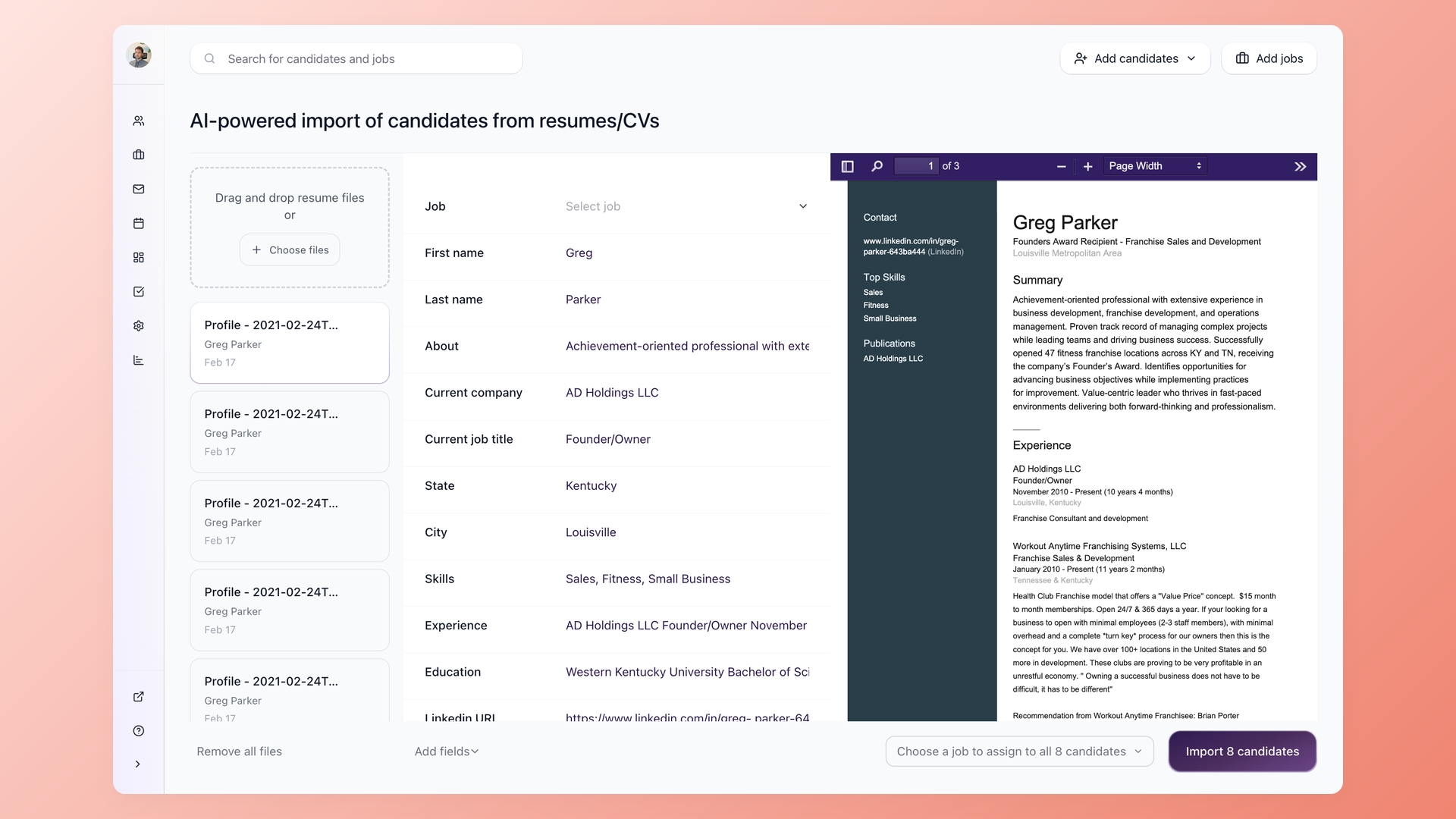
Your fields land where they belong
Our team lines up the fields from your previous ATS with their match in 100Hires, so the details that matter, like source, application date, and status, survive the move. You do not map columns yourself, and the data does not flatten into one block of text.
- Fields matched for you
- Source and application date kept
- No manual column mapping
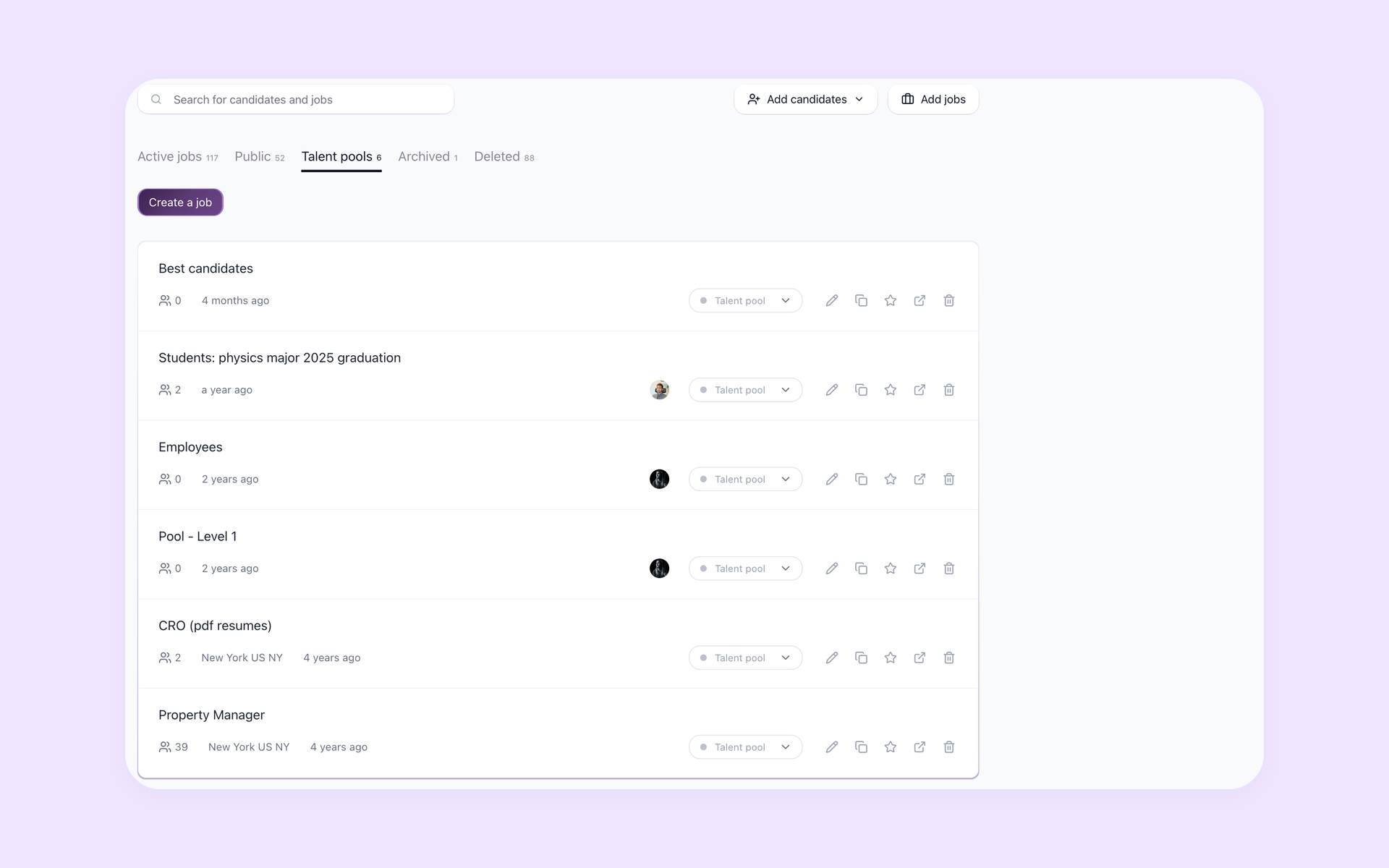
Migrated resumes are searchable and scored on arrival
As resumes come over, 100Hires can parse them and apply an AI Score, so your back catalog of candidates is searchable and ranked the moment the migration finishes. Old applicants become a talent pool you can actually use for the next role.
- Resumes parsed automatically
- AI Score applied on import
- Past applicants become a usable talent pool
Once your records are in, they work like any other data in 100Hires: resumes run through the resume parser, and every candidate becomes a full profile in the candidate tracking system, ready for your next role.
The hiring playbook, in your inbox
One email a week - benchmarks, AI screening tactics, and short interview templates from the 100Hires team. No product pitches.