
AI Resume Parsing Software
Stop hand-typing candidate data: every resume and CV arrives as a structured candidate profile you confirm at a glance, then screen and score.
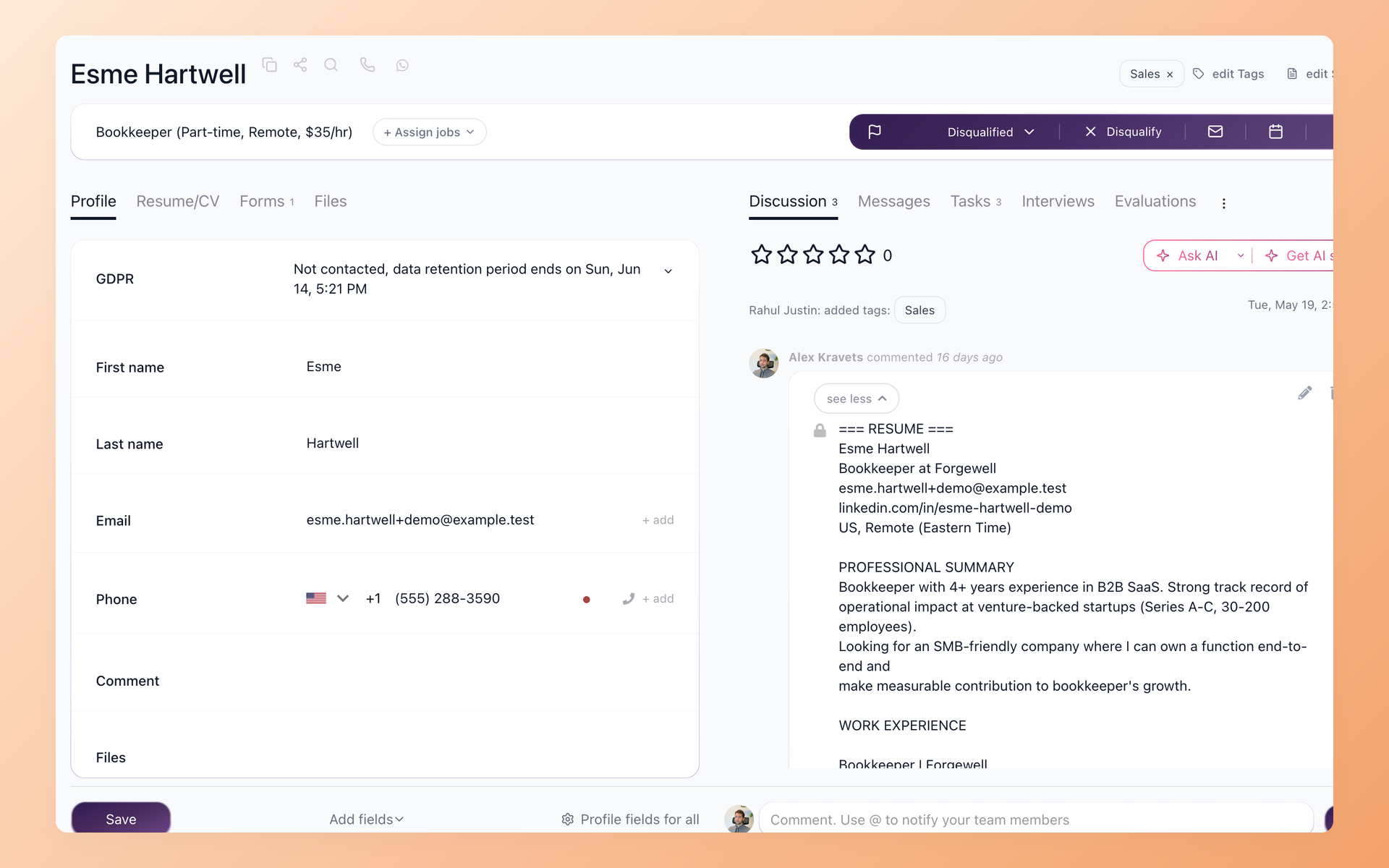
Resume parsing software reads a resume or CV and turns it into structured data - name, contact, skills, experience - automatically. The catch most recruiters hit comes next: the parser fills the fields, then you fix every one, and the time you saved goes right back. 100Hires is built so you confirm a parsed result instead of redoing it, and the resume never leaves the system you hire in.
Some teams tried parsing once, spent a morning correcting every field, and went back to manual entry. That made sense. The preview step in 100Hires exists so the next attempt goes differently - you see what was extracted and confirm it before a single profile is created.






screening candidates
response rates
time to fill
per hire
How resume parsing software works in 100Hires
Every resume that reaches 100Hires follows the same path, whether one candidate applies or you upload a folder of files at once.
- A resume arrives - a candidate applies to your job, or you drag files into Upload Resumes/CV.
- The AI reads it into the Profile Fields your team defined in Settings - name, contact, skills, experience.
- You confirm the parsed result, then the candidate is a live record in your pipeline, ready to screen and score.
Stop hand-typing what the resume already says
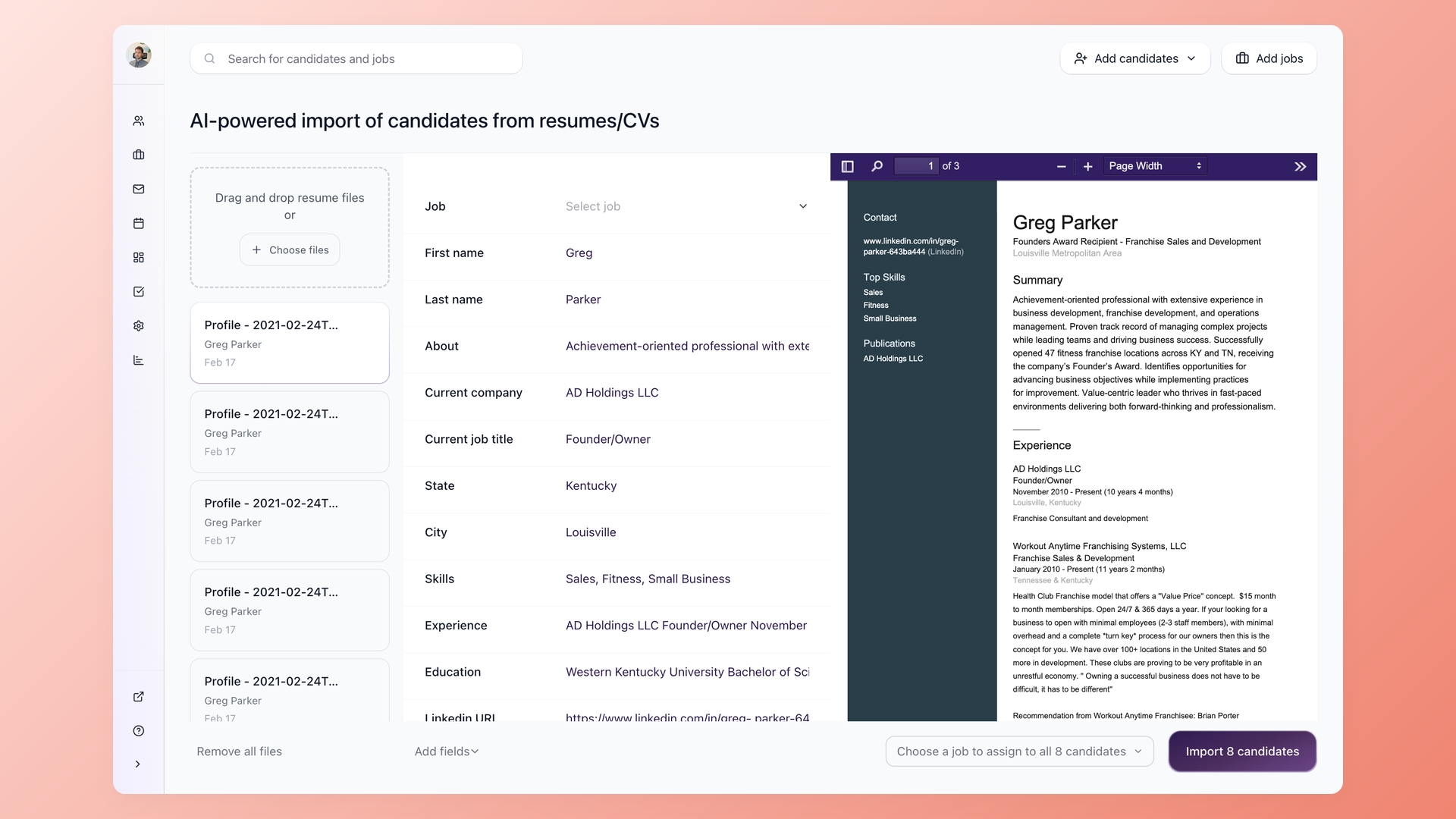
A resume hits 100Hires and the AI reads it into structured fields - name, email, phone, skills, experience, current company, job title, even the LinkedIn URL. Whatever a recruiter would copy off the resume by hand, the parser has already pulled in.
- Name, email, phone, skills, experience
- Company, job title, city, education
- LinkedIn URL pulled in too
- Original resume stays on the record
Confirm the parsed result instead of redoing it
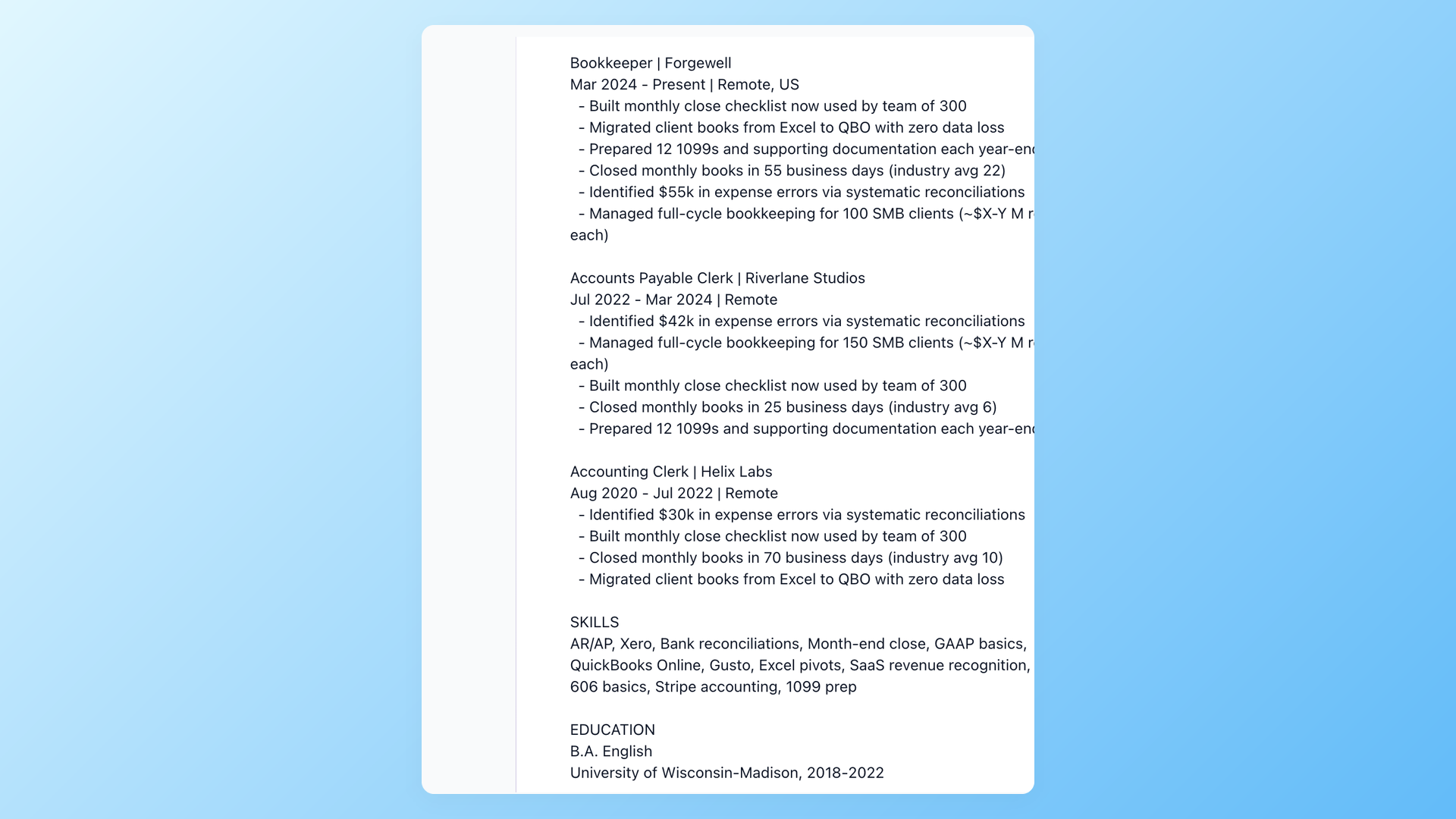
Before anything is imported, 100Hires shows the extraction next to the original resume, so you check it rather than start over. Fix one field if you need to, then run the batch. A result you can review beats an accuracy figure you have to take on trust.
- Preview every result before importing
- Parsed fields beside the source resume
- Edit once, then run the rest
- No silent auto-import
Screen a stack of resumes before you open the first one
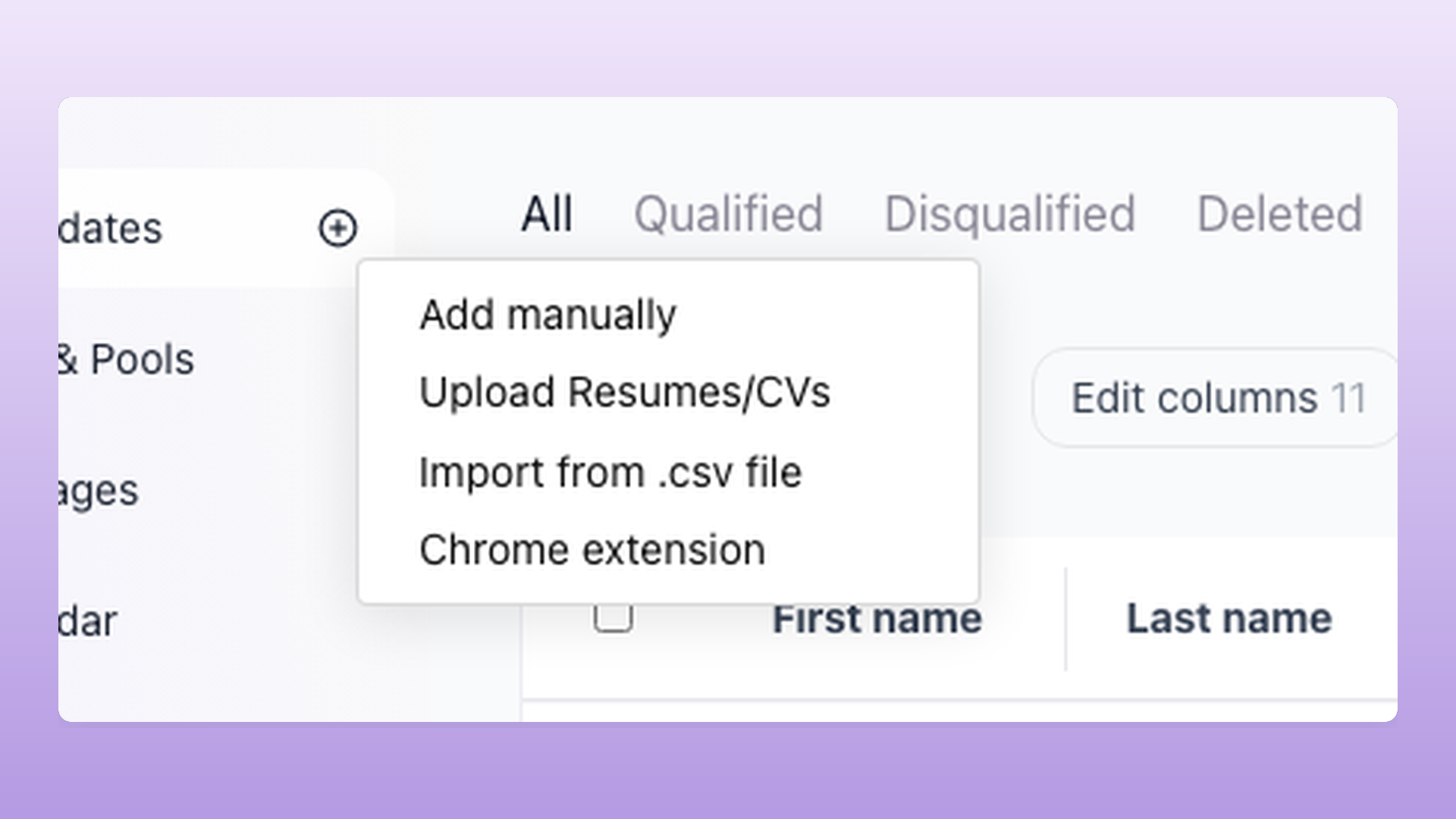
Upload many PDF or Word resumes in one go and 100Hires parses the whole batch. Your yes or no Knockout questions, the must-haves you set for the role, answer themselves from each resume, so the records land pre-qualified instead of just loaded.
- Many PDF and Word files at once
- Knockout questions auto-answered
- Whole batch parsed together
- Preview a sample, then run all
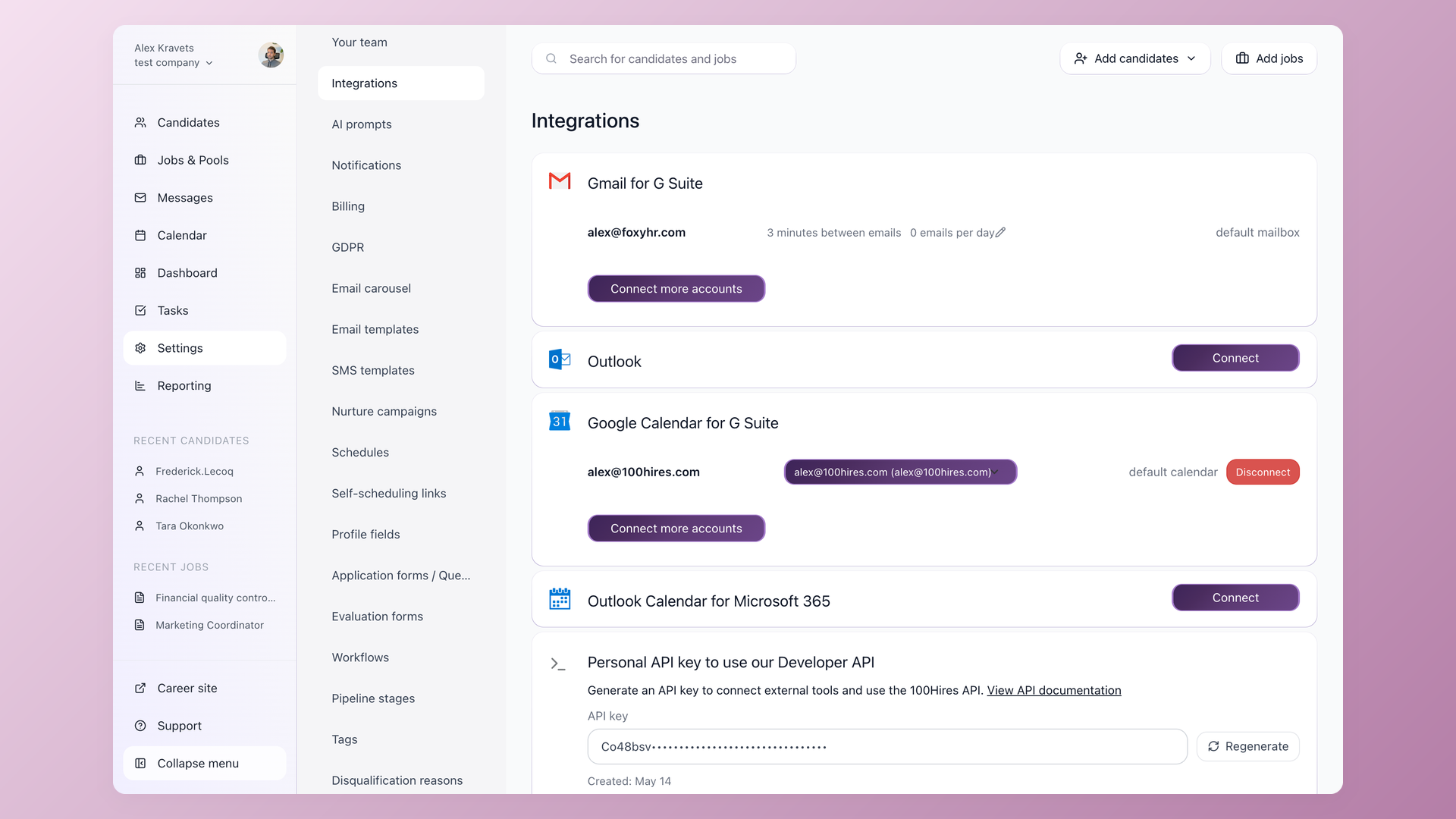
Every parsed resume becomes a live candidate record, not a data file
Parsing maps to the Profile Fields you set up in Settings, so it extracts what you have configured - no fixed vendor schema to translate back. The moment you confirm it, the candidate is a real record in your pipeline, ready to move through stages, screen, and rank with AI Score. Your data stays inside your ATS, with GDPR retention, consent, and deletion controls on every candidate.
- Your own Profile Fields schema
- A pipeline record, not a file
- Feeds AI Score and screening
- GDPR retention and deletion controls
Parsed candidates do not vanish when the role closes. They stay in your resume database, ready to pull into the next requisition.
Resume parsing software built into your ATS vs a standalone parser
Most resume parsing tools are standalone - an API or app you connect to whatever you already use, billed per document. 100Hires takes the other path: parsing is one feature of the ATS you hire in, so there is nothing to integrate and nothing to load afterward. Here is how the two models differ in daily use.
 100Hires

It solved all of my recruitment problems and offered all of the features I was looking for. It can automate most of my recruitment processes.

I’d happily recommend it to my industry peers. I’m able to use the platform with ease and don’t have to think twice about which function to use.

The system is very user-friendly. Even people with no experience will find it easy to understand its functionality.






 4.7
4.7
 4.8
4.8
The hiring playbook, in your inbox
One email a week - benchmarks, AI screening tactics, and short interview templates from the 100Hires team. No product pitches.
Related 100Hires resources: Explore resume screening software.