
Jobvite vs Lever: ATS Comparison (2026) - 100Hires
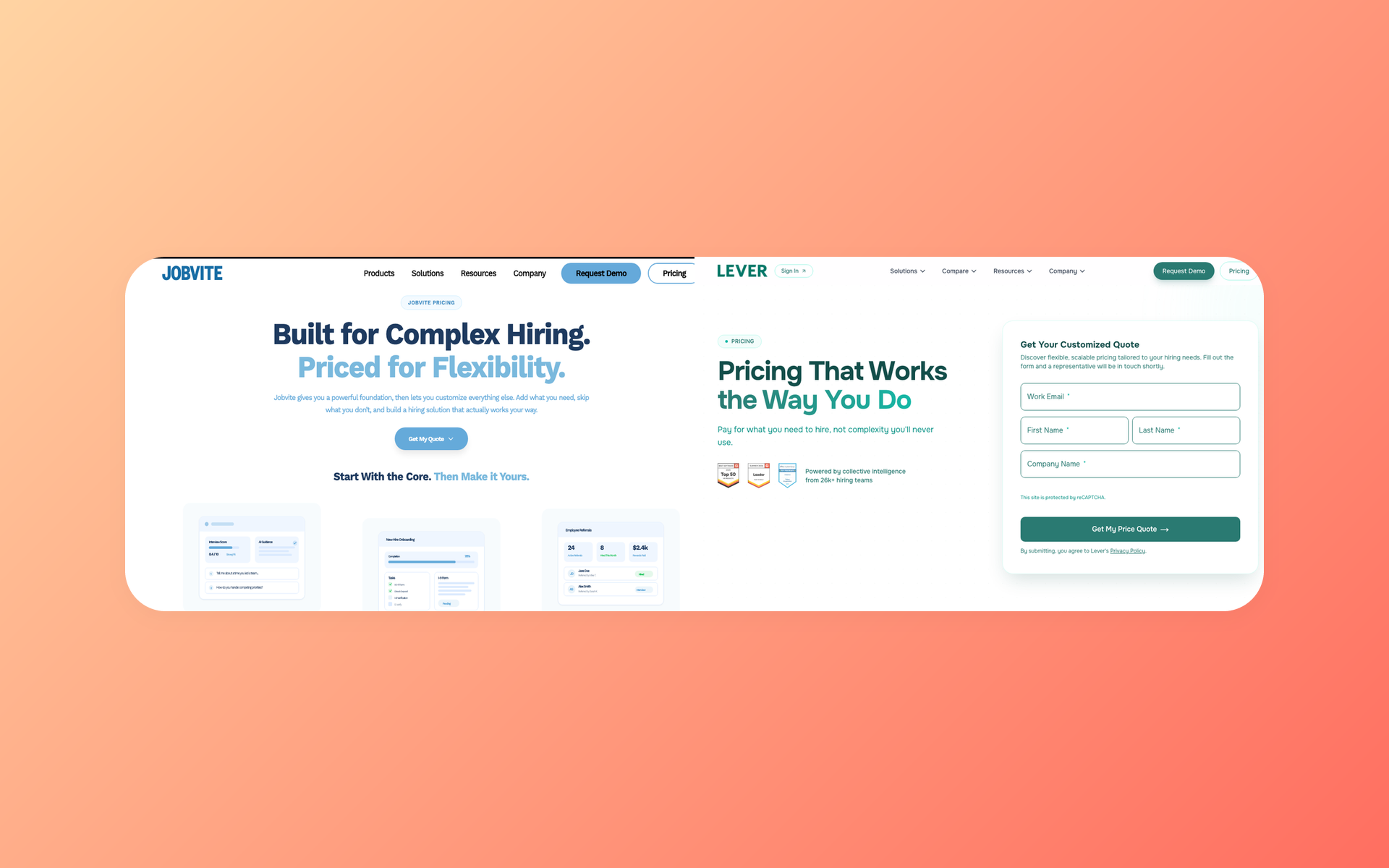
Jobvite vs Lever is a choice between two ATS products owned by the same parent, but built around different recruiting workflows.
Choose Jobvite when broader recruiting operations, recruitment marketing, onboarding, dashboards, and configuration matter most.
Choose Lever when recruiter usability, collaboration, candidate relationships, and nurture sit at the center of your process.
Employ owns both products. That shared parent changes the questions you should ask about roadmap, contracts, and data portability. It does not make the products one ATS or prove an easier migration.
Jobvite vs Lever at a glance
The hiring playbook, in your inbox
One email a week - benchmarks, AI screening tactics, and short interview templates from the 100Hires team. No product pitches.
The fastest way to compare these products is to start with your operating model. The table includes 100Hires as a disclosed independent reference point.
| Decision point | 100Hires | Jobvite | Lever |
|---|---|---|---|
| Ownership | Independent product and publisher of this article | Employ portfolio product | Employ portfolio product |
| Best-fit hypothesis | Lean team seeking an AI-first recruiting workflow | Process-led recruiting program | Relationship-led recruiting team |
| Workflow emphasis | ATS, outreach, scoring, and automation | Broad, configurable recruiting operations | ATS plus candidate relationships and nurture |
| AI | Recruitment Copilot, scoring, summaries, and email assistance | Current AI Companion and candidate matching | Current AI screening and interview transcript or summary positioning |
| Reporting | Recruiting analytics with lighter enterprise governance | Vendor claims 60+ dashboards | Reporting available; depth and exports need buyer testing |
| Integrations | Smaller catalog than large enterprise platforms | Vendor claims 300+ technology integrations | Active marketplace; no verified total retained |
| Pricing | Public plans and custom Enterprise | Custom quote | Custom quote |
| Public trial | 14 days, no card | Not publicly shown in the evidence reviewed | Not publicly shown in the evidence reviewed |
| Migration | Support depends on plan and agreed scope | Official guidance treats migration as a structured project | No sibling-product shortcut was verified |
| Main buying risk | Wrong fit for complex global programs | Complexity, implementation, and quote scope | Reporting, export, package, and support uncertainty |
A lean team may discover that neither quote matches its needs. That is the point of including a transparent smaller-scope reference, not an attempt to suggest that 100Hires is equivalent to an enterprise platform.
If your team wants public pricing and a self-serve evaluation path, jump to the independent ATS fit check.
Employ owns Jobvite and Lever, but they are not one ATS
Employ identifies itself as the parent of Jobvite, Lever, and JazzHR. Its current portfolio presents all three as separate products.
Corporate ownership does not tell you how product data, permissions, contracts, support, or roadmaps work. Those details remain product-specific until Employ documents something different for your account.
What shared ownership changes
One parent can shape procurement, roadmap coordination, service ownership, and commercial discussions. It gives buyers a reason to ask sharper portfolio questions.
- Which features and services are specific to Jobvite or Lever?
- Which capabilities are shared across Employ products today?
- Which roadmap items are planned but not contracted?
- Can one support team coordinate issues across products?
- Can contract dates or services be coordinated in writing?
These are negotiation questions, not assumptions. A shared parent has value only when the quote, service plan, and implementation statement make that value concrete.
What shared ownership does not prove
Our research found no current evidence of a product merger, shared database, shared tenant, one-click transfer, forced migration, automatic history preservation, or discontinuation.
Shared ownership should increase your diligence. It should not lower the standard of proof for architecture, migration, or roadmap claims.
Where the products overlap
Jobvite and Lever overlap across core ATS work. Both publish current reporting, integration, and AI capabilities.
That overlap explains why a buyer can reasonably shortlist both. It does not make the products interchangeable.
The useful distinction is how the system organizes work. Jobvite is a stronger fit for teams that need broad, process-driven recruiting operations. Lever is a stronger fit for teams that prioritize relationship-focused workflows.
Ask both vendors to demonstrate the same business outcome instead of comparing differently named features. A nurture label and an automation label may cover similar actions, yet create different work for recruiters and managers.
- Candidate record: Can a recruiter recover every relevant interaction and application?
- Pipeline control: Can operations govern stages without slowing local teams?
- Collaboration: Can managers give timely feedback with the right access?
- Communication: Can the team personalize outreach and preserve history?
- Measurement: Can leaders reconcile the same funnel from raw data?
Overlap narrows the shortlist. Operating fit decides which product survives a serious proof of concept.
Where Jobvite fits a process-led recruiting program
Jobvite makes the strongest case when recruiting operations need breadth and configuration across a larger program.

Its current positioning covers candidate management, configurable workflows, recruitment marketing, onboarding, analytics, AI Companion, and candidate matching.
Jobvite states that it offers more than 60 dashboards and more than 300 technology integrations. Treat those as vendor claims and verify the specific dashboards and connections your team needs.
This breadth can support a mature talent acquisition function. It can create more decisions about configuration, permissions, data ownership, training, and administration.
Use the proof of concept to test reporting, support ownership, integrations, and raw exports. These are buyer checks, not universal defects.
- Strongest case: You need recruitment marketing, onboarding, configurable operations, dashboards, and a broad ecosystem.
- Main limitation: Price, package scope, implementation, support, and exact entitlements require a custom discussion.
- Proof required: Run your own requisition, permissions, reporting, export, and integration workflow before signing.
Jobvite wins only when your organization will use the extra process layer. A smaller team should not buy breadth that becomes administrative drag.
Test a campaign, referral, onboarding handoff, dashboard, and integration. Name who will maintain templates, permissions, dashboards, and mappings after launch.
Where Lever fits a relationship-centered recruiting team
Lever makes the strongest case when recruiter adoption, collaboration, candidate relationships, and nurture drive the buying decision.
Current official evidence covers ATS plus CRM, sourcing, nurture, hiring, collaboration, reporting, AI screening, and interview transcripts or summaries.
Practitioner evidence raises buyer questions about reporting, exports, reconciliation, support, and workflow edge cases.
The external evidence is not strong enough to call Lever universally easier. It is strong enough to make hiring-manager adoption and reporting reconciliation central to the proof of concept.
- Strongest case: Candidate relationships, recruiter usability, nurture, and team collaboration are central.
- Main limitation: Price, reporting depth, exports, package scope, and support need account-specific proof.
- Proof required: Test hiring-manager feedback, reporting, raw exports, communication history, and candidate reuse.
Lever wins only when the relationship model improves real work. A clean demonstration is not enough if the exported data cannot support your operating reviews.
Test candidate rediscovery, nurture, feedback, a scheduled report, and a raw export with recruiters, hiring managers, and the recruiting analytics owner.
Workflow, AI, reporting, and integrations compared
Four tests separate the products more reliably than a long checklist. Run each test with data that resembles your own and with the people who will use the ATS every week.
Daily workflow and collaboration
Lever has the stronger fit hypothesis for relationship-centered usability and collaboration. Jobvite supports the same core recruiting cycle, with more emphasis on a configurable process layer.
Ask recruiters to create a role, screen candidates, move stages, send messages, resolve a duplicate, and recover prior context. Ask hiring managers to submit feedback without coaching.
The winner is the product that completes the workflow cleanly and leaves trustworthy data behind.
AI and automation
Both Jobvite and Lever have current AI positioning. Do not treat this as a choice between modern AI and two products without it.
Compare what data each feature reads, how criteria are configured, why a recommendation appears, where a recruiter can intervene, and which package includes the capability.
Test uncertain candidates in a review queue before automating consequential actions. The EEOC overview of AI in employment decisions is useful governance context, not legal advice.
Reporting and data access
Jobvite makes a clearer official claim about reporting breadth through its 60+ dashboards. Lever has more recent practitioner discussion of exports, spreadsheets, and reconciliation.
Neither signal proves a universal winner. One is vendor-reported breadth, and the other is a set of account-specific concerns.
- Rebuild your weekly funnel and source report.
- Trace a candidate across roles and stage changes.
- Schedule a report with the required permissions.
- Export raw fields and reconcile totals outside the ATS.
- Confirm refresh timing and historical coverage.
Integrations and ecosystem
Both products maintain active integration ecosystems. Jobvite publishes a 300+ technology integration claim. Lever displays categories across common recruiting systems but no verified total in our retained evidence.
Do not compare unlike counts. Ask each vendor to mark a required connector as native, included, paid, partner-powered, custom, or unavailable.
Confirm who monitors failures, owns field mapping, handles API changes, and pays pass-through fees. Integration responsibilities can make a seemingly stronger feature less useful after launch.
Support and implementation
Support and implementation evidence was account-specific, so it cannot produce a fair winner. It can produce a better buying test.
Ask each vendor to name the implementation lead, customer owner, technical escalation path, and standard response-time commitments. Confirm which work belongs to the vendor, a partner, or your internal team.
Request a deliverable list for discovery, configuration, migration, integration, training, validation, launch, and remediation. Tie payment milestones to accepted outputs when the contract permits it.
- Who approves the future-state workflow?
- Who cleans and maps source data?
- Who configures reports and permissions?
- Who trains recruiters and hiring managers?
- Who resolves launch defects and by when?
The implementation plan can change which product is the better choice. A narrower system with clear ownership may work better than a broader system with unclear delivery responsibilities.
Does Employ ownership make migration easier?
Not based on the public evidence we found. No official or external source documented a special Jobvite-to-Lever or Lever-to-Jobvite shortcut.
Shared ownership may help a commercial conversation. Treat the technical move as a conventional ATS replacement until a signed implementation plan proves otherwise.
Data and history checklist
Start with an object-level inventory. Ask which data exports cleanly, imports cleanly, changes format, and remains available only in an archive.
- Candidate profiles, resumes, and attachments
- Notes, messages, consent fields, and source data
- Requisitions, stages, dispositions, and scorecards
- Referrals, duplicate relationships, and archived jobs
- Audit logs, custom fields, and analytics history
A candidate count does not prove a complete migration. A partial field import can still leave years of context behind.
Workflow and integration checklist
Map the workflows and systems that surround the data. Rebuild and test permissions, hiring teams, templates, automation rules, and every external connection.
- Email, calendars, and identity management
- HRIS, job boards, and career pages
- Assessments and background checks
- Analytics, data warehouses, and APIs
- Reports, alerts, and scheduled exports
Name an owner for every mapping and test. “Supported” is too vague when a failed integration can stop interviews or corrupt source reporting.
Contract, cutover, and rollback checklist
Separate technical work from commercial concessions. A discount or coordinated renewal does not move candidate history into the new product.
- Implementation owner and services scope
- Support SLA and escalation path
- Validation method and acceptance criteria
- Cutover window and dual-running cost
- Contract overlap and renewal dates
- Data retention, remediation, and rollback
Do not accept a fixed timeline before discovery. Volume, custom fields, history, integrations, and data quality change the work.
Run one sample migration before the final cutover. Select records with attachments, duplicate relationships, multiple applications, long communication histories, custom fields, consent data, and completed interviews.
Compare the source and destination field by field. Record every transformation and excluded object. This small test reveals gaps earlier than a headline record count.
Jobvite vs Lever pricing and total cost in 2026
Jobvite and Lever both use custom quotes. Neither official page exposed a verified numeric rate card in our current research.
| Pricing field | 100Hires | Jobvite | Lever |
|---|---|---|---|
| Displayed public monthly price | Start $99; Advanced $249; Pro $499, USD for 1-20 employees | Not publicly shown | Not publicly shown |
| Displayed billed-annually rate | Start $49; Advanced $199; Pro $399 per month, USD for 1-20 employees | Not publicly shown | Not publicly shown |
| Derived annual total | Start $588; Advanced $2,388; Pro $4,788, derived | Not publicly shown | Not publicly shown |
| Public trial | 14 days, no card | Not publicly shown | Not publicly shown |
| Implementation fee | Not publicly shown | Not publicly shown | Not publicly shown |
| Migration | Annual Pro includes published migration support; confirm scope | Confirm in quote | Confirm in quote |
| AI entitlement | Plan-dependent | Confirm in quote | Confirm in quote |
| Support and renewal terms | Confirm selected plan and contract | Confirm in quote | Confirm in quote |
Jobvite pricing
Request a written Jobvite quote that lists modules, users, environments, implementation, migration, training, support, integrations, API access, exports, AI, renewal changes, and termination terms.
Do not treat an account anecdote or a price listed in an inaccessible directory as a rate card. Two organizations can receive different scopes and commercial terms.
Lever pricing
Request a written Lever quote that covers editions, users, implementation, migration, reporting, exports, integrations, AI, support, data access, renewal changes, and termination terms.
Do not use social estimates or account-specific comparisons as list prices. The requested reporting and service scope can materially change the quote.
100Hires pricing
Prices below reflect the USD prices shown for 1-20 employees with annual billing selected. Annual totals are derived from displayed monthly rates and exclude applicable taxes.
| Product or public scope | Displayed monthly rate | Displayed billed-annually rate | Derived annual total | Published scope and limits | Billing basis |
|---|---|---|---|---|---|
| Start | $99/month | $49/month | $588/year | Up to 3 jobs, 100 candidates, 1 user, and 100 AI credits per month with annual billing | Billed annually at the annual rate |
| Advanced | $249/month | $199/month | $2,388/year | Unlimited jobs, candidates, and users; automation, custom domain, and 1,000 AI credits per month with annual billing | Billed annually at the annual rate |
| Pro | $499/month | $399/month | $4,788/year | Advanced plus email warmup, enrichment, onboarding, annual-contract migration, and 5,000 AI credits per month with annual billing | Billed annually at the annual rate |
| Enterprise | Not publicly shown | Not publicly shown | Not publicly shown | Pro plus published security, governance, SSO, account management, approvals, BI, custom integrations, compliance, and reporting scope | Custom quote |
| Jobvite enterprise/public scope | Not publicly shown | Not publicly shown | Not publicly shown | Modular ATS, recruitment marketing, onboarding, analytics, AI, and integrations; exact package requires a quote | Custom quote |
| Lever enterprise/public scope | Not publicly shown | Not publicly shown | Not publicly shown | Core ATS and CRM with published add-on scope; exact package requires a quote | Custom quote |
See the live 100Hires pricing page for the current selector, plan details, and terms. AI usage limits vary by plan and billing choice, so confirm them on the live page.
Total-cost questions
Total cost includes license, implementation, migration, services, integrations, support, messaging, data access, internal administration, contract overlap, and renewal changes.
A public plan and a custom quote do not represent comparable scopes. Map requirements line by line before calling one product cheaper.
Build a three-year scenario for internal planning, but do not invent vendor totals. Keep unknown prices as variables and model low, expected, and high implementation effort from your own staffing assumptions.
Include the cost of recruiter time, reporting workarounds, integration maintenance, dual running, and change management. A lower license can become the higher operating cost.
Who should choose Jobvite, Lever, or neither?
The choice should follow a tested operating need. Shared ownership alone is not a reason to switch products.
Choose Jobvite if
- You need broader recruitment marketing, onboarding, dashboards, and configurable operations.
- Your organization can staff implementation and ongoing administration.
- The proof of concept confirms required modules, reports, integrations, AI, support, and export behavior.
Jobvite is the stronger fit hypothesis for a process-led program. It is not automatically the better enterprise product for every buyer.
Choose Lever if
- Recruiter usability and hiring-manager collaboration are central.
- Candidate relationships and nurture matter across roles.
- The proof of concept confirms reporting, exports, integrations, AI, support, and migration scope.
Lever is the stronger fit hypothesis for relationship-led recruiting. It is not automatically simpler, cheaper, or better for a fixed company-size band.
Keep both on the shortlist if
Keep both when the operating-model difference is not decisive or the quoted scope remains unclear. Ask each team to run the same requisition and return a matched written quote.
Existing customers should require a measurable reason to switch. Migration and retraining should solve a real workflow problem, not satisfy curiosity about the sibling product.
When neither fits, consider an independent AI-first ATS
Disclosure: 100Hires publishes this comparison. It did not appear as an independently validated product in the external research for this exact keyword.
100Hires fits lean teams that want public pricing, a self-serve trial, AI-assisted review, outreach, job distribution, and workflow automation in one recruiting software product.
AI Score helps rank candidates against documented job criteria. Recruitment Copilot analyzes candidate information inside the ATS, while related tools summarize interviews and support scorecards.
AI Email Composer, interview summaries, scorecard assistance, configurable scoring, and automation can reduce repetitive work. Human review still matters.
100Hires AI works from documented candidate data and job context. It cannot infer missing information, an accent, or communication ability from a resume alone.
Independence is not automatic superiority. The practical benefit is a focused product and a clear evaluation path outside Employ's multi-brand portfolio.
- Best fit: A lean team that values trial access, visible plans, AI-assisted review, outreach, and fast workflow testing.
- Jobvite gap: 100Hires has lighter enterprise reporting, governance, and complex global-program depth.
- Lever gap: 100Hires has less long-cycle CRM nurture depth.
- Ecosystem gap: Its integration catalog is smaller than large enterprise platforms.
If that limited scope fits your needs, start a 14-day 100Hires trial. No credit card is required.
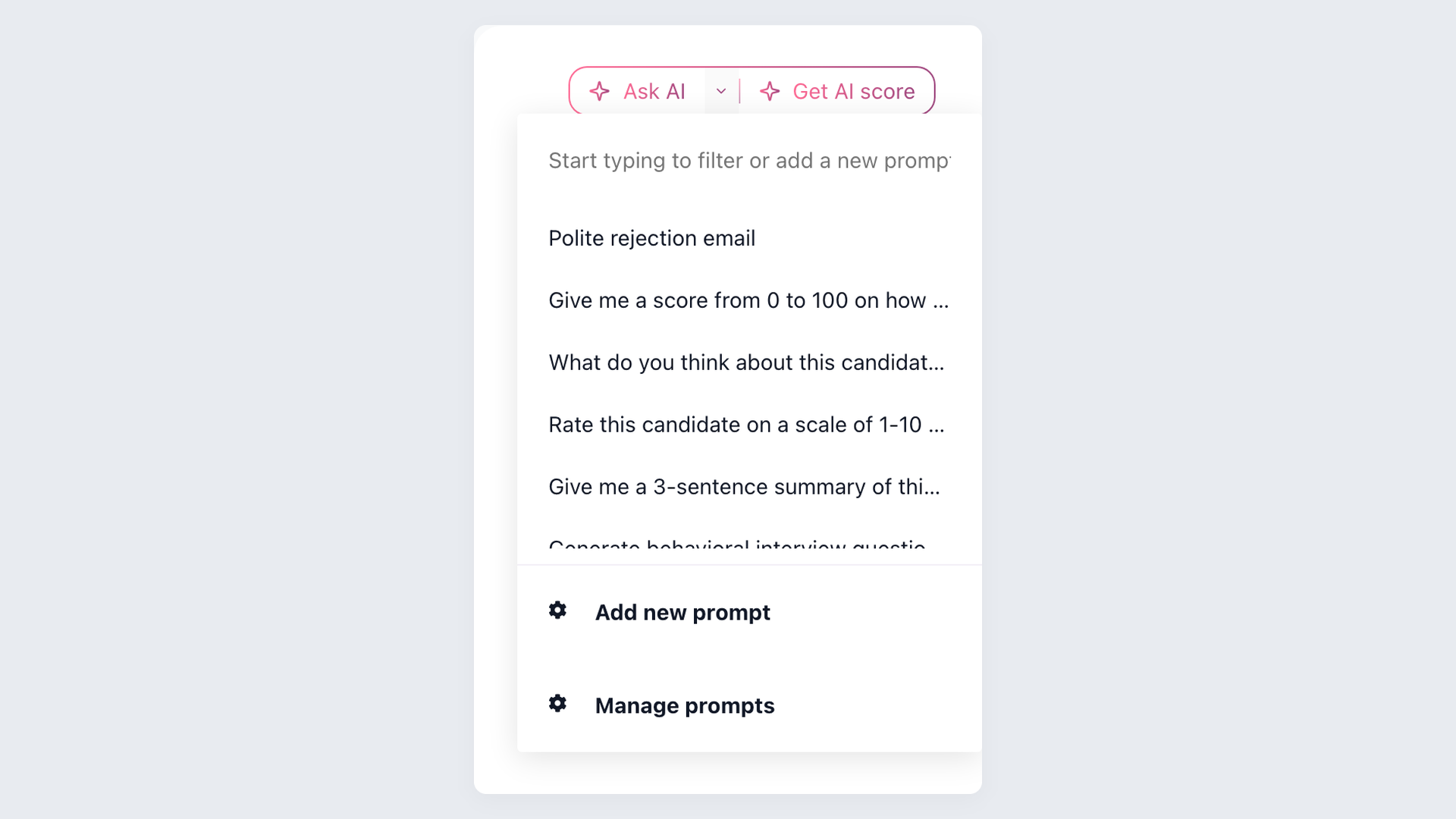
A matched proof-of-concept scorecard
A polished demonstration shows what a vendor prepared. A matched proof of concept shows what your team can operate.
Give Jobvite and Lever the same requisition, candidate set, hiring team, reporting request, export task, and required integrations. Include 100Hires only if its smaller-team scope matches the requirements.
Use real roles and controlled candidate data
Choose one common role and one difficult role from your hiring plan. The common role tests daily speed. The difficult role tests custom stages, specialist feedback, sourcing, nurture, approvals, and exceptions.
Build a small synthetic candidate set that represents the records your team handles. Include duplicate profiles, referrals, previous applicants, missing fields, attachments, withdrawals, rejected candidates, and people considered for more than one job.
Do not upload live personal data unless security and legal owners approve the test. Synthetic records make it easier to give every vendor the same input and compare outputs without exposing candidate information.
Ask recruiters and hiring managers to perform the work themselves. Vendor operators can explain configuration, but they should not complete every task. Record where a user needs help, an administrator, a custom service, or a separate module.
Test the complete recruiting loop
Begin with requisition approval and end with a usable export. Create the role, publish it, add sourced and referred candidates, review applications, schedule interviews, collect scorecards, send communications, move stages, reject candidates, and close the job.
Then reopen the history from another user account. Confirm that permissions, notes, messages, source attribution, interview evidence, and disposition reasons remain understandable. A fast workflow is less valuable if later users cannot reconstruct the decision.
Run a reporting task without a prepared vendor dashboard. Ask each system to reproduce one metric your leadership already uses, explain the denominator, filter it by the same fields, and export the underlying rows for reconciliation.
For AI, use the same job criteria and candidate records. Capture the input, output, explanation, recruiter override, permissions, and retention behavior. The question is not which screen sounds smartest. It is whether the team can control and audit the result.
Separate product fit from implementation fit
Score the configured product and the proposed delivery plan separately. Jobvite or Lever may demonstrate a required workflow, yet the quote may assign configuration, integration, data cleanup, or report building to your team or a paid partner.
Require a named owner, delivery method, acceptance test, and quote line item for every critical capability. Mark roadmap promises as not proven unless the contract provides a suitable commitment.
Shared Employ ownership does not turn a sibling product feature into a current entitlement. Ask the vendor to identify the exact product, package, delivery date, and commercial scope in writing.
Invite the people who will administer the ATS after launch. Ask them to change a stage, permission, template, field, automation, and report. This exposes ongoing dependence on vendor services and shows whether the operating model fits available internal capacity.
Finally, compare the tested scope with the written quote and implementation plan. If a demonstrated feature is optional, partner-delivered, usage-limited, or unavailable in the quoted package, adjust the score before the selection meeting.
Keep the completed scorecard with the contract record. It becomes a practical baseline for implementation acceptance, renewal review, and any later decision to remain on the product or evaluate an alternative.
| Test | What to record | Pass condition |
|---|---|---|
| Core workflow | Steps, clicks, handoffs, and errors | Daily users complete the task without vendor rescue |
| Data quality | Duplicates, history, fields, and totals | Records and reports reconcile |
| Permissions | Recruiter and manager visibility | Access follows policy without manual workarounds |
| AI review | Criteria, explanations, overrides, and audit trail | Recruiters can understand and control the result |
| Reporting | Refresh, scheduling, export, and raw fields | The required operating report can be reproduced |
| Integrations | Ownership, mapping, failures, and cost | Every required connection has a named owner |
| Migration | Objects, transformations, exclusions, and rollback | Acceptance criteria are written before cutover |
| Commercial scope | Included, paid, partner, custom, or unavailable | The quote matches the demonstrated workflow |
Score the evidence, not the presentation. A product that performs best in a demo may still be a poorer choice after implementation planning or contract review.
Use a simple scale for each test: proven, partly proven, not proven, or out of scope. Add the evidence link, owner, quote line item, and follow-up date beside every score.
Do not average critical failures into a comfortable total. An incomplete export, missing permission control, or unsupported integration may be a deal breaker even when most demo tasks pass.
Jobvite vs Lever FAQ
Are Jobvite and Lever owned by the same company?
Yes. Employ owns Jobvite and Lever but presents them as separate products. 100Hires is independent from Employ. Compare product-specific workflow, migration, support, roadmap, and contract terms.
Are Jobvite and Lever the same ATS?
No. Jobvite and Lever are separate ATS products in Employ's portfolio. Jobvite has the process-led fit hypothesis; Lever has the relationship-led one. 100Hires is a lighter independent option with public pricing.
Will Employ merge Jobvite and Lever?
No current evidence establishes a merger, forced migration, or discontinuation. Ask Employ for dated product-roadmap commitments in writing. 100Hires is independent, but that does not prove it fits every team.
Can you migrate from Jobvite to Lever?
No pair-specific migration path was verified. Ask both vendors to confirm export and import objects, history, testing, acceptance criteria, and rollback. 100Hires support depends on plan and scope; no move should be treated as automatic or lossless.
Which is better for a small business?
There is no reliable size cutoff. Test Lever for relationship-led work and Jobvite for process-led work. Consider 100Hires when public pricing, trial access, AI scoring, and automation matter more than enterprise governance or deep CRM nurture.
How much do Jobvite and Lever cost in 2026?
Both use custom quotes; our research found no verified official rate card. Compare scope, implementation, migration, AI, support, renewal, and exit terms. 100Hires publishes plan prices and a 14-day trial that does not require a credit card, but make sure the plan limits are comparable before comparing costs.
Final verdict
Choose Jobvite for broader process-led recruiting operations. Choose Lever for relationship-led workflow, collaboration, and candidate nurture.
Choose 100Hires only when a lean team values an independent AI-first recruiting workflow, visible pricing, and a self-serve trial more than enterprise depth.
Employ ownership is a diligence question, not a migration shortcut. Test the workflow and confirm the package details, data-migration plan, and contract terms before you choose.
Start your 14-day 100Hires trial if the limited scope fits your team. No credit card is required.
Try 100Hires for free
No credit card. 14-day trial. Forbes Advisor #1 ATS for SMBs.

