
13 Best Remote Hiring Tools in 2026 for Remote Recruitment and Screening
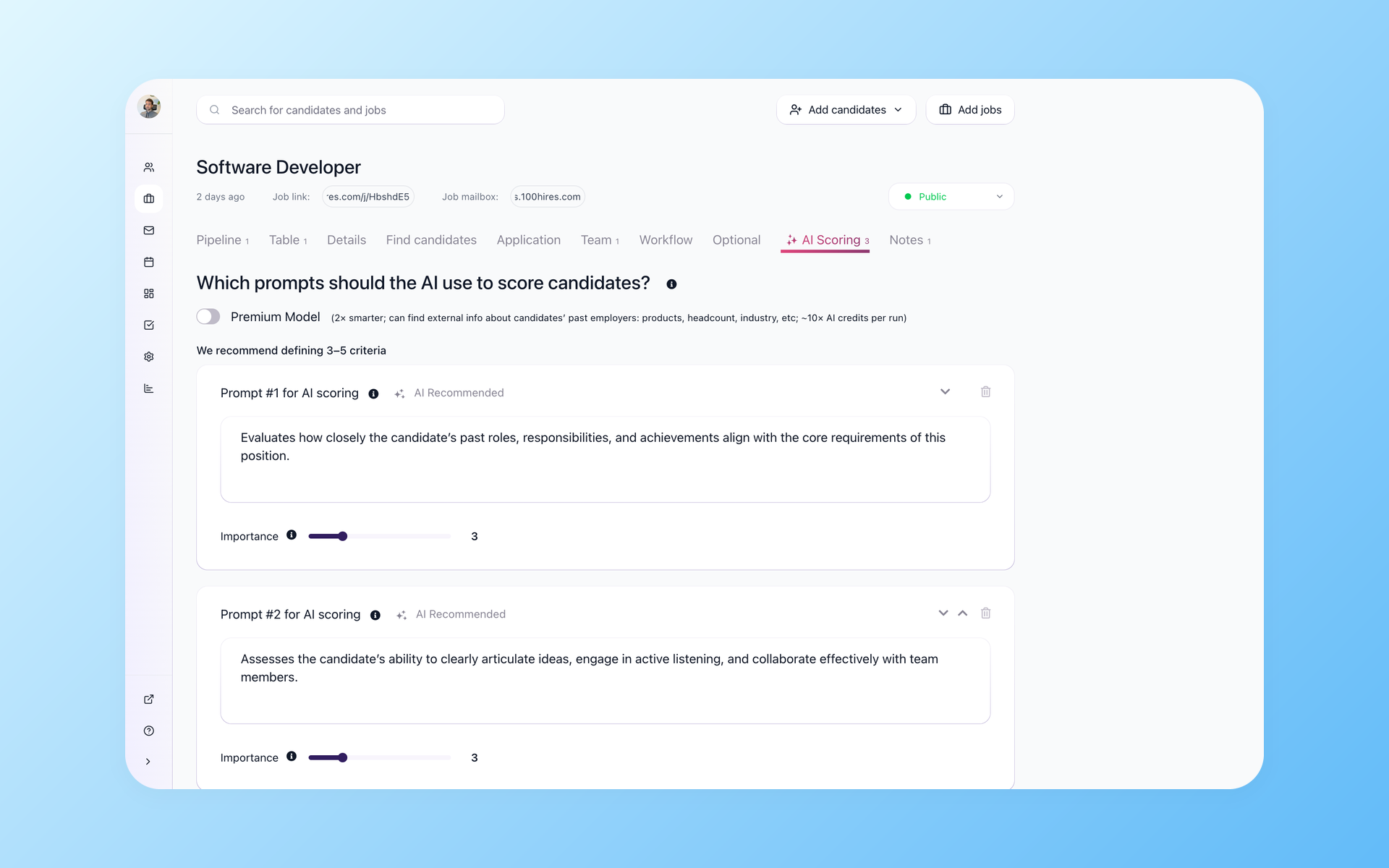
Remote roles can flood the queue fast. One in-house recruiter counted 800 to 1,100 applications a week across a handful of remote openings, enough volume to make manual screening the bottleneck before interviews even start.
This list covers 13 remote hiring tools that handle the whole journey: screening the flood, sourcing, async video, skills tests, cross-border payroll, and scheduling across timezones.
Pricing below comes from public pricing pages checked in July 2026. Hidden pricing is marked "custom quote", secondary-source figures are labeled, and every tool gets its honest limitation named, including ours.
TL;DR: the best remote hiring tools by use case
The hiring playbook, in your inbox
One email a week - benchmarks, AI screening tactics, and short interview templates from the 100Hires team. No product pitches.
- Best overall ATS for remote SMB hiring: 100Hires (AI screening, knockout questions, built-in scheduling)
- Best sourcing database: LinkedIn Recruiter
- Best AI sourcing: Juicebox
- Best async video screening: Willo or Spark Hire
- Best skills assessments: TestGorilla
- Best for hiring abroad: Deel
- Best standalone scheduler: Calendly
- Best for enterprise: Greenhouse
How we evaluated these remote hiring tools
Four filters decided who made the cut. First, remote-specific coverage: the tool has to solve a problem unique to distributed hiring, like async screening, timezone-aware scheduling, or cross-border employment.
Second, pricing transparency: figures come from public pricing pages checked in July 2026 where vendors publish them; hidden or secondary-source numbers are labeled as such. Third, review evidence: G2 and Capterra patterns, not vendor claims.
Fourth, honesty: every card names a real limitation. That includes 100Hires, which is our own product. You should know what a tool won't do before you pay for it.
Remote hiring tools at a glance
| Tool | Best for | Starting price | Free trial | G2 rating |
|---|---|---|---|---|
| 100Hires | AI screening + ATS for remote SMB teams | public $49/mo | 14 days, no card | 4.8 |
| LinkedIn Recruiter | Sourcing reach | public $170/mo (Lite) | Yes (Lite) | 4.5 |
| Juicebox | AI-native people search | public $199/mo | Demo-led | n/a |
| Spark Hire | One-way + live video for SMB | public $249/mo | Demo-led | 4.7 |
| Willo | Async video screening | public $279/mo | Not public | 4.6 |
| VidCruiter | Structured video workflows | custom quote | No | 4.8 |
| HireVue | Enterprise video + assessments | custom quote | No | 4.1 |
| TestGorilla | Skills assessments | free plan; paid from $142/mo (annual billing) | Free plan | 4.5 |
| Deel | Global contractors + EOR | public $49/mo (contractors) | No | 4.8 |
| Remote.com | Owned-entity EOR | public $599/employee/mo (annual billing) | No | 4.5 |
| Calendly | Standalone scheduling | free plan; paid from $10/seat/mo | Free plan | 4.7 |
| Workable | Established all-in-one ATS | public $299/mo | 15 days | 4.4 |
| Greenhouse | Enterprise structured hiring | custom quote | No | 4.4 |
G2 ratings were checked in July 2026 and are directional, since review counts move. Three of the 13 vendors hide pricing entirely behind a sales form, which matters if you need to budget before a sales call.
What to look for in remote hiring tools
Remote hiring breaks in different places than local hiring. Five capabilities separate tools that help from tools that just add another login:
- Screening before humans: knockout questions and AI scoring that cut the pile before anyone reads a resume
- Timezone-aware scheduling: candidates book in their own local time, no mental math
- Source tracking: know which job board sends qualified people and which sends noise
- Fraud resistance: structured answers and live verification beat resume keywords
- Transparent pricing: remote teams scale seats fast, so surprise per-seat fees hurt
The fraud point deserves a beat. Recruiters in r/recruiting threads describe proxy interviewers, AI face filters, and resumes polished until every candidate reads identical.
One validation-platform operator on LinkedIn reported roughly 40% of screened candidates flagged for unauthorized help or skill mismatch. Treat that as one operator's data, not a market rate; it is a reason to add structured verification instead of trusting resumes alone.
Structured screening data is the fix. Answers to your specific questions, scored against your specific criteria, are much harder to fake at scale than a keyword-stuffed PDF.
Source tracking helps too. Recruiters in the same threads describe disqualifying by source once a job board proves to send mostly noise. You can only do that when your ATS tags every applicant with where they came from.
Best remote hiring tools for screening and tracking
1. 100Hires: AI-first ATS built for the remote applicant flood
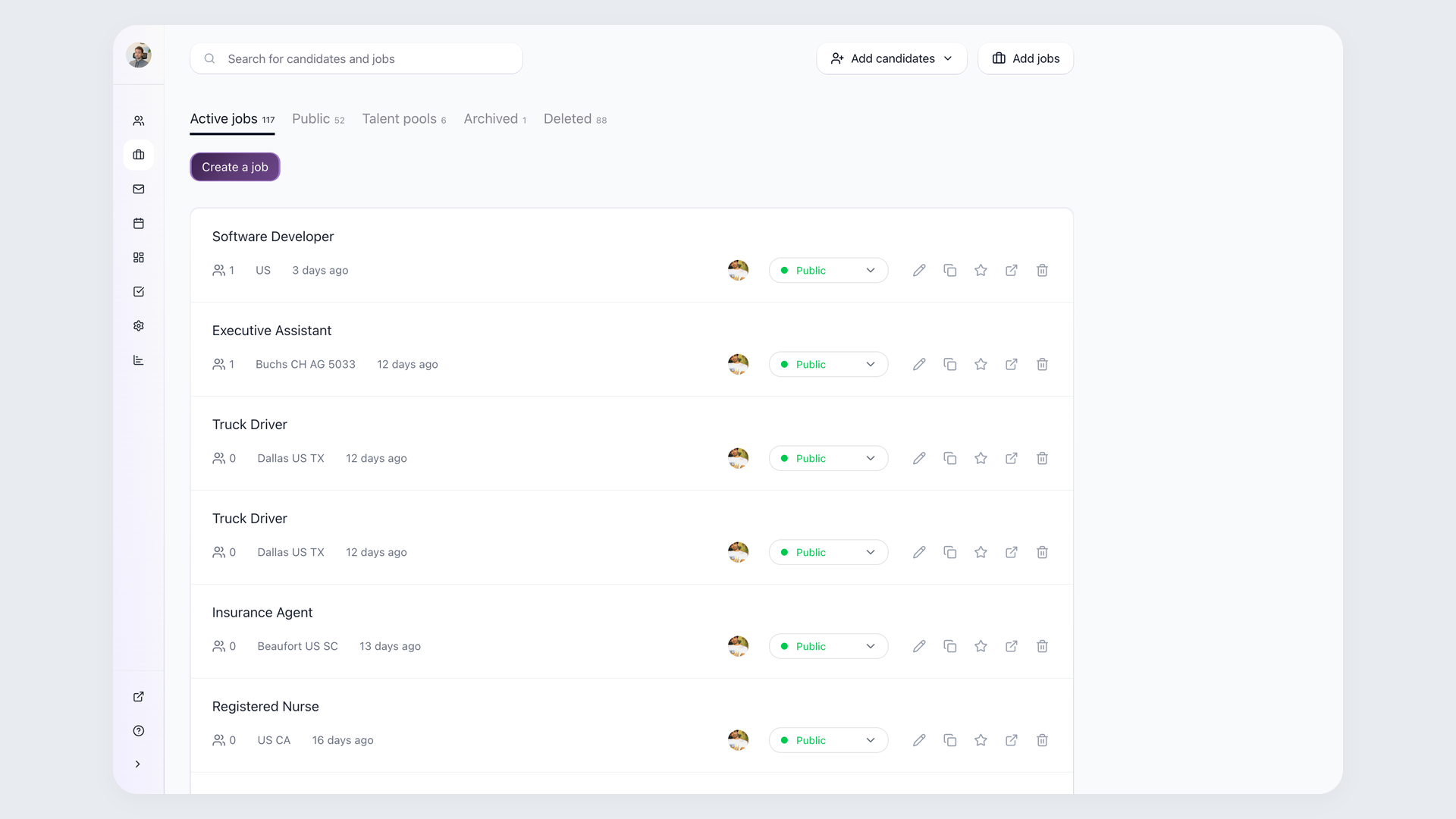
I run 100Hires, and the pattern across our customers hiring remotely is consistent: the bottleneck moved from finding candidates to separating real, qualified ones from a pile that grows faster than any human can read.
100Hires attacks that in sequence. Knockout questions disqualify on the deal-breakers first: work authorization, timezone overlap, salary range. Candidates who don't clear the bar never reach your reading queue.
For work-authorization wording, stick to the format the EEOC's pre-employment guidance supports: "Are you legally authorized to work in the United States?" Free-text knockout answers carry a bonus: they're harder for auto-apply bots to game than dropdowns.
AI Score then rates the survivors from 0 to 100 against criteria you write and weight yourself. It scores questionnaire answers along with resumes, which matters when every resume reads perfect.
Recruiters burned by tools they call keyword filters with a nicer UI should note the difference: you define the criteria and weights, and the score explains itself per criterion. Route low scores to a review queue first, then tighten thresholds once you trust the calibration.
Self-scheduling links close the loop: the candidate picks a slot in their own local time, 100Hires checks your Google or Outlook availability, and the Zoom invite goes out. Nobody converts Singapore time to Central by hand.
- Knockout questions + AI Score (0-100, your weighted criteria) filter the flood before you read anything
- Self-scheduling links with Google/Outlook sync and automatic timezone handling
- AI Copilot drafts outreach; you can clone one remote job across cities via multiposting with per-source tracking
Pricing: from $49 per month (Starter, 1 user); Advanced and Pro plans include unlimited users. 14-day free trial, no credit card. Best for: SMB and mid-market teams that want screening, scheduling, and tracking in one place instead of three subscriptions.
Honest limitations: there's no native one-way video interviewing, so live screens run on Zoom and async video means pairing with Willo or Spark Hire below.
It's not an EOR either; payroll hands off to Deel or Gusto via Zapier. And enterprise teams with 10,000-employee approval chains will outgrow it.
Forbes Advisor has featured 100Hires among its best recruiting software picks, and reviewers back it up: 4.8 on G2 from 1,300+ reviews and 4.9 on Capterra as of July 2026. The full remote picture lives on our remote recruiting software page.
Best tools for sourcing remote candidates
2. LinkedIn Recruiter: the sourcing gold standard
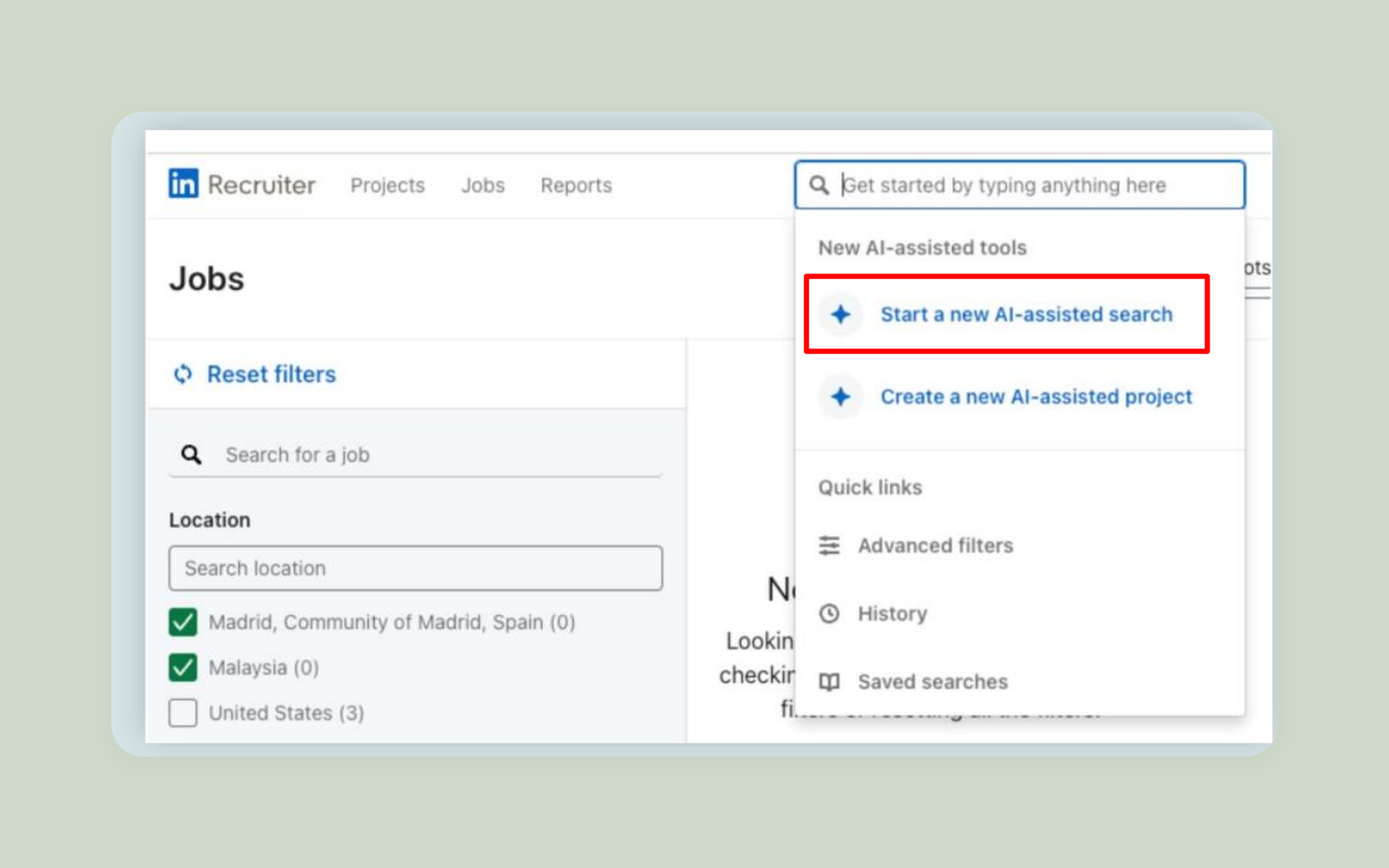
When a role is remote, your talent pool is everyone. LinkedIn Recruiter is still the deepest database for reaching that pool, and in r/recruiting threads it is the sourcing tool recruiters compare newer tools against.
- Advanced filters across the largest professional profile database
- InMail outreach with team-wide visibility into who contacted whom
- Talent pool insights for planning where to hire
For a solo recruiter or founder, Lite covers most needs: saved searches, a monthly InMail allowance, and enough filters to build a shortlist. The full seat earns its price when sourcing is someone's whole job.
Pricing: Recruiter Lite is publicly listed at $170 per month; the full Recruiter seat requires a custom quote. Best for: teams sourcing passive candidates rather than sorting inbound.
Honest limitation: G2 reviewers flag the seat cost and falling InMail response rates. Recruiters in the threads above say inbound posting on LinkedIn has lost signal, so treat it as an outbound tool.
3. Juicebox: AI-native people search
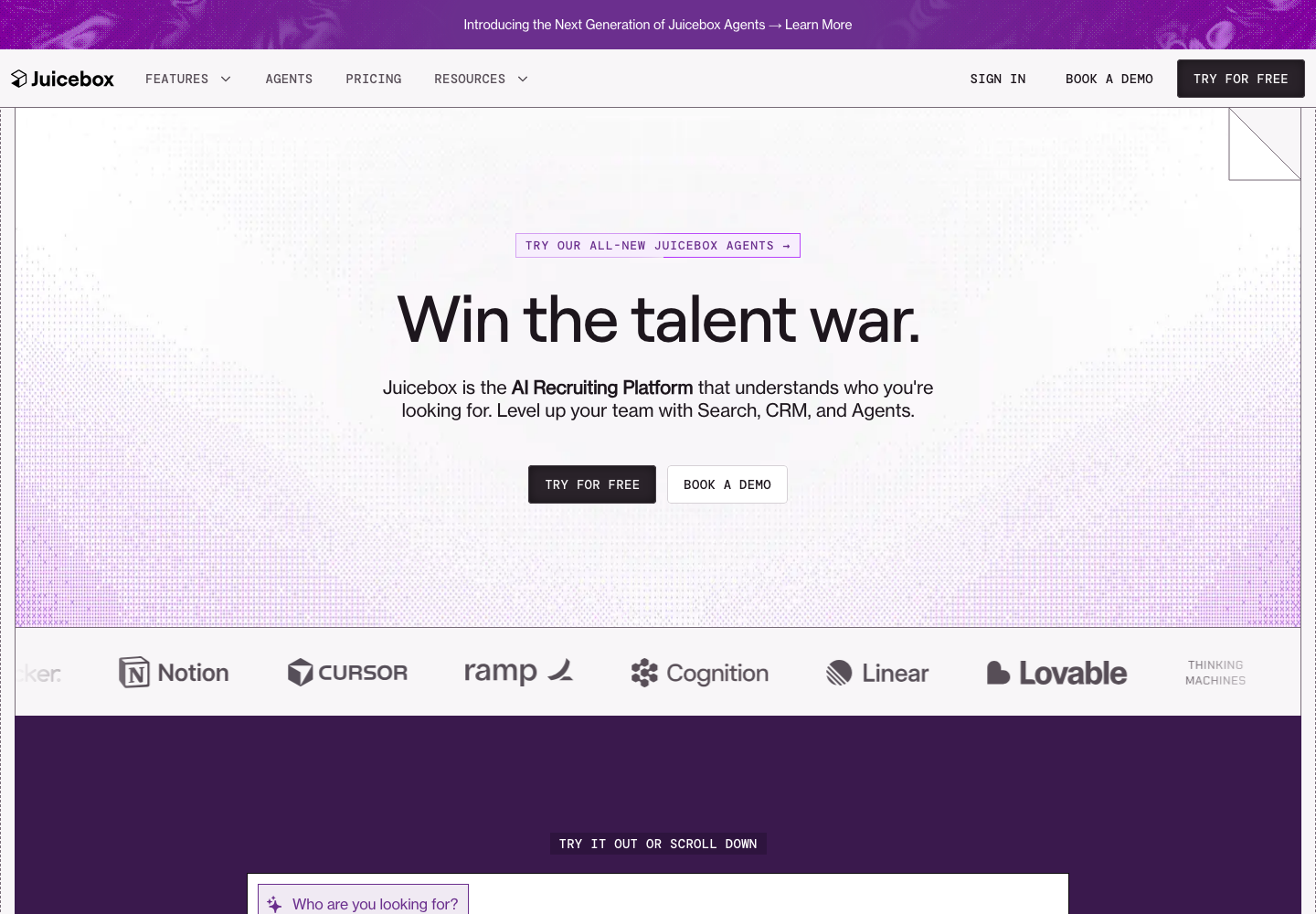
Juicebox (formerly PeopleGPT) lets you describe the person you need in plain English and, according to Juicebox's product materials, searches across 800 million public profiles. In our research it surfaced organically in recruiter YouTube reviews and Reddit threads this year.
- Natural-language search instead of boolean strings
- Email finding and sequenced outreach built in
- List building measured in minutes, not afternoons
Pricing: publicly listed at $199 per month. Best for: lean teams that want passive sourcing without a dedicated sourcer.
The workflow that makes it click: describe the role in a sentence, review the AI-built list, push the keepers into your ATS, and let the pipeline take over from there.
Honest limitation: reviewers note profile data can lag reality, and matching leans toward similar-looking profiles over actual fit for niche searches. It sources; you still need an ATS to run the pipeline.
Best remote video interviewing tools
Async video solves the timezone problem at volume: candidates record on their schedule, you review on yours. The honest counterweight: completion rates drop when strong candidates have options. One talent lead described inviting 30 candidates and getting 5 recordings.
There's a fairness upside too: every candidate gets identical questions in identical conditions, which makes first-round comparisons cleaner than ad-hoc phone screens.
In a Rec Tech Podcast case study with Varsity Brands and Phenom, the team reported 22,000 yearly applicants previously got no human touch before AI voice screening.
So the fair comparison at high volume is not always screening versus a warm phone call. Sometimes it is structured screening versus no screening at all.
So use one-way video where volume demands it, keep a live path for senior and scarce roles, and tell candidates why you're asking.
4. Spark Hire: SMB-friendly one-way and live video
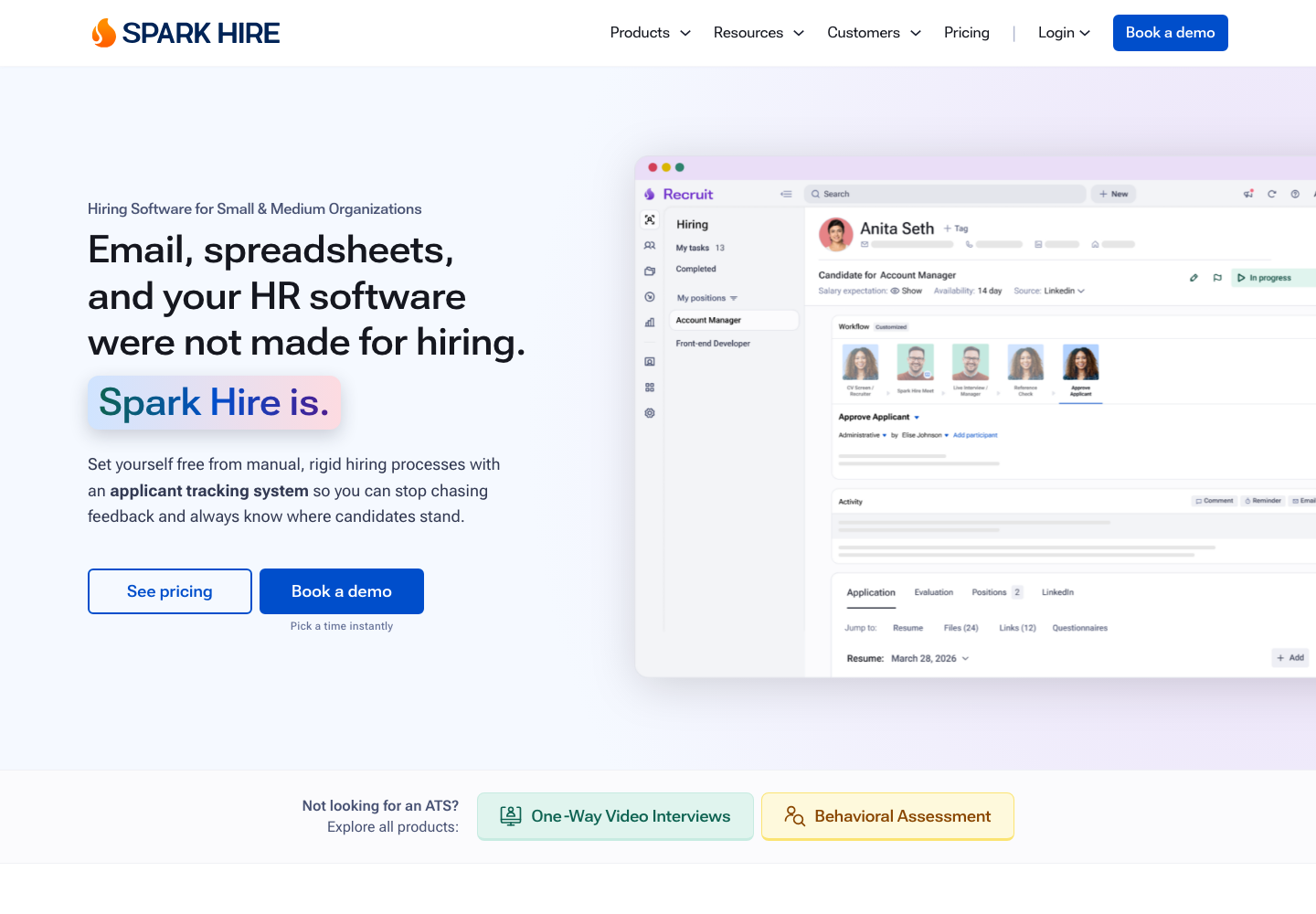
Spark Hire is the approachable end of video interviewing: one-way screens, live interviews, and shareable recordings without an enterprise contract.
- One-way video questions with re-record limits you control
- Live interview recording with shareable links for hiring managers
- Interview evaluation and rejection workflows built in
Pricing: video interviewing starts at a publicly listed $249 per month; the separate ATS product starts at $335 per month. Best for: SMBs adding video screens to an existing process.
A practical tip from recruiters who kept completion rates up: cap it at three or four questions, record the questions as videos yourself, and share the evaluation criteria in the invite.
Honest limitation: G2 reviewers mention per-job-slot pricing stings for cyclical hiring, and video and ATS are separate purchases.
5. Willo: async screening specialist
Willo does one thing: asynchronous video screening, with a candidate experience that runs in the browser with no account required. That single-mindedness shows in a 4.6 G2 rating.
- Browser-based recording, no candidate login
- Question banks with text, audio, or video prompts
- Team review with shareable candidate links
Pricing: Growth plan is publicly listed at $279 per month, or $209 per month billed yearly. Best for: high-volume first-round screening across timezones.
The no-login detail matters more than it sounds for global hiring: candidates on older phones or slow connections abroad complete browser-based screens at higher rates than app-gated ones.
Honest limitation: it's a screening layer, not an ATS. Reviewers flag occasional audio-video sync issues on weak candidate bandwidth, and user caps on lower tiers.
6. VidCruiter: structured video workflows
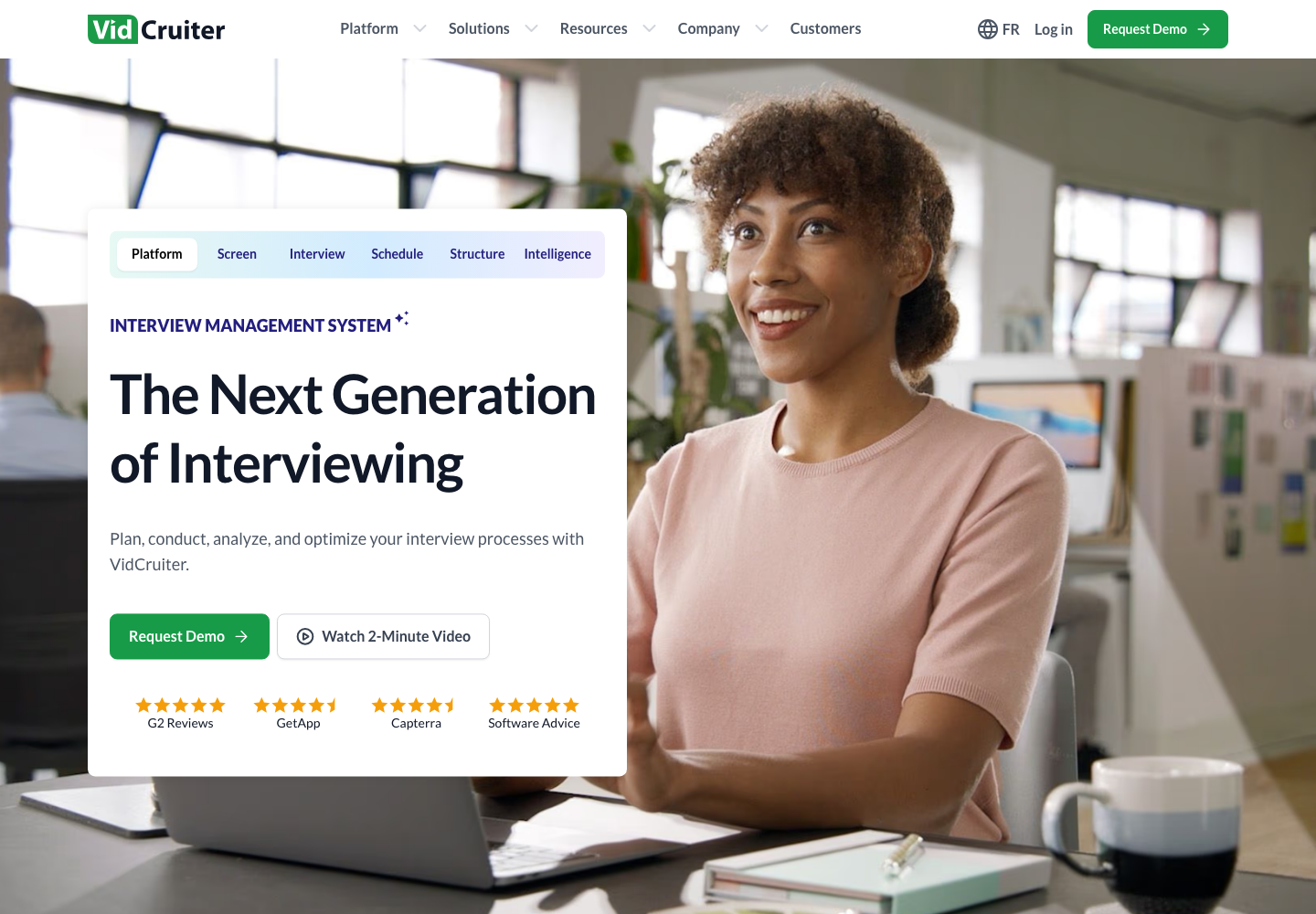
VidCruiter builds multi-step video hiring flows: pre-recorded rounds, live panels, rating scales tied to each question. Its G2 responsiveness score for support is a standout 9.8.
- Structured rating guides attached to every interview question
- Pre-recorded, live, and panel interview modes
- Automated reference checks in the same platform
Pricing: custom quote only. Best for: compliance-heavy teams that need every candidate asked identical questions.
Honest limitation: sales-led pricing and an implementation measured in weeks, not minutes. Reviewers describe a real learning curve before the structure pays off.
7. HireVue: the enterprise standard, with caveats
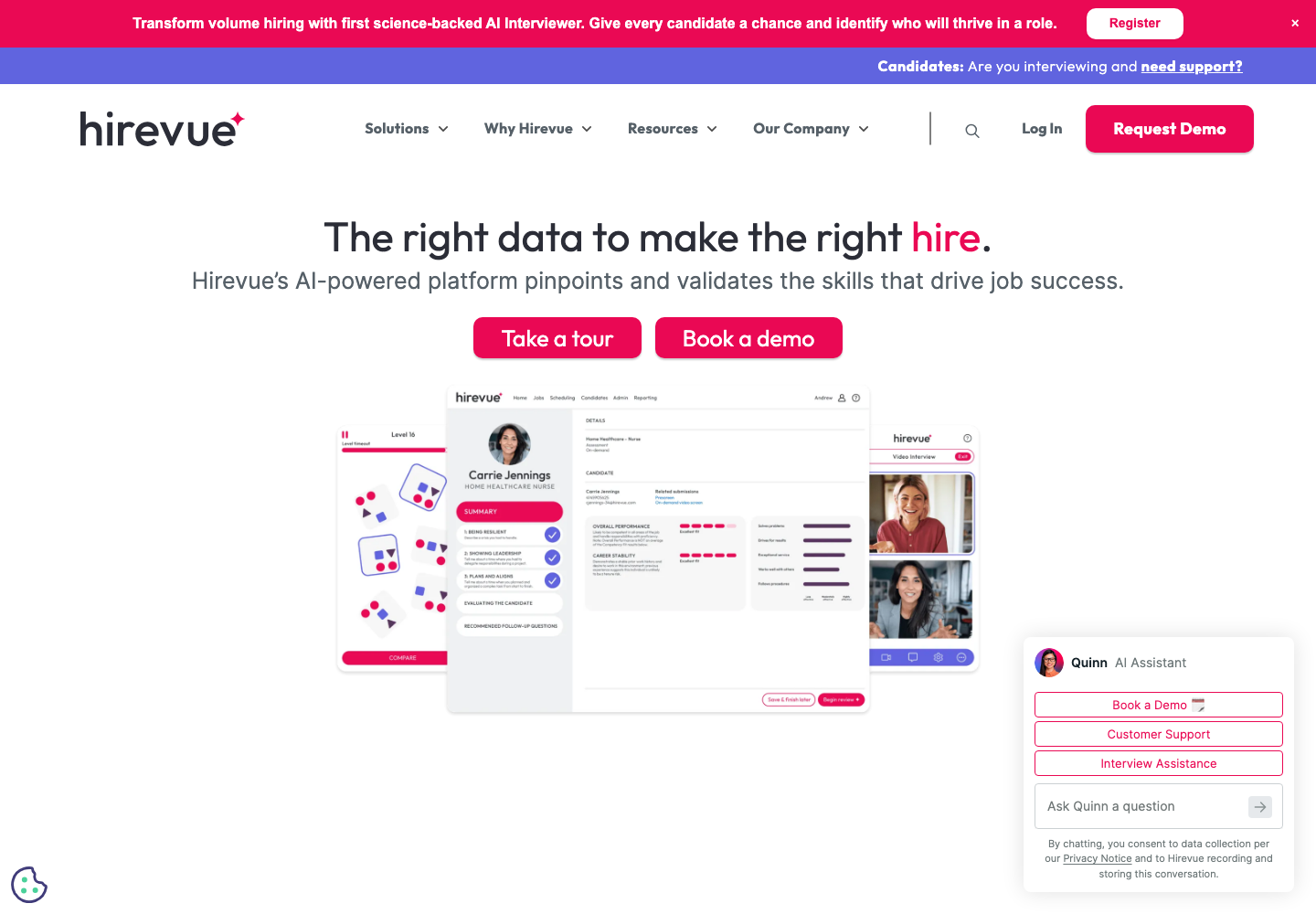
HireVue popularized one-way video interviewing and still anchors the enterprise end: assessments, scheduling, and video at airline-and-bank scale.
- Video interviews plus game-based and technical assessments
- Scheduling automation at high volume
- Candidate practice runs before the real recording
At bank-and-airline volume the math works: scheduling automation alone replaces coordinator headcount, and assessment plus video from one vendor simplifies procurement.
Pricing: custom quote; G2's pricing data cites an entry point around $35,000 per year. Best for: enterprises screening tens of thousands of applicants.
Honest limitation: its 4.1 is the lowest G2 rating on this list. Reviewers call the candidate experience impersonal, and the company has faced public scrutiny, including accessibility complaints over AI-scored interviews. SMBs should not start here.
Best skills assessment tools for remote hiring
8. TestGorilla: verify skills before the interview
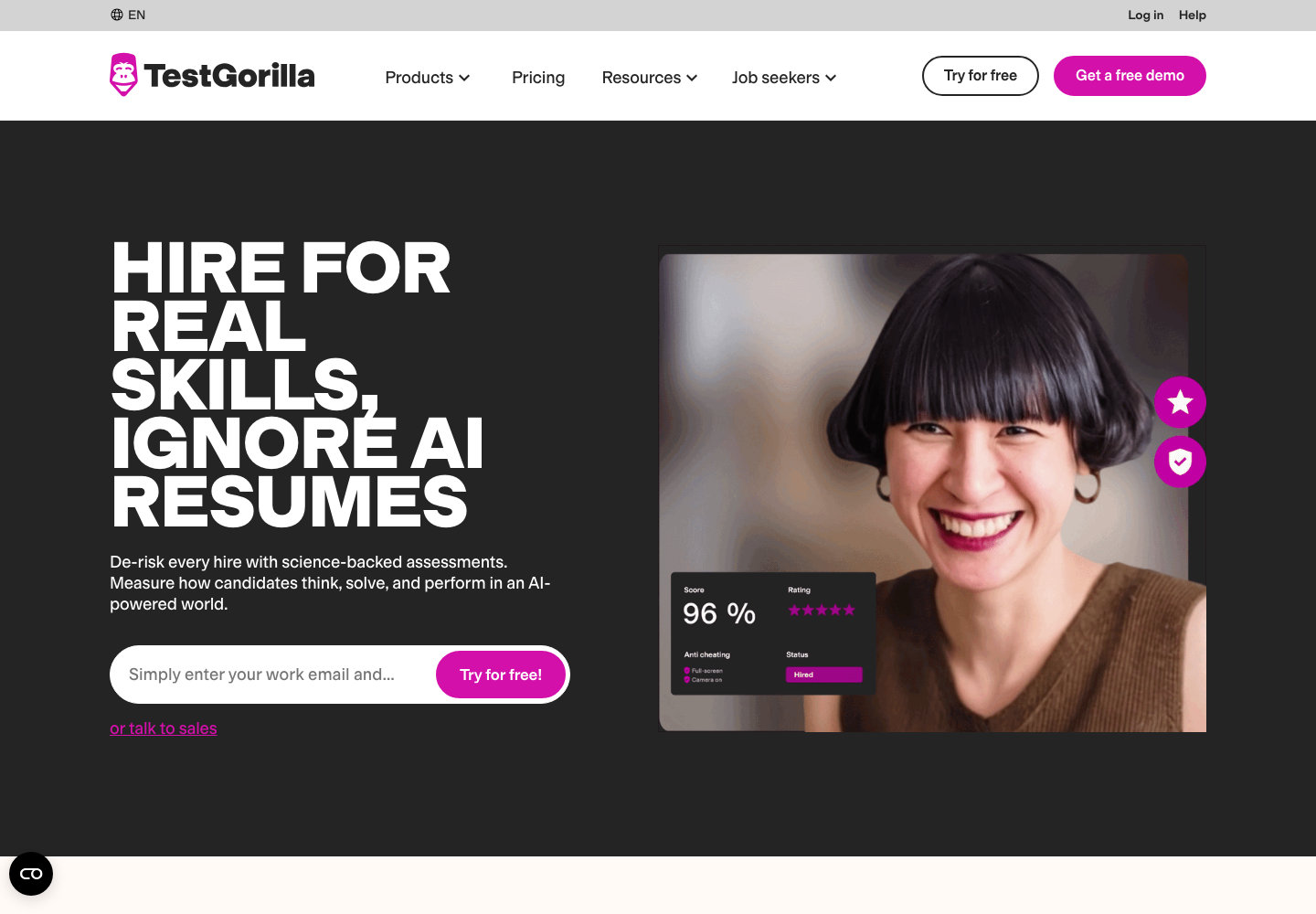
When you can't meet candidates in person and every resume looks AI-perfect, a work-sample test is the cleanest signal left. TestGorilla offers a library of hundreds of tests, from cognitive ability to specific frameworks, plus anti-cheat monitoring.
- Test library spanning cognitive, language, and role-specific skills
- Anti-cheat: webcam snapshots, full-screen enforcement, IP checks
- Custom questions and one-way video prompts inside assessments
Position it early in the funnel, not late. A short work-sample test after knockout questions can reveal role-specific ability before the first interview. Keep it short enough that qualified candidates do not abandon the process.
Pricing: free plan with 5 essential tests; Core starts at a publicly listed $142 per month, billed annually. Best for: screening remote candidates on what they can do rather than what they claim.
Honest limitation: the paid tiers carry a 12-month commitment reviewers report discovering late, and its Capterra rating (4.1) sits well below its G2 score. Deep technical evaluations may still need a human round.
Best tools for hiring remote employees abroad
Sooner or later the best applicant lives in a country where you have no legal entity. An employer of record (EOR) employs them on your behalf: contracts, payroll, taxes, benefits.
The usual path: start people as contractors, convert to EOR employment when the relationship proves out. Our guide to global recruitment software covers how the recruiting side connects to this layer.
9. Deel: fastest route to compliant global hiring
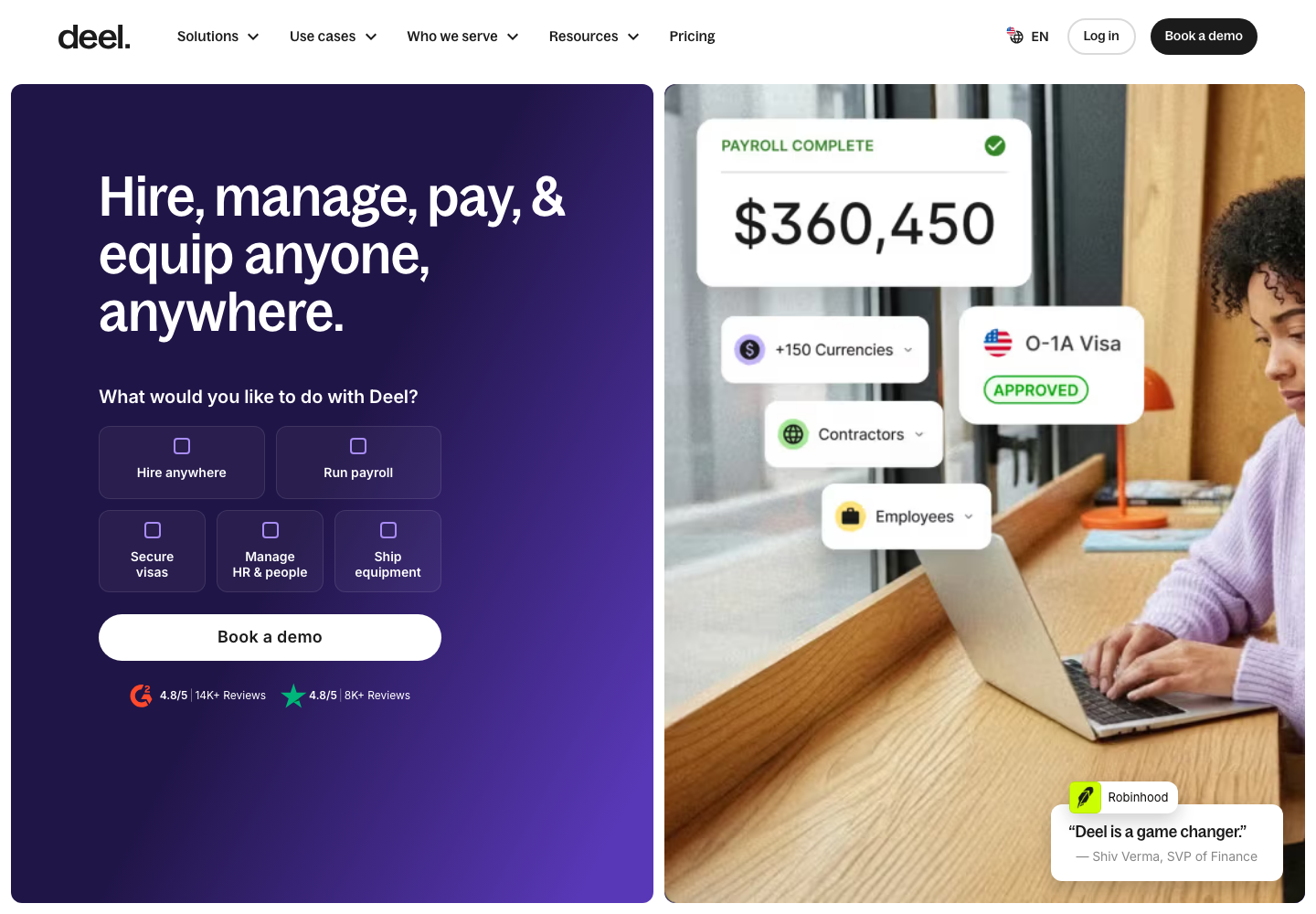
Deel has the largest review footprint among the EOR tools on this list and covers contractor management plus full EOR in 150+ countries. Reviewers often praise its onboarding speed, which is why it leads the global-employment category here.
- Contractor agreements, invoicing, and payments in one flow
- Full EOR with localized contracts and benefits
- Built-in compliance document collection
Pricing: contractor management starts at a publicly listed $49 per month; EOR starts at $599 per employee per month. Best for: hiring your first employees outside your home country without opening entities.
Honest limitation: G2 reviewers describe add-on fees stacking up and support queues at peak times. For a 5-person startup, $599 per employee per month is real money; contractors first is the common path.
10. Remote.com: owned entities, predictable compliance
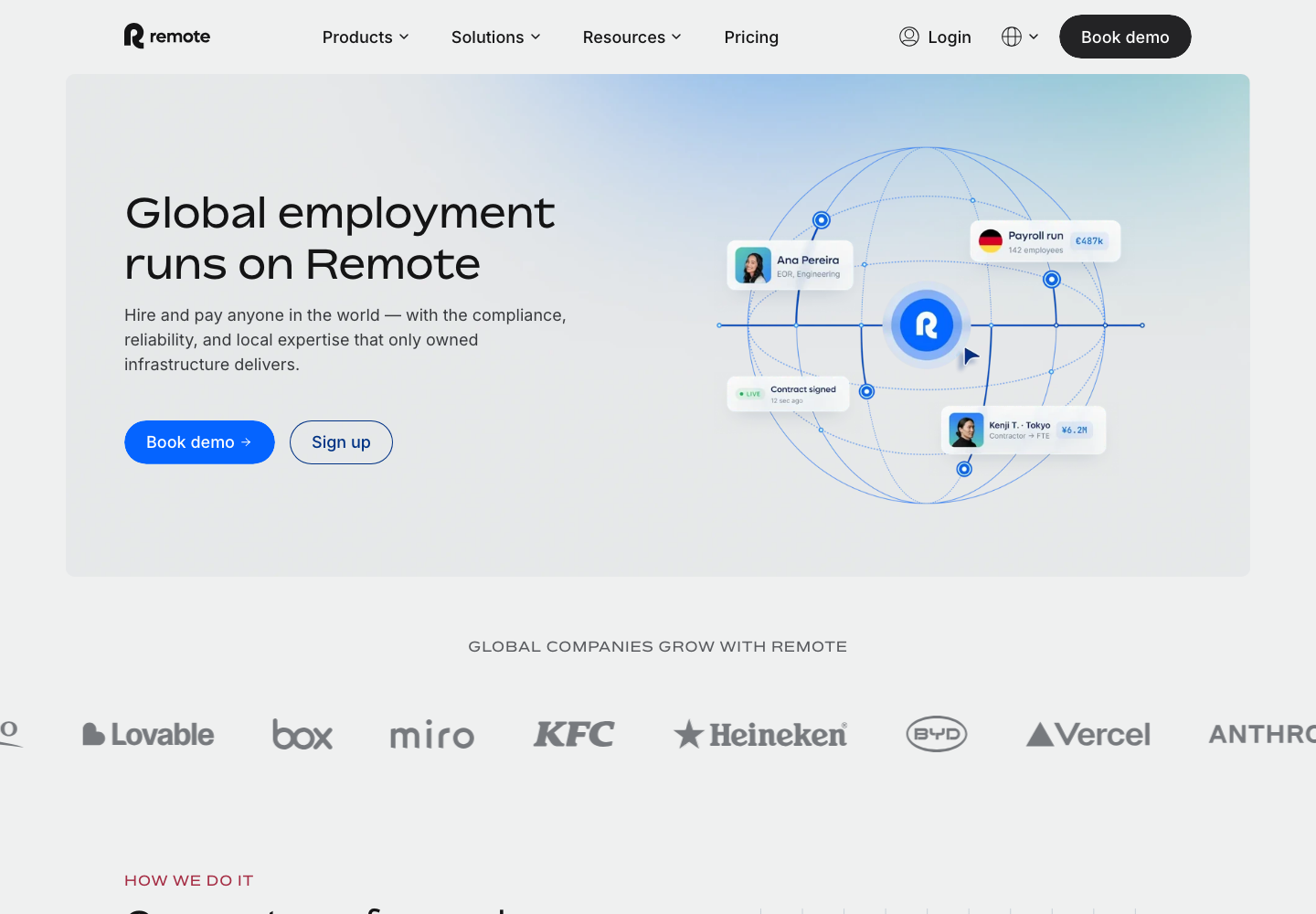
Remote.com runs its own legal entities in the countries it serves instead of partnering with local providers. That means fewer intermediaries touching your employee's contract and clearer accountability when something breaks.
- Owned-entity EOR across major hiring markets
- Transparent gross-to-net pay breakdowns
- IP and invention-rights protection baked into contracts
Pricing: EOR is publicly listed at $599 per employee per month billed annually, or $699 monthly. Best for: teams that value direct-entity employment over marketplace speed.
Honest limitation: reviewers report slower onboarding than Deel and a contractor indemnity add-on at $99 per month that surprises people at checkout.
Best tools for scheduling across timezones
11. Calendly: the scheduler everyone already knows
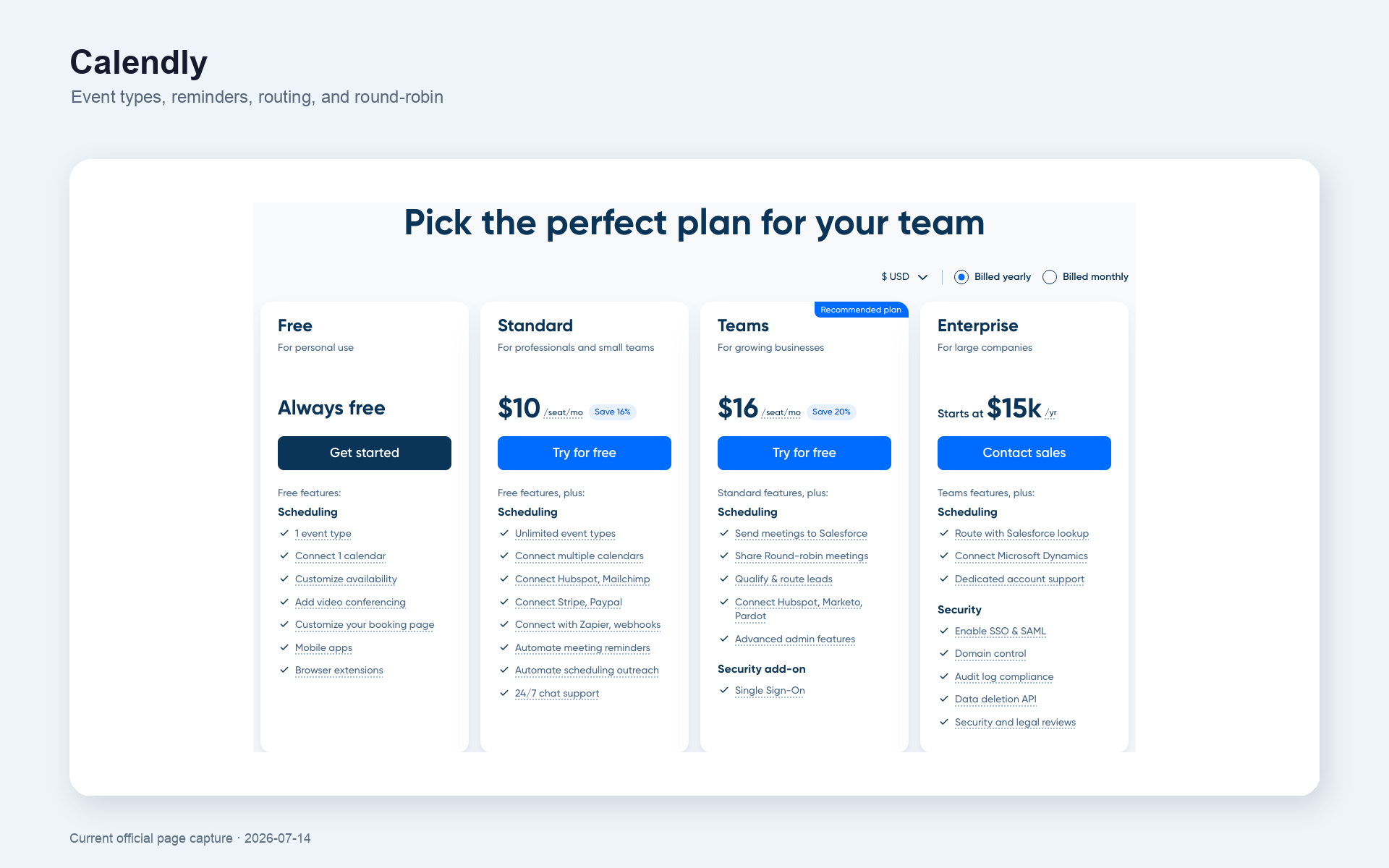
Scheduling was the most complained-about remote hiring chore in the threads we read, and Calendly the most praised fix. Candidates see your availability in their local time and pick a slot. Done.
- Automatic timezone detection for every invitee
- Round-robin and collective scheduling for panel interviews
- Reminder sequences that cut no-shows
Pricing: solid free plan; Standard is publicly listed at $10 per seat per month. Best for: teams whose ATS has no built-in scheduling.
One recruiter's pain in that thread sums up the category: interview invites that show no timezone at all, leaving candidates guessing between Singapore and Sydney time. A booking link kills that entire class of error.
Honest limitation: team features like SSO and routing live in pricier tiers, and it's one more subscription and login. If you run 100Hires, self-scheduling links already do this inside the ATS.
Established ATS options for larger remote teams
12. Workable: broad all-in-one with paid add-ons
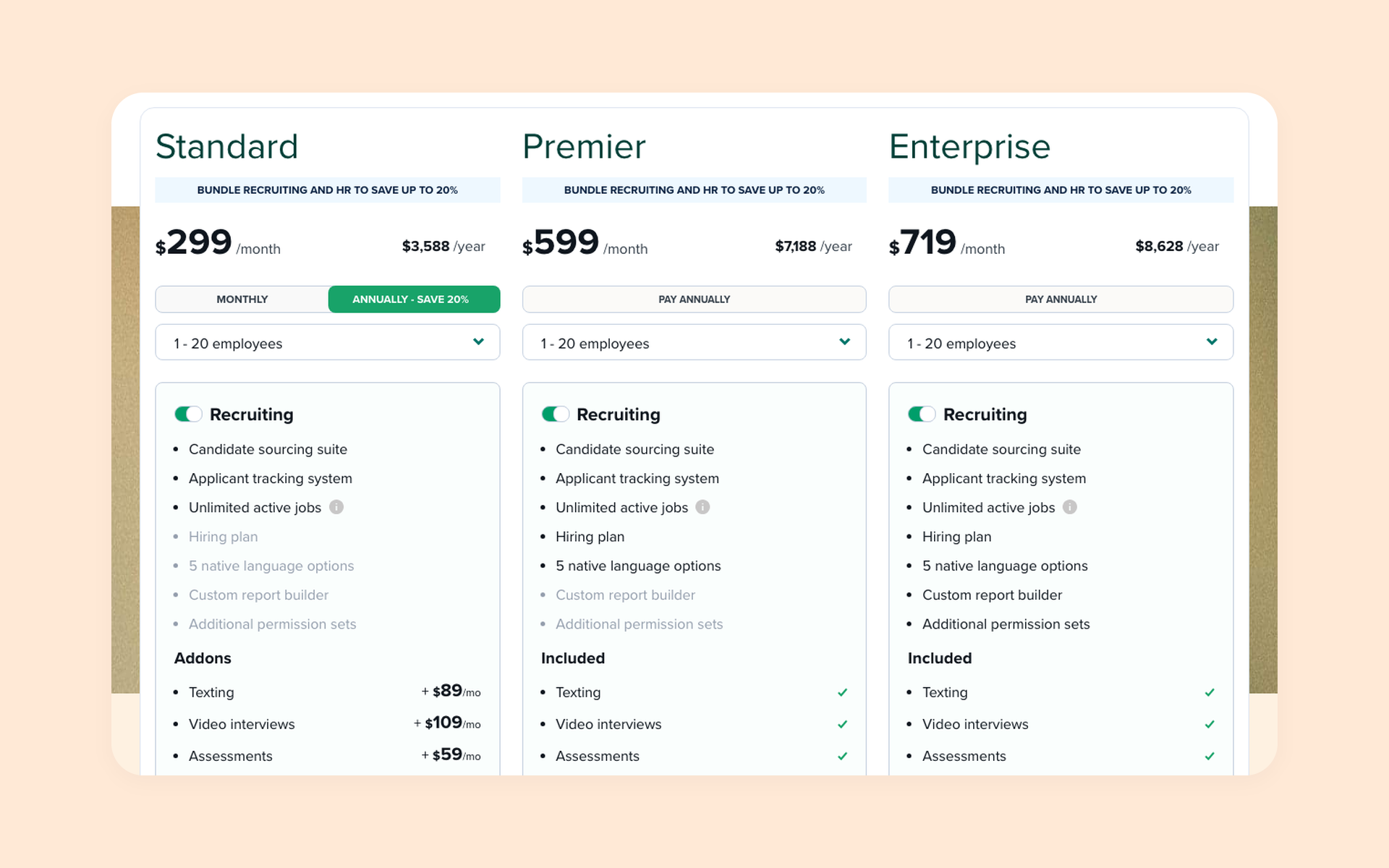
Workable is a mature ATS with wide job-board distribution and an interface reviewers consistently rate easy to learn.
- One-click posting to a large job-board network
- AI-assisted candidate recommendations
- Solid mobile apps for reviewing on the go
Pricing: Standard is publicly listed at $299 per month for teams up to 20 employees, 15-day trial. Best for: established teams wanting a well-worn path.
For remote hiring it covers the basics well: wide posting reach and candidate recommendations that work best for common roles in large markets.
Honest limitation: texting, video interviews, and assessments are paid add-ons at $59 to $109 per month each, so the real bill runs past the sticker. EU teams should ask about data residency before signing.
13. Greenhouse: enterprise structured hiring

Greenhouse is the reference ATS for structured hiring at scale: scorecards, interview kits, and DEI features that large distributed orgs standardize on.
For the rest of the field, see our ATS software comparison.
- Structured scorecards and interview kits per role
- Deep integration marketplace
- Reporting built for TA leadership
Pricing: custom quote only, no trial. Best for: 500+ employee companies with dedicated recruiting operations.
Its structured scorecards are the industry template for fair distributed interviewing: every interviewer scores the same attributes, which keeps a panel spread across four timezones comparable.
Honest limitation: implementations run months, reviewers describe a click-heavy interface, and there's no self-serve way to try it. Below 50 employees, the implementation burden works against you.
How to build your remote hiring stack
You don't need all 13. Most SMB remote teams get there with three subscriptions:
- An ATS with screening and scheduling built in. 100Hires covers knockout questions, AI Score, and self-scheduling from $49 per month
- A skills verifier. TestGorilla's free plan starts the habit; upgrade when volume justifies it
- An EOR when you cross borders. Deel from $49 per month for contractors, EOR when you convert someone
Using the cheapest paid options here: 100Hires ($49) plus Deel contractor management ($49) starts around $98 per month. Adding TestGorilla Core brings it to about $240 per month, before EOR employment fees.
The enterprise version can pass $35,000 per year once HireVue enters the stack, per G2 pricing data, before Greenhouse and a sourcing seat are counted. That math makes sense at 500+ employees with a TA ops team, not before.
Run the math on your own funnel. The recruiter in the thread above screened 400 applications in a week and found roughly 15 qualified candidates. At two minutes per resume that's 13 hours of reading to find the qualified 4%.
Knockout questions plus AI scoring flip the ratio: you start by reviewing the most qualified candidates, and the 13 hours shrink to reviewing a ranked shortlist.
One principle carries across every budget, and it's the one we hold our own product to at 100Hires: let AI do the triage, keep humans on the decision. Structured criteria, transparent process, and a person accountable for every hire.
If the applicant flood is your bottleneck this quarter, start a free 14-day trial of 100Hires and put knockout questions plus AI Score in front of your next remote posting.
FAQ
What are the best remote hiring tools for employers?
It depends on the job the tool has to do. 100Hires is the strongest all-in-one pick for SMB remote hiring, combining AI Score screening, knockout questions, and self-scheduling links in one ATS. LinkedIn Recruiter leads sourcing, Willo and Spark Hire lead async video, TestGorilla leads skills testing, and Deel leads cross-border employment.
How much do remote recruiting tools cost?
The spread is wide. 100Hires starts at $49 per month with a 14-day free trial, Calendly and TestGorilla offer free plans, mid-range tools like Workable run $299 per month, and enterprise platforms like HireVue reach $35,000 per year according to G2 pricing data. Three of the 13 tools we reviewed publish no pricing at all.
Can I combine multiple remote hiring tools, or do I need one platform?
Most teams combine two or three. The trap is paying separately for things your ATS already does: 100Hires includes screening questionnaires, AI scoring, and interview self-scheduling, which replaces standalone scheduling and screening subscriptions for many teams. Add a skills-testing tool and an EOR only when your hiring actually calls for them.
Do I need an EOR to hire remote employees?
Only when hiring across borders. If your remote employees live in your own country, a standard payroll provider works and your money is better spent on screening and tracking, which an ATS like 100Hires handles. Once you employ someone in a country where you have no legal entity, an EOR like Deel or Remote.com becomes the compliant route.
Are async video interviews reliable for remote hiring?
They work at volume and struggle with scarce talent. Recruiters report strong candidates skipping one-way video rounds when they have competing offers, so keep a live interview path for senior roles. A gentler first filter uses written knockout questions and AI scoring, the approach 100Hires takes, with video reserved for the candidates who clear that bar.
Try 100Hires for free
No credit card. 14-day trial. Forbes Advisor #1 ATS for SMBs.

