
Automate Your Recruiting with the 100Hires REST API
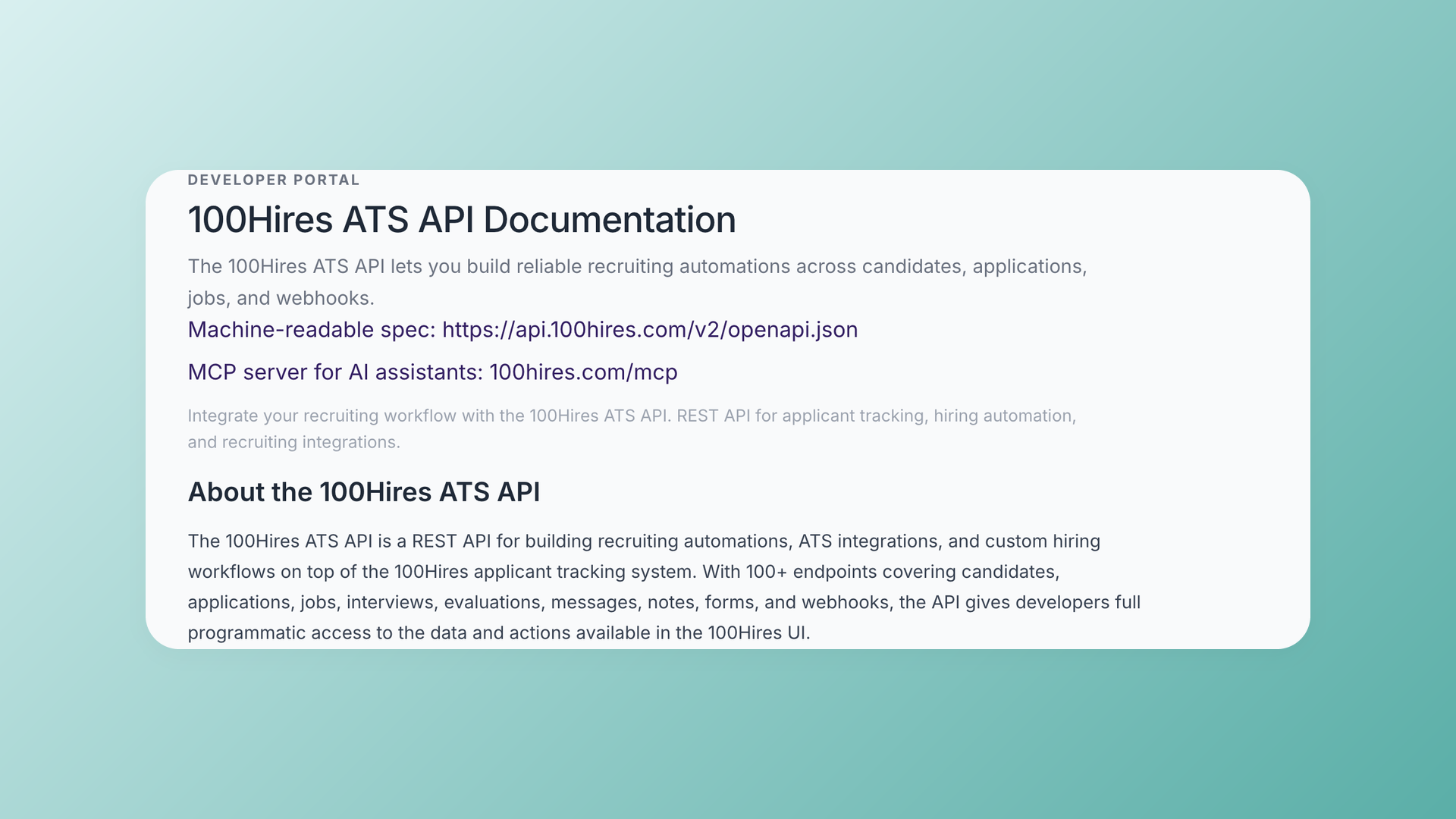
Your ATS should fit into the rest of your stack, not trap your data inside it. The 100Hires REST API (v2) gives you programmatic access to candidates, jobs, applications, interviews, evaluations, messages, notes, forms, and webhooks - 100+ endpoints in total.
Generate a key in Settings > Integrations on any plan (including the free trial), authenticate with a bearer token, and you are building. There is a machine-readable OpenAPI spec at api.100hires.com/v2/openapi.json to generate clients and explore every route.
What you can build
The hiring playbook, in your inbox
One email a week - benchmarks, AI screening tactics, and short interview templates from the 100Hires team. No product pitches.
- Two-way candidate sync between 100Hires and your CRM or internal tools
- Automatic job publishing to your own careers page or job boards
- Moving candidates between stages as scorecards and evaluations land
- Piping evaluation results into BI dashboards
- Sourcing extensions that create a candidate from a LinkedIn profile in one click
- AI agents that triage applications with your own scoring rules
One call sets up a whole job
Creating a job through the API used to mean wiring up a form and a workflow by hand first. Now you POST a job and 100Hires auto-creates the application form and hiring workflow for you. You can also manage email templates, nurture campaigns, and knockout questions over the API.
AI scoring, your way
You can configure AI scoring criteria per job through the API - pass your prompts and weights the same way you pass knockout questions - and then read each applicant's ai_score directly in the applications list, no extra call required.
Built for real scale
This is not a toy API. When Linc Healthcare migrated from BetterTeam, they moved 25 jobs and roughly 13,800 candidates into 100Hires through the API. Bulk endpoints, per-user keys, and rate-limit headers are built for exactly that kind of volume.
Secure and well documented
Keys are scoped per user, so every action is attributed to the right person and can be revoked individually. Every endpoint ships with examples, parameter descriptions, and documented rate limits, so you are never guessing at behavior.
Ready to build? Grab your key in Settings > Integrations > API Keys and read the full reference at 100hires.com/api.
Related 100Hires resources: Explore recruiting software.
Try 100Hires for free
No credit card. 14-day trial. Forbes Advisor #1 ATS for SMBs.