
Create a job in four steps with the new job wizard
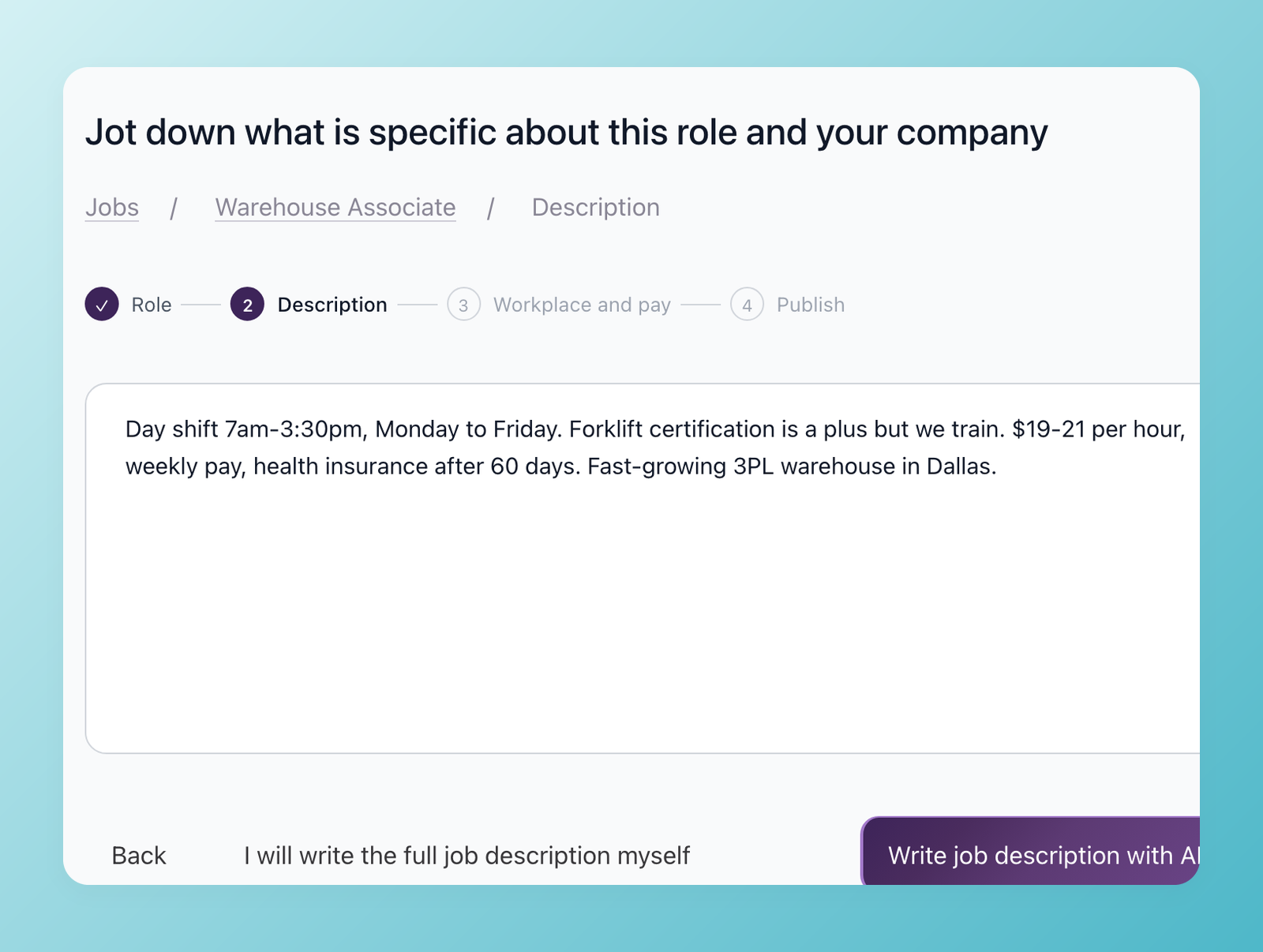
Creating a job used to open one long form that asked for everything at once, and many people who opened it never finished creating the job. Add jobs now opens a wizard with four short steps: role, description, workplace and pay, and publish. Editing an existing job works as before.
Step 1: the role
The hiring playbook, in your inbox
One email a week - benchmarks, AI screening tactics, and short interview templates from the 100Hires team. No product pitches.
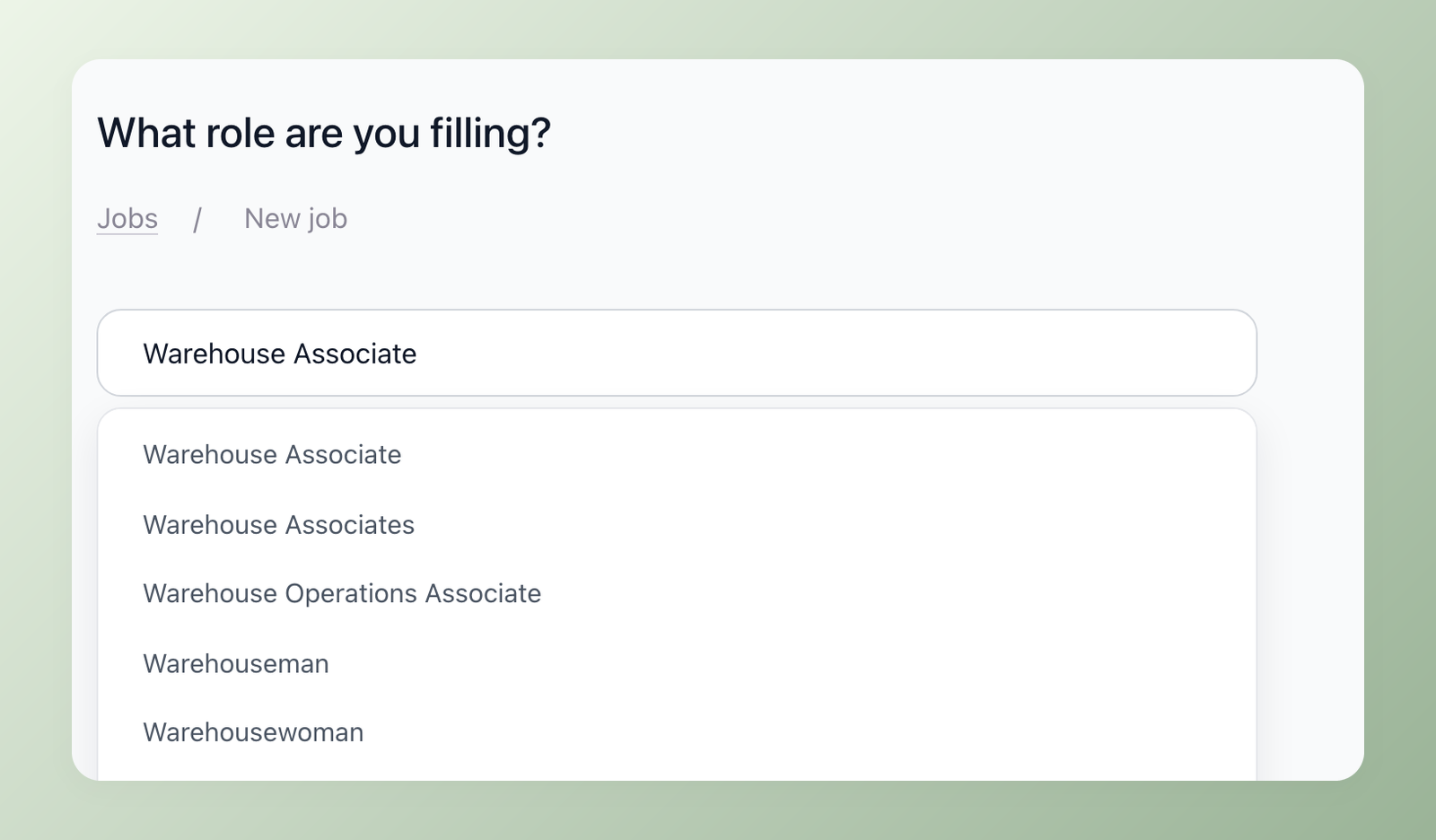
One field. Start typing and pick a title from a large list of job titles. If you have created jobs before, the field starts with the title of your most recent one.
Step 2: notes, then a description
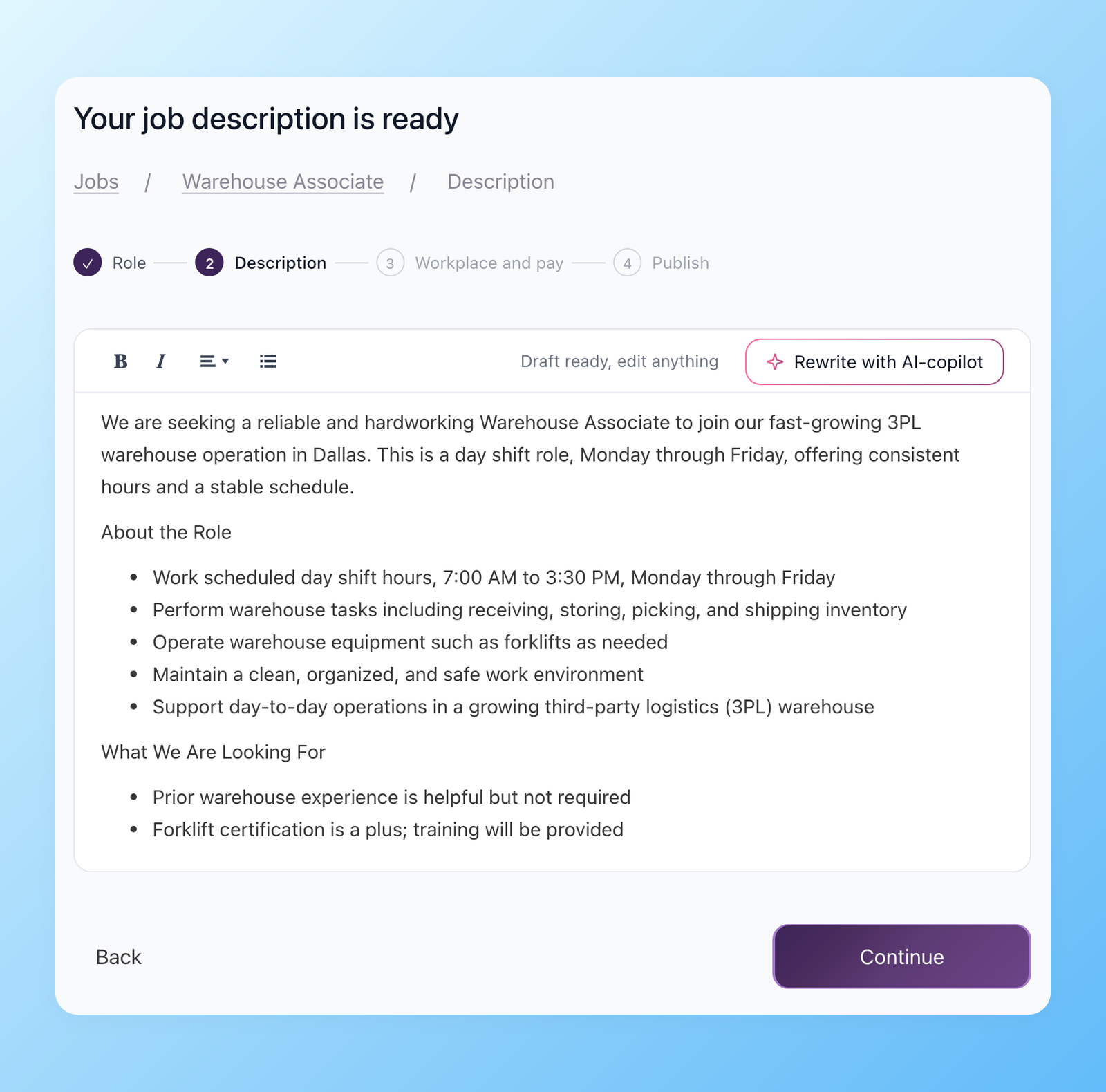
Jot down what is specific about the role and your company: shift, pay, perks, must-haves. Rough notes are fine. Then choose Write job description with AI or write it yourself. The AI description now appears in the editor as it is being written instead of after a long spinner. In our tests the first lines showed up in about a second. Edit anything, or rewrite it with AI Copilot.
Step 3: workplace and pay
Choose on-site, hybrid or remote, confirm the location and set the employment type and pay range. Employment types were expanded and aligned with the job boards: full-time, part-time, contract, internship, temporary, seasonal and volunteer. Pay can be annual, monthly, daily or hourly. Not sure what to offer? AI Recommend Salary shows what the role pays in your location as annual, monthly, daily and hourly ranges and adds the one you pick.

For teams posting through the API, remote jobs can now go to Indeed as nationwide remote postings while ZipRecruiter and other boards still receive the company's city.
Click Add jobs to try the wizard.
Related 100Hires resources: Explore the AI job description generator and posting to 13 job boards in one click.
Try 100Hires for free
No credit card. 14-day trial. Forbes Advisor #1 ATS for SMBs.

