
Migrate from ZippyApp to 100Hires
For employer teams moving from ZippyApp, Annual Pro includes a managed migration after 100Hires checks data compatibility, reviews a representative sample, verifies authorized access, and confirms the agreed scope.
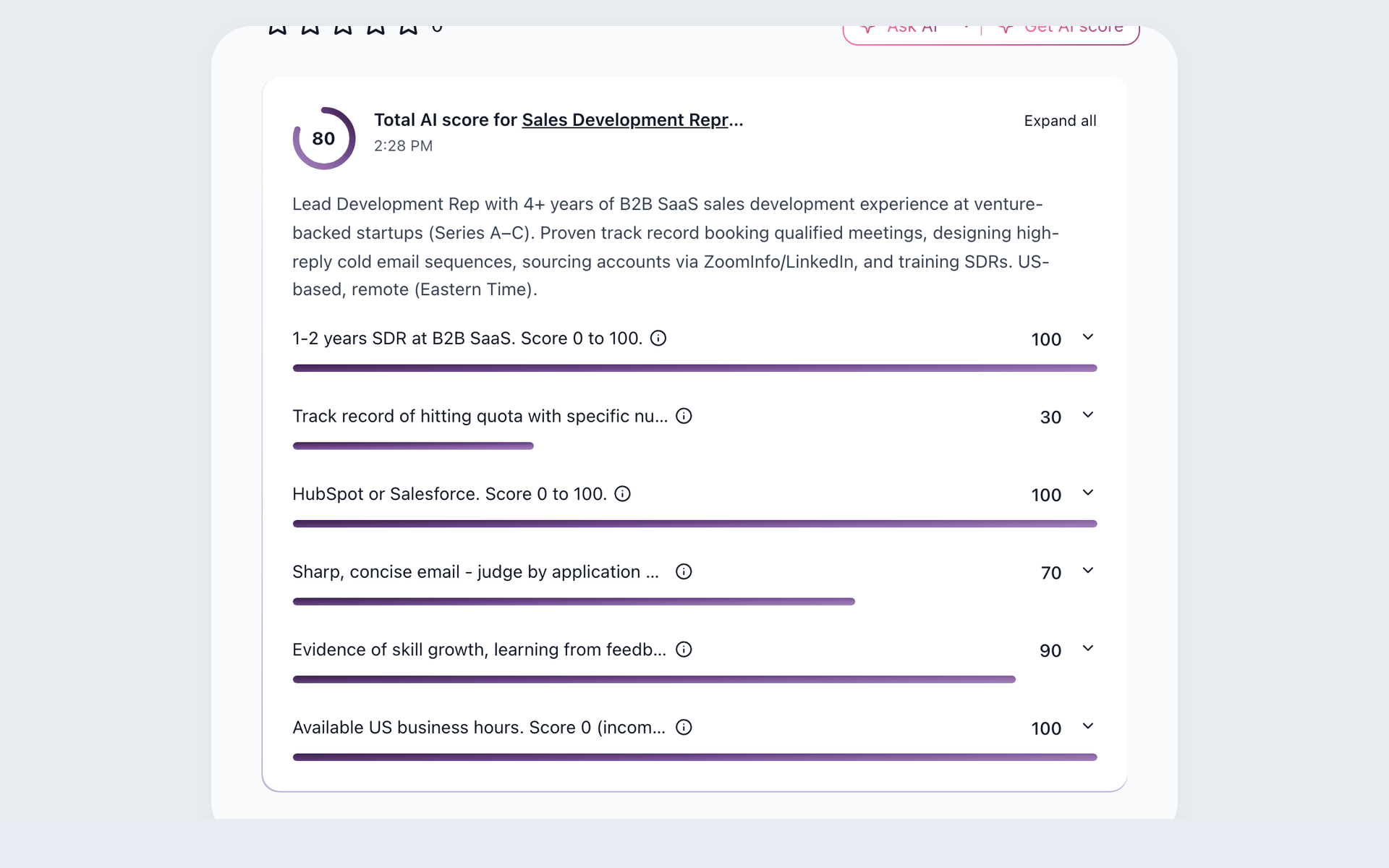






A switch should let recruiters reopen a candidate’s record, see the relevant context, and send the next follow-up from a single hiring workflow.
A 14-day 100Hires trial lets employer teams test 100Hires before the migration review. It requires no credit card, and trial access is separate from migration approval.
Pick up the next candidate conversation with usable candidate context
ZippyApp’s public documentation covers applications via mobile devices and QR codes, multiple locations and positions, applicant organization, job distribution, and Indeed workflows. A migration plan should account for the system your team is leaving.
Once the approved data is available, recruiters can use candidate records in 100Hires to review candidates against defined criteria, assign them to Pipeline stages, schedule interviews, and continue following up.
| Feature | 100Hires | ZippyApp |
|---|---|---|
| Managed migration | Annual Pro includes a scoped managed migration after review | Comparable capability not verified in current official product pages reviewed |
| Locations and positions | Jobs with supported hiring workflows | Multiple locations and positions verified |
| Applicant organization | Records, stages, history, and Talent Pools | Rate, tag, sort, filter, and save |
| Job distribution and Indeed | Current job-board posting workflows | Indeed Apply, Screener Questions, and Disposition Sync |
| AI recruiting assistance | AI Copilot, AI Score, AI Email Composer | Self-learning applicant matching is documented; comparable AI Copilot functionality, criteria-based scoring, and email composition are not publicly verified. |
| Stages and automation | Custom Pipeline stages and stage actions | Automatic applicant notification when a position is filled is documented; comparable custom Pipeline stages and stage actions are not publicly verified. |
| Candidate nurture | Multi-step Nurture campaigns | Comparable capability not verified in current official product pages reviewed |
| Candidate scheduling | Self-scheduling links | Comparable capability not verified in current official product pages reviewed |
| Candidate data intake | Mapped CSV, bulk resumes, and Annual Pro scoped migration after review | Comparable capability not verified in current official product pages reviewed |
Older or non-comparable materials do not establish that these capabilities work the same way in ZippyApp. Missing public information does not mean a feature is unavailable.
100Hires is not affiliated with, endorsed by, or sponsored by ZippyApp.
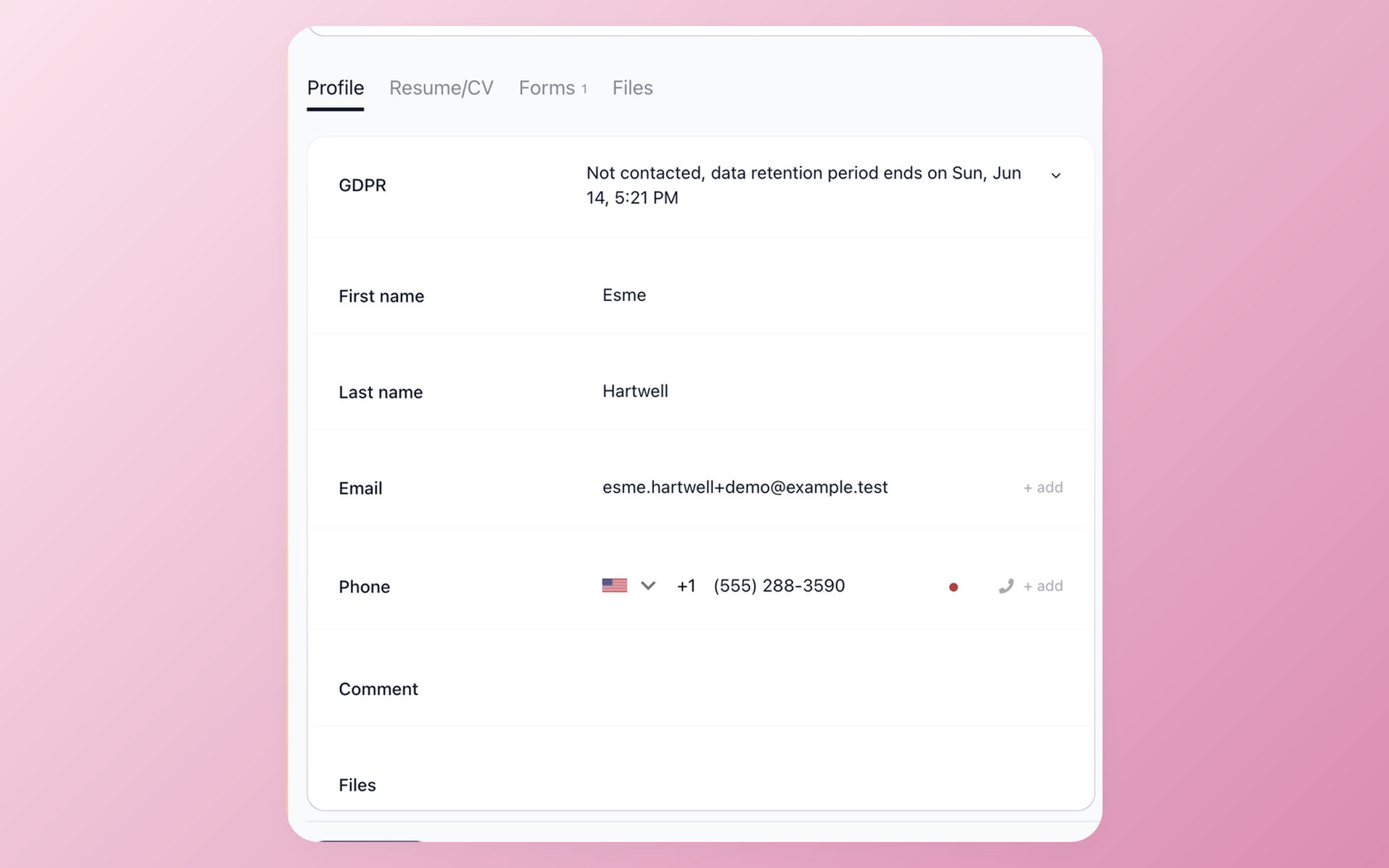
Check the candidate fields included in the approved scope
After the move, verify that the agreed candidate fields appear in the 100Hires record before your team uses that record with AI Copilot.
- Structured name, email, and phone fields
Make the first review decision in 100Hires
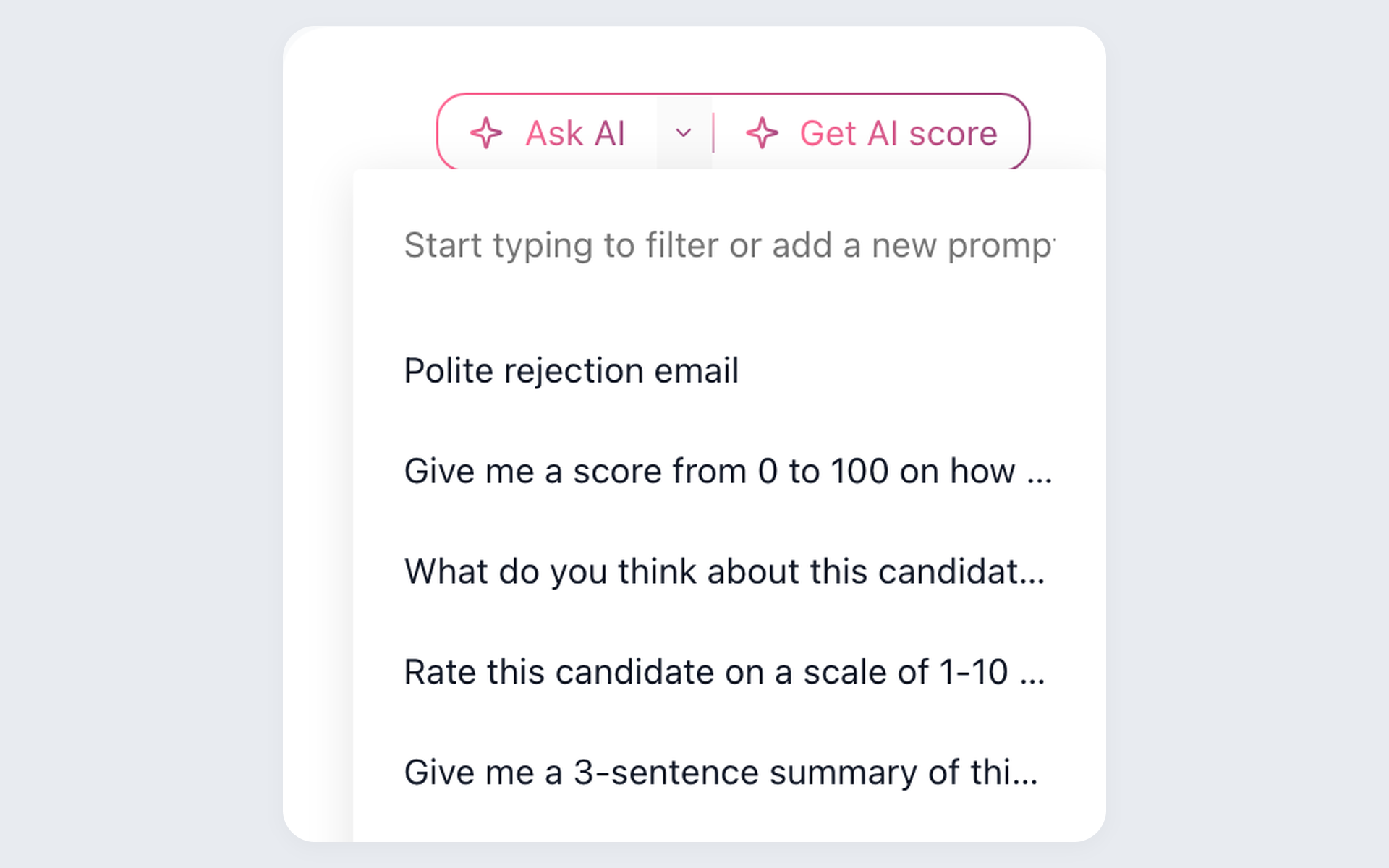
Recruiters can use AI Copilot, AI Score, and AI Email Composer to evaluate the available candidate record and prepare a message.
- Use saved AI prompts
- Criteria-based AI Score
- Recruiter-controlled email drafts
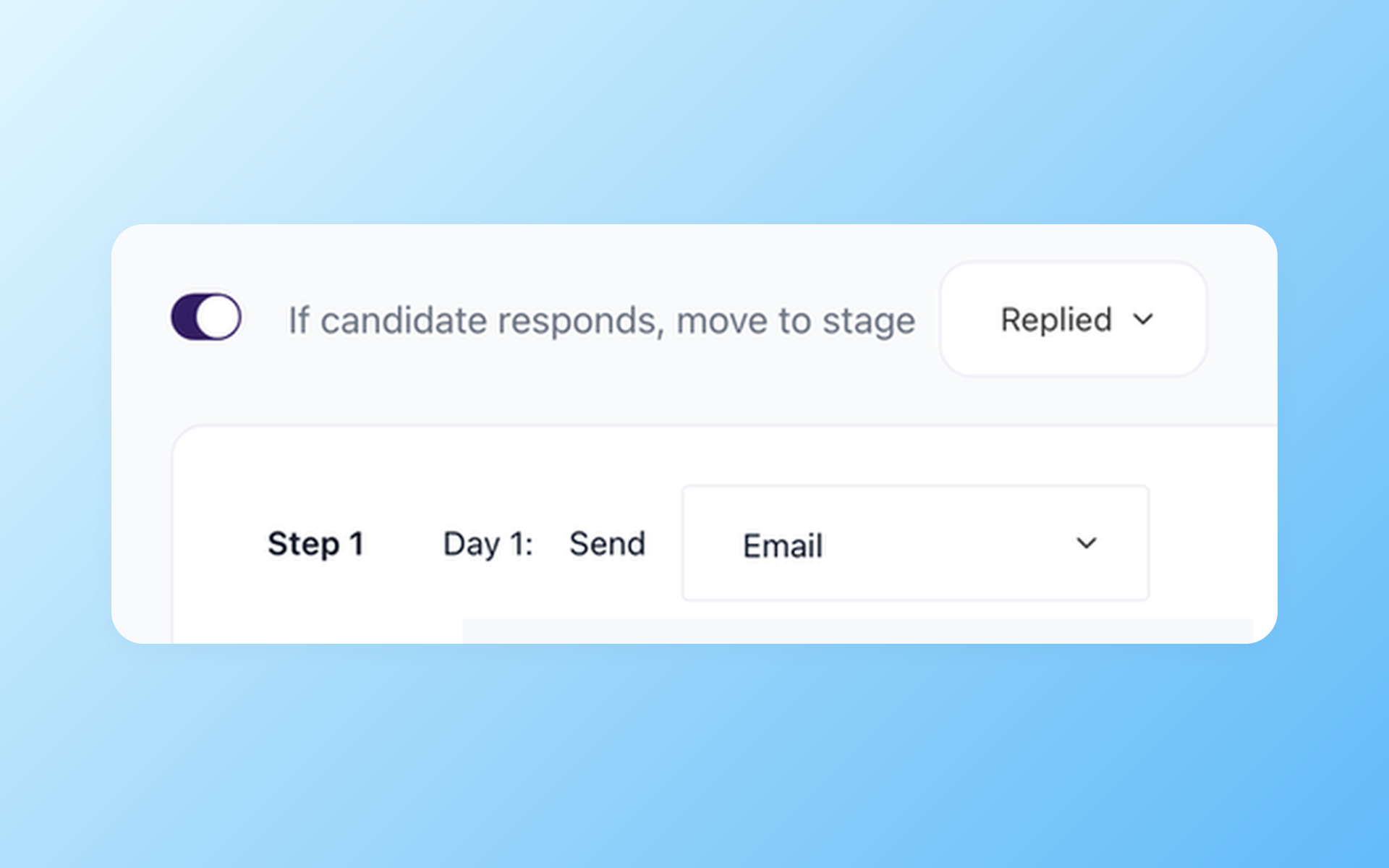
Keep candidate follow-up moving after the move
Once the agreed data is available, your team can configure its new follow-up process in 100Hires.
- Multi-step Nurture campaigns
- Scheduled email steps
- Self-scheduling links
In 100Hires, your team can configure and test the Pipeline stages, follow-up rules, and scheduling workflow it wants to use.
How the scoped ZippyApp migration works
- Confirm eligibility and whether the source data is compatible with 100Hires.
- Agree on which records and fields belong in the migration scope.
- Validate a representative sample before proceeding with the agreed-upon final import.
- After approval, the agreed data is made available in 100Hires. Timing depends on volume and complexity.
These checks limit the migration to approved data and support a usable workflow in 100Hires. Read about the 100Hires ATS data migration process for details about the broader service.
The hiring playbook, in your inbox
One email a week - benchmarks, AI screening tactics, and short interview templates from the 100Hires team. No product pitches.
Migration terms were checked on July 20, 2026. The final scope depends on the source data, the agreed mapping, and a review by 100Hires.
100Hires is not affiliated with, endorsed by, or sponsored by ZippyApp.