
Migrate from Teamtailor to 100Hires
Switching from Teamtailor? Test 100Hires. Annual Pro includes free comprehensive managed migration after source and scope review.
The 14-day trial tests 100Hires; it does not include migration.
This page is an independent 100Hires service page. 100Hires is not affiliated with, endorsed by, or sponsored by Teamtailor.
Choose the right Teamtailor import path
Choose the route that fits the source material available to your team.
| Path | Exact boundary |
|---|---|
| Managed migration | Eligibility is shown in the plan table below. 100Hires confirms coverage after reviewing the available source material. |
| CSV candidate import | Self-service candidate import from a supported CSV. A Teamtailor export is not guaranteed to contain every desired field or relationship. |
| Bulk resume upload | Self-service bulk PDF/DOC upload and parsing into candidate records. It does not promise source-system history, relationships, or every attachment. |
What we confirm before migration
Before confirming coverage or timing, 100Hires reviews available Teamtailor source access and exports, record counts, fields and files, requested history, and relationships. This page does not promise one-click transfer, zero downtime, no data loss, or every object.
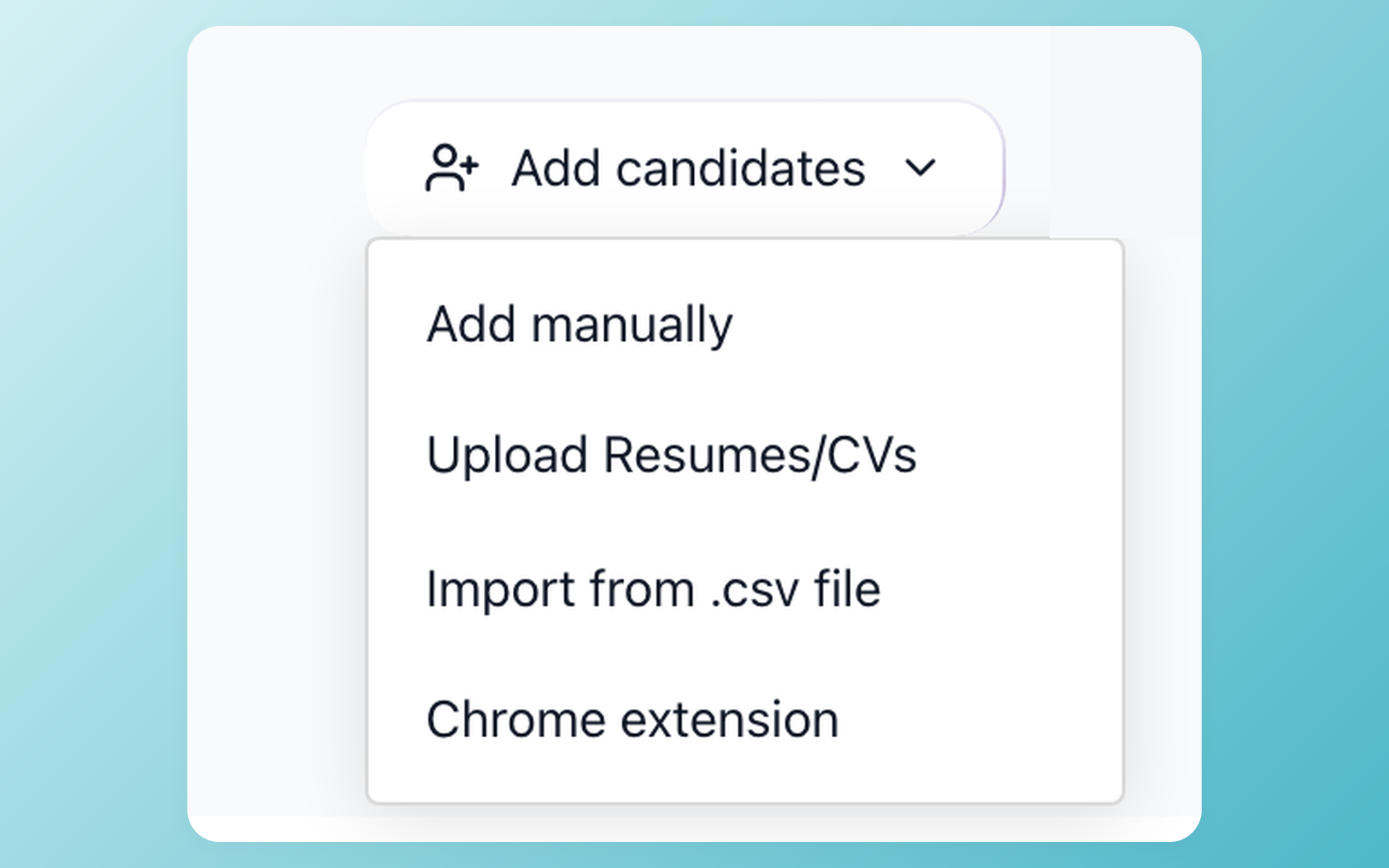
Bring a supported candidate CSV into 100Hires
When a supported candidate CSV is the source available to you, 100Hires provides a self-service import route. The fields and relationships available in the resulting records depend on the file.
- Import a supported candidate CSV
- Review the resulting records
- Source fields set the available scope
Compare the workflow after the switch
This table compares the destination workflows. Migration eligibility is listed separately below.
Price shown below: 100Hires Start is $49/month equivalent with $588 prepaid annually, or $99 month to month.
 100Hires
100Hires plan prices and migration eligibility
| Plan | Prices | Published scope |
|---|---|---|
| 100Hires Start | $99 month to month; $49/month equivalent, $588 prepaid annually | 3 jobs, 100 candidates, 1 user, 100 monthly AI credits; no managed migration |
| 100Hires Advanced | $249 month to month; $199/month equivalent, $2,388 prepaid annually | Unlimited jobs, candidates, and users; 300 monthly AI credits on monthly billing or 1,000 on annual billing; no managed migration |
| 100Hires Pro | $499 month to month; $399/month equivalent, $4,788 prepaid annually | 3,000 monthly AI credits on monthly billing or 5,000 on annual billing; annual Pro includes managed migration after source and scope review |
| Teamtailor | Custom quote | Unlimited job postings and users; no public numeric price |
Annual totals are the displayed monthly equivalents multiplied by 12 and prepaid for the year. Prices exclude applicable taxes.
Stay with Teamtailor when brand experience leads
Staying with Teamtailor can make sense when employer branding, career sites, candidate experience, anonymous mode, or its broad range of AI, sourcing, analytics, integration, and API capabilities matter more than the specific 100Hires scoring and enrichment workflow.
Move when scoring and sourcing lead
100Hires may be the better destination when recruiters want criteria they control, evidence they can inspect, and a practical way to reuse existing candidates.
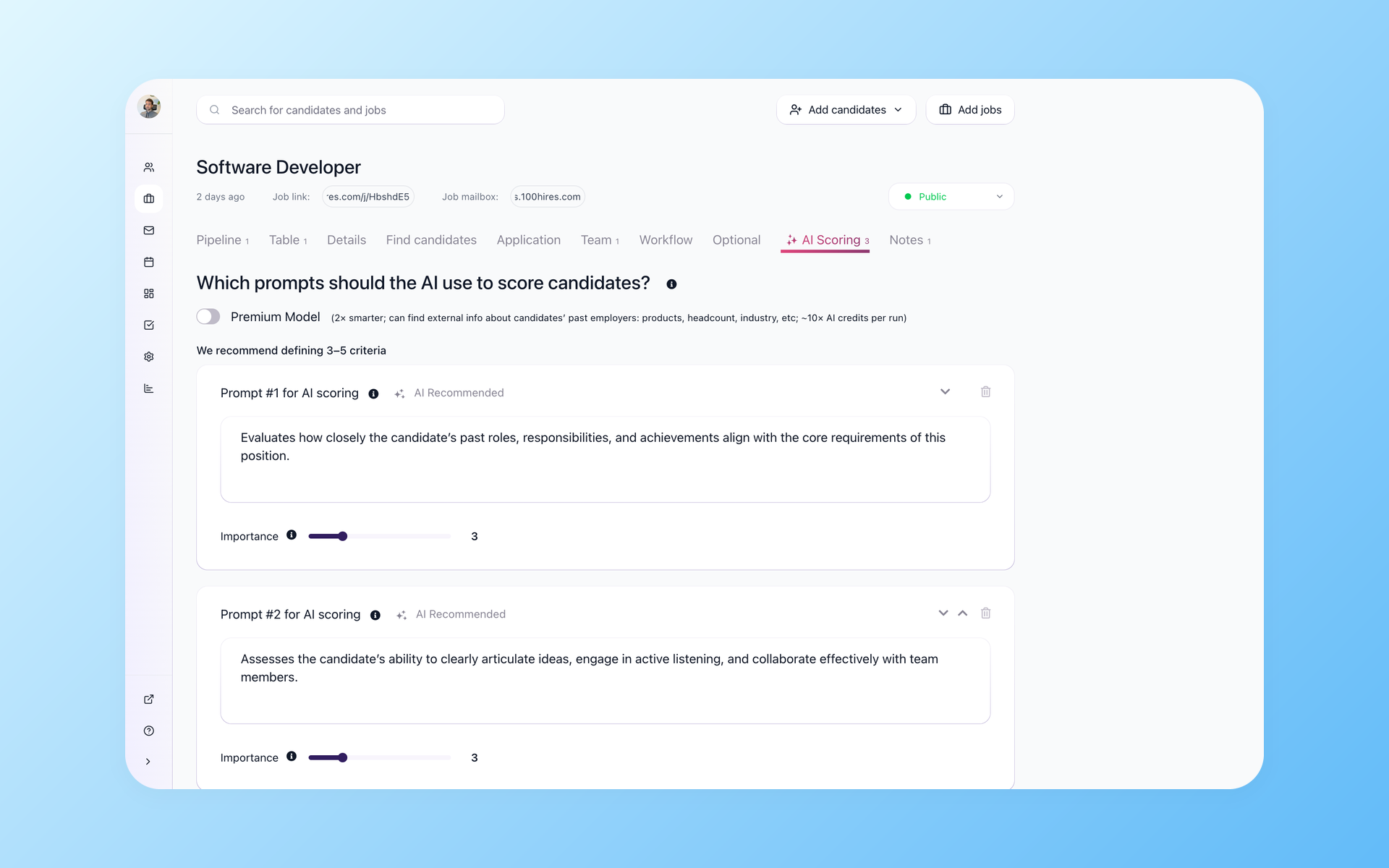
Start the new workflow with criteria you control
Recruiters write the criteria and set their importance before AI Score evaluates candidates from 0 to 100. The score helps sort candidates in the pipeline, and a person reviews the evidence and makes the decision.
- Criteria you write
- Weights you control
- 0-100 score after evaluation
- Recruiters review and decide
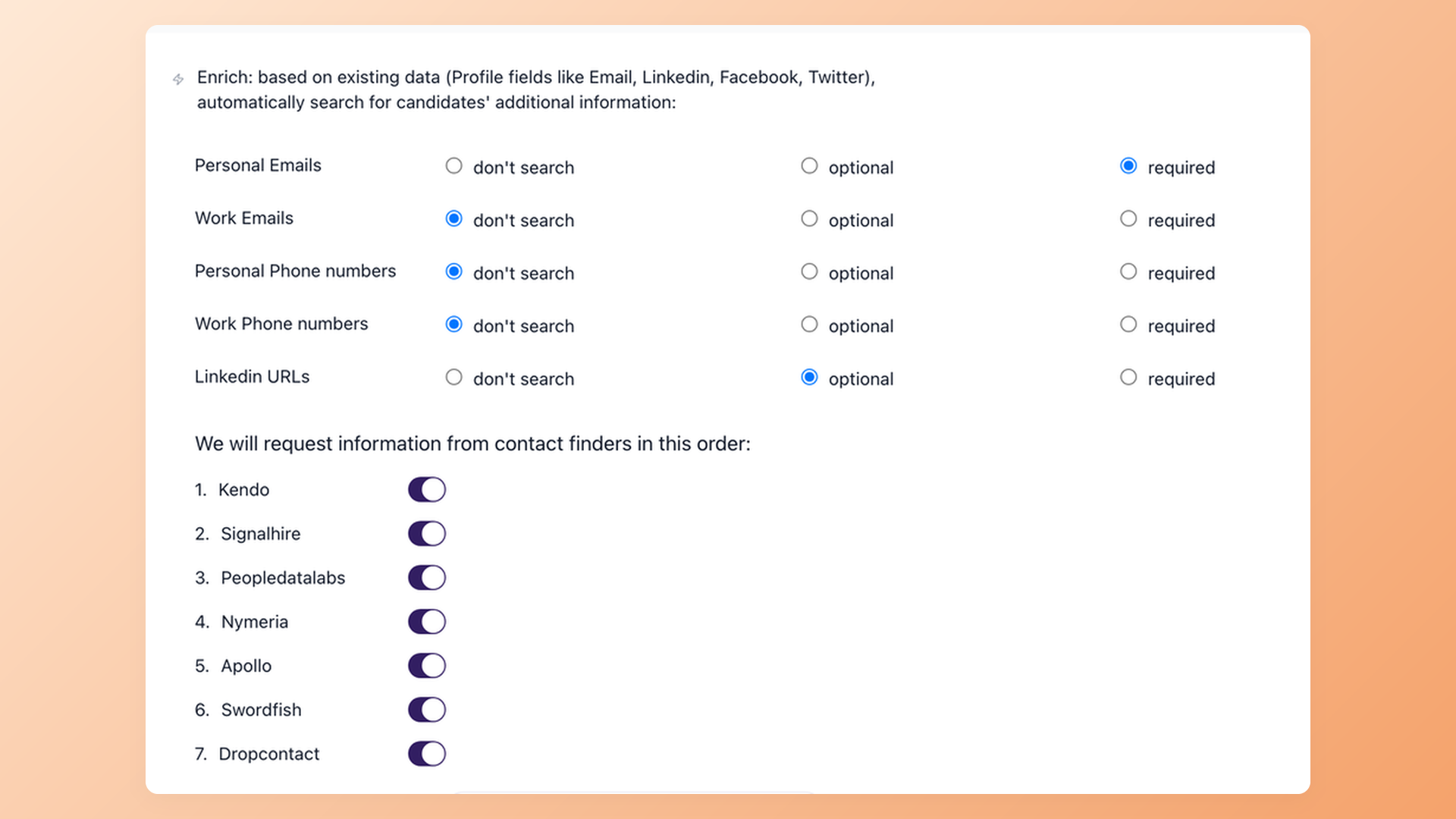
Find the contact details your outreach needs
Improve outreach readiness by choosing which contact details are required, optional, or skipped. 100Hires then uses its seven-provider enrichment sequence; broader sourcing and outreach availability can vary by plan.
- Required contact fields
- Optional contact fields
- Do-not-search controls
- Seven-provider sequence
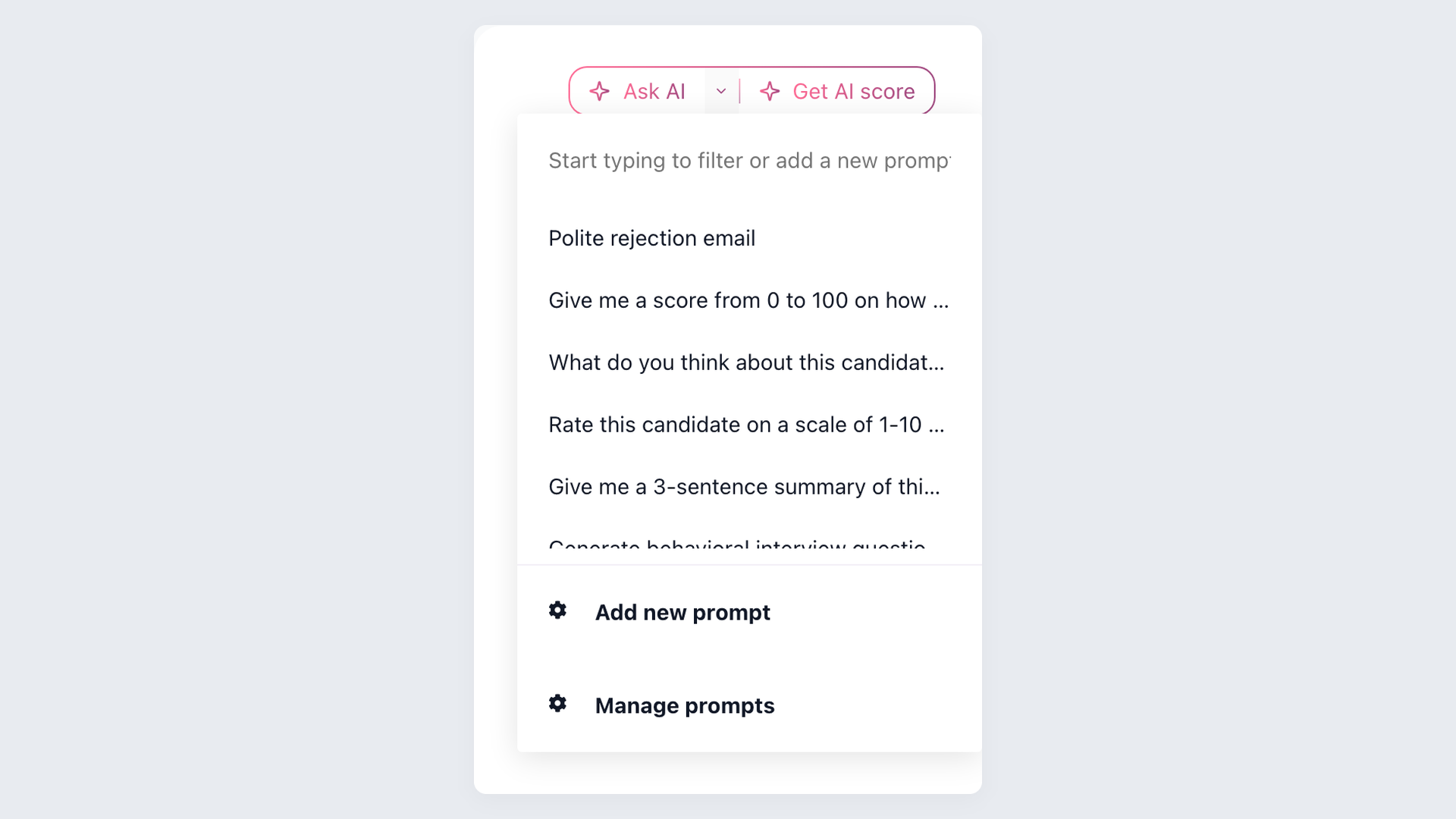
Use AI Copilot with the candidate information available in 100Hires, including resumes, emails, evaluations, and application answers. Historical context is limited to transferred and later-added data.
Use workflow automation to connect candidate messages, tasks, scheduling, and Nurture after 100Hires is set up.

It solved all of my recruitment problems and offered all of the features I was looking for. It can automate most of my recruitment processes.

I’d happily recommend it to my industry peers. I’m able to use the platform with ease and don’t have to think twice about which function to use.

The system is very user-friendly. Even people with no experience will find it easy to understand its functionality.







 4.7
4.7
 4.8
4.8
The hiring playbook, in your inbox
One email a week - benchmarks, AI screening tactics, and short interview templates from the 100Hires team. No product pitches.