
Migrate from Lever to 100Hires
Moving to a simpler ATS for a leaner team? Annual Pro includes done-for-you migration after scope review, with a mapped sample ahead of the final move.






The 4.7 rating on Capterra, the 4.8 rating on G2, and the displayed count of 1,300+ reviews are badges shown by 100Hires. The combined count is not attributed to either platform. No current Lever rating is included.
Know what is included before you commit
The managed service covers an agreed import after 100Hires reviews your export, record counts, fields, and requested scope. It is included on the annual Pro plan; other plans receive a custom migration quote based on volume and complexity.
The 14-day free trial lets you test 100Hires without a credit card, but signup does not approve transfer coverage, timing, or cutover. Free self-service candidate CSV import and bulk resume upload are separate from the qualified service.
The move should be based on fit. Lever remains a current ATS+CRM with analytics, a marketplace, AI Screening, interview transcripts and summaries, and Fraud Signals.
100Hires is a practical destination for a smaller or downsizing team that wants public pricing, a direct ATS workflow, and current recruiter-controlled AI tools.
Follow a scoped, testable migration process
100Hires uses one agreed process so your team can inspect the mapping before the final cutover:
- Confirm the current ATS, approximate candidate and job counts, requested data, timing, and cutoff.
- Review the available Lever export and map supported fields.
- Run a sample import and document exclusions or rebuild work.
- Let your team review the sample and approve the mapping.
- Run the full import and perform quality assurance.
- Ask your team to verify the result before cutover.
A small, clean dataset may move in a few days. Larger or multi-source work may take a few weeks. This is scope guidance, not a Lever-specific service-level promise, and the timing is confirmed only after the export and dependencies are reviewed.
Confirm what may move and what may need rebuilding
Records that may be in scope
Candidate profiles and contact records, resumes and attachments, notes and evaluations, jobs and openings, stage history, tags, and sources may be included where the available Lever export exposes them and 100Hires approves the mapping.
Custom fields and email history are conditional.
Configuration that may need separate work
Integrations, automations, report layouts, Lever-specific nurture triggers, unsupported fields, and unmatched objects may need rebuilding in the destination. Exact coverage depends on export permissions, data condition, field structure, file sizes, volume, and the agreed scope.
Review the broader ATS data migration process before treating an export list as a complete transfer commitment.
Import a clean starting set yourself
Load a clean starting set on your own schedule
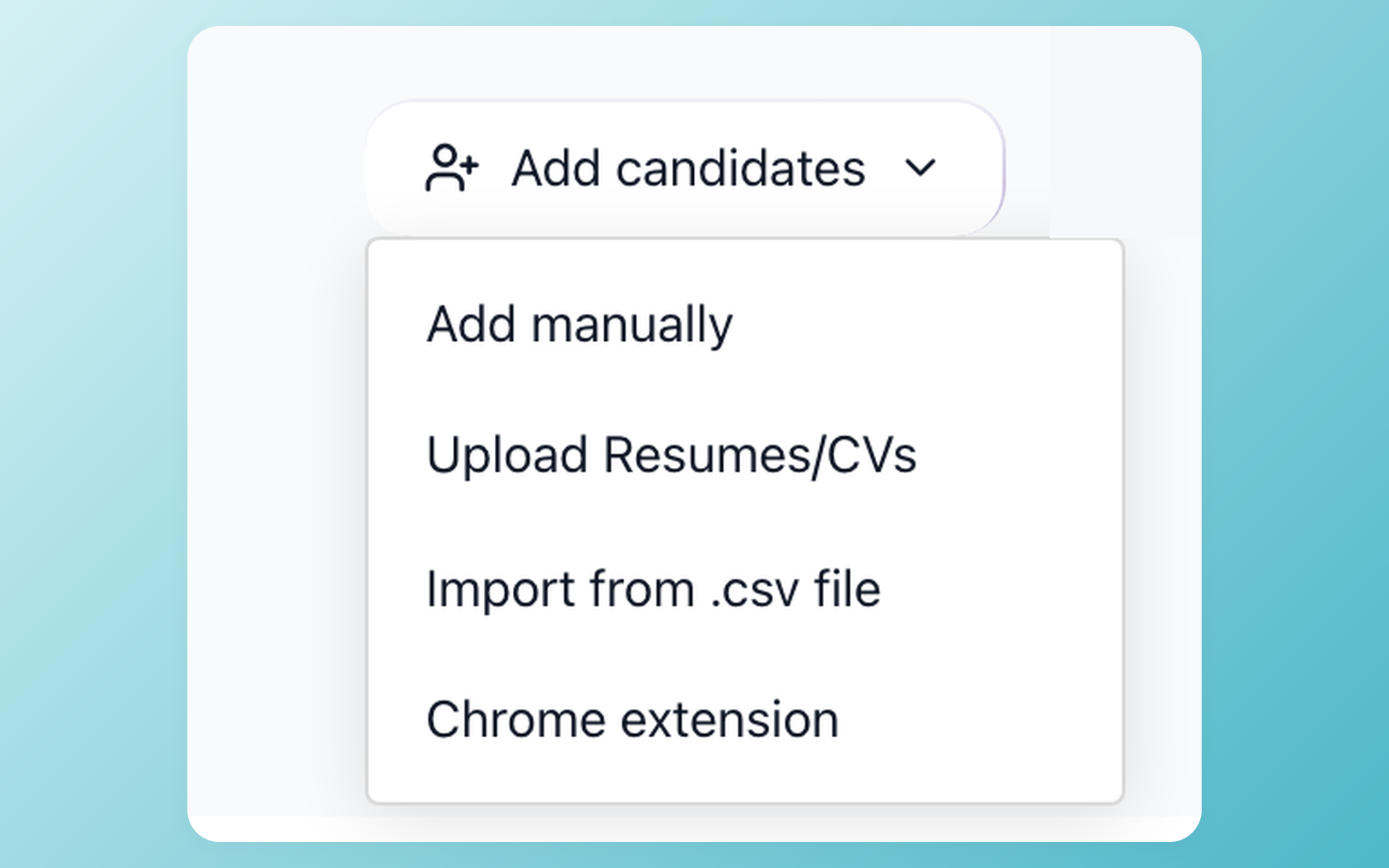
Get a clean candidate set into 100Hires on your schedule. Use candidate CSV import or bulk resume upload when your team can prepare and validate its own source file. This path is separate from the qualified managed service.
- Candidate CSV import
- Bulk resume upload
- Customer-controlled source file
- Assisted service scoped separately
Self-service import is useful when the source file is already clean and the team can validate its own mapping. It does not confirm that every source object, attachment, history item, or custom field will transfer.
Compare Lever today with 100Hires after the move
This table shows the destination workflow and the current Lever capabilities relevant to a switch. It does not claim complete product parity, and an unverified comparison is labeled rather than converted into an absence claim.
| Decision point | 100Hires after the move | Lever today |
|---|---|---|
| Managed migration | Included with annual Pro after scope review; other plans custom quoted | Export scope was not verified in this review |
| Price visibility | Public monthly and annual-equivalent plan prices | Custom quote |
| Core platform | ATS workflows for smaller companies and recruiting agencies | ATS plus CRM for hiring teams |
| AI assistance | AI Copilot works with available candidate and job context | Current AI screening, interview intelligence, and Fraud Signals |
| Candidate scoring | AI Score shows a job-specific score from 0 to 100 for recruiter review | AI Screening by VONQ is a current Lever offering |
| Email drafting | AI Email Composer creates a draft for recruiter review | A directly comparable first-party drafting workflow was not verified |
| Interview insight | AI Copilot can work with interview transcripts in available candidate context | Unlimited interview transcripts and summaries are marketed |
| Fraud signals | No comparable first-party fraud feature was verified | Fraud Signals surfaces risk for recruiter judgment |
| Analytics | Recruiting analytics and reports | Reporting and analytics |
| Integrations | Supported integrations; source-system connections may need rebuilding | Current marketplace and key integrations |
Lever is used only to identify the source product. 100Hires is not affiliated with or endorsed by Lever or Employ.
100Hires Start is $49 per month when billed annually or $99 per month billed month to month.
The derived annual Start total is $588. Start includes up to 3 jobs, 100 candidates per month, 1 user, and a monthly AI allowance of 100. Compare those limits with the size of the database and hiring workflow you plan to bring over.
Advanced is $199 per month with annual billing, a derived annual total of $2,388, or $249 month to month. It includes unlimited jobs, candidates, and users, with a monthly AI allowance of 1,000 on annual billing or 300 on monthly billing.
Pro is $399 per month with annual billing, a derived annual total of $4,788, or $499 month to month.
Pro includes Advanced's unlimited jobs, candidates, and users. Its monthly AI allowance is 5,000 on annual billing or 3,000 on monthly billing. Review current plan limits and migration eligibility on the 100Hires pricing page.
Use AI Copilot after your records arrive
Catch up on an imported record before the next decision
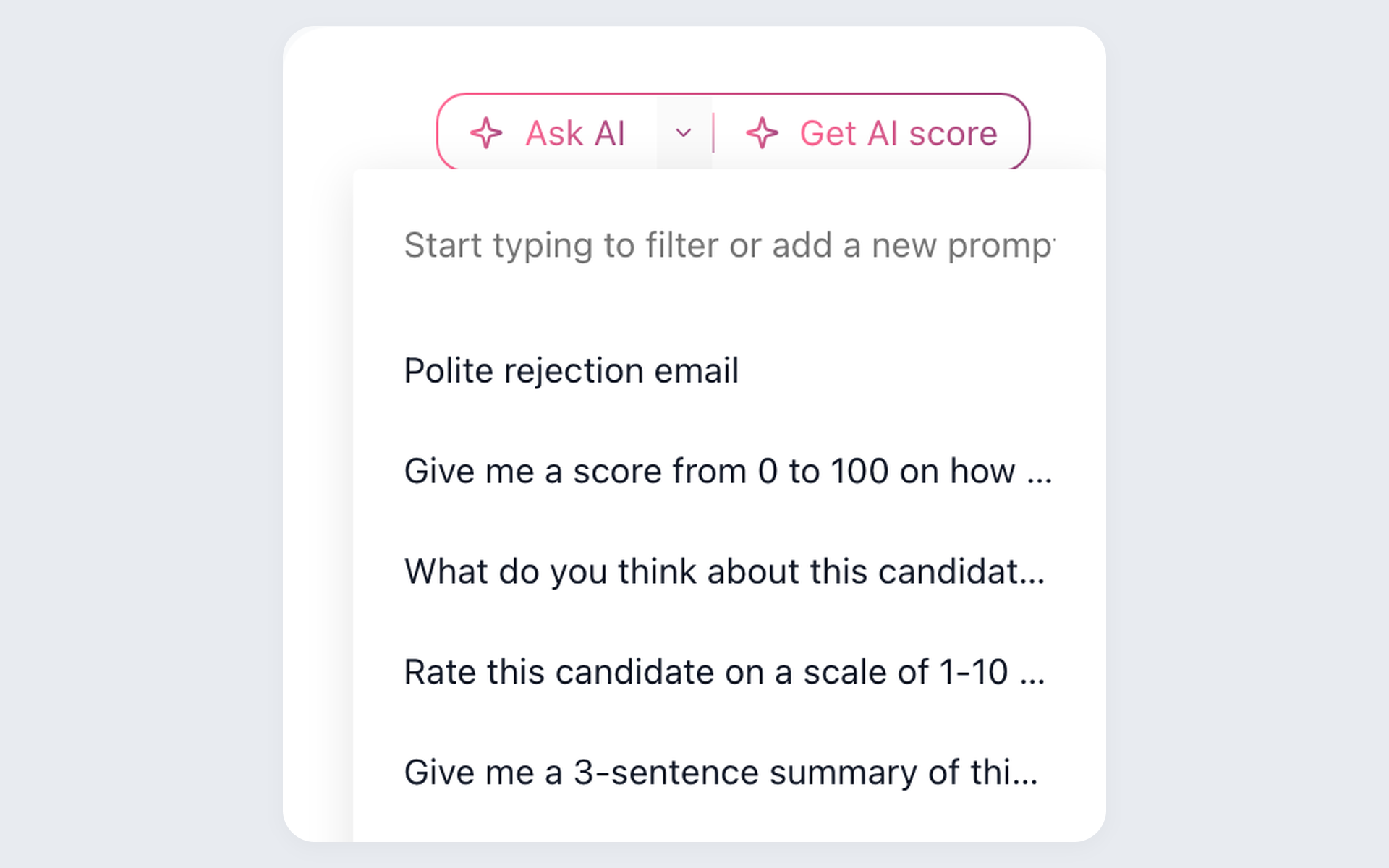
Reach the next candidate decision without losing imported context. The assistant works with available candidate and job information so a recruiter can inspect the response beside the record and decide whether more source evidence is needed.
- Imported candidate context
- Job-specific context
- Saved recruiter prompts
- Human review before action
The assistant cannot reconstruct information that was absent from the export or excluded from the mapping. It supports review from present context; your team remains responsible for the evidence and hiring decision. Explore the recruiter assistant workflow.
Review evidence before changing an imported candidate's stage
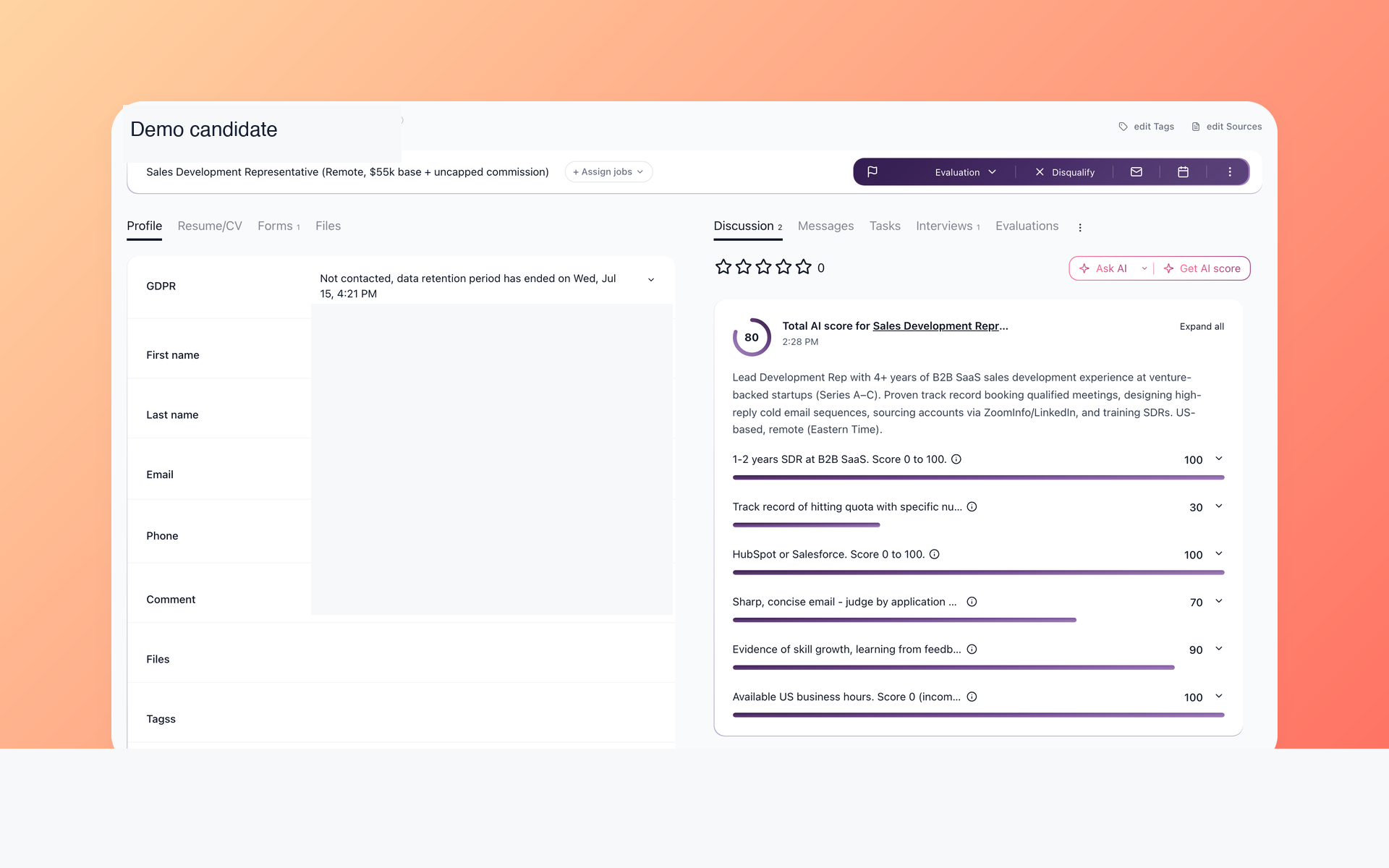
Check the evidence before changing a candidate stage
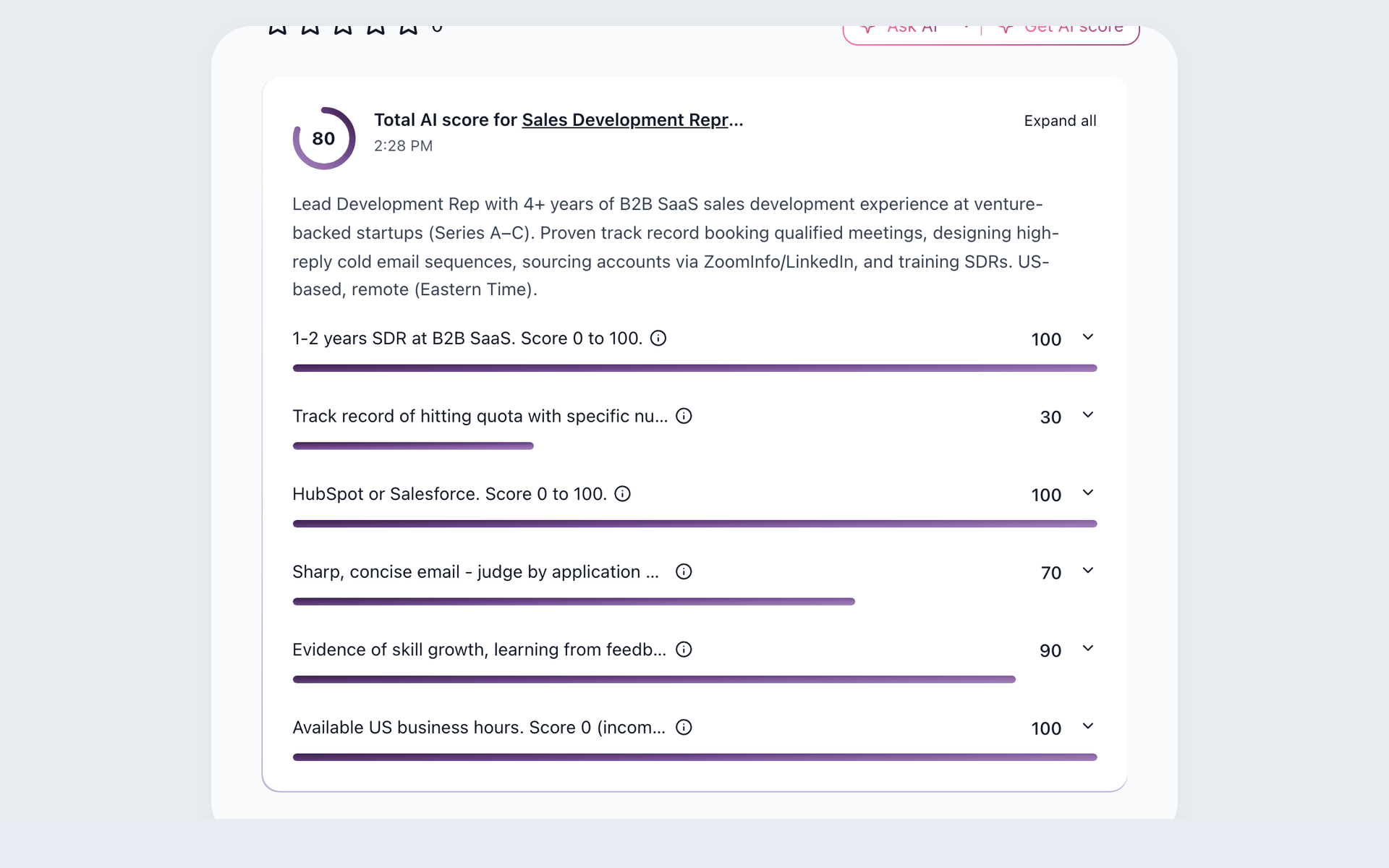
Prioritize imported candidates without treating a score as a decision. 100Hires evaluates the available record against job-specific criteria and returns a 0-100 total with per-criterion context for recruiter review.
- Configured job criteria
- 0-100 total
- Per-criterion rationale
- Recruiter-controlled decision
The score is not a completeness check for the migration and does not replace human judgment. It is one step in the candidate tracking workflow after the destination record is available.
Restart outreach with a draft you control
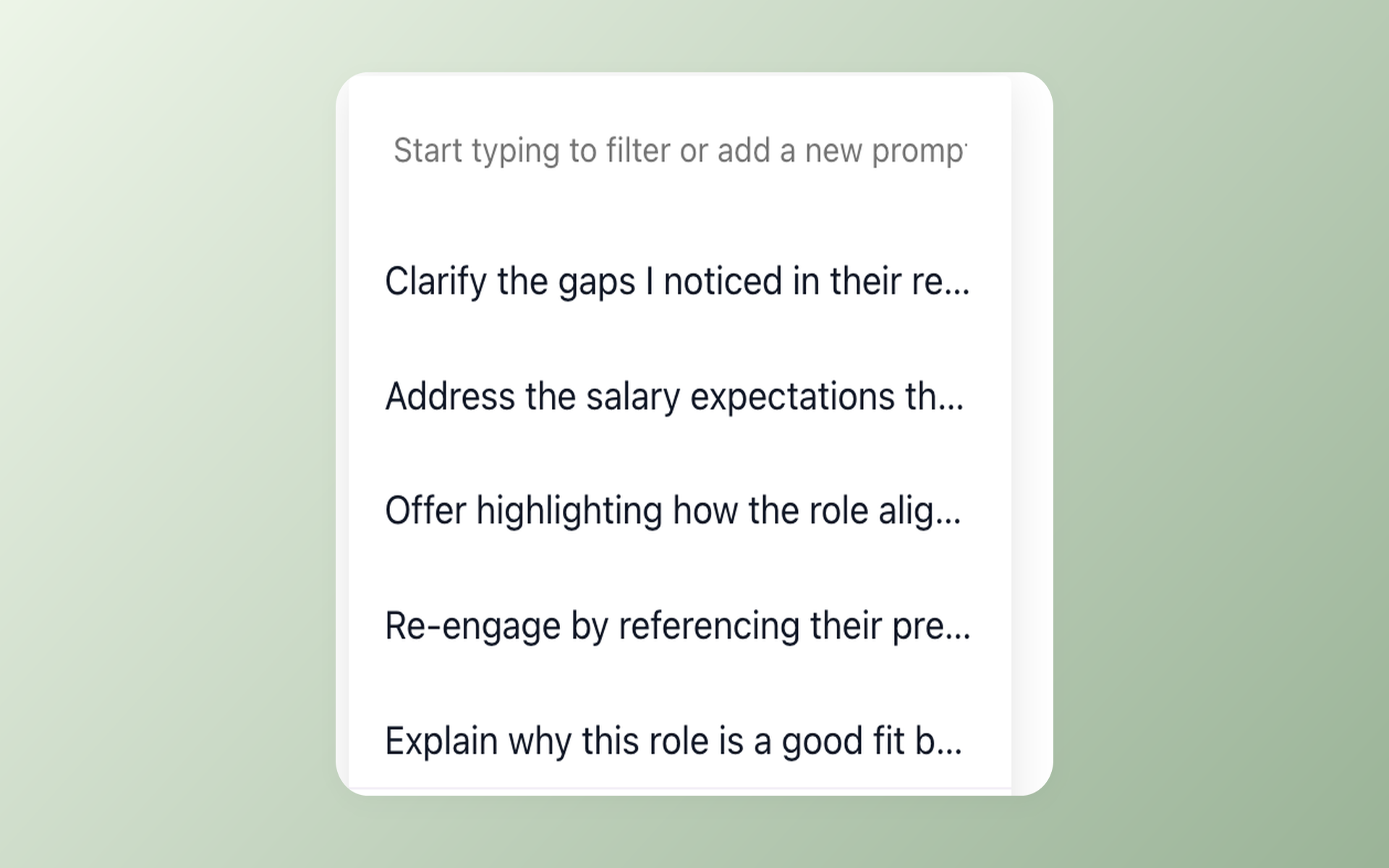
Restart outreach without sending an unchecked draft
Restart outreach without giving up send control. 100Hires prepares an editable first draft, and the recruiter checks the record, revises the language, and controls the final send action.
- Context-aware draft
- Recruiter editing
- Review before sending
- Final send stays with the recruiter

It solved all of my recruitment problems and offered all of the features I was looking for. It can automate most of my recruitment processes.

I’d happily recommend it to my industry peers. I’m able to use the platform with ease and don’t have to think twice about which function to use.

The system is very user-friendly. Even people with no experience will find it easy to understand its functionality.







 4.7
4.7
 4.8
4.8
The hiring playbook, in your inbox
One email a week - benchmarks, AI screening tactics, and short interview templates from the 100Hires team. No product pitches.