
Migrate from JazzHR to 100Hires
Switching from JazzHR? Use AI Score to prioritize imported candidates and AI Email Composer to restart outreach, then request a scope review for free comprehensive migration on an annual Pro contract.
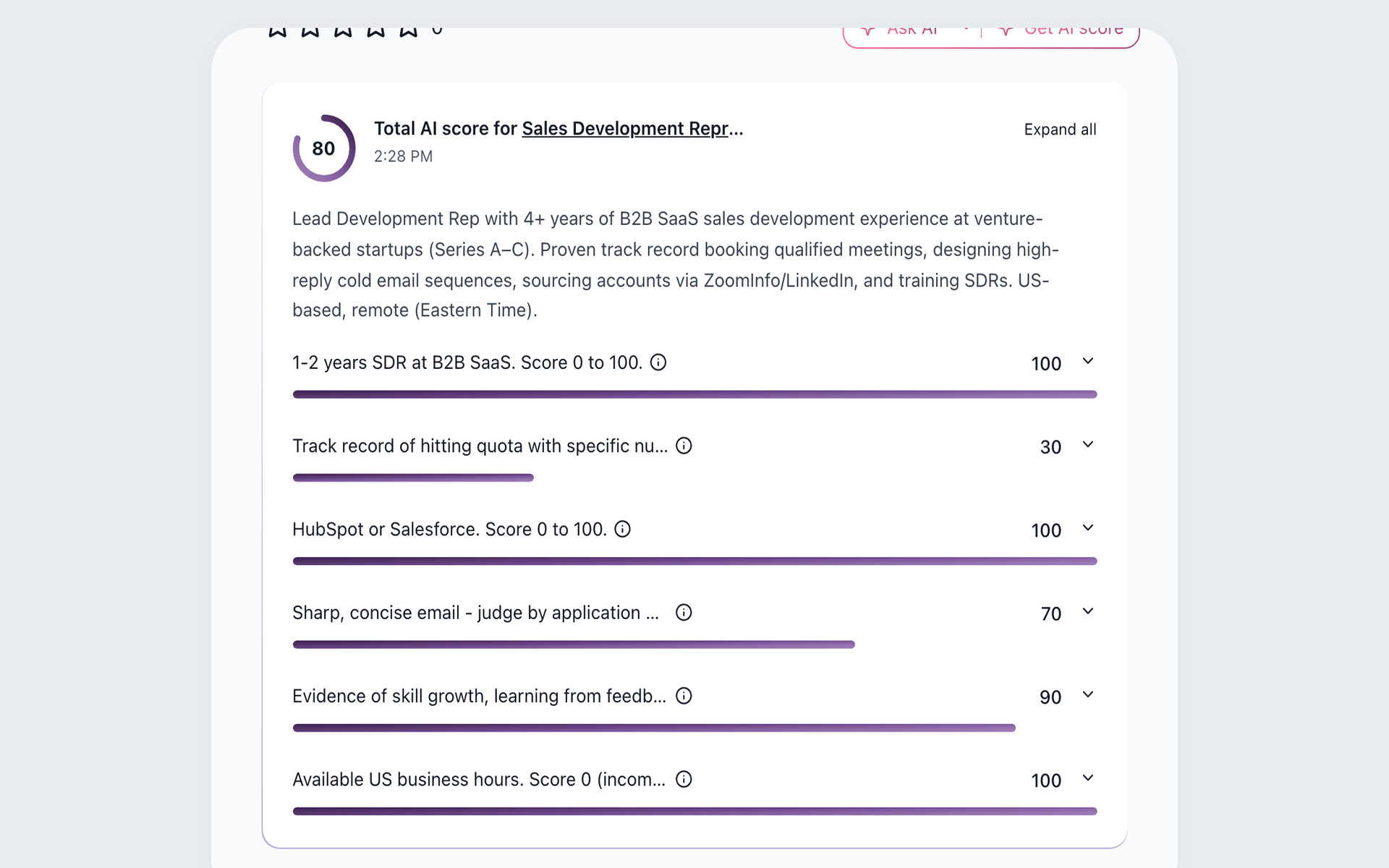






Free annual Pro migration starts with a scope review
100Hires offers free comprehensive managed migration with an annual Pro contract after the source data and requested scope are reviewed. Starting a trial does not confirm eligibility, coverage, or timing.
If managed migration is not the right path, 100Hires supports self-service candidate CSV import and bulk PDF or DOC resume upload. Those are separate import routes, not promises to reproduce every JazzHR record.
Choose the import path that matches what you have
The right path depends on the data available from JazzHR and what your team needs in 100Hires. Confirm the import route first, then evaluate the workflow after the move.
| Decision point | 100Hires path | JazzHR or current-state check |
|---|---|---|
| Managed migration | Annual Pro; scope review | Confirm source data |
| Candidate CSV | Self-service CSV | Verify exported fields |
| Resume files | Bulk PDF/DOC upload | Confirm resume files |
| Scope | Source and request review | No universal coverage |
| Billing | Monthly and annual; Pro migration | Annual display; monthly/yearly selector |
| Candidate review | AI Score 0-100; recruiter review | AI matching |
| Contact completion | Configured-provider lookup | Verify source workflow |
| Recruiting email | AI draft; recruiter sends | Verify templates and records |
| Follow-up | Multi-step nurture | Task automation |
JazzHR is used here only to identify the product you may be leaving. 100Hires is not affiliated with or endorsed by JazzHR.
Review current 100Hires pricing before purchase. The free managed migration offer remains limited to an annual Pro contract after scope review.
Use the imported records instead of storing an archive
The value of a switch starts after the records arrive. 100Hires can turn candidate data into a working review, sourcing, and follow-up flow built around AI Score, Contact Finder, AI Email Composer, and Nurture campaigns.
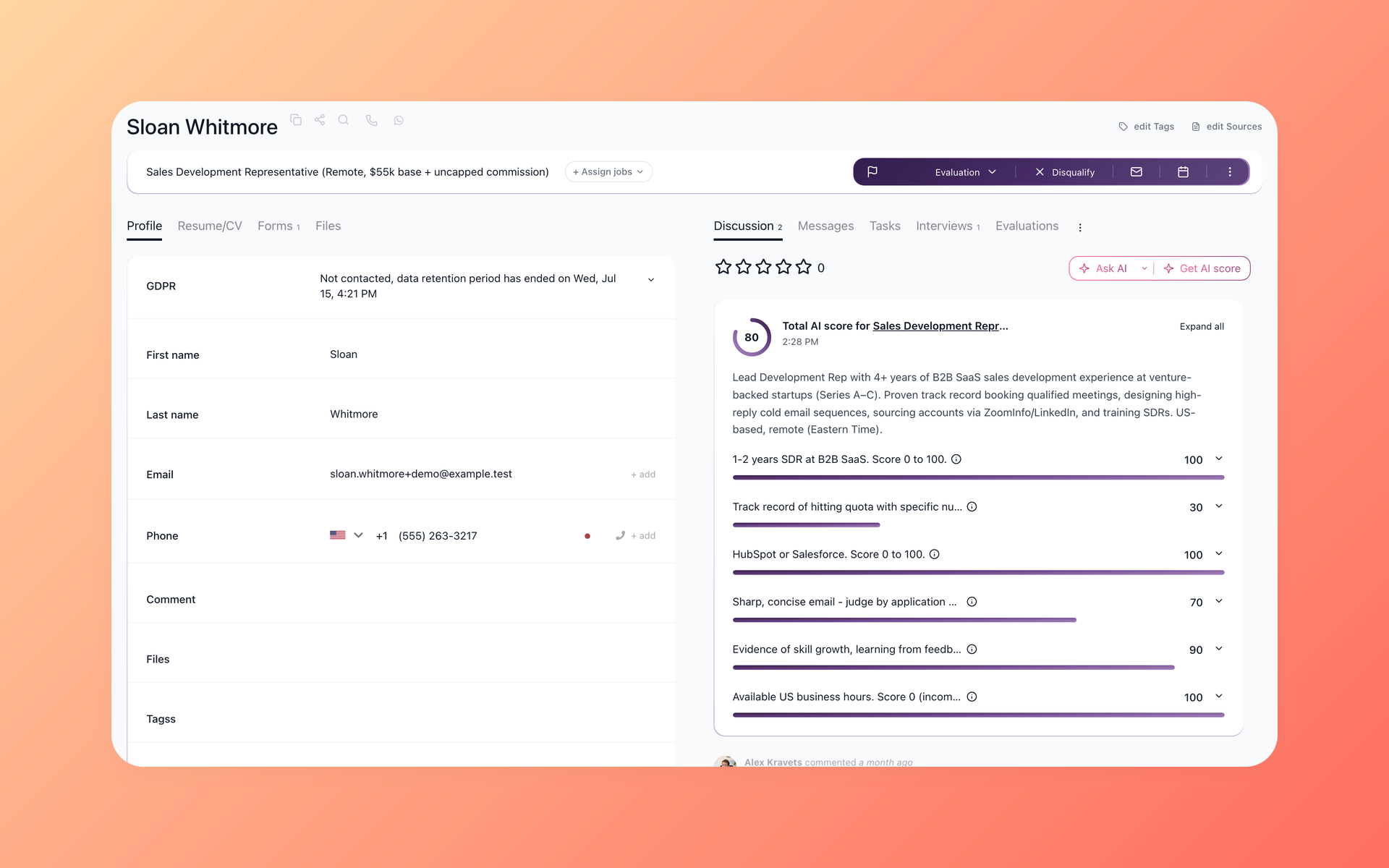
Know who deserves review as soon as records arrive
AI Score evaluates each candidate against role-specific criteria and returns a 0-100 result with supporting detail. A recruiter reviews the evidence before moving anyone forward.
- Role-specific criteria
- 0-100 result
- Recruiter decision
AI Score helps turn an imported candidate list into a prioritized review queue. See how 100Hires resume screening combines candidate context with human review.
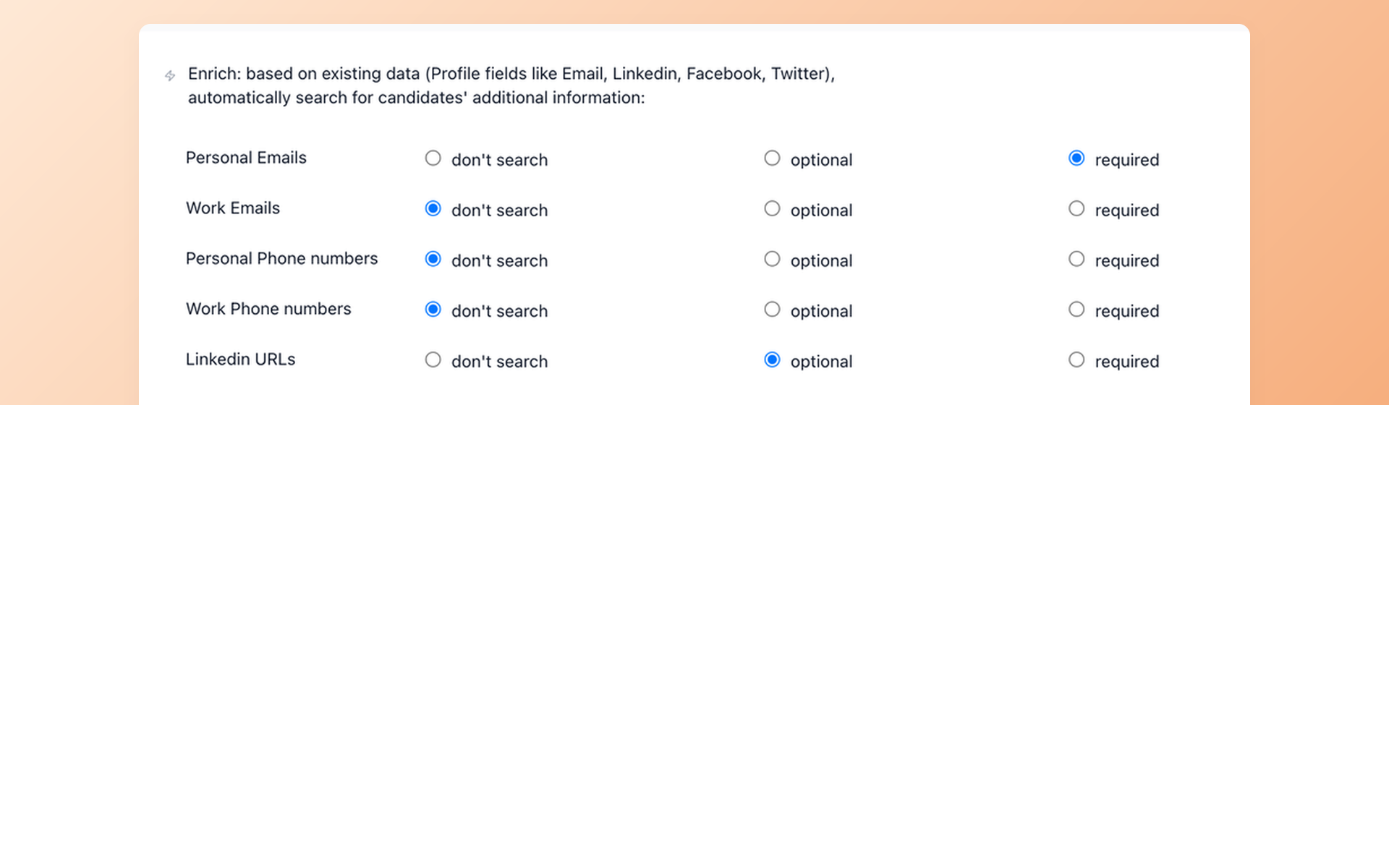
Reconnect when a candidate record is incomplete
Contact Finder can search configured enrichment providers for selected fields and save a result to the candidate record. Some searches return no match, so the workflow keeps that limitation visible.
- Selected contact fields
- Configured providers
- No guaranteed match
Contact Finder keeps the lookup attached to the candidate record rather than a separate spreadsheet. The 100Hires contact enrichment workflow explains the supported sourcing flow.
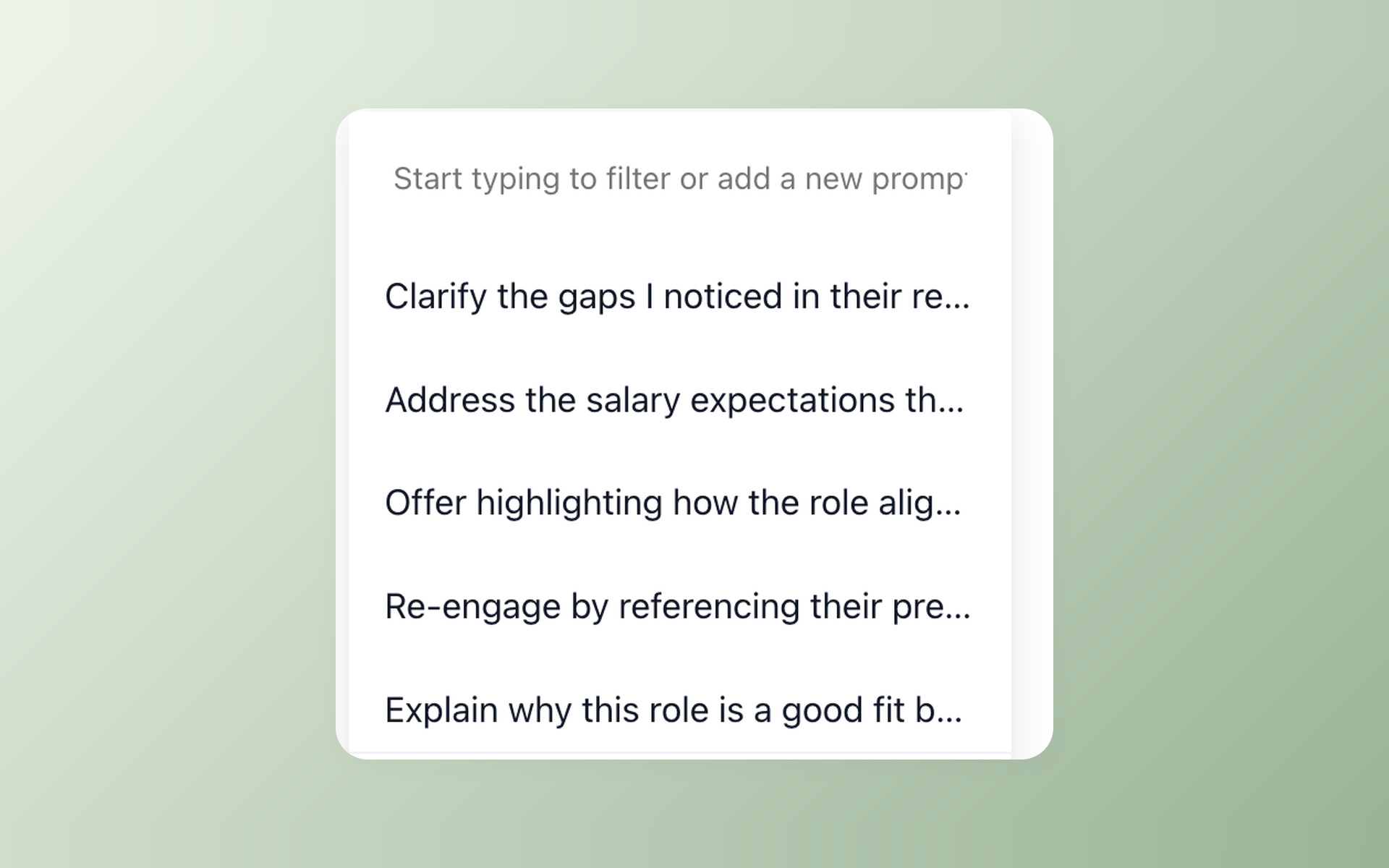
Restart conversations without rewriting every message
AI Email Composer uses the candidate record and job context to prepare a draft. The recruiter reviews it, changes it when needed, and sends the final message.
- Context-aware draft
- Recruiter edit
- Recruiter send
AI Email Composer handles the message draft. It does not replace recruiter review, and it is separate from Nurture campaigns inside 100Hires recruitment automation.
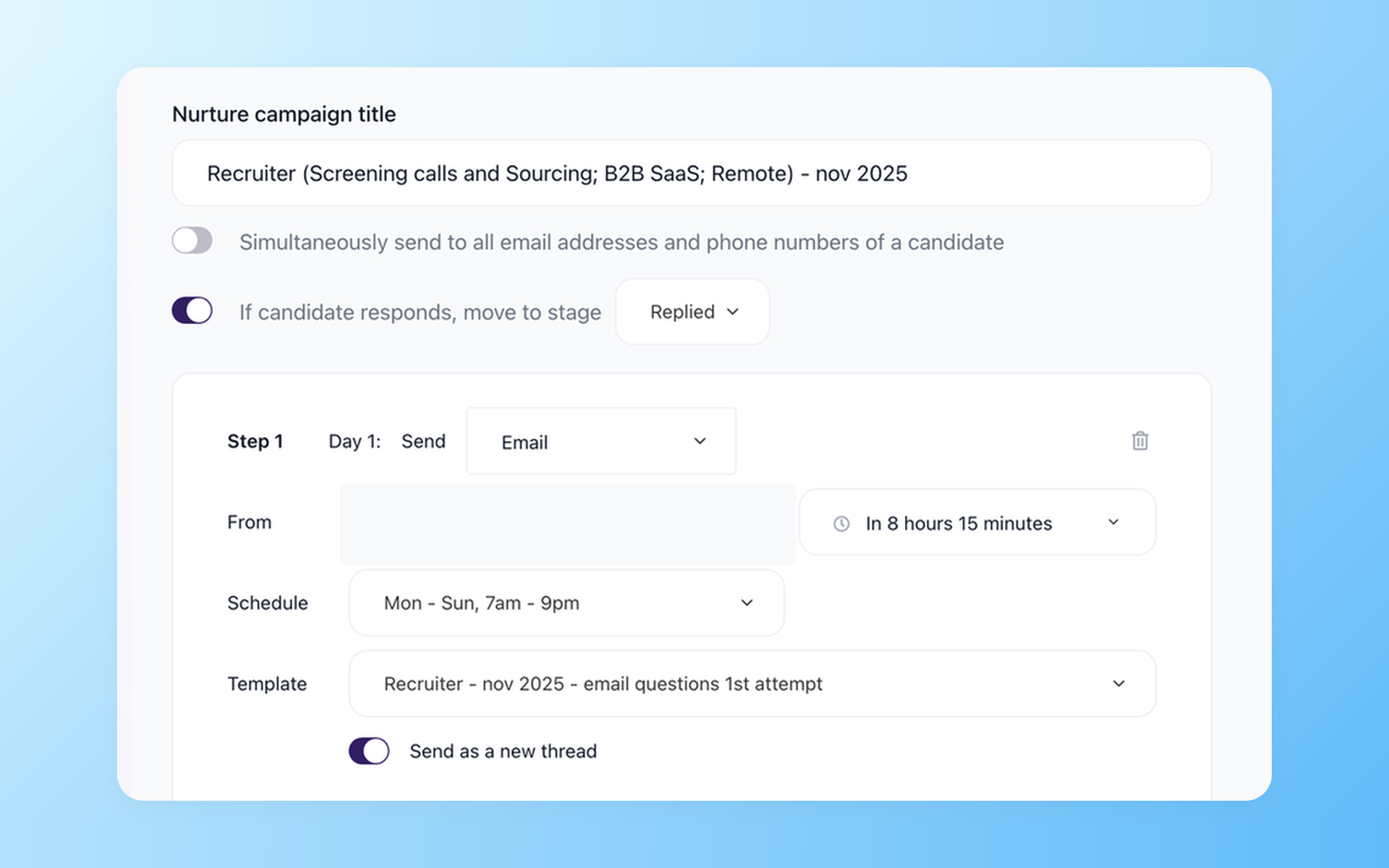
Keep follow-up moving after the first message
Nurture campaigns schedule multiple follow-up steps. They are separate from the individual-message drafting workflow in AI Email Composer.
- Multi-step schedule
- Scheduled follow-up
- Separate from drafting
Staying with JazzHR can still be the right decision
A switch should solve a real workflow or pricing problem. JazzHR may remain a fit for a team satisfied with its AI-Powered Candidate Matching, configurable task automation, candidate texting, reporting, and current workflow.
100Hires may be worth testing when the team wants AI Score, Contact Finder, AI Email Composer, Nurture campaigns, published monthly billing, and a migration option for annual Pro customers with a confirmed scope in the same ATS.
The hiring playbook, in your inbox
One email a week - benchmarks, AI screening tactics, and short interview templates from the 100Hires team. No product pitches.