
10 Best Chrome Extensions for Recruiters in 2026 (Free and Paid)
The best Chrome extensions for recruiters fall into four jobs: capturing candidates into your ATS, finding emails and phone numbers, running LinkedIn outreach, and saving time on admin. This guide groups the top tools by job, with free and paid picks, so you can build a stack that fits how you actually work.
The biggest gain is skipping the manual copy-paste from LinkedIn, GitHub, or a job board into your hiring pipeline. Most teams need just three: one tool to capture candidates, one to find contact details, and one to schedule interviews.
One disclosure up front: 100Hires builds one of the tools below, our free sourcing extension, so we put it in the capture group and tell you exactly what it does and does not do. It saves profiles to the ATS, but it is not an email-finder on its own, which is why the contact-finding tools have their own section.
Top picks by use case
The hiring playbook, in your inbox
One email a week - benchmarks, AI screening tactics, and short interview templates from the 100Hires team. No product pitches.
- Best free ATS-capture extension: 100Hires
- Best contact finder: ContactOut or Lusha
- Best LinkedIn automation (use with caution): Dux-Soup
- Best for video outreach: Loom
- Best interview scheduler: Calendly
Quick comparison of the best recruiting Chrome extensions
This table is grouped by workflow stage, not ranked by overall quality. Pricing tiers change often and several vendors quote on request, so check each tool's site for current plans. Most have a free tier you can test before paying.
| Extension | Best for | Pricing | Works with |
|---|---|---|---|
| 100Hires | Capturing candidates into an ATS | Free to install | 100Hires ATS |
| Surfe | Syncing LinkedIn to your CRM | Free trial, then paid | Salesforce, HubSpot, Pipedrive, Copper and more |
| Recruit CRM extension | Recruit CRM users | Included with a Recruit CRM plan | Recruit CRM |
| ContactOut | Finding emails and phones | Free tier, then paid | Any ATS |
| Lusha | Verified contact details | Free tier, then paid | Any ATS |
| SignalHire | Multi-platform contact finding | Free credits, then paid | Any ATS |
| Dux-Soup | LinkedIn automation | Paid tiers | |
| Waalaxy | LinkedIn plus email outreach | Free tier, then paid | LinkedIn, email |
| Loom | Video messages to candidates | Free tier, then paid | Any workflow |
| Calendly | Interview scheduling | Free tier, then paid | Calendars, ATSs |
How we evaluated these extensions
Four things separate a Chrome extension that saves a recruiter real time from one that adds another tab to manage. We judged tools on recruiter workflow fit, not feature count, with no paid placements, and we list pricing as free or paid tiers because exact figures change often and several vendors quote on request.
- Where the data lands. Straight into your ATS and pipeline, or into a spreadsheet or contact card you still have to move later.
- Free vs paid. Whether there is a usable free tier, and whether it needs a separate paid seat per recruiter.
- Contact coverage. Based on each tool's stated data sources and platform reach, single-source lookups tend to miss more emails than multi-source ones, and coverage varies by role and region.
- LinkedIn safety. Automation tools that click and message for you can get an account restricted, so they need care.
Best for capturing candidates into your ATS
Capture extensions read a profile and create a candidate record for you. The difference that matters is whether that record lands in a real hiring pipeline or just a contact list.
1. 100Hires Chrome extension
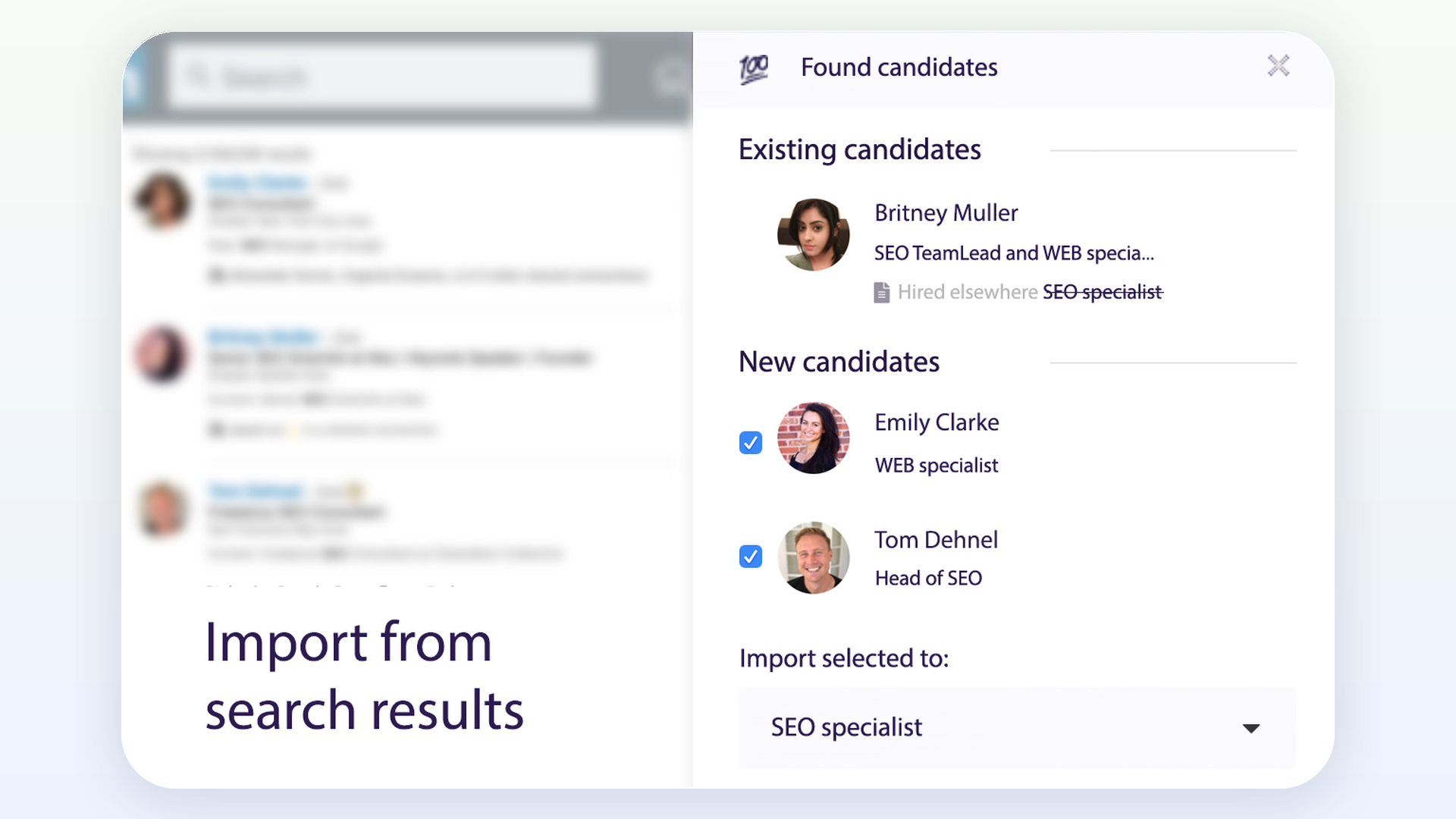
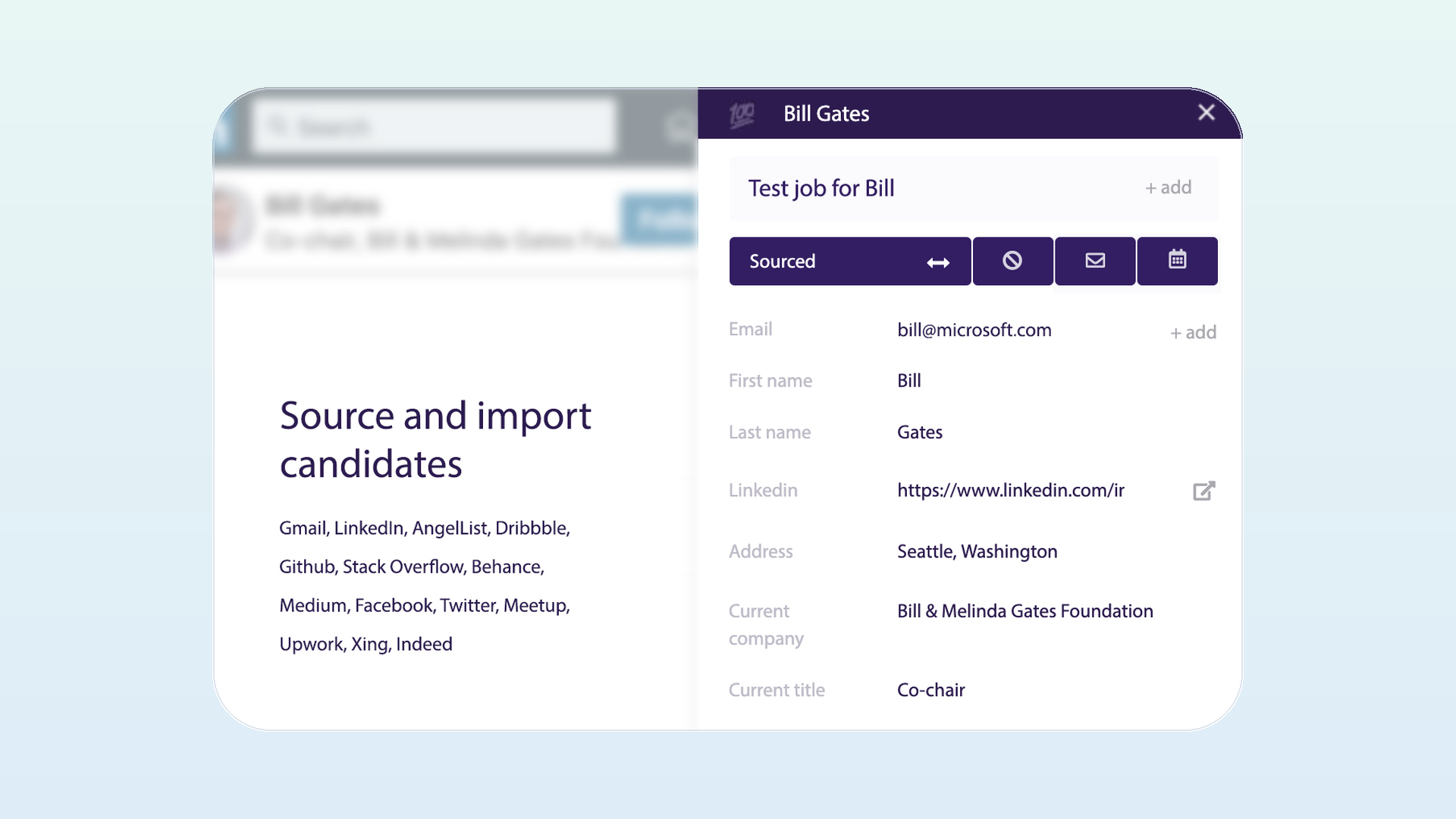
The 100Hires extension captures candidates from 14 sites, including LinkedIn, Gmail, GitHub, and Indeed, straight into the 100Hires ATS. It recognizes people already in your account and tags each capture with its source, so two recruiters do not work the same person by accident. You can see the 100Hires Chrome extension for the full feature list.
- Best for: teams using or considering 100Hires as their ATS who want capture and pipeline in one place
- Free plan: free to install
- Paid from: free with the 100Hires ATS; paid plans cover the wider hiring workflow
- Works with: the 100Hires ATS
- Main limitation: it captures details visible on the page, so it is not a standalone email-finder; pulling hidden personal emails is a separate paid enrichment step
- Not for: recruiters who only need standalone email and phone lookup without using 100Hires as their ATS
2. Surfe
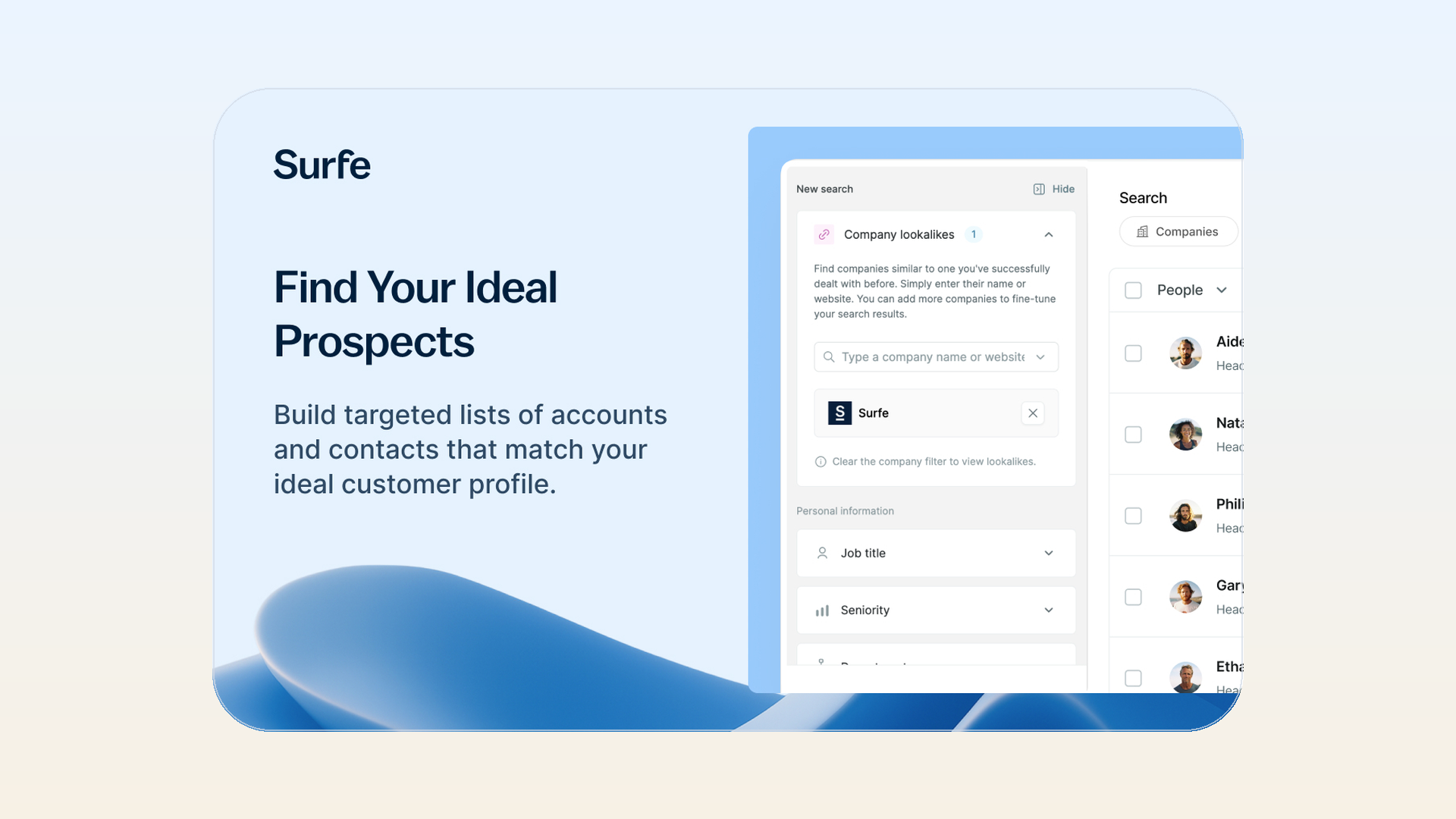
Surfe syncs LinkedIn profile data into a CRM or ATS with one click, and it supports a wide range of systems including Salesforce, HubSpot, Pipedrive, and Copper. It is the better fit when your records live in a sales CRM and you mainly need the capture-to-system step.
- Best for: syncing LinkedIn to an existing CRM or ATS
- Free plan: limited
- Paid from: paid plans (see vendor for current tiers)
- Works with: many CRMs and ATSs
- Main limitation: it is a sync layer, not a full recruiting tool, so the pipeline still lives in your other system
3. Recruit CRM sourcing extension
Recruit CRM has its own sourcing extension that imports LinkedIn profiles into the Recruit CRM platform. It only makes sense if Recruit CRM is already your system of record.

- Best for: existing Recruit CRM customers
- Free plan: included with a Recruit CRM plan
- Paid from: tied to Recruit CRM pricing
- Works with: Recruit CRM only
- Main limitation: no value unless you pay for Recruit CRM
Best for finding candidate emails and phone numbers
Contact finders reveal a candidate's email or phone from a profile. They return a best guess from their database, so accuracy changes by role, seniority, and region. Testing two on your own roles is the only way to know which converts. When you use personal emails, follow the data-protection rules that apply where you and the candidate are based.
4. ContactOut
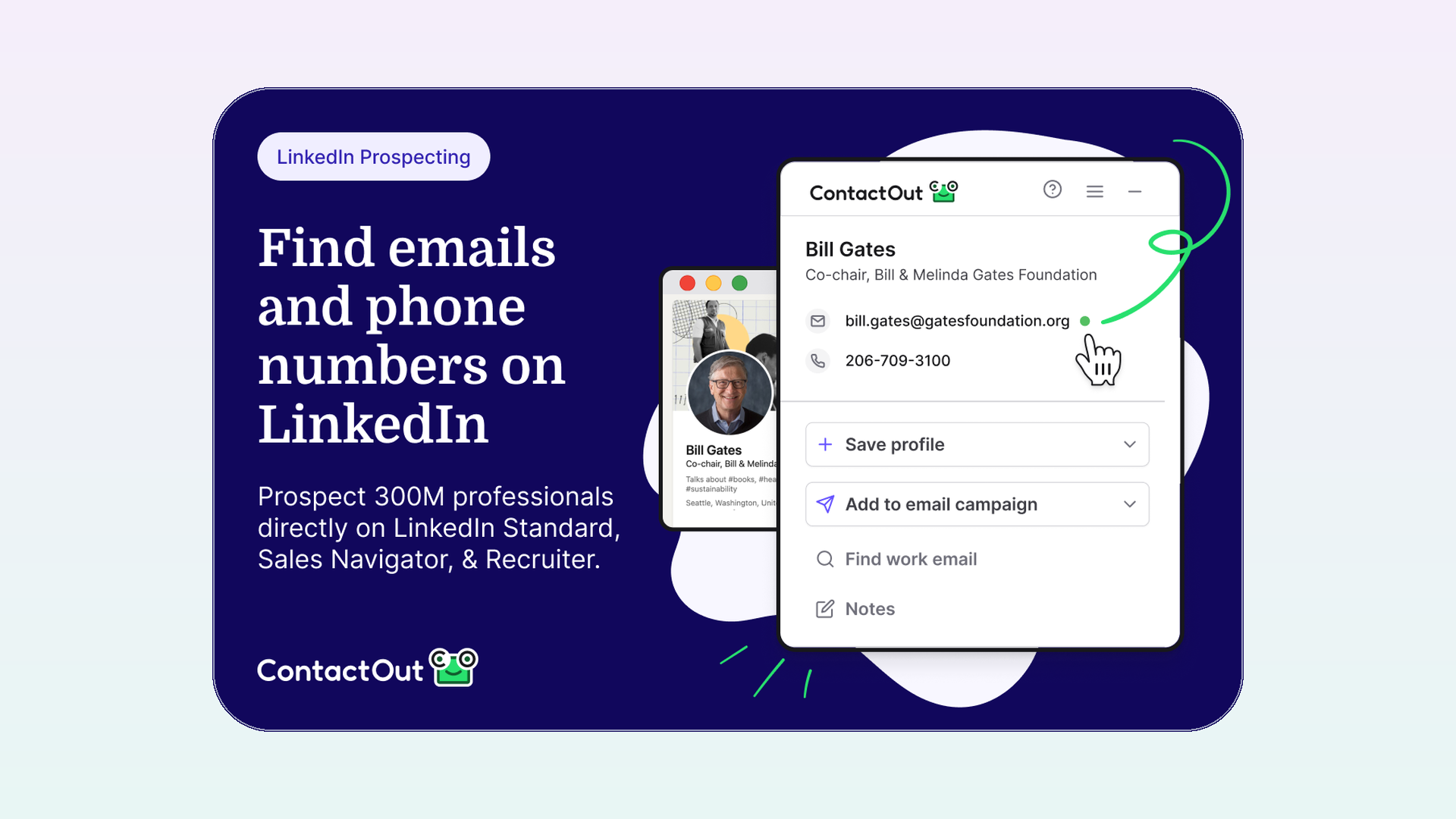
ContactOut pulls personal and work emails plus phone numbers from LinkedIn, so it is the pick when you specifically need a candidate's personal inbox. It shows up across most recruiter tool lists. The free tier caps how many contacts you can reveal each month.
- Best for: personal email coverage on LinkedIn profiles
- Free plan: yes, with limited monthly credits
- Paid from: paid plans (see vendor for current tiers)
- Works with: any ATS
- Main limitation: credits run out fast on heavy sourcing days
5. Lusha
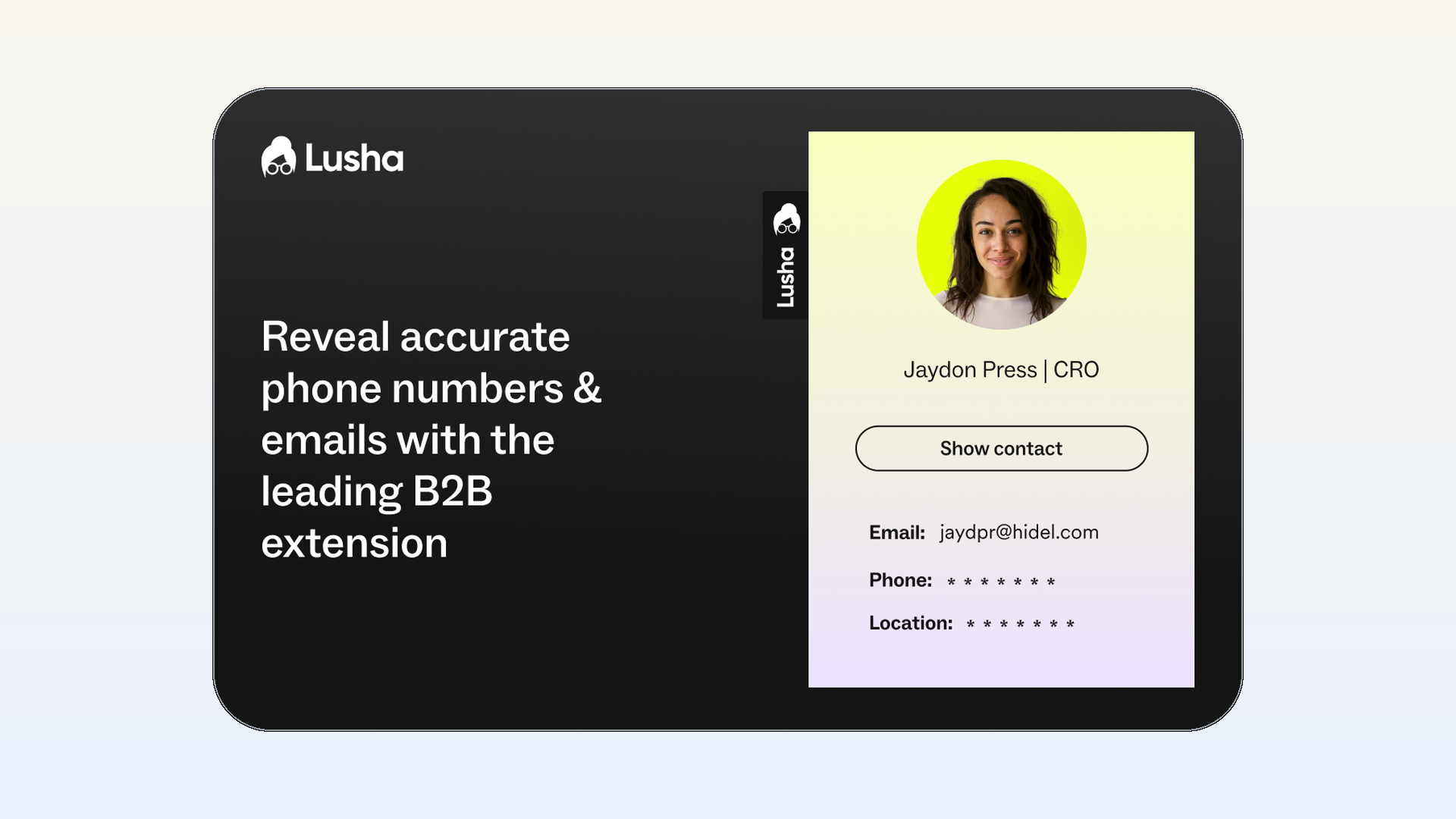
Lusha reveals verified emails and phone numbers and supports bulk reveals from a list, so it suits corporate and sales-adjacent roles and teams that sync contacts to a CRM. Verification here means the contact was checked against Lusha's sources, not a guarantee the person still works there. Its free tier also runs on monthly credits.
- Best for: verified business contact details
- Free plan: yes, with limited monthly credits
- Paid from: paid plans (see vendor for current tiers)
- Works with: any ATS
- Main limitation: personal email coverage is thinner than work email coverage
6. SignalHire
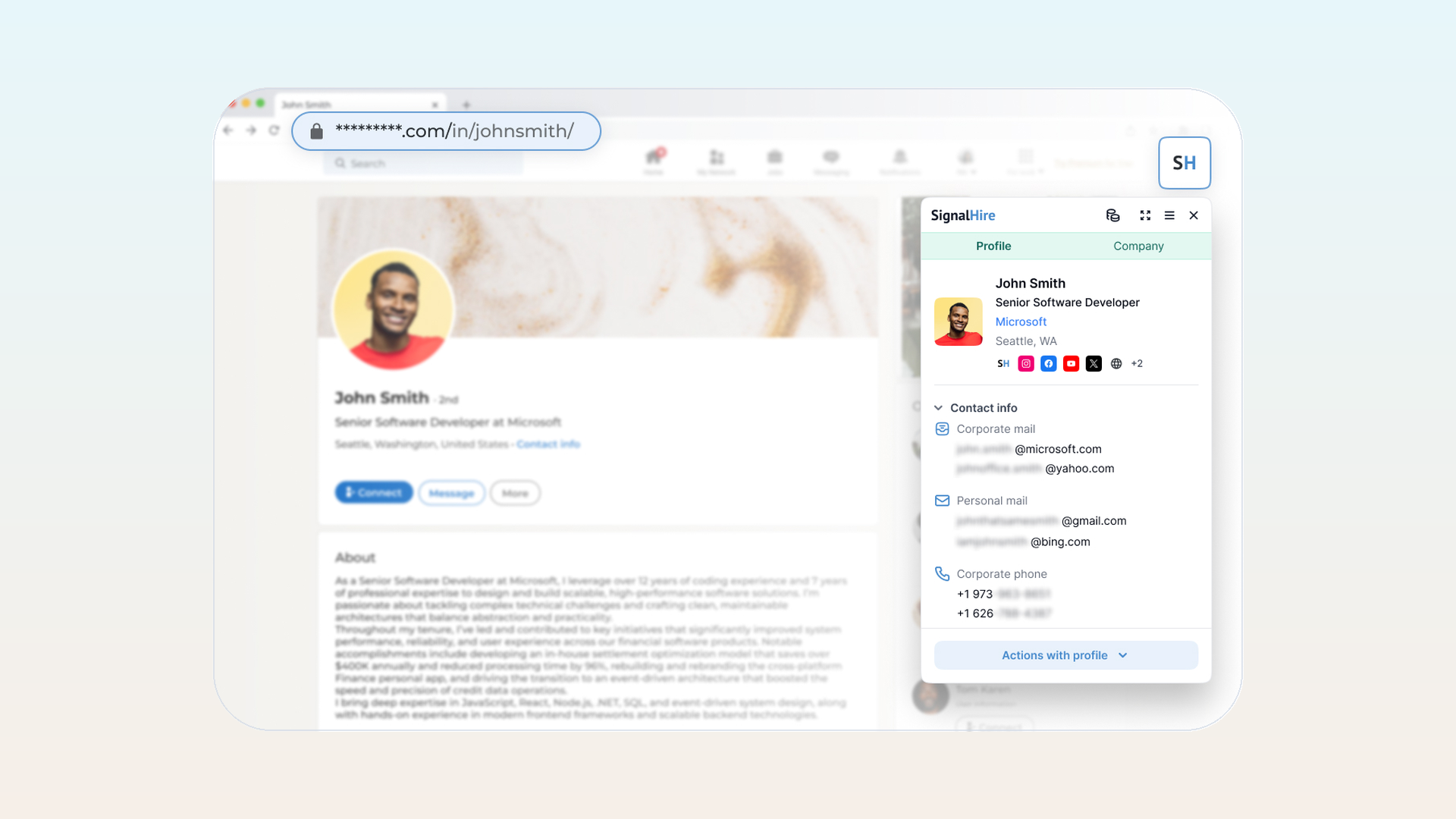
SignalHire finds contact details across more than one platform, including LinkedIn, GitHub, and X. That breadth helps when you source developers or designers who are not active on LinkedIn. Like the others, the free tier runs on monthly credits, and results depend on how public the person's footprint is.
- Best for: multi-platform sourcing beyond LinkedIn
- Free plan: yes, with limited credits
- Paid from: paid plans (see vendor for current tiers)
- Works with: any ATS
- Main limitation: the interface is busier than single-purpose finders
Best for LinkedIn outreach automation (use with caution)
Automation extensions visit profiles, send connection requests, and run message sequences for you. They save time, but LinkedIn does not permit tools that scrape, modify, or automate activity, and use can trigger an account restriction or ban. Per LinkedIn's policy on prohibited software and extensions, third-party automation tools break the user agreement.
In practice, that means staying under LinkedIn's daily connection-request and message limits, since spikes are what trigger a warning or a temporary block first. Enforcement is unpredictable: two recruiters running the same tool can see very different outcomes. Keep volumes low, review each action instead of blasting templates, and never run automation on a new account that has no history.
7. Dux-Soup
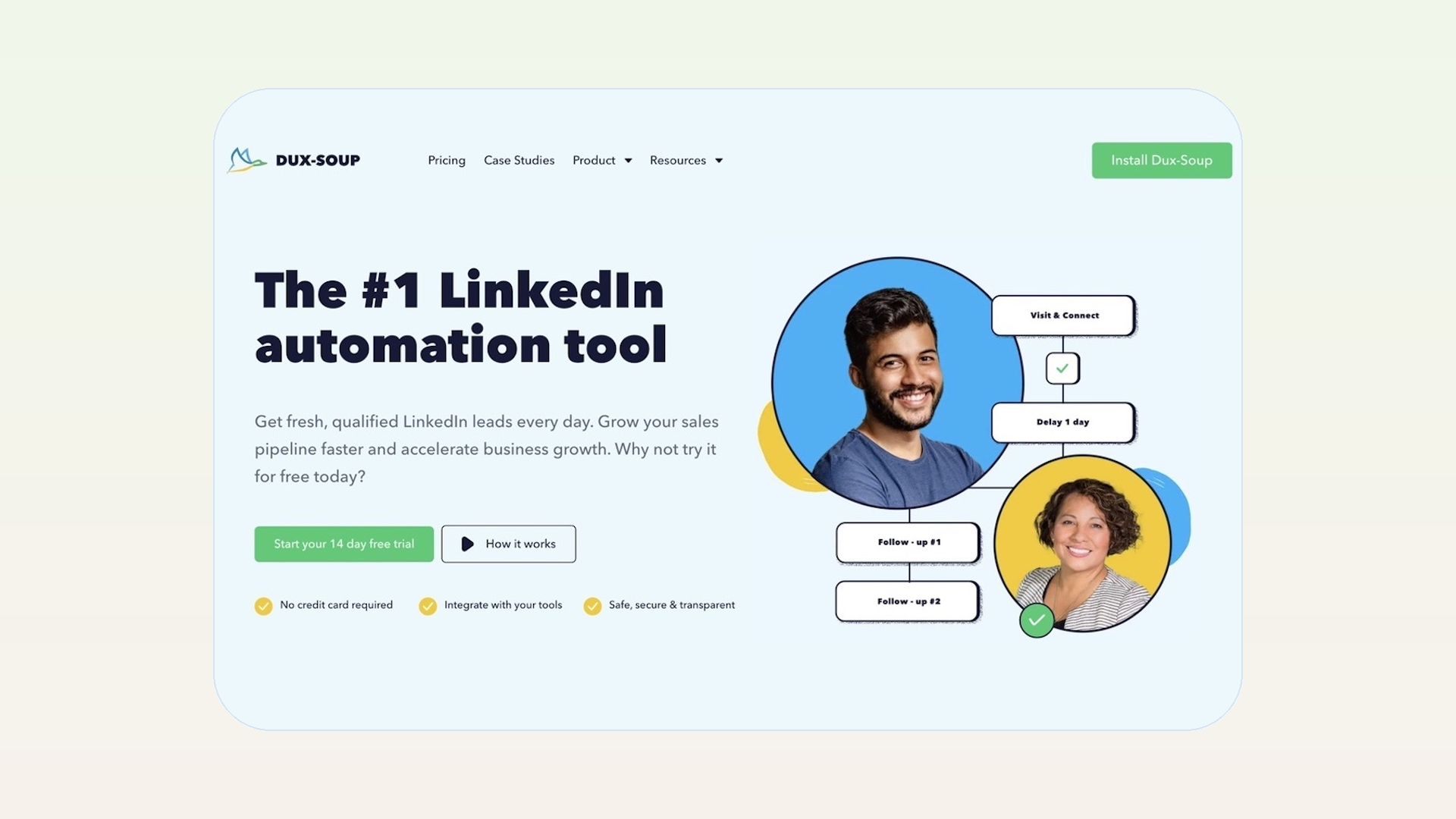
Dux-Soup automates profile visits, connection requests, and drip messages on LinkedIn. It is one of the older, more configurable options, which also means more settings to configure carefully.
- Best for: recruiters who want hands-off LinkedIn touchpoints
- Free plan: limited
- Paid from: paid plans (see vendor for current tiers)
- Works with: LinkedIn
- Main limitation: running automation against LinkedIn's rules can get your account restricted or banned, so keep volumes low and stay within your employer's policy
8. Waalaxy
Waalaxy runs LinkedIn and email sequences together, so a candidate who ignores a LinkedIn message can still receive an email follow-up. The multichannel angle is its main draw.
- Best for: combined LinkedIn and email sequences
- Free plan: yes, with limits
- Paid from: paid plans (see vendor for current tiers)
- Works with: LinkedIn and email
- Main limitation: the same account-ban risk applies, so treat it as automation to use sparingly, not a default outreach channel
Best productivity extensions for recruiters
These do not source candidates, but they remove friction from the tasks that take the most time without anyone noticing: explaining a role and booking the call.
9. Loom
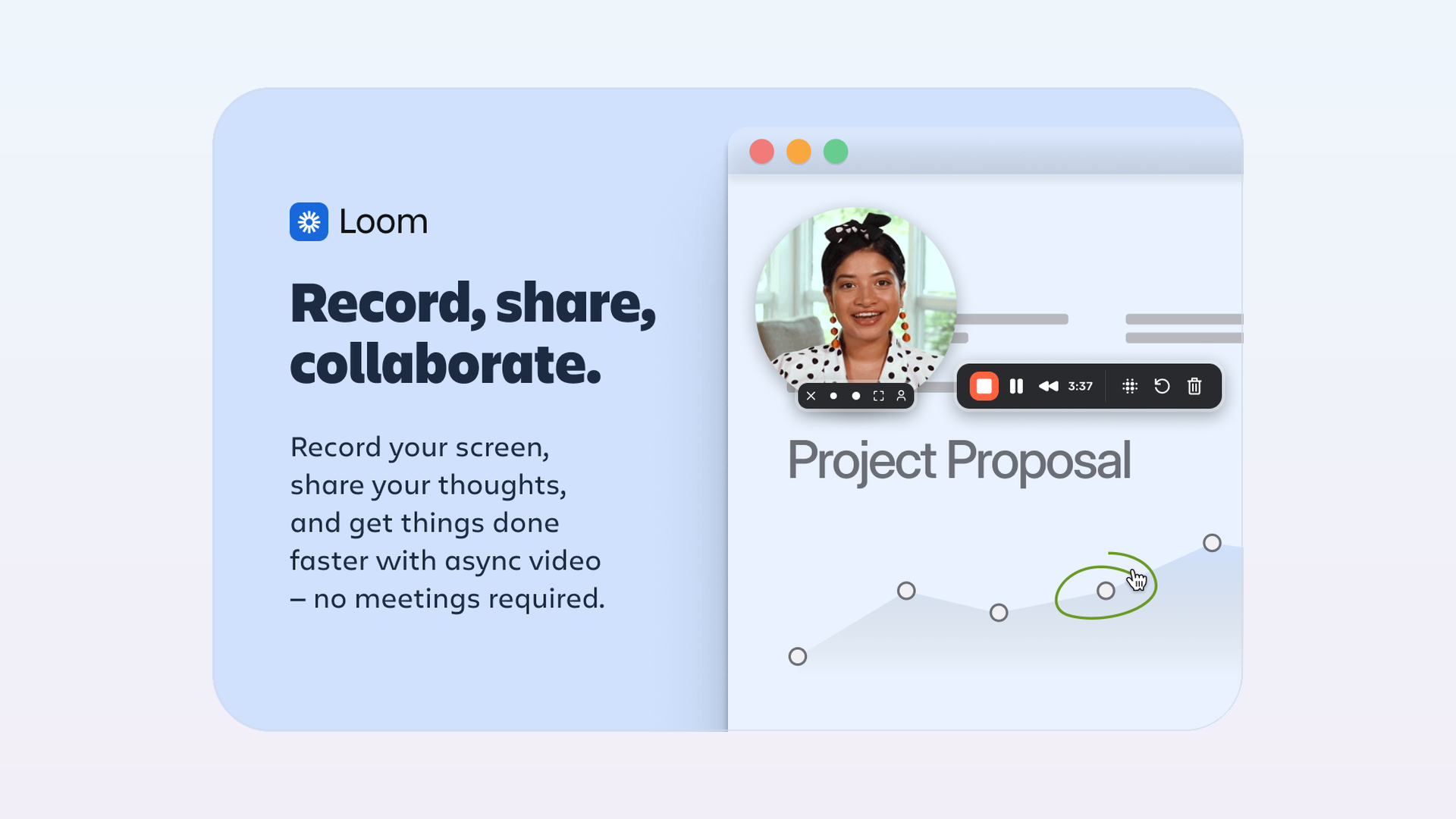
Loom records a quick screen or webcam message you can drop into outreach. A 30-second video introducing a role often performs better than another block of text, especially with passive candidates.
- Best for: personal video outreach
- Free plan: yes
- Paid from: paid plans (see vendor for current tiers)
- Works with: any outreach channel
- Main limitation: recording polished videos still takes practice
10. Calendly
Calendly lets candidates pick an interview slot from your real availability, which removes the back-and-forth of finding a time. It syncs with your calendar and many ATSs.

- Best for: self-serve interview scheduling
- Free plan: yes
- Paid from: paid plans (see vendor for current tiers)
- Works with: calendars and many ATSs
- Main limitation: team scheduling rules need a paid plan
How to build your recruiter extension stack
You do not need all ten. Most recruiters do well with two or three: one tool to capture candidates into the ATS, one to find contact details, and one to schedule interviews.
A lean starter stack: the 100Hires extension for capture, ContactOut or Lusha for emails, and Calendly for scheduling. That pairing turns a saved profile into a reachable candidate with a booked call, and it costs nothing to start. Add LinkedIn automation only once you are comfortable with the account-safety tradeoffs.
Once a stack is running, source reporting tells you which tools and channels actually produce candidates, so you can drop the ones that do not earn their keep.
Also worth a look
A few single-purpose extensions are handy add-ons rather than core picks: OctoHR pulls structured data from developers' GitHub profiles, an X-ray or boolean search helper speeds up Google-based sourcing, and Grammarly improves outreach copy before you send it.
Larger teams with a sourcing budget also compare AI sourcing extensions like hireEZ and Gem, and RocketReach as another contact finder alongside ContactOut and Lusha. They overlap with the picks above, so most recruiters do not need them on top of a lean stack.
Frequently asked questions
What is the best free Chrome extension for recruiters?
For capturing candidates into an ATS, the 100Hires extension is free to install. For contact details, ContactOut and Lusha both have free tiers with limited monthly credits. Many recruiters run the 100Hires extension plus one finder to cover both jobs at no cost to start.
Are LinkedIn automation Chrome extensions safe?
They carry real risk. LinkedIn restricts automated activity, and aggressive use of tools like Dux-Soup or Waalaxy can get an account limited or banned. If you use them, keep daily volumes low, warm up the account first, and never run automation on a brand-new profile.
Do Chrome extensions for recruiters find candidate emails?
Contact-finding extensions like ContactOut, Lusha, and SignalHire do. Capture extensions like the 100Hires tool import the details already visible on a page; finding a hidden personal email is a separate enrichment step. That is why most recruiters pair a capture tool with a finder.
What is the difference between a sourcing extension and a contact finder?
A sourcing or capture extension turns a profile into a candidate record inside your ATS. A contact finder reveals an email or phone number for that person. One gets the candidate into your pipeline, the other gets you a way to reach them, and a full workflow usually needs both.
Can I use these extensions with any ATS?
Contact finders like ContactOut, Lusha, and SignalHire work alongside any ATS. Capture extensions are tied to their system: the 100Hires extension feeds 100Hires, and the Recruit CRM extension feeds Recruit CRM. Surfe is the most ATS-agnostic of the capture tools.
Pick by the job you need done, and start with a free capture tool before you pay for anything. If 100Hires is your ATS or you are evaluating one, you can try 100Hires free and add the extension from the Chrome Web Store.
Try 100Hires for free
No credit card. 14-day trial. Forbes Advisor #1 ATS for SMBs.

