
Write Candidate Emails and Notes in Seconds with AI Copilot
Recruiting is a writing job in disguise: outreach, follow-ups, feedback notes, rejection emails. AI Copilot now lives across 100Hires so that writing takes seconds - and every draft is grounded in the actual job and the actual candidate, not a blank box.
An email composer that knows the context
The hiring playbook, in your inbox
One email a week - benchmarks, AI screening tactics, and short interview templates from the 100Hires team. No product pitches.
Open a candidate, start a new email, and the AI Email Composer writes a first draft using what 100Hires already knows about the role and the person. Save your own prompts, and use one-click transforms to shorten, soften, or rewrite the draft until it sounds like you.
Ask AI anywhere you work
Inside discussion notes you can summon Copilot straight from the @mention dropdown - ask it to summarize a thread or weigh a candidate, and reuse your saved prompts, sorted by most recent. It draws on interview transcripts and history, not just the text on screen.
Your prompts, in one place
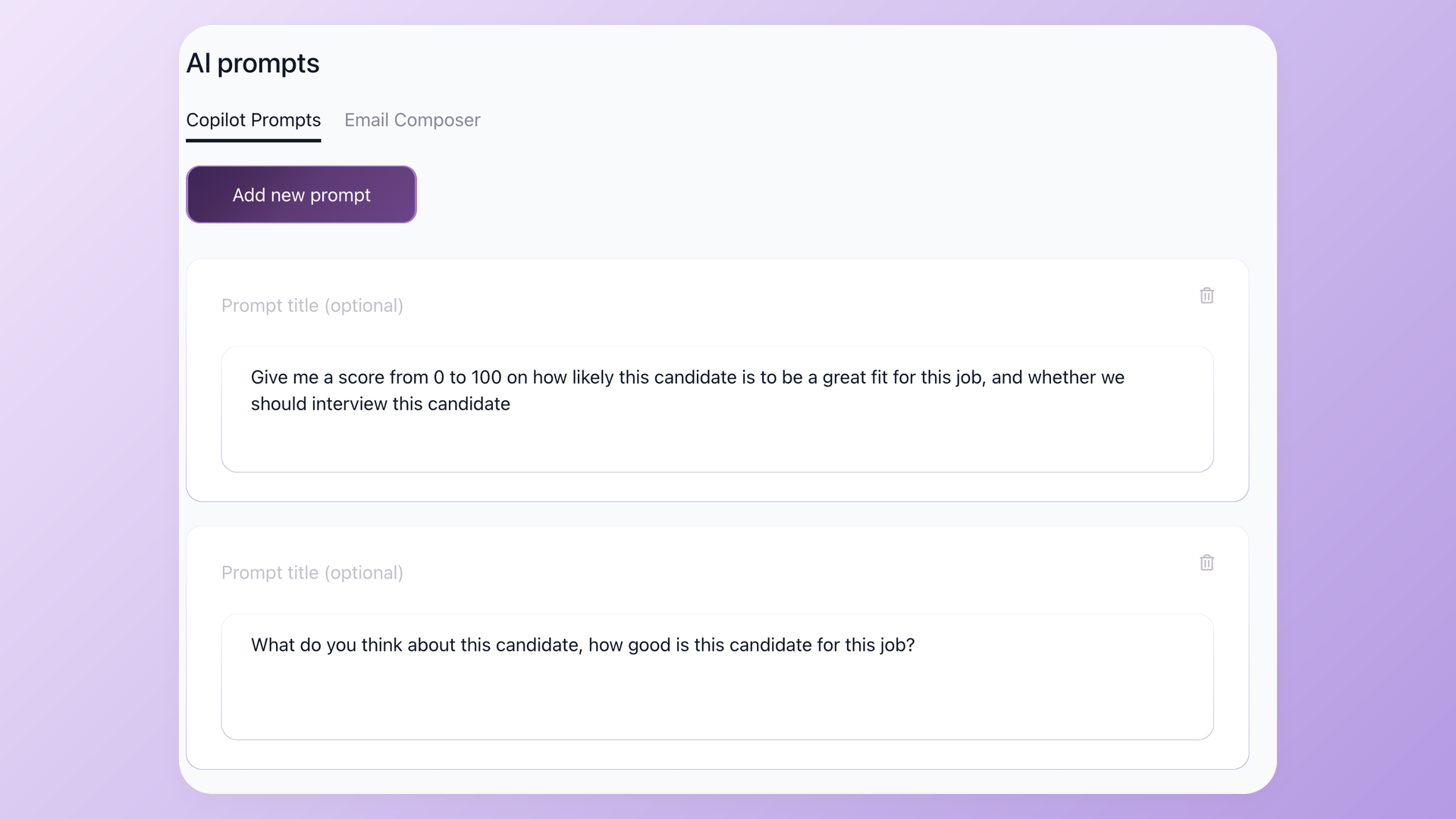
Under Settings > AI prompts you manage two libraries side by side - Copilot Prompts and Email Composer. The whole team works from the same vetted set of prompts instead of reinventing them in every conversation.
Reliable by design
AI is only useful when it actually answers. Copilot runs on multiple model providers with automatic fallback, so if one provider is slow or down, your request quietly reroutes to another instead of failing in your face.
Try it now: open any candidate and click Ask AI, or set up your team's prompts in Settings > AI prompts.
Related 100Hires resources: Explore text recruiting software and recruitment automation software.
Try 100Hires for free
No credit card. 14-day trial. Forbes Advisor #1 ATS for SMBs.