
100Hires now works in 26 languages
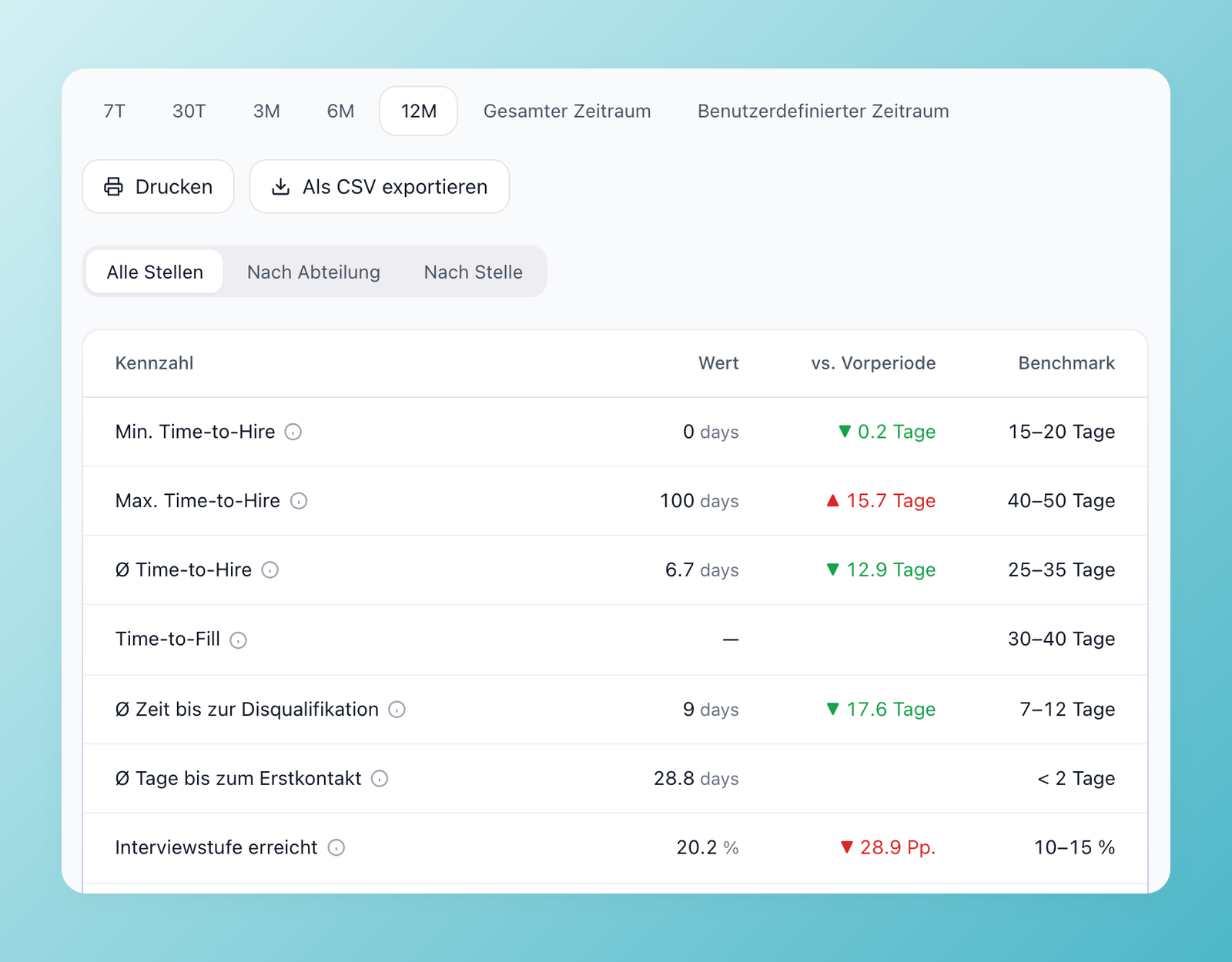
100Hires has offered six languages for a while. Now there are 26, and two settings control them: the language of your company and the language of each user.
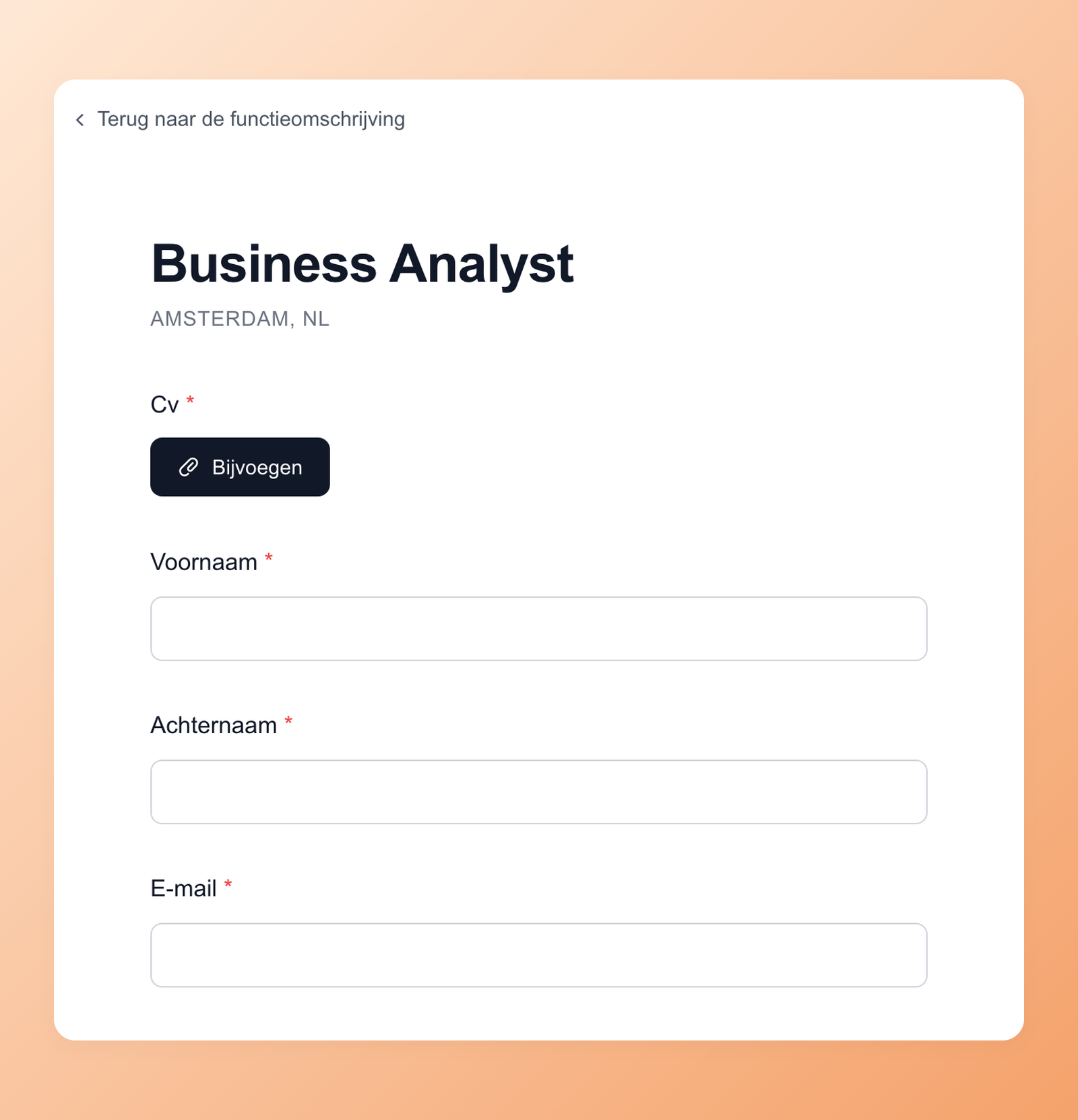
A career site in your candidates' language
The hiring playbook, in your inbox
One email a week - benchmarks, AI screening tactics, and short interview templates from the 100Hires team. No product pitches.
Set the company language in Settings > Company. Your career site and application forms render in it, and messages to people who have not chosen a language of their own are sent in it. Standard fields and questions are translated, while questions you wrote yourself stay exactly as you wrote them.
A workspace in your own language
Each person on your team picks their own language in Settings > User, so a recruiter in Munich and a hiring manager in Madrid can work in the same account in German and Spanish. System emails to users, such as notifications, arrive in each person's language.
AI that follows your language
AI features follow the same settings: AI Scoring explains its evaluation in the company language, AI Copilot answers in your own language, and job descriptions and candidate emails are written in the language of the job unless you ask for another one.
26 languages
English, German, Spanish, French, Italian, Portuguese, Bulgarian, Croatian, Czech, Danish, Dutch, Estonian, Finnish, Greek, Hungarian, Latvian, Lithuanian, Norwegian, Polish, Romanian, Serbian, Slovak, Slovenian, Swedish, Turkish and Ukrainian. The career site language can also be set through the API and the 100Hires MCP server.
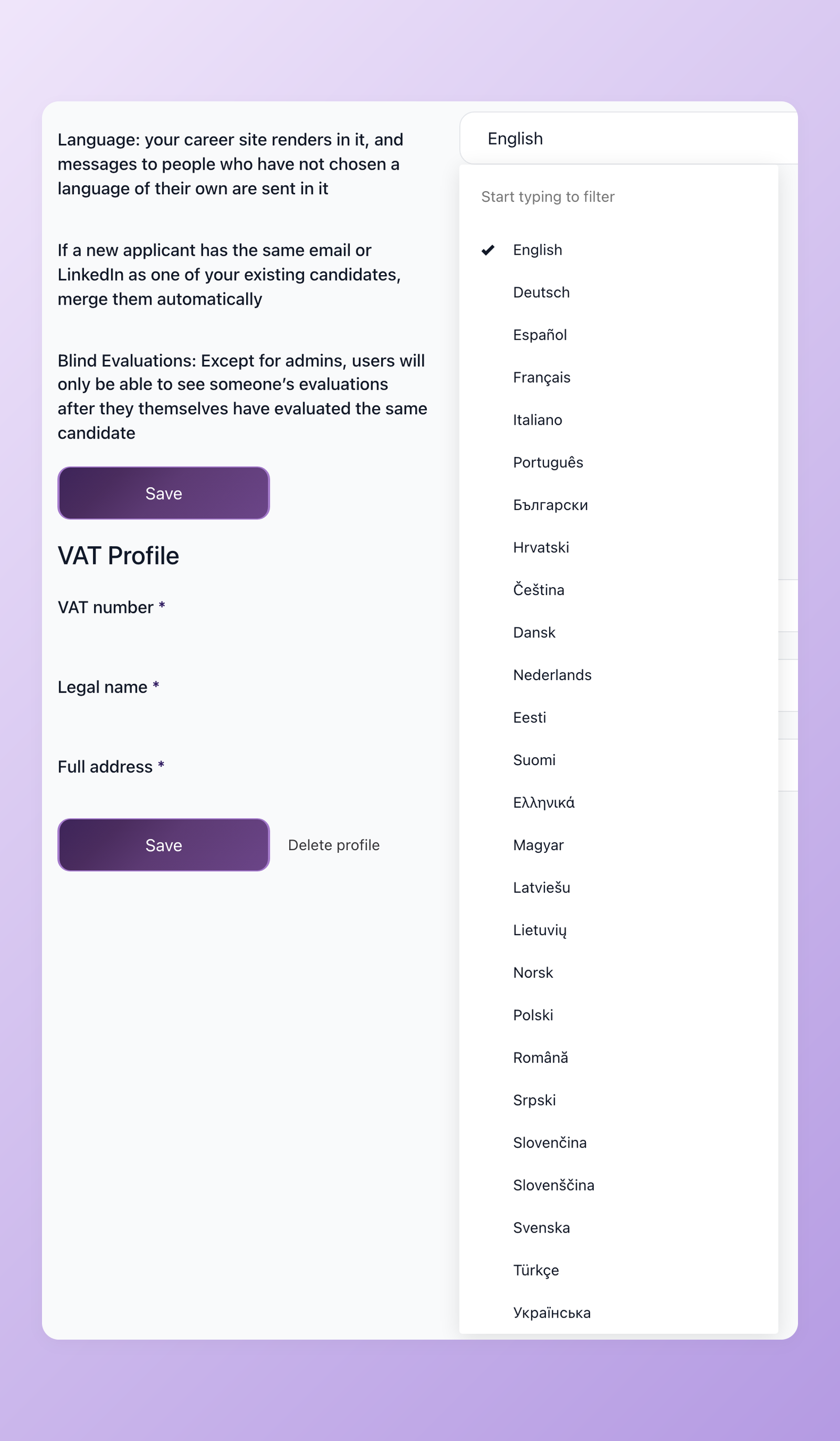
Open Settings > Company to choose the language of your career site.
Related 100Hires resources: Explore the career page builder and the 100Hires API.
Try 100Hires for free
No credit card. 14-day trial. Forbes Advisor #1 ATS for SMBs.

